
The Palworld 1.0 Server Checklist: Saves, Slots, Crossplay & Settings
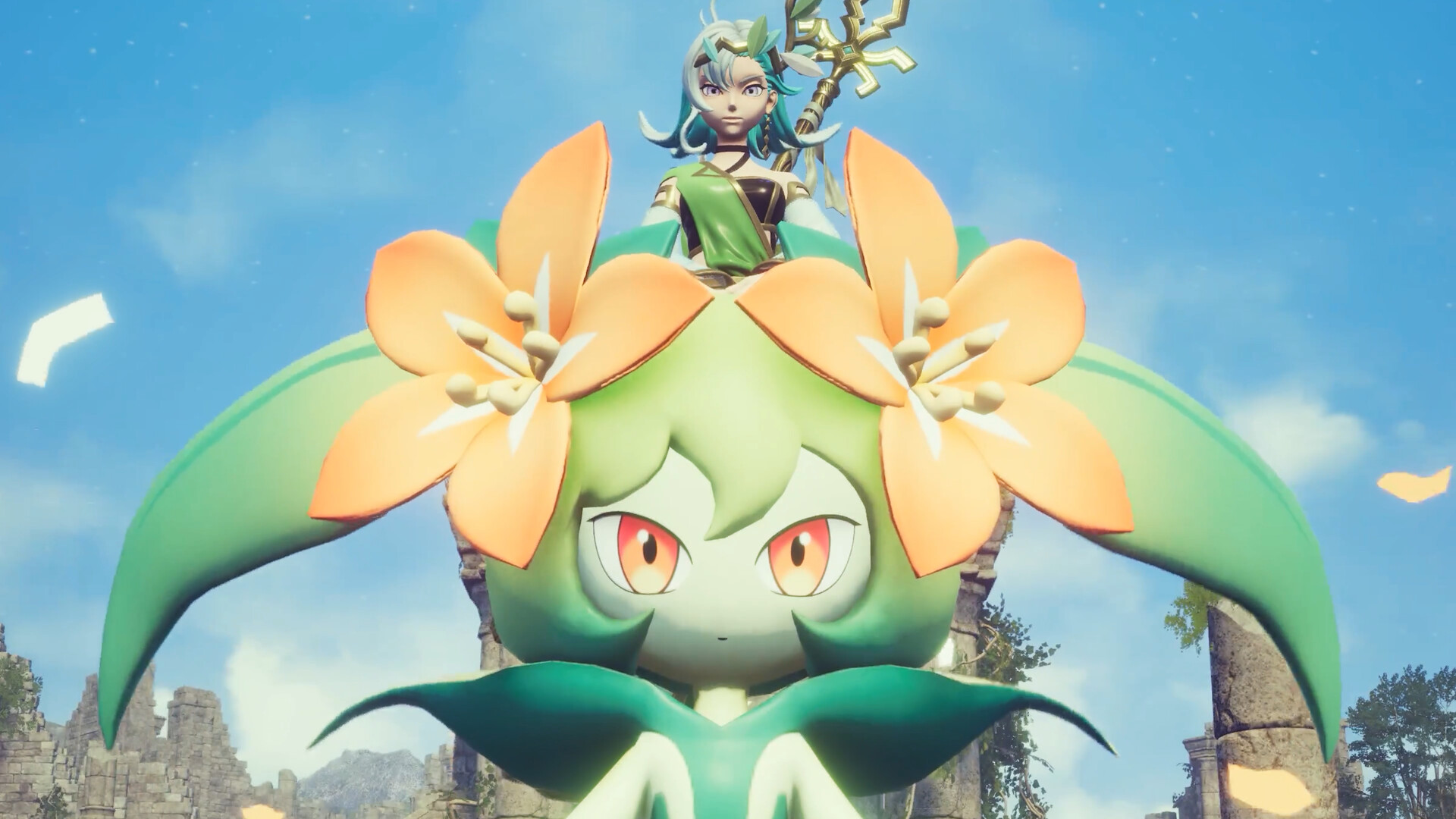
Palworld left Early Access and launched v1.0 on 10 July 2026, arriving the same day on PC, PlayStation 5, Xbox Series X|S and Game Pass. The World Tree opened as the heart of a new endgame, the update added more new Pals than any before it (including Dupin), and progression was overhauled top to bottom — which made launch week the busiest Palworld servers had ever seen.
If you are setting up or repairing a 1.0 server now, this is the master checklist. Each step is a one-liner pointing to a full deep-dive — work through them in order.
1. Decide: fresh world or keep your current one
The first call is still the most important: 1.0 reworked progression top to bottom, so Pocketpair recommend a fresh save, though older saves still load and remain compatible. Weigh the trade-offs and tell your players before you commit — see Fresh save or keep your world for Palworld 1.0?.
2. Back up, then update safely
Always take a full backup before applying a major version, then update promptly so players can get in — big version jumps can change save formats and configs. For the full backup-and-update routine, version matching and troubleshooting, see Surviving a major Palworld update.
3. Size up your slots and RAM
A multi-platform, Game Pass-inclusive player base means crowded worlds, and a dedicated server handles up to 32 players (the in-game co-op host is capped at 4) — so plan capacity before the lag starts, not after. For slot, RAM and performance guidance, see Palworld server sizing.
4. Get everyone on — crossplay and Game Pass
Crossplay is in, so PC, PlayStation, Xbox and Game Pass players can squad up together — but who can join which server, and how, depends on your setup. For platform rules and how to get the whole group connected, see Palworld crossplay and Game Pass.

5. Move an existing world over (if needed)
If your group has been playing on a co-op host and wants to graduate to a dedicated server, the save formats differ and the transfer needs care. For the co-op-save-versus-dedicated-save details and the step-by-step move, see Move your Palworld world to a dedicated server.
6. Retune your settings after the overhaul
Because 1.0 shipped extensive progression overhauls, capture, breeding and difficulty rates feel different from how they did in Feybreak — give the defaults a few days, then adjust. For the actual values to tune in PalWorldSettings.ini, see Best Palworld server settings.
Running it on a gamever Palworld server
A gamever Palworld server is built for exactly this kind of workload. Updates roll out fast after Pocketpair ship a patch, and one-click backups let you snapshot your world in seconds before you jump versions. Adding slots and memory is just as quick, so you can scale up when your group grows and scale back later.
Conclusion
Palworld 1.0 landed on 10 July 2026 with the World Tree, the most new Pals of any update and a reworked progression curve. Getting a server right still comes down to the same six decisions: choose a fresh world or keep the old one, back up before you update, size for your crowd, get everyone connected across platforms, move any existing world over, and retune your settings after the overhaul. Tick those boxes and your community plays without a hitch.
Rent your Palworld server at gamever.io — instant setup, one-click backups and updates, online 24/7. Free trial, promo code WELCOME.