
Surviving a Major Palworld Update: Saves, Settings & Version Matching
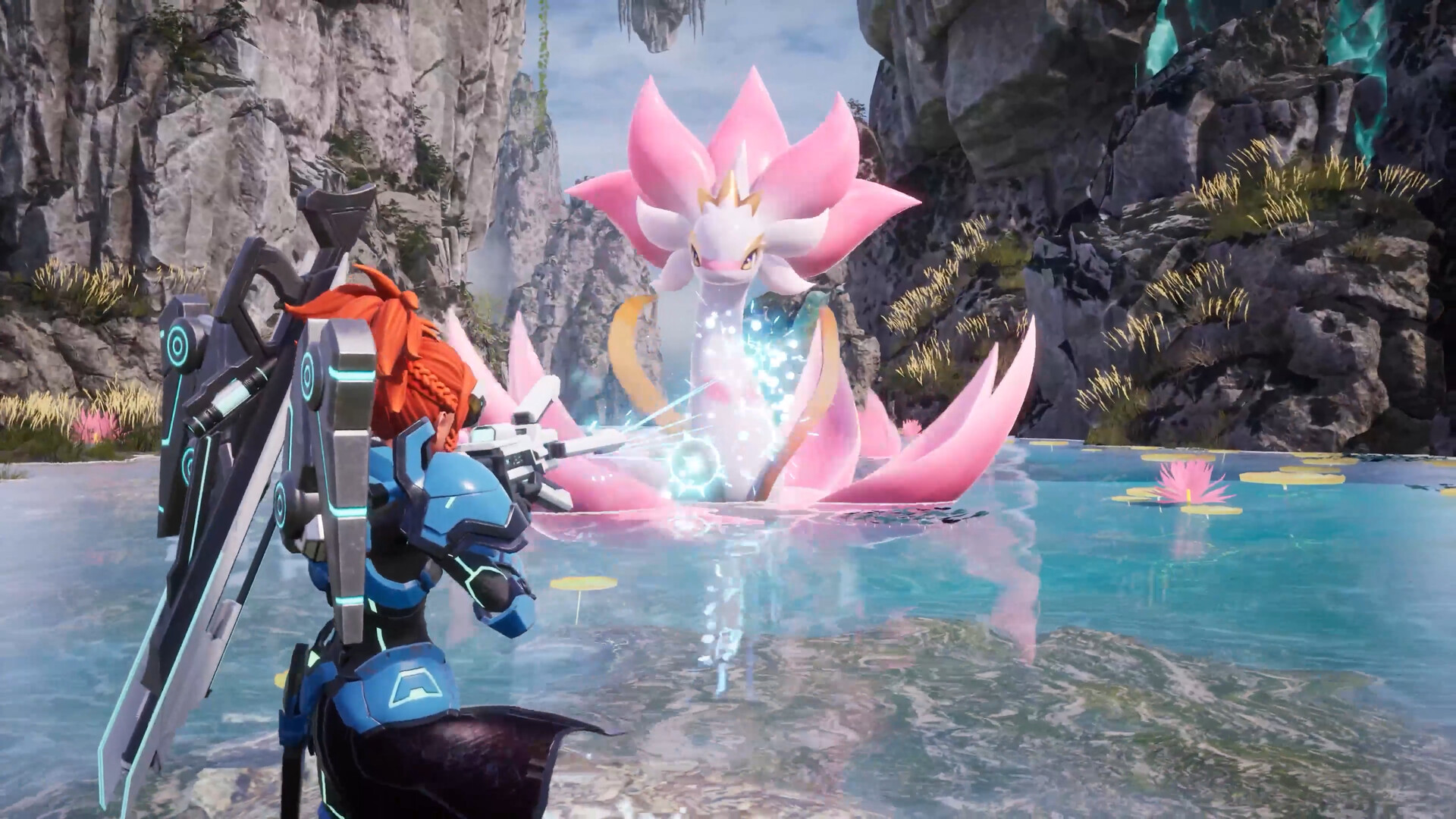
Big version jumps are exciting, but they can shake up your saves and configs in ways smaller patches never do. Palworld left Early Access and launched v1.0 on 10 July 2026, simultaneously on PC, PlayStation 5, Xbox Series X|S and Game Pass — and the day-one wave hit servers all at once. The good news then, as now: old saves stayed compatible and still load. The catch was that 1.0 brought "extensive gameplay and progression overhauls", so preparation mattered.
Those same four habits apply to every major Palworld update since. This is the survival guide: backing up, matching versions, re-checking config, and recovering when something breaks.
Step one: back up everything before you update
Before you touch the update button, make a full backup. Major releases are exactly when save files and config formats are most likely to change, and a backup is your only real undo.
- Copy your entire save folder (the
SaveGamesdirectory) somewhere safe. - Back up your
PalWorldSettings.iniand anyEngine.initweaks. - Note your current server version number so you can confirm the update afterward.
If you run a gamever server, this is one click — but even then, take a manual backup before a milestone update. You can never have too many copies.
Existing saves stayed compatible through 1.0 and still load, though Pocketpair recommend a fresh start to experience the reworked progression as designed — we cover that whole decision in fresh save or keep your world. Whichever you choose, the backup above protects it.
Match your versions or nobody connects
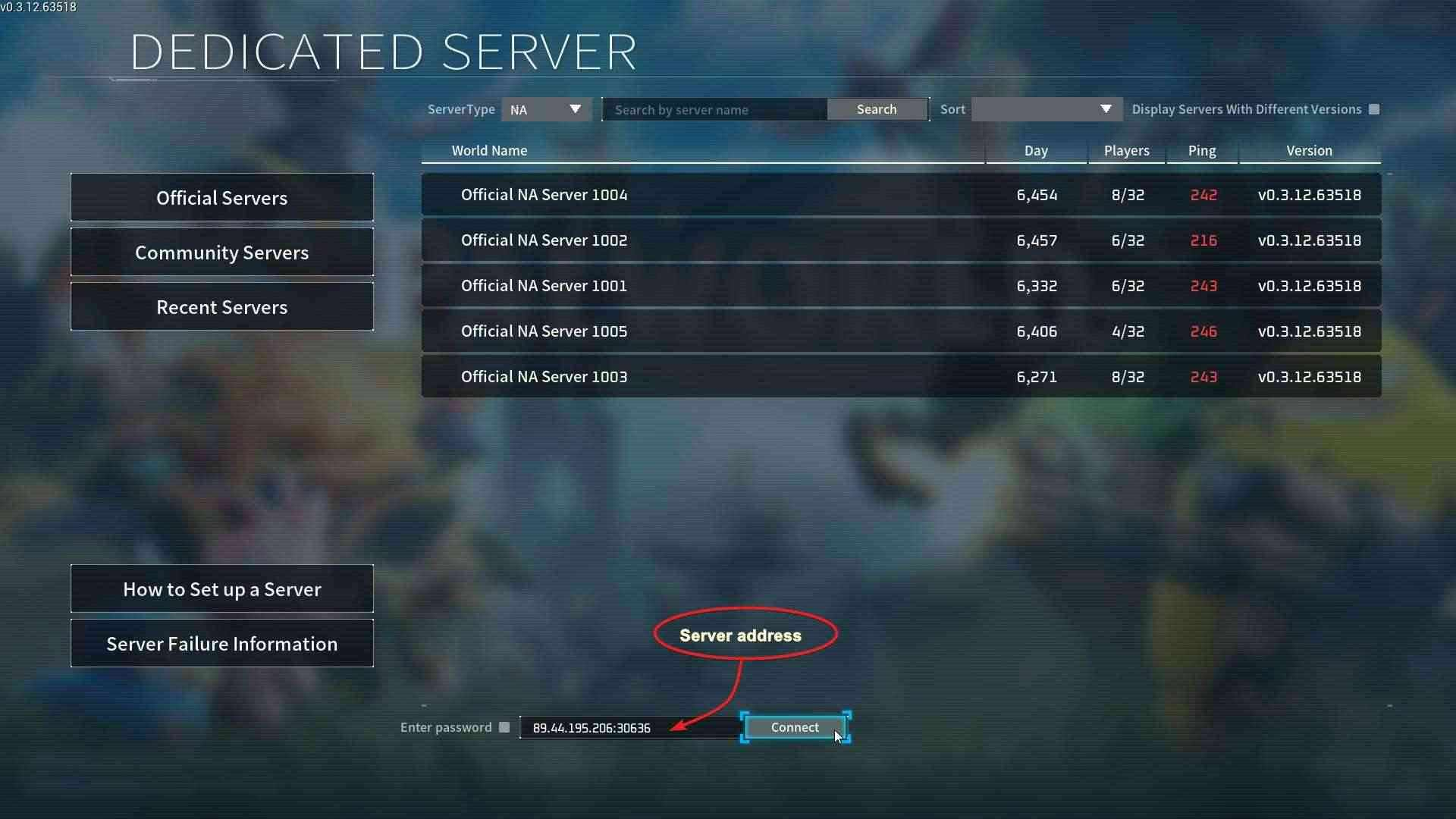
This is the single most common post-update failure: the client and the server must run the same version. When a patch goes live, players' games auto-update, but your dedicated server will not update itself. If the server is still on the old build while clients have moved on, players simply cannot connect.
- Update your dedicated server as soon as the build is available.
- Confirm the server is fully restarted on the new version before inviting players.
- Remember crossplay is in place — PC, Xbox and PlayStation players all share the same world, so every platform needs the matching server build (see crossplay, Game Pass and who can join).
If players report "can't connect" right after an update, version mismatch is almost always the cause.
Re-check PalWorldSettings.ini after updating
Major updates often add or rename options in PalWorldSettings.ini. After a version jump, open your config and verify it against the new default file rather than assuming your old INI is still valid.
- Compare your
PalWorldSettings.inito the freshly generated default. - Re-apply your custom rates (XP, capture, drops) and confirm new keys are present.
- Double-check the basics: default port 8211/UDP and your player cap — a dedicated server supports up to 32 players (note that in-game co-op hosting is capped at 4).
A setting that silently reverted to default is an easy thing to miss until players notice the difference. For what each value should actually be set to, see best Palworld server settings.
Disable mods until they're updated
If you run mods, treat every major update as a clean break. Mods frequently break on a major update because the underlying game code shifts. Disable all mods before updating, get a confirmed-working vanilla server first, then re-add mods one at a time only after their authors release compatible versions.
What to do if something goes wrong
- Players can't connect → version mismatch. Make sure the server is on the same build as clients.
- Balance feels off → expected after a progression overhaul. Retune your XP/capture/spawn rates to taste.
- World won't load or looks corrupted → stop the server and restore your pre-update backup.
- Crashes only with mods → disable mods and confirm the vanilla build runs clean before re-adding them.
Running Palworld on a gamever server
This is where managed hosting earns its keep. A gamever Palworld server gives you one-click backups so you're covered before a jump, one-click updates to get onto a new build the moment it lands, and 24/7 uptime to handle a surge. Snapshot your world, update, verify, and you're ready — no manual file shuffling, no version guesswork.
Conclusion
Surviving a major Palworld update comes down to four habits: back up first, match your client and server versions, re-check your INI after updating, and park your mods until they catch up. Saves have stayed compatible across the 1.0 jump, so the process is the same whether you keep your world or start fresh. Do the prep and the next patch day is a celebration, not a scramble.
Rent your Palworld server at gamever.io — instant setup, one-click backups and updates, online 24/7. Free trial, promo code WELCOME.