
Best Palworld Server Settings for 1.0 (PalWorldSettings.ini Explained)

When Palworld 1.0 launches on July 10, 2026 across PC, PlayStation 5, Xbox Series X|S and Game Pass, your server's PalWorldSettings.ini is the single file that decides how your world feels. With extensive gameplay and progression overhauls arriving alongside the World Tree endgame and more new Pals than any previous update, the old multipliers you used in Early Access may no longer be balanced. This guide explains every key tunable and gives you three ready-to-use profiles for a 1.0 co-op or community server.
The Core Difficulty and Rate Settings
These values shape the moment-to-moment grind. They are the first things you should tune for your group.
- Difficulty — the master preset (Casual, Normal, Hard). It nudges damage, capture and drop rates under the hood. Set a base here, then override individual rates below.
- ExpRate — XP multiplier.
1.0is vanilla;1.5–2.0keeps a busy co-op group progressing without endless grinding. - PalCaptureRate — how easily you catch Pals. Higher means faster Paldeck completion. After the 1.0 progression overhaul, expect to retune this once you see how the new capture flow feels.
- PalSpawnNumRate — density of wild Pals in the world. Bump it up for richer hunting, but watch server CPU on busy nights.
- WorkSpeedRate — how fast Pals work at your base (crafting, mining, watering). A big quality-of-life lever for small teams.
- CollectionDropRate — yield from trees, ore and gatherables. Raise it to cut down on resource grind.
Death Penalty, PvP and Boss Pals
How punishing should setbacks be? DeathPenalty accepts four values: None (keep everything), Item (drop inventory items), ItemAndEquipment (drop gear too), and All (drop items, equipment and Pals on your belt). For a friendly community server, Item is the sweet spot — meaningful but not rage-inducing.
- bIsPvP — set
Trueonly if your group wants player-versus-player combat. Most co-op worlds leave thisFalse. - EnablePredatorBossPal — toggles the roaming apex predator bosses. Keep this
Truefor endgame tension, especially with the new World Tree content and new regions and enemies in 1.0.
Time, Breeding and World Pacing
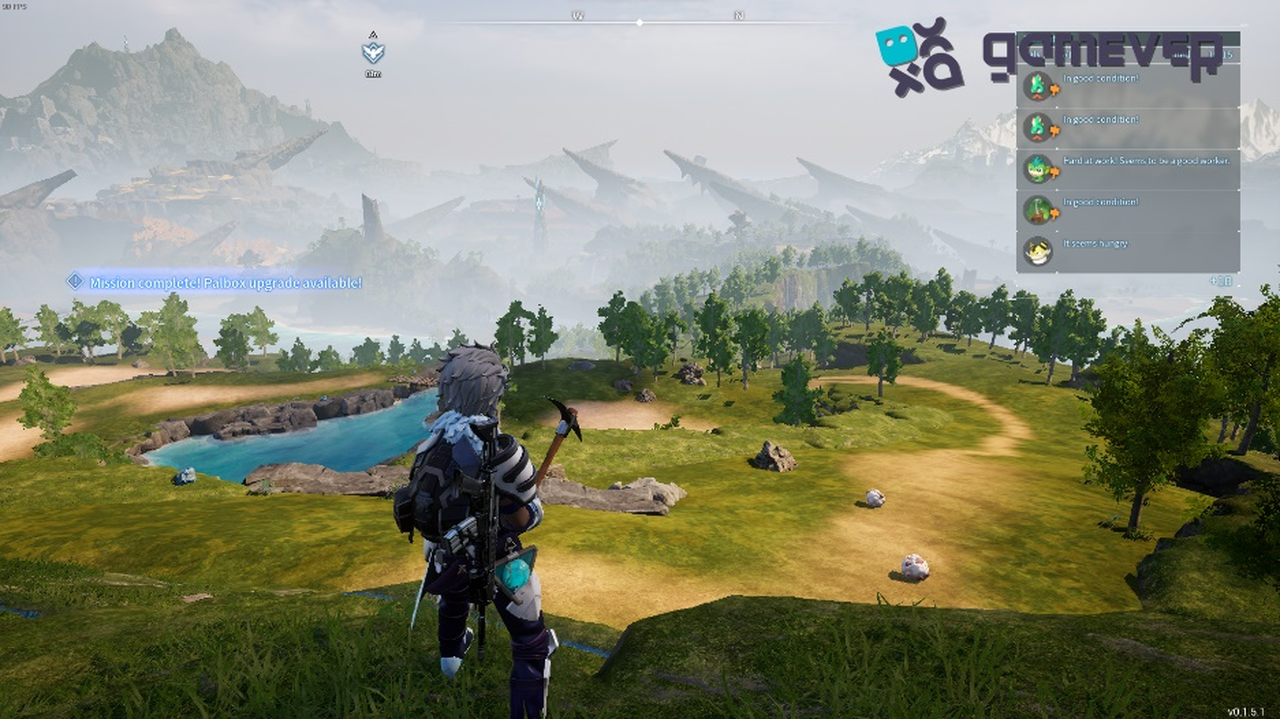
- DayTimeSpeedRate / NightTimeSpeedRate — how quickly day and night pass. Slow the night down if your group dislikes long dark stretches, or speed both up for snappier cycles.
- PalEggDefaultHatchingTime — incubation time for eggs. Lower it to make breeding viable for casual players. Note that 1.0 ships no Pal evolutions, so breeding remains your main path to stronger combinations — worth tuning generously.
Because Pocketpair recommends a fresh save for 1.0 (old saves stay compatible), launch day is the perfect moment to rebuild these values from scratch around the overhauled progression curve.
Players, Crossplay and Server Capacity
- ServerPlayerMaxNum — total slots, up to 32. Crossplay is already in place, and a multi-platform plus Game Pass audience means a big day-one wave — size this for the friends you expect.
- CoopPlayerMaxNum — players allowed in a single shared world/guild session.
- CrossplayPlatforms — the list of platforms (Steam, Xbox, PS5) allowed to connect. Keep all enabled so PC and console friends can play together.
Backups, RCON and Remote Management
Stability settings protect your world and let you administer it remotely.
- bIsUseBackupSaveData — set
Trueto enable automatic world backups. With a fresh 1.0 save and a fragile launch-week server population, this is non-negotiable. - RCONEnabled / RCONPort — turn on remote console access for kicks, bans and broadcasts. The default RCON port is
25575. - RESTAPIEnabled — exposes the HTTP admin API for tools and dashboards that automate player and world management.
Suggested Profiles for 1.0
Three starting points — adjust after you feel out the overhauled progression:
- Relaxed co-op —
ExpRate 2.0,PalCaptureRate 2.0,WorkSpeedRate 2.0,CollectionDropRate 2.0,DeathPenalty None,PalEggDefaultHatchingTime 0.3,bIsPvP False. - Balanced —
ExpRate 1.5,PalCaptureRate 1.3,WorkSpeedRate 1.3,CollectionDropRate 1.5,DeathPenalty Item,PalEggDefaultHatchingTime 0.7,EnablePredatorBossPal True. - Hardcore —
ExpRate 1.0,PalCaptureRate 1.0,WorkSpeedRate 1.0,CollectionDropRate 1.0,DeathPenalty ItemAndEquipment(orAll),PalEggDefaultHatchingTime 1.0,bIsPvP True.
Running It on a gamever Palworld Server
On a gamever server, every setting above is editable straight from the control panel — no SSH, no hand-editing PalWorldSettings.ini. Toggle bIsUseBackupSaveData, change your difficulty profile, adjust capture and breeding rates, or open RCON in a few clicks. When you need to retune for the 1.0 overhaul, one-click backups and instant updates mean you can experiment without fear of losing your world or missing the launch-day patch.
Conclusion
The right PalWorldSettings.ini is what separates a frustrating grind from a world your group keeps coming back to. Pick a profile, lean toward generous capture and breeding for co-op, enable backups, and plan to revisit your rates once you have hands-on time with the 1.0 progression overhaul and the new World Tree endgame. Get it dialed in before July 10 and your community can dive straight into the new content.
Rent your Palworld server at gamever.io and be ready for 1.0 on launch day — instant setup, one-click backups and updates, online 24/7. Free trial, promo code WELCOME.