
Palworld 1.0: Start a Fresh Save or Keep Your World? (Back Up First)
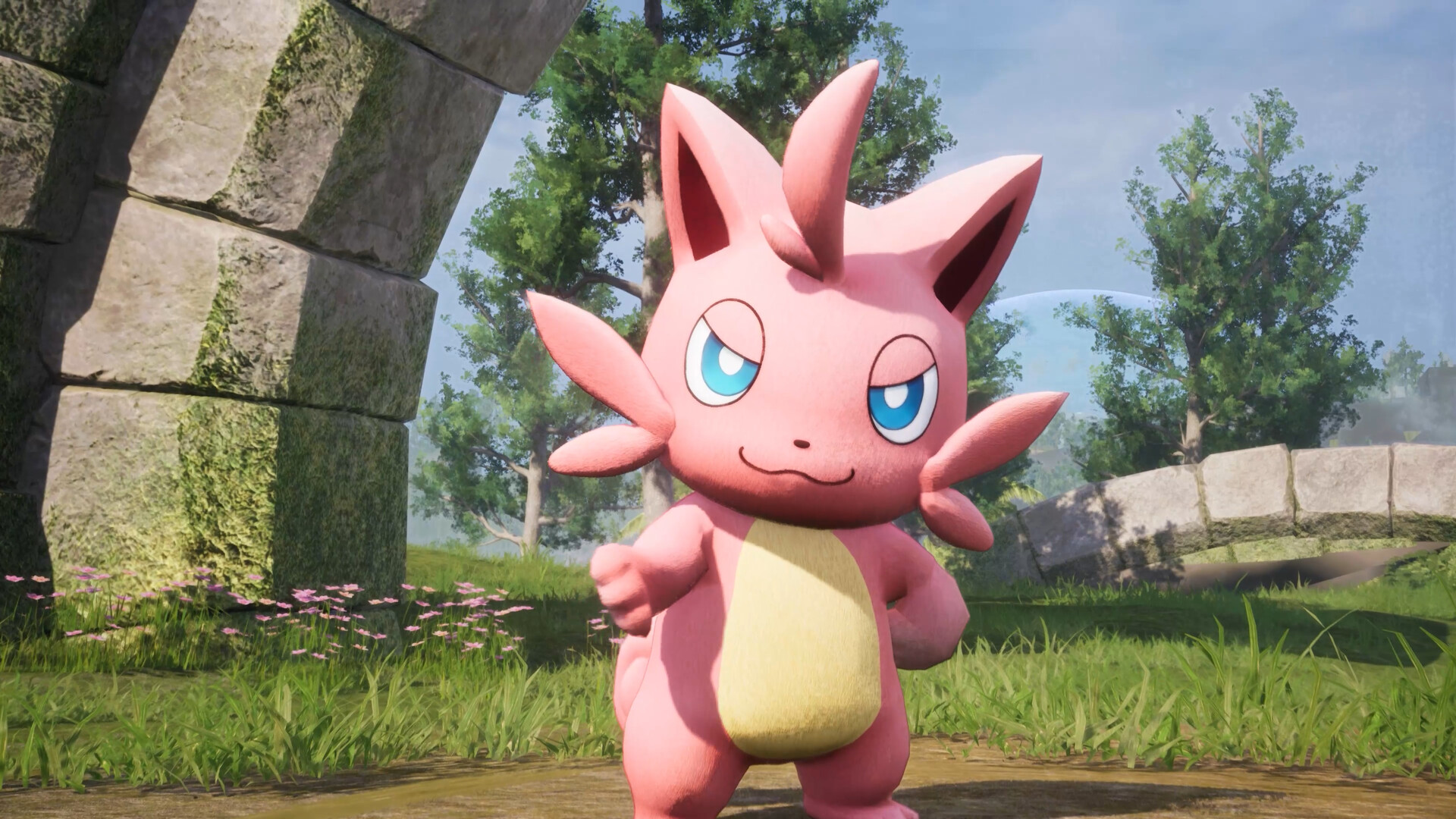
Palworld leaves Early Access on July 10, 2026, launching version 1.0 simultaneously on PC, PlayStation 5, Xbox Series X|S and Game Pass. Because 1.0 ships "extensive gameplay and progression overhauls" spanning the early-to-late game, Pocketpair recommends starting a fresh save — though your old worlds will still load and stay compatible. This is a decision guide for server owners: fresh start or carry your world forward? Either way, the golden rule comes first — always back up before you update.
Why this decision matters in 1.0
This isn't a normal patch. Past updates like Sakurajima and Feybreak mostly bolted new content onto the top end. 1.0 instead reworks how you progress from the opening hours onward, alongside new regions, new enemy types and the long-awaited World Tree endgame. That means a world built around the old curve may feel out of step with the new design.
That's exactly why Pocketpair suggests a clean file. The good news: nothing is forced. Old saves remain compatible and will load into 1.0, so the choice is yours to make per server.
The case for a fresh save
Starting clean is the way to experience 1.0 as the designers intended. Consider a fresh world if:
- You want the reworked progression in full. A new file walks the rebalanced early-to-late curve from scratch, the way it was tuned.
- You want a clean economy. Stockpiled resources, maxed bases and fully bred teams trivialize the new pacing. A reset puts everyone back on a level playing field.
- You're riding the launch hype. A big day-one wave is coming — multi-platform plus Game Pass newcomers — and a fresh world is the natural place for returning veterans and first-timers to meet (see crossplay and who can join for the platform details).
- You want to explore new regions blind. Discovering 1.0's new areas and the World Tree without an overpowered roster makes the journey land harder.
The case for keeping your world
There's real value in continuity. Keep your existing save if:
- Your bases and Pals are your community's history. Months of building, breeding and shared memories don't have to be thrown away.
- You have a settled, active group. If players are mid-project and happy, an upgrade-in-place lets them keep going and meet the new content where they are.
- You want to see 1.0 changes against the familiar. Loading your current world is a quick way to feel what the overhauls did to your existing setup.
Keeping a world is perfectly supported — just go in knowing the new progression was balanced around a fresh start.
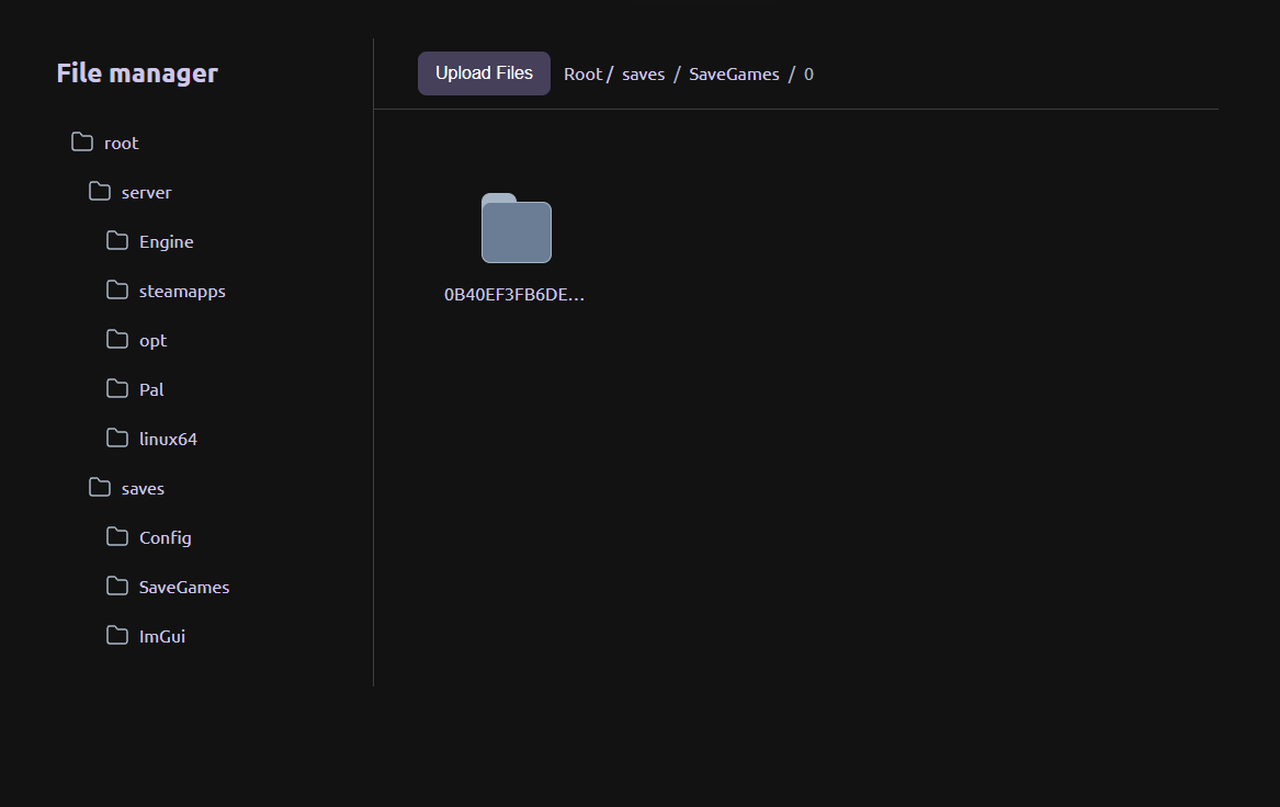
Back up first — it makes this decision risk-free
Whichever way you lean, take a full backup before you touch the update: a pre-1.0 snapshot lets you start fresh and still restore your old world later if you change your mind. The exact backup routine, version matching and the rest of the update process live in surviving the 1.0 update.
Doing this on a gamever Palworld server
A gamever Palworld server makes this whole decision painless. One-click backups let you snapshot your current world in seconds before you commit either way, so trying a fresh save costs you nothing — your old world stays safe. If you go fresh, spinning up a clean world is instant; if you keep your world, your backup is already in place.
Conclusion
There's no wrong answer here — only the right one for your group. Start fresh to experience 1.0's reworked progression, clean economy and launch energy as intended, or keep your world to preserve the bases, Pals and history you've built. The one step both paths share: back up first, so you can switch course anytime. Make the call, snapshot your save, and be ready when the World Tree opens on July 10.
Rent your Palworld server at gamever.io and be ready for 1.0 on launch day — instant setup, one-click backups and updates, online 24/7. Free trial, promo code WELCOME.