
How to build a rail duplicator in Minecraft
In Minecraft, efficient transportation systems are pivotal for exploring vast worlds and transporting resources effectively. Rail systems are particularly useful for these tasks, but gathering sufficient quantities of rails can be labor-intensive. To circumvent this, savvy players use rail duplicators. This guide will explain how to build a rail duplicator using basic redstone components, allowing you to expand your rail infrastructure with ease. Furthermore, we will discuss the advantages of constructing and using this device on Gamever servers, where collaborative projects and resource sharing can enhance your gameplay experience.
Understanding Rail Duplicators in Minecraft
A rail duplicator in Minecraft exploits specific game mechanics involving redstone and block entities to duplicate rails. This setup is particularly beneficial for players looking to build extensive minecart tracks without spending excessive time and resources mining or crafting large quantities of rails.
Building a Rail Duplicator: A Step-by-Step Guide
1. Gathering materials
Before starting the build, ensure you have the following items:
- Observers
- Sticky pistons
- Solid Blocks (any type)
- Slime blocks
- Redstone dust
- Rails (any type)
- Lever
These materials are relatively easy to obtain and are crucial for setting up your duplicator.
2. Setting up the base
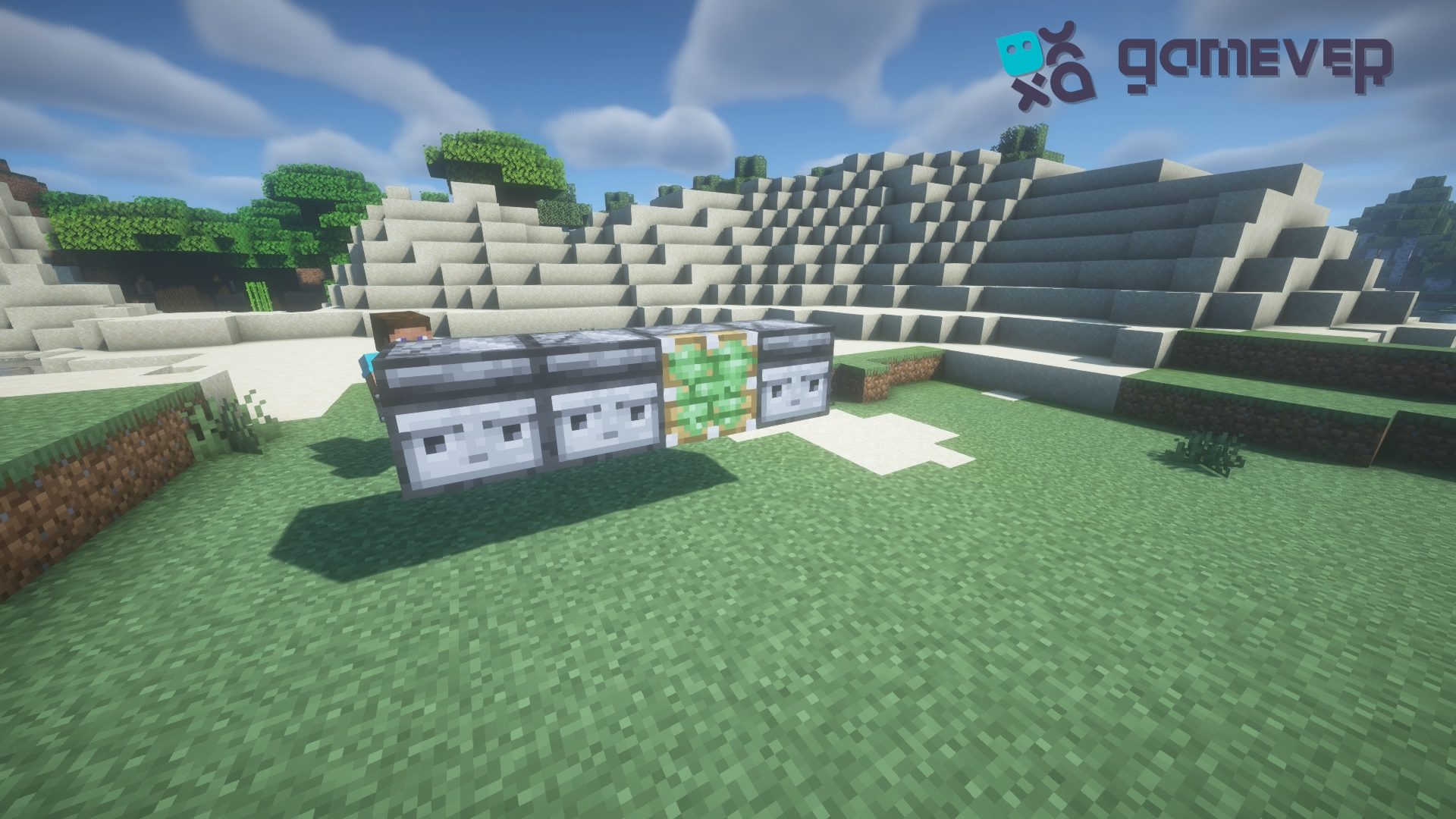
Installing the main mechanism: Start by positioning the observers in line with the sticky piston. The piston will actuate the duplication mechanism by rapidly pushing and pulling the slime blocks.
3. Constructing the Duplicating Mechanism
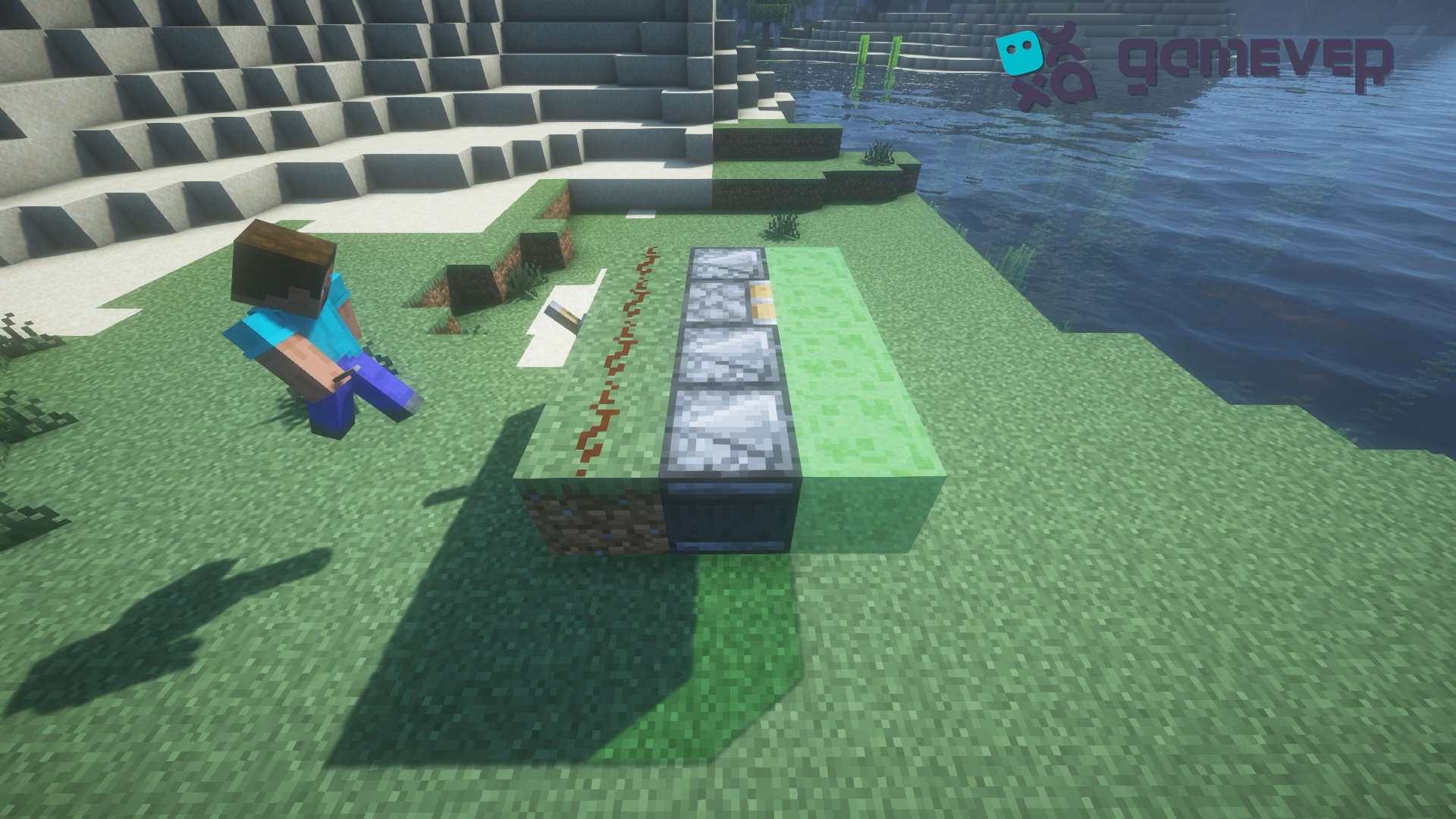
Position the Slime Blocks: Attach slime blocks to the sticky piston and observers. Slime blocks will transfer the motion from the piston to the rails, which is essential for the duplication process.
Rear Blocks and Redstone Setup: Place your chosen blocks behind the observers and piston and coat them with redstone dust. This redstone dust will carry the signal from the lever, activating the piston.
4. Completing the setup
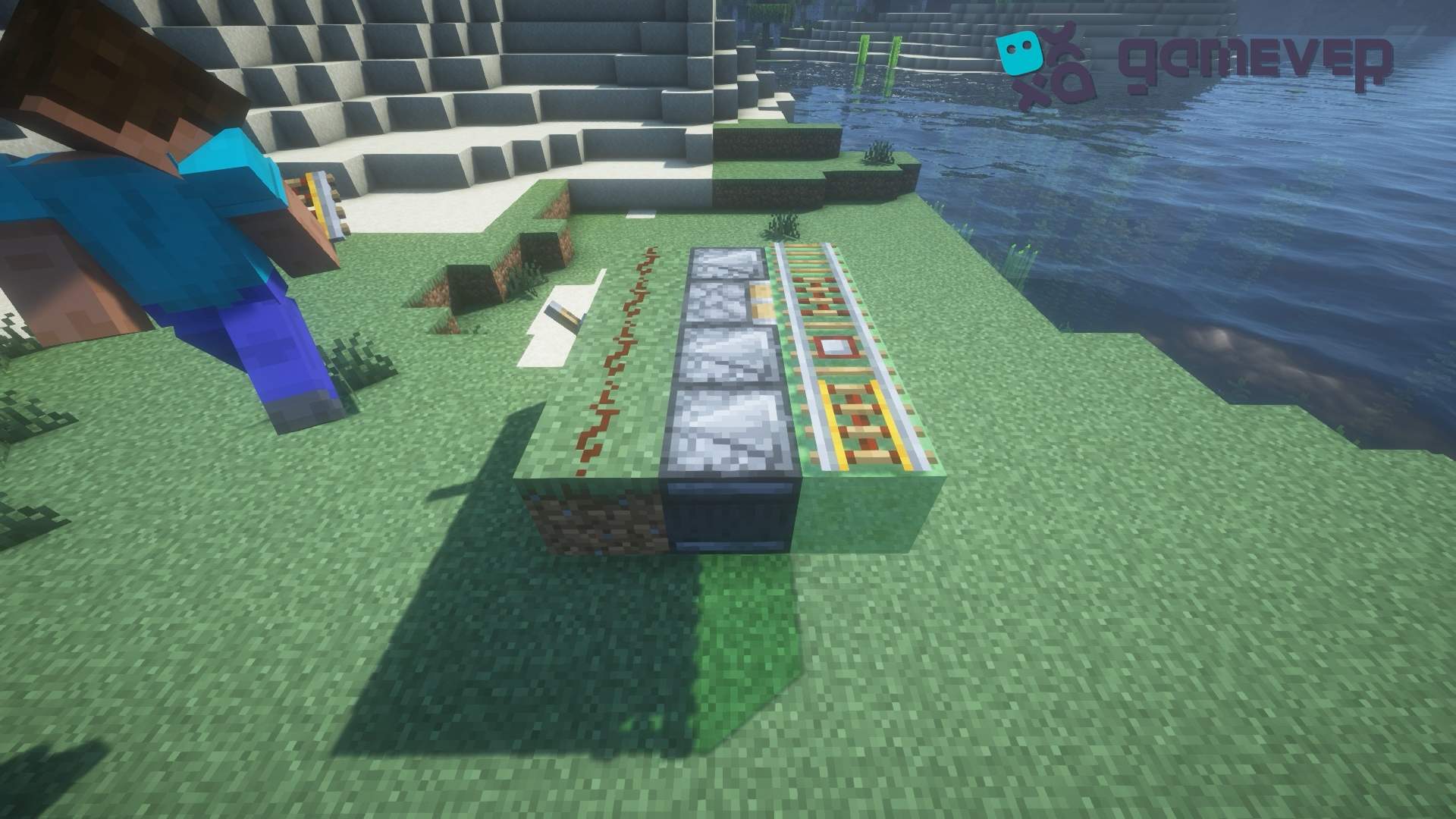
Install the Rails: Place the rails on the slime blocks. We will duplicate these items. Make sure the rail type matches your transportation needs (e.g., regular, powered, or activator rails).
Redstone Activation: Install a lever next to the redstone dust. This lever will control the entire duplicator, allowing you to activate or deactivate the mechanism as needed.
5. Activating Your Duplicator
Start the duplication: Flip the lever to activate the mechanism. The sticky piston will begin to push and pull the slime blocks, and due to the rapid movement, the rails on the slime blocks will start to duplicate.
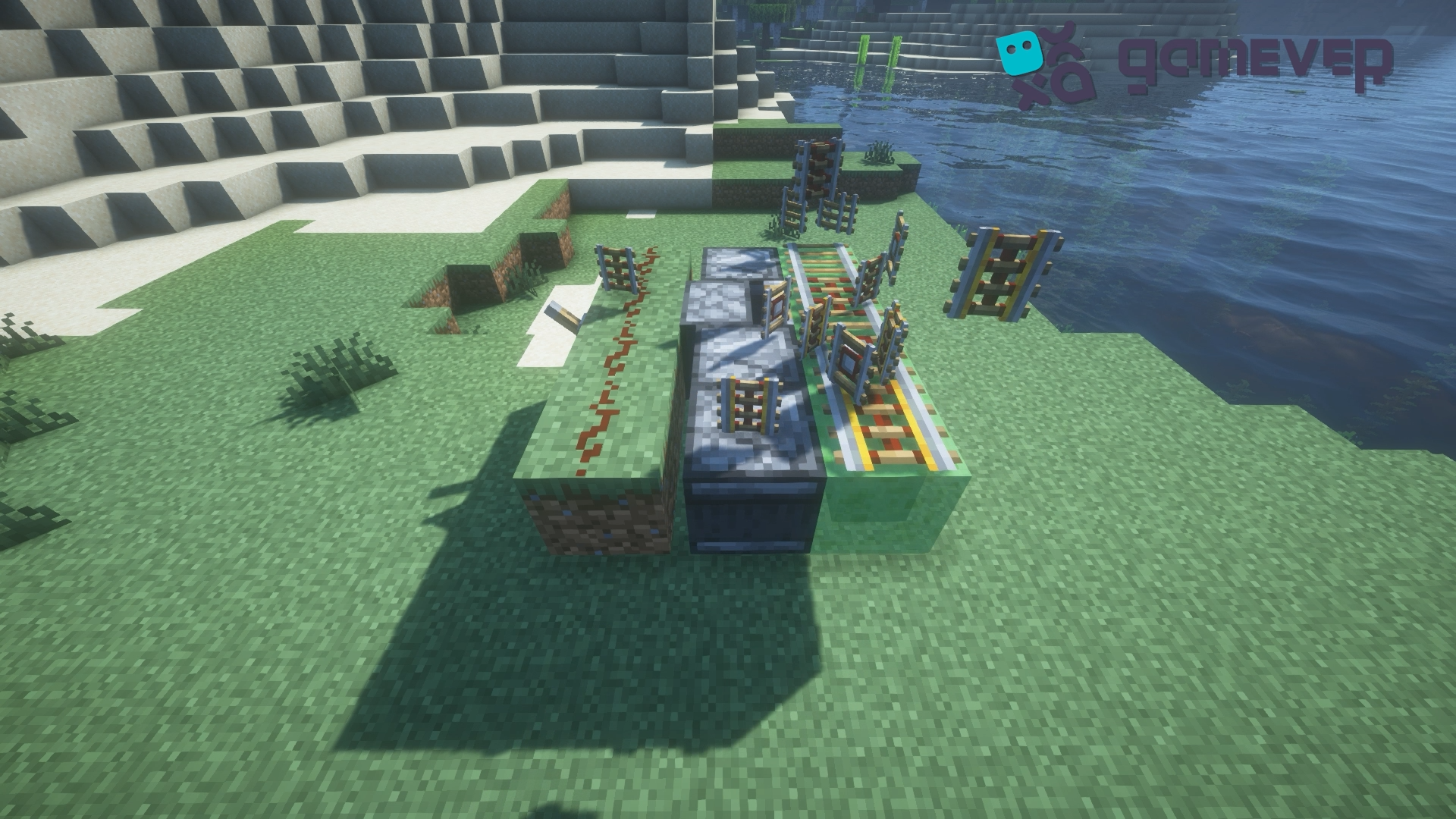
Collect the Rails: Once duplicated, the rails will detach from their blocks and become available for collection. Ensure you have enough storage or inventory space to gather the duplicated rails.
Tips for Maximizing Efficiency
Continuous Monitoring: Monitor the duplicator during operation to avoid jams or malfunctions.
Safe Operation: Make sure the area around the duplicator is secure to prevent accidental damage or loss of duplicated rails.
Benefits of Building on Gamever Servers
On Gamever servers, building a rail duplicator becomes more rewarding. Here's how:
Resource Sharing: Share duplicated rails with fellow server members, fostering a cooperative community environment.
Collaborative Projects: Use the efficiently gathered rails for large-scale collaborative building projects, such as server-wide transportation networks or intricate redstone contraptions.
Enhanced Creativity: Experiment with modifications to the rail duplicator design with feedback and input from other knowledgeable players, leading to improved designs and innovations.
Conclusion
Building a rail duplicator in Minecraft is an excellent way to efficiently gather large quantities of rails, facilitating expansive rail system construction. Follow this guide to set up a duplicator that saves time and resources. Additionally, consider the benefits of constructing and using your duplicator on Gamever servers, where collaborative opportunities and resource sharing can greatly enhance your overall Minecraft experience.