
How to make observers in Minecraft?
The popular video game Minecraft is about more than just forging ahead and surviving. It's about using your imagination, being inventive, and comprehending the principles that govern this blocky environment. The Observer block is one such element that is frequently disregarded by casual gamers yet esteemed by Redstone programmers. The purpose of observers, how to make them, and how to use them in your Minecraft projects will all be covered in depth in this book.
What is an observer?
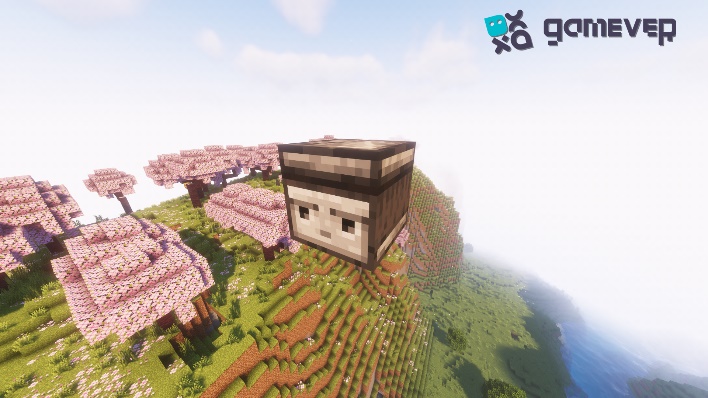
It's crucial to comprehend what an observer is and why it's a game-changer in Minecraft before we start the crafting process. A distinctive redstone object, the Observer block notices changes in the block it is facing. This block is a crucial component for building sophisticated redstone devices and mechanisms since it generates a redstone signal when it notices a change.
Why use an observer?
The observer is primarily responsible for detecting block updates. This means that the observer will notice and emit a redstone pulse whenever a block in front of them changes (whether it's a door opening, a crop growing, or a block being placed or broken). This function is very helpful for setting up automatic systems, traps, and other things.
How to Create the Observer
Although creating an observer is simple, you'll need a few materials:
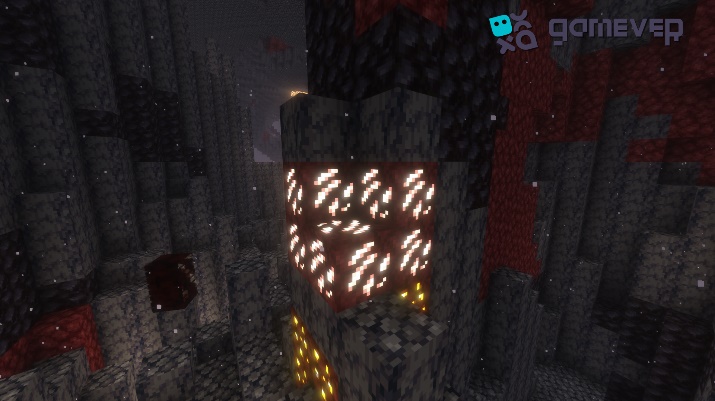
1. Nether Quartz: This substance, which may be found in the Nether, is necessary for creating the Observer. You'll require two of them.
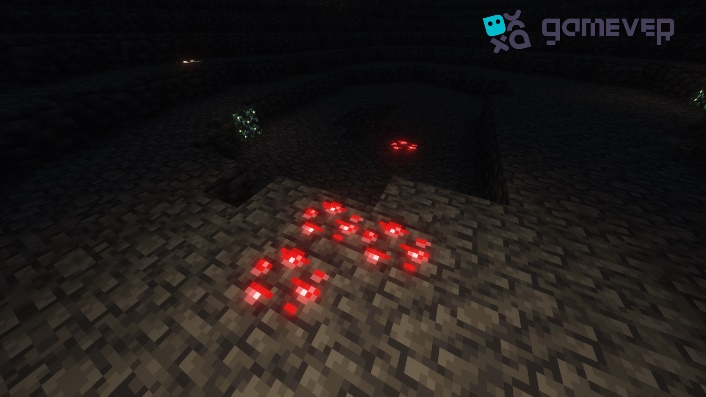
2. Redstone: A redstone device's vital component You only require one piece.
3. Cobblestone is a typical building material used across the Overworld. You'll require six of them.
Access your crafting table with these resources in hand, and arrange them as follows:
- Open your crafting table.
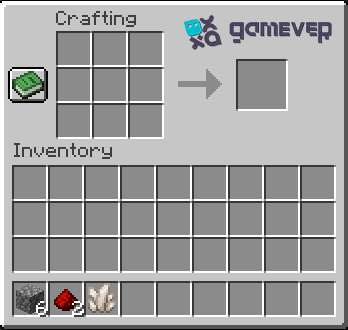
- In the crafting area, fill the topmost and bottommost rows with cobblestone blocks.
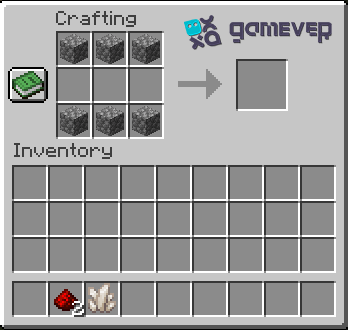
- In the middle row, place the nether quartz in the rightmost cell.
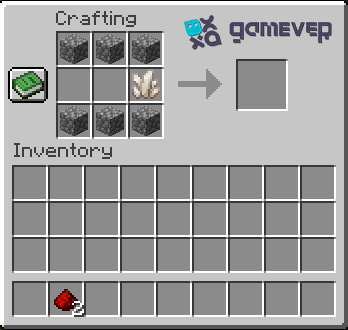
- Place the redstone dust in the center cell and the leftmost cell of the middle row.
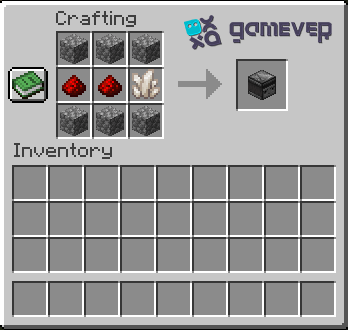
- Click on the observer in the crafting area to craft it.
Making Observers Part of Your Builds
It's time to use your observer now that you have one. You can use observers in your Minecraft environment in the following ways:
1. Automated farms: Install observers to determine when crops are completely developed. When a crop is discovered, the observer can activate a mechanism that will automatically harvest it.
2. Secret Doors: Use observers to track the placement or removal of a certain block, which causes a hidden door to open or close.
The only boundaries are your imagination and your comprehension of redstone mechanics.
Conclusion
Despite having a straightforward design, the Observer block offers players of Minecraft a vast array of opportunities. Your builds can reach new heights if you comprehend and use the Observer, regardless of your level of redstone experience. Keep in mind that imagination and invention are at the core of every great creation as you continue to explore the expansive universe of Minecraft.
Speaking of exploring, you might want to use Gamever servers to improve your multiplayer Minecraft experience. With Gamever, a high-end service, you may hire a server to play with your friends, ensuring fluid gameplay, committed uptime, and lifelong memories. On Gamever servers, immerse yourself in the world of Minecraft like never before and let your imagination soar.