
How to hatch a dragon egg in Minecraft

Defeating the Ender Dragon is a thrilling experience for any Minecraft player. However, after its defeat, the initial excitement often diminishes. Although the Warden in Minecraft is more powerful than the dragon, it lacks the same majestic presence. Fortunately, Minecraft provides a way to commemorate the epic battle against the Ender Dragon by offering a special trophy in the form of the Ender Dragon Egg. This raises questions about how to hatch the egg and if it's even possible. Can it be used to revive the Ender Dragon, or is there another method to bring back the boss mob? In this article, we will address all your queries and provide you with all the information you need to know about the dragon egg in Minecraft.
Hatching a Dragon Egg in Minecraft (2022)
Before delving into the process of finding and utilizing the egg, let's first understand the basic mechanics of the dragon egg in Minecraft. If you are already familiar with this item, you can refer to the table below to skip to the usage tutorial.
Table of Contents
- What is a Dragon Egg in Minecraft?
- Obtaining the Ender Dragon Egg
- Placing and Interacting with the Dragon Egg
- Hatching the Dragon Egg
- Other Methods to Spawn the Ender Dragon
- Frequently Asked Questions
What is a Dragon Egg in Minecraft?
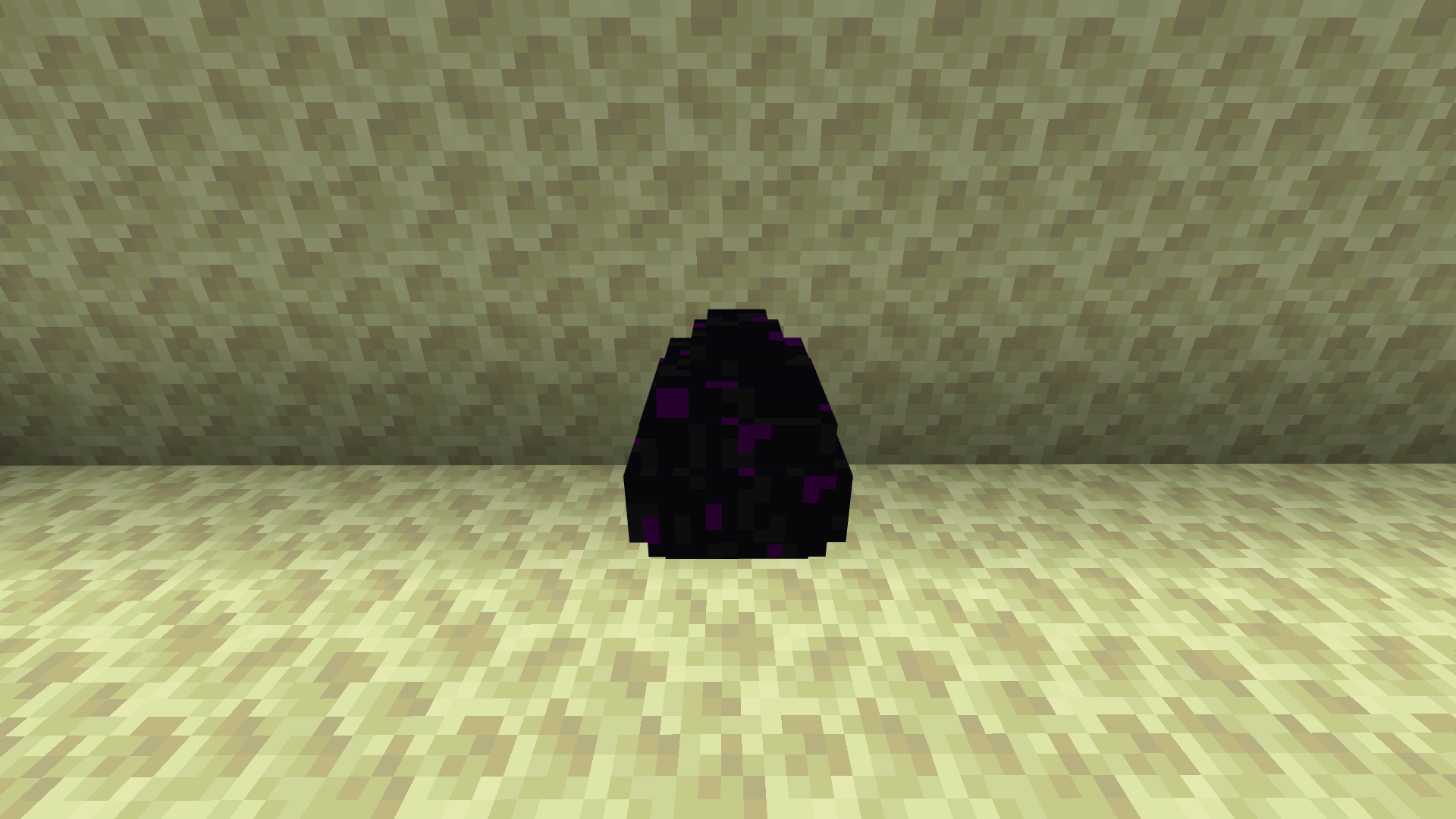
The dragon egg is an extremely rare decorative block in Minecraft that symbolizes your victory over the final boss, the Ender Dragon. Players consider it a trophy because the dragon egg only spawns when you defeat the dragon for the first time in the Java edition or the first two times in the Bedrock edition within a particular world.
It's important not to confuse the dragon egg with the Ender dragon spawn egg. While the dragon egg is purely decorative and serves no functional purpose, the Ender dragon spawn egg cannot be found in survival mode but allows you to instantly spawn the Ender Dragon at will. Rest assured, you don't need the dragon egg to respawn the Ender Dragon in Minecraft.
Obtaining the Ender Dragon Egg
Now that we understand the purpose of the egg and its role as a decorative item, let's discuss how to obtain an Ender Dragon Egg in Minecraft. Follow the steps below:
1. Locate a Stronghold in Minecraft and enter the End dimension using the End portal. The End dimension is the only place where the Ender Dragon and the dragon egg can naturally spawn.
2. Defeat and kill the Ender Dragon to trigger the appearance of the dragon egg. Utilizing powerful Minecraft potions can make the battle slightly easier.
3. Once the Ender Dragon is defeated, the dragon egg will spawn in the center of the main End island. It will appear on top of the portal structure that leads back to the Overworld. To prevent the egg from accidentally falling into the portal, cover the portal area with solid blocks.
Placing and Interacting with the Dragon Egg
The dragon egg has the same iconic texture as the Endermen and the dragon itself. You can place it on top of other blocks, but not on their sides, as eggs, including sand blocks, are subject to gravity in the game. Therefore, a base block is required for placement. Unlike other falling blocks, the dragon egg cannot suffocate mobs by covering them.
Similar to an Enderman, the dragon egg has the ability to teleport to different locations when struck by the player. It can teleport within a volumetric area of 31 × 15 × 31 if there is empty space (air blocks) around it. Breaking and obtaining the egg can be challenging due to its teleportation behavior. However, don't worry; we have you covered. Continue reading to discover how to acquire the Ender Dragon Egg without causing it to disappear.
Hatching the Dragon Egg
As mentioned earlier, there is no practical way to "hatch" the Ender Dragon in Minecraft, as there is no baby version of this mob. However, while you keep the egg as a memento, you can easily spawn another Ender Dragon using in-game mechanics. Defeating the new dragon will grant you a second dragon egg in the Bedrock edition. Meanwhile, Java players can simply respawn the dragon to relive the thrilling moments.
Items Required to Respawn the Ender Dragon
To spawn the Ender Dragon again in Minecraft, you will need the following items:
- 4 End Crystals
- 28 Glass Blocks (7 for each crystal)
- 4 Eyes of Ender (1 for each crystal)
- 4 Ghast Tears (1 for each crystal)
Crafting End Crystals in Minecraft

To create an End Crystal, follow these crafting steps:
1. Place an Eye of Ender in the center cell of the crafting table.
2. Put a Ghast Tear in the middle cell of the bottom row.
3. Fill all the remaining cells with Glass Blocks.
Steps to Hatch the Dragon Egg in Minecraft
Once you have gathered all the required End Crystals, you are ready to witness the moment you've been waiting for. Follow these steps to learn how to respawn an Ender Dragon with or without the Ender Dragon Egg in Minecraft:
1. Return to the End dimension through the Stronghold in Minecraft. It is the only place where the Ender Dragon can spawn.
2. Surround the main structure with the End Crystals. To do this, place one End Crystal in the middle of each row of Bedrock blocks surrounding the portal.
3. As soon as the fourth crystal is placed, the End Crystal will repair the broken crystals on top of the obsidian towers. Once all the crystals are restored, the crystals around the portal and the portal itself will disappear. Now, you must defeat the new Ender Dragon to reactivate the portal and return to the Overworld.
Other Methods to Spawn the Ender Dragon
Create a New World
If you are concerned about risking your resources, you can create a new Minecraft world to face the Ender Dragon once again. Each Minecraft world has its own Ender Dragon that you can battle without jeopardizing your other worlds.
Spawn the Ender Dragon with Commands
The easiest way to spawn an Ender Dragon in any dimension of Minecraft is by using commands. Simply enable cheats in your world and use the following command to spawn the dragon at your current location:
/summon minecraft:ender_dragon ~ ~ ~
Ender Dragon Egg FAQs
Will the dragon egg despawn after spawning the new Ender Dragon?
Although the dragon egg doesn't despawn once the Ender Dragon is spawned, it can still be destroyed by the dragon. It's best to quickly pick it up and store it in a safer location before engaging in the main battle. Since you don't need the egg to spawn the dragon, it is unnecessary to risk losing it.
Command to obtain the dragon egg:
In a cheats-enabled Minecraft world, you can use the following command to obtain unlimited dragon eggs:
/give @s minecraft:dragon_egg
Does the portal disappear when the dragon spawns again?
Once the Ender Dragon respawns in the End dimension, the portal to the Overworld disappears. You must either defeat the dragon or be defeated to return to the Overworld.
How to Spawn the Ender Dragon in Minecraft
Now you are fully equipped to engage in another thrilling battle with the Ender Dragon in Minecraft 1.19 or earlier versions. Before doing so, ensure you have the best Minecraft enchantments to support you. Many players engage in the second fight to obtain additional experience orbs.
If you have the same goal, we suggest creating a Sculk XP farm, which is one of the most efficient ways to quickly obtain experience in Minecraft. Now, tell us in the comments below: Do you think the Ender Dragon is underpowered as the main boss of Minecraft? Or is she sufficient for new players?
Conclusion
In conclusion, playing on the Gamever servers is highly recommended for Minecraft players seeking an enhanced gaming experience. Gamever offers a range of benefits that make it an excellent choice for both casual and competitive players.
First and foremost, Gamever servers provide exceptional performance and stability. The servers are equipped with high-quality hardware and optimized for low latency, ensuring smooth gameplay without any disruptions. This is crucial for a game like Minecraft, where lag or server issues can negatively impact the overall experience.
Furthermore, Gamever servers offer a variety of gameplay modes and server types to cater to different player preferences. Whether you enjoy survival mode, creative building, or intense PvP battles, Gamever has servers tailored to each style. This versatility allows players to explore various aspects of Minecraft and engage in activities that align with their interests.
Another advantage of Gamever servers is the active and supportive community. The servers attract a diverse player base, fostering a vibrant and interactive environment. You can connect and collaborate with other Minecraft enthusiasts, participate in community events, and even form friendships or join clans. This sense of community adds an extra layer of enjoyment to the game, making it more social and engaging.
In addition, Gamever provides regular updates and maintenance to ensure the servers are up to date with the latest Minecraft features and improvements. This commitment to staying current demonstrates Gamever's dedication to providing the best possible gaming experience for its players.
Lastly, Gamever servers prioritize security and player safety. They employ robust measures to protect against hacking, cheating, and other malicious activities. This creates a secure and fair gaming environment where players can fully immerse themselves without worrying about unfair advantages or compromised gameplay.