
How to make an end portal in Minecraft?
Introduction
There is no denying the allure of Minecraft, a sandbox video game by Mojang that allows you to explore, create, and survive in a blocky, procedurally generated 3D world. The game is rich with unique mechanics, creatures, and locations that make each playthrough an exciting adventure. One of the most mysterious and rewarding quests you can undertake is the creation of an End Portal, the gateway to the realm of the Ender Dragon, the final boss of Minecraft. This comprehensive guide will provide step-by-step instructions on how to build an End Portal, from mining the necessary resources to positioning each block correctly.
Understanding Minecraft’s End Portals
An End Portal is a unique structure in Minecraft. It’s a doorway that, when activated, transports your character into the End dimension, home to the Ender Dragon and countless Endermen. The Portal's creation is a vital step for players looking to complete the game, but the process requires meticulous planning and resource gathering.
Collecting the Necessary Materials
The core ingredients for an End Portal are the Eye of Ender and End Portal Frame blocks. However, End Portal Frame blocks are unobtainable in Survival Mode, meaning you can only find them naturally in Strongholds or create them in Creative Mode.
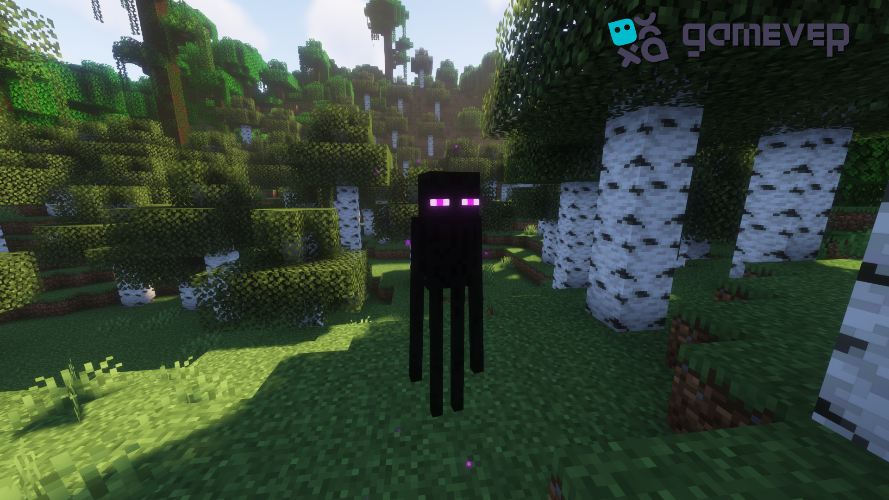
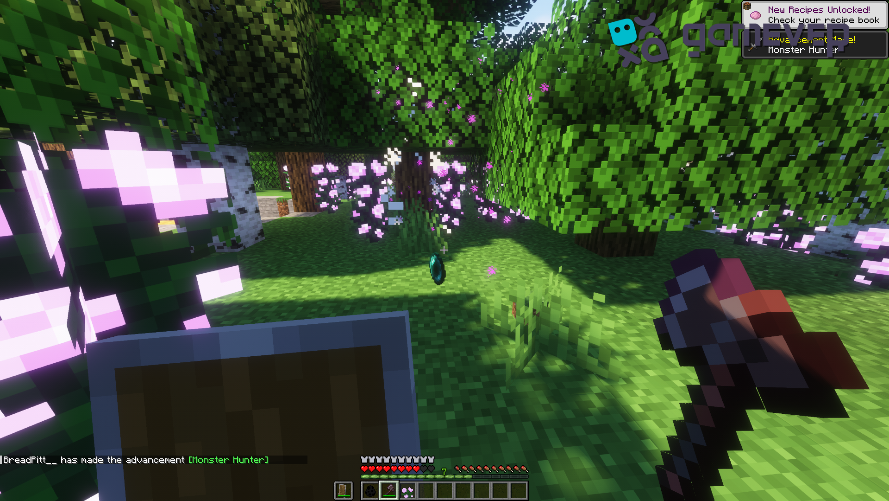
The Eye of Ender, on the other hand, is craftable with two items: Ender Pearls and Blaze Powder. Endermen drop Ender Pearls, and Blazes in the Nether drop Blaze Rods, which are where Blaze Powder comes from.
Finding a Stronghold
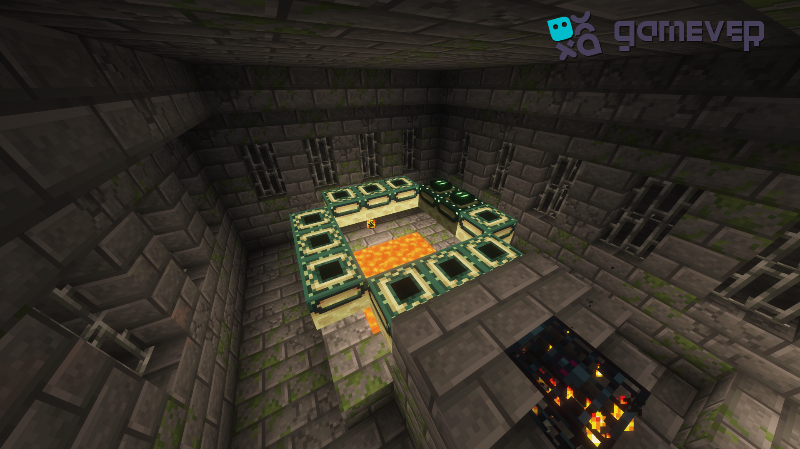
Strongholds are subterranean structures that naturally arise in your world. They're the only place you can find naturally occurring End Portal Frames. Each Stronghold has a single End Portal, usually encased in a dedicated room.
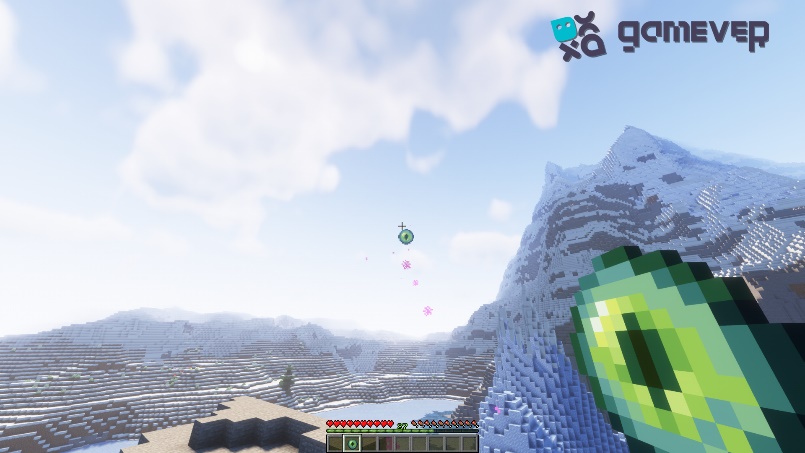
To locate a Stronghold, you need to throw an Eye of Ender into the air. It will float in the direction of the nearest Stronghold, eventually either dropping for you to pick up or shattering.
Activating the End Portal
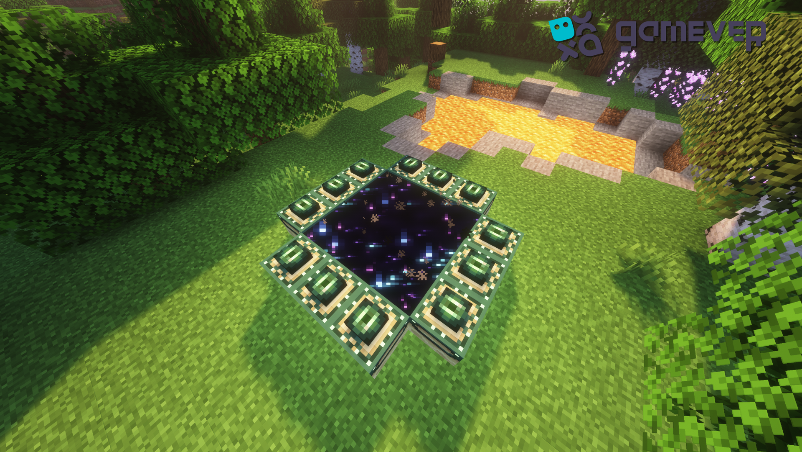
Once you've reached the Stronghold's End Portal room, you'll see a square frame of 12 blocks. These are the End Portal Frames. To activate the Portal, you must fill each of these blocks with an Eye of Ender.
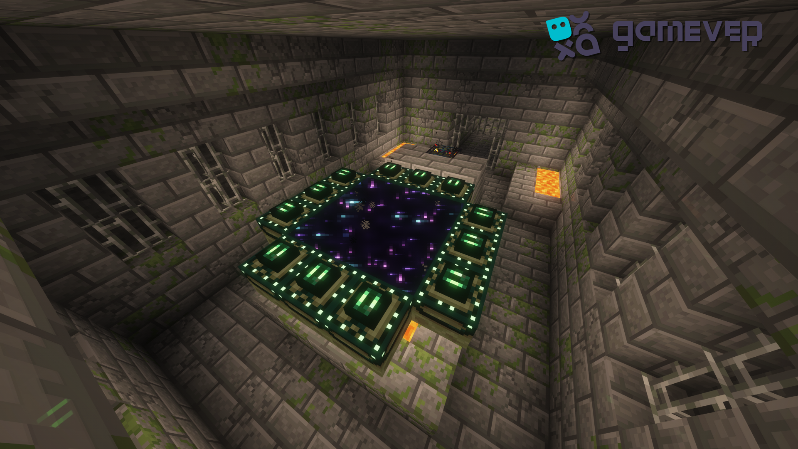
This process is tricky. You need to stand in the center of the frame and place the Eyes of Ender from inside the frame outwards. You'll know you've placed them correctly if the green tops are visible from the center of the frame. Once all 12 Eyes are correctly placed, the End Portal activates, revealing a starry, black void.
Venturing into the End
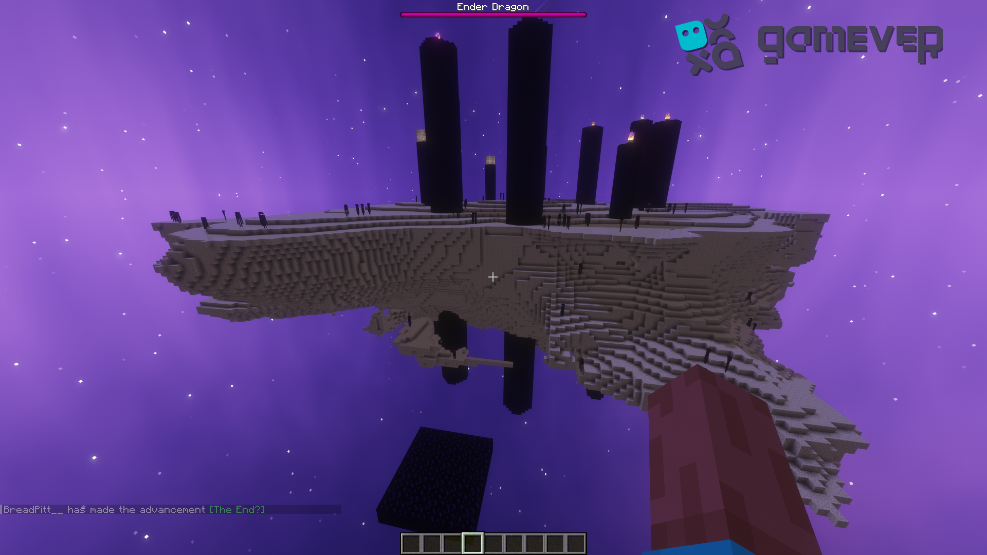
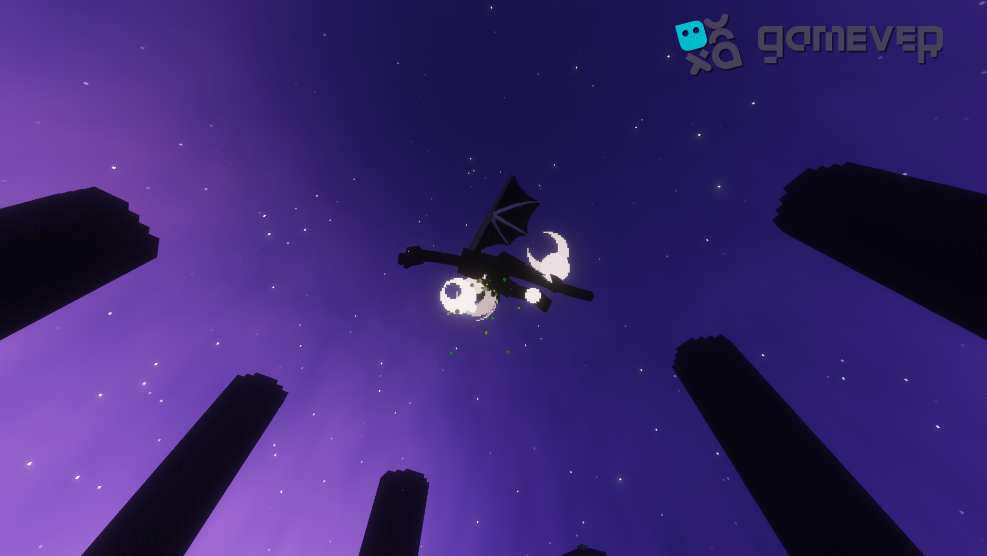
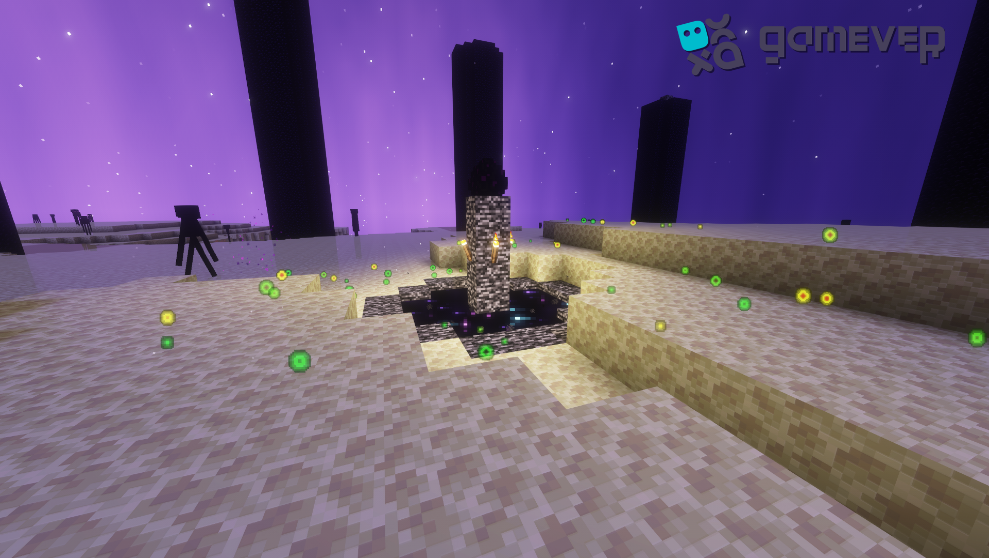
Upon stepping into the activated End Portal, you’ll be transported to the End Dimension. Here, you face a new set of challenges: surviving the End's hostile environment, battling Endermen, and ultimately defeating the Ender Dragon.
Creating an End Portal in Creative Mode
For those who prefer to bypass resource collection, creating an End Portal is possible in Creative Mode. You can access the End Portal Frames and Eyes of Ender directly from the inventory menu. Just arrange the frames in a 3x3 square and fill them with Eyes of Ender as described earlier.
Conclusion
Creating an End Portal in Minecraft is an exhilarating journey. Whether you're navigating the eerie terrain of the End, battling the mighty Ender Dragon, or simply experiencing the joy of building, Minecraft continues to be a captivating experience.
To enhance your gameplay, consider using Gamever servers. With Gamever, you can rent a server and play with your friends. It’s a great way to combine teamwork and creativity in your Minecraft adventures. With dedicated server space, you can all work together to find Strongholds, build End Portals, and defeat the Ender Dragon in your own world, with your own rules. Don’t just conquer the End; conquer your gaming experience with Gamever.