
The Palworld Server Settings That Actually Cost You Performance

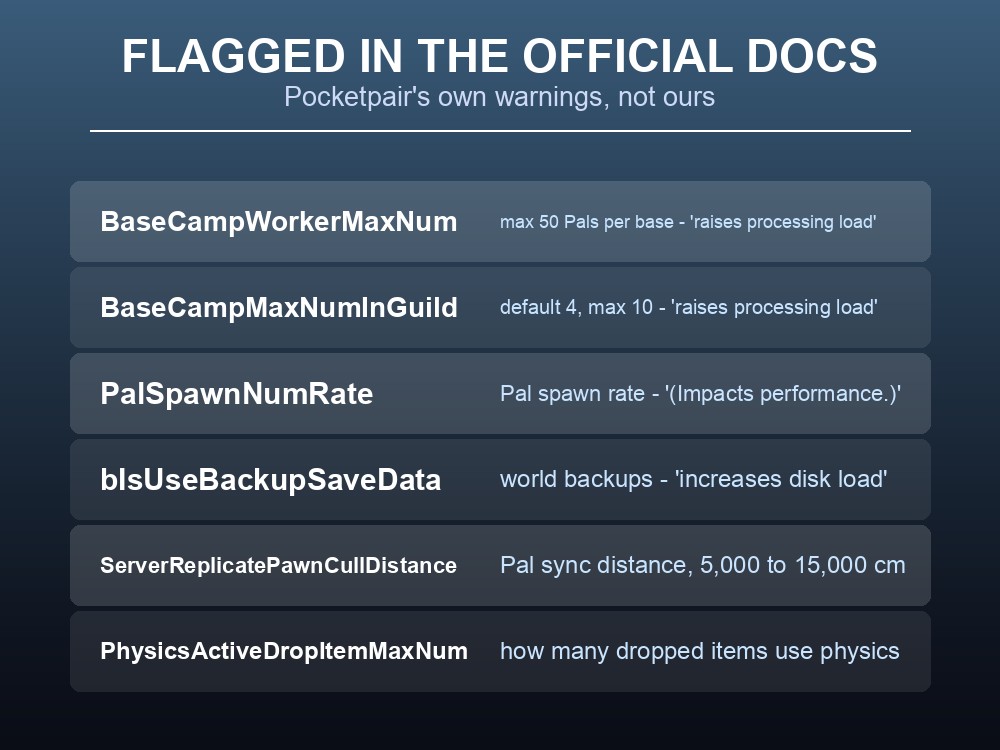
Pocketpair's own configuration reference documents 95 server settings, and a handful of them carry an explicit warning in the official text — "increasing this value raises processing load", "(Impacts performance.)", "increases disk load." Those warnings are the shortlist worth knowing, because most PalWorldSettings.ini options only change how the game plays. These change what your server has to do every tick.
The Ones Pocketpair Flag Themselves
| Setting | What it controls | The official warning |
|---|---|---|
| BaseCampWorkerMaxNum | Pals per base, max 50 | "Increasing this value raises processing load." |
| BaseCampMaxNumInGuild | Bases per guild, default 4, max 10 | "Increasing this value raises processing load." |
| PalSpawnNumRate | Wild Pal spawn rate | "(Impacts performance.)" |
| bIsUseBackupSaveData | World backups | "Enabling this increases disk load." |
These four are not opinions — they are the developer's own notes in the configuration documentation, and they are the only settings out of 95 that carry a performance caveat in the official text. If you change nothing else on this page, know what these four do.
One of them you should leave alone regardless. bIsUseBackupSaveData increases disk load, and it is still worth having on: the cost is disk I/O, the benefit is a world you can restore. On managed hosting this is handled outside the game anyway, so the in-game setting is a second layer rather than your only one.
The Two Multiplier Traps
The two base-camp settings look modest on their own and multiply against each other.
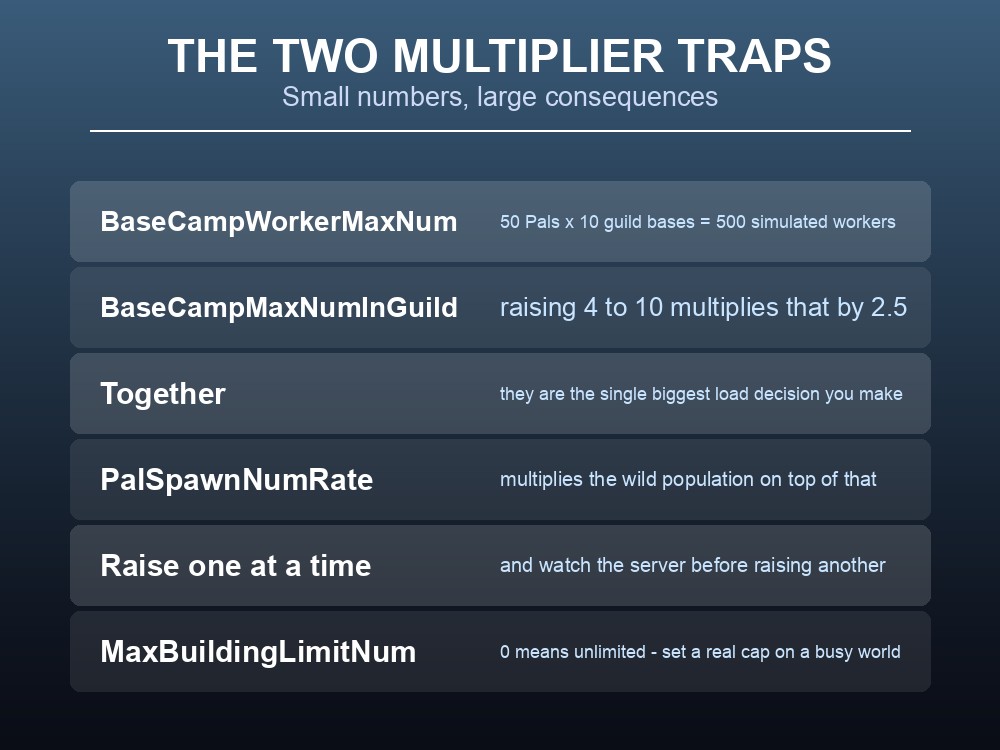
BaseCampWorkerMaxNum caps Pals per base at 50. BaseCampMaxNumInGuild caps bases per guild at 10, default 4. Run both at maximum and a single guild is asking the server to simulate up to 500 working Pals — each pathing, working a station, eating, and losing SAN.
Raising the guild base cap from 4 to 10 multiplies your worst case by 2.5 before anyone adds a single extra Pal. On a server with several active guilds, that is the largest single load decision available to you.
PalSpawnNumRate then multiplies the wild population on top of that, independently of anything at anyone's base.
So raise one at a time. Change a value, let the server run a busy evening, and look at it before touching the next. Raising all three together and then trying to work out which one hurt is how a weekend disappears.
And set MaxBuildingLimitNum to something real. It is a per-player building cap and 0 means unlimited — which is fine on a private world with three friends and a genuine risk on a public one, where a single player can quietly build until the region stops loading properly.
Cheap Wins
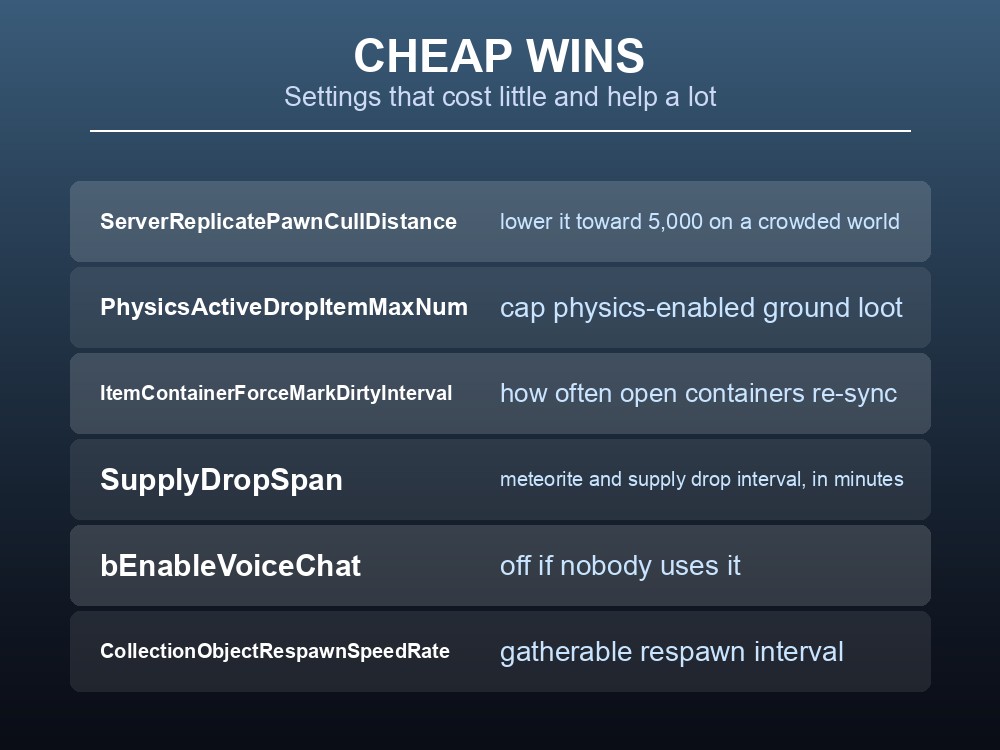
These are the adjustments that buy headroom without changing how the game feels:
ServerReplicatePawnCullDistance— how far from a player Pals stay synchronised, in centimetres. The documented range is 5,000 to 15,000. Lowering it toward 5,000 on a crowded world means fewer distant Pals being replicated to every client.PhysicsActiveDropItemMaxNum— how many dropped items on the ground get full physics behaviour. Ground clutter is a real cost after a big fight or a base rebuild.ItemContainerForceMarkDirtyInterval— how often an open container re-syncs, in seconds. Relevant on a server where several people are in chests at once.CollectionObjectRespawnSpeedRate— how quickly gatherable objects come back. Faster respawns mean more objects tracked.SupplyDropSpan— the meteorite and supply drop interval in minutes.bEnableVoiceChat— turn it off if your group is on Discord anyway.
ServerReplicatePawnCullDistance is the first one to try, because it is the only setting here that directly reduces per-client network work without removing anything from the world.
What v1.0.3 Added
bAllowEnemyCampSpawnNearBaseCamp arrived with v1.0.3 on 12 August 2026 and does not appear in older settings guides. It controls whether enemy bases may spawn near player bases.
The default behaviour suppresses those spawns. Turning the setting on removes that protection, which makes the world harder deliberately — a good option for a group that has outgrown the base game and wants pressure near home.
It pairs with bEnableInvaderEnemy, which toggles raider attacks on your base entirely. Between them you can run anywhere from a completely peaceful builder server to one where enemy camps sit on your doorstep.
Neither is a performance setting, but both change how much combat the server is resolving near player bases, which on a busy world is not nothing.
Practical tips
- Only four of the 95 documented settings carry a performance warning in Pocketpair's own docs.
- BaseCampWorkerMaxNum (50) × BaseCampMaxNumInGuild (10) = up to 500 simulated Pals per guild.
- Raise one setting at a time, then watch a busy evening before changing another.
MaxBuildingLimitNumof 0 means unlimited. Set a real cap on a public server.- Lower
ServerReplicatePawnCullDistancetoward 5,000 as the cheapest first fix.bAllowEnemyCampSpawnNearBaseCampis new in v1.0.3 and absent from older guides.
Running your own Palworld 1.0 server
Most of this page is the work of finding out which knob caused last night's stutter — which is much easier when restarts, backups and config edits are one click rather than an SSH session. A gamever Palworld server gives you the settings file directly, keeps automatic backups outside the game's own bIsUseBackupSaveData, and applies updates without you scheduling downtime by hand. Full crossplay and 24/7 uptime come as standard, so the world your group tuned stays exactly as tuned.
Conclusion
Of the 95 settings in Pocketpair's official configuration reference, only four carry an explicit performance warning: BaseCampWorkerMaxNum and BaseCampMaxNumInGuild ("raises processing load"), PalSpawnNumRate ("impacts performance") and bIsUseBackupSaveData ("increases disk load"). The first two multiply — 50 Pals per base across 10 guild bases is 500 simulated workers — which makes them the biggest load decision on the server. Raise them one at a time. For cheap headroom, lower ServerReplicatePawnCullDistance toward its 5,000 floor, cap PhysicsActiveDropItemMaxNum, and give MaxBuildingLimitNum a real value instead of leaving it at unlimited. And if you are working from a guide written before 12 August 2026, it will not mention bAllowEnemyCampSpawnNearBaseCamp, the v1.0.3 addition that lets enemy camps spawn next to player bases.
Want the settings file and one-click restarts in the same place? Rent a Palworld server at gamever.io — instant setup, one-click backups and updates, full crossplay and 24/7 uptime. Start with a free trial and use promo code WELCOME.