
How to use Global Palbox in Palworld
Imagine taking your rarest, most powerful, or just plain coolest Pals along with you wherever you go, no matter which world you're adventuring in Palworld. With the Global Palbox, that's exactly what you get! No more grinding to rebuild your perfect team - just a smooth copy-and-paste for instant adventure readiness. Ready to learn how?
Building the global palbox
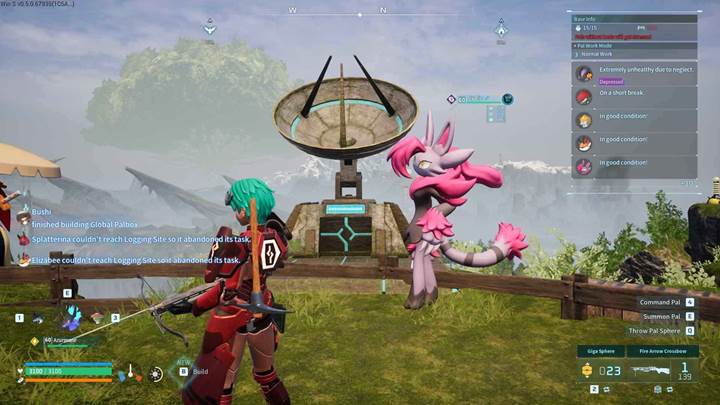
First, you're gonna need a Global Palbox. Luckily, it's already unlocked in your tech tree after the update. Just open your building menu at your base, switch over to the Pal tab, and there it is waiting for you.
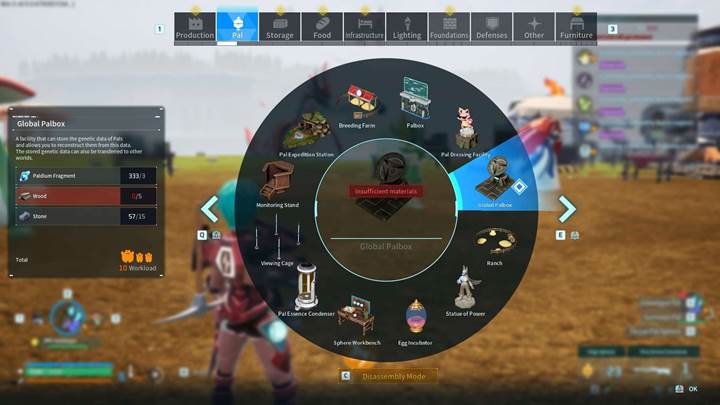
Grab 5 paldium fragments, 20 pieces of wood, and 20 stones, and build it wherever you have a cozy spot at your base. Easy, right? You're already halfway there!
Saving your Pal’s genetic data
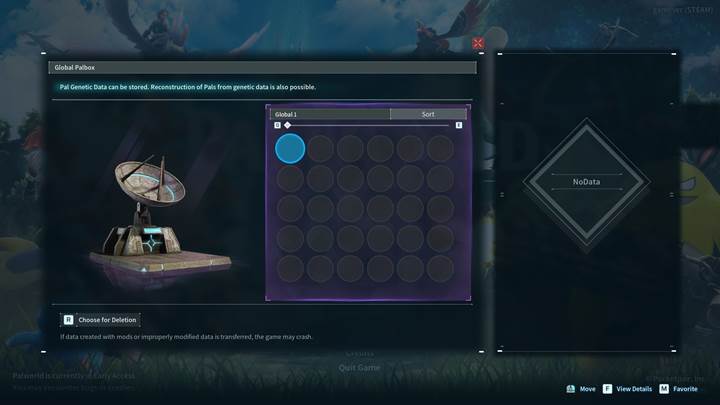
Next up, you have to capture your Pal’s DNA and store it safely. You're just making a safe copy! Pop your Pal into the regular Palbox and remember exactly where you put it. Open your shiny new Global Palbox, and you'll see your regular storage on the left and Global storage on the right. Now, simply drag your chosen Pal from your regular Palbox to an empty slot in the Global Palbox. Boom! Your Pal’s genetic data is now safe and ready to travel between worlds.
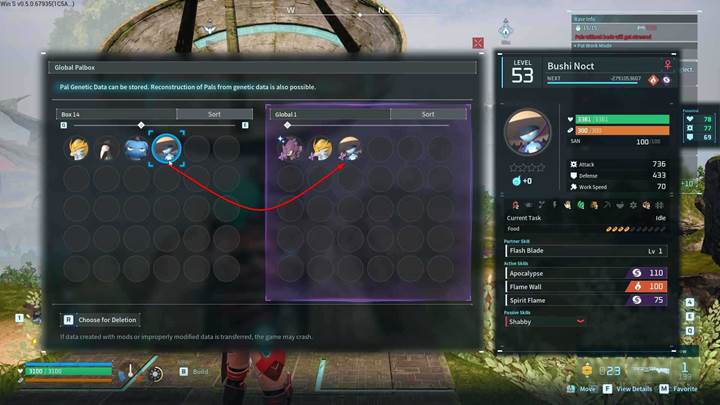
Reconstructing pals in another world
Here's where things get exciting. Jump into any other world (just make sure genetic data transfer is allowed in the settings, though it's usually on by default). Craft another Global Palbox in this new world - same materials, same easy setup. Open it, and there’s your previously saved Pal smiling at you from the right side. Drag that Pal from Global storage into your new world's regular Palbox storage. Finally, pick an empty party slot or base slot, and move your Pal there. Congrats! Your Pal has just traveled between worlds. It's like teleportation but way cooler!
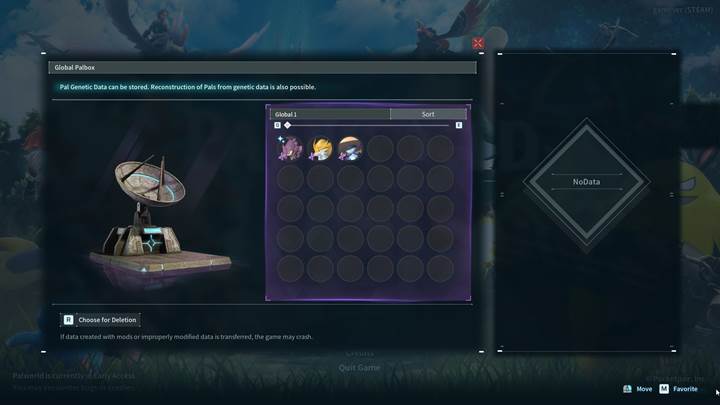
Important things to remember
A few things you gotta know about the Global Palbox. You can't make endless clones of the same Pal in a single world, so pick your Pal carefully. Each Pal you transfer is a perfect copy at the time you saved it, meaning new skills and stats won't update automatically - you’ll need to save them again if they level up. Also, transferred Pals can't be condensed or harvested for parts, so treat these reconstructed pals as your special companions.
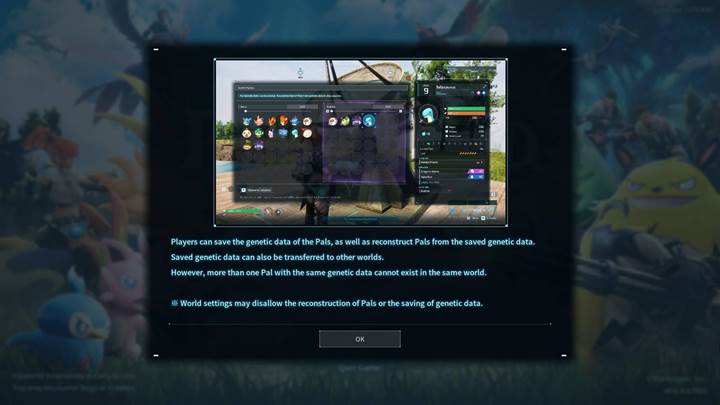
With the Global Palbox, Palworld feels more connected and flexible than ever, allowing your best Pals to accompany you anywhere you explore. Give it a try, and you'll soon wonder how you ever played without it!