
How to Use Drones in Satisfactory
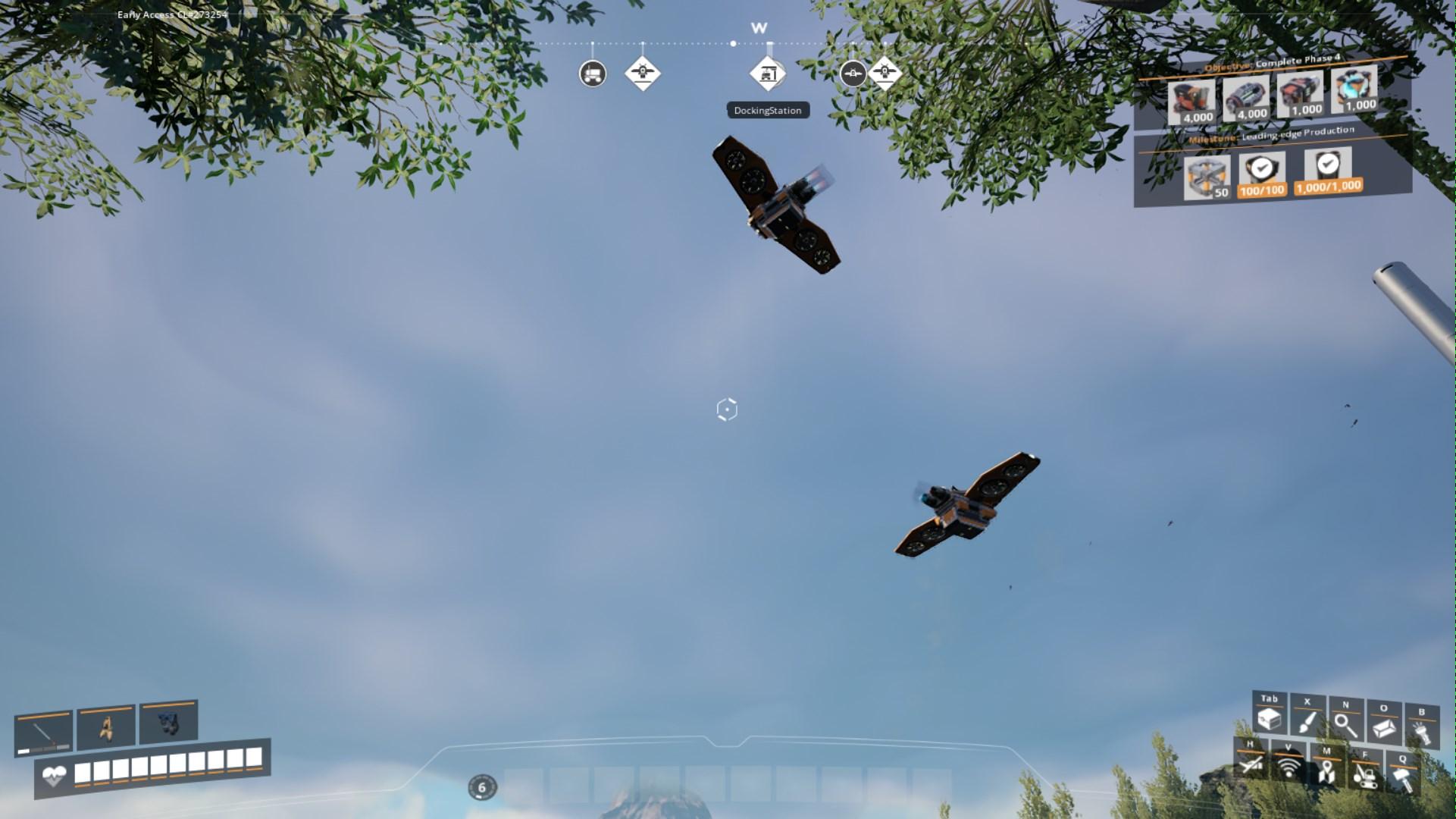
Drones are an exciting addition to Satisfactory’s logistics system, allowing you to zip resources across the map at blazing speeds of 70 meters per second (252 km/h). They're perfect for long-distance hauling, taking your game from just okay to jaw-droppingly awesome.

Building Drones and Drone Ports
To kick things off, you'll need to build two drone ports and at least one drone. Here’s a quick rundown:
1. Construct Your Drone Ports: Each port occupies a 3x3 foundation area and can be placed on a 2x3 pad with a 1x3 overhang. The exact materials you'll need include:
- Drone Port: 20 Heavy Modular Frames, 20 High-speed Connectors, 50 Alclad Aluminum Sheets, 50 Aluminum Casings, 10 Radio Controlled Units
- Drone: 4 Motors, 10 Alclad Aluminum Sheets, 1 Radio Controlled Unit, 2 AI Limiters, 1 Portable Miner
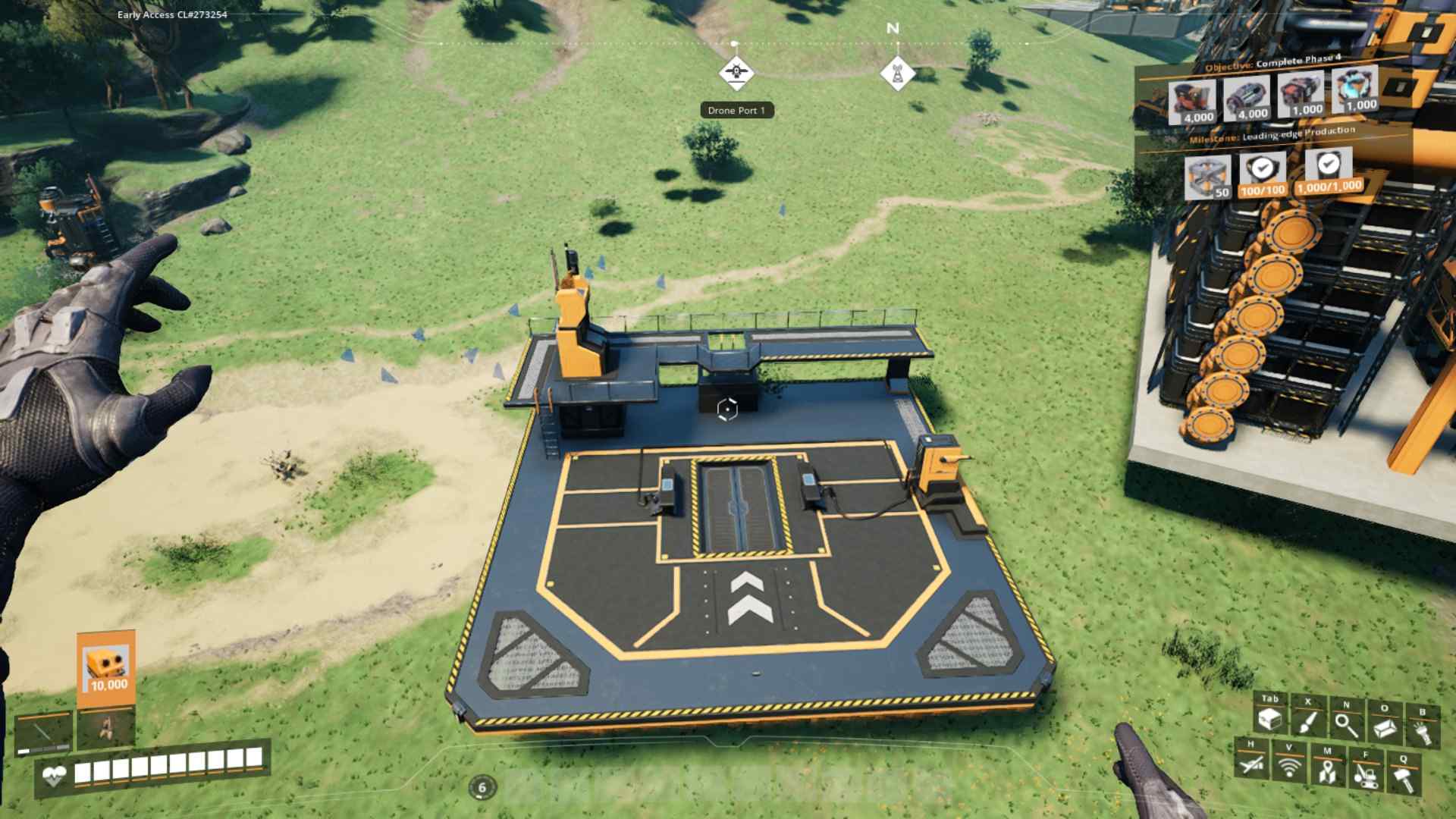
2. Place Your Drones: Each drone port can house exactly one drone and send it to only one destination port. However, multiple ports can send drones to the same port.

Drone Features and Data
Cargo Capacity: Each drone can carry up to nine stacks per trip or eighteen stacks per round trip. Perfect for transporting large amounts of resources quickly.
Fuel: Drones use batteries as fuel. They consume five batteries per round trip, so make sure each port has at least five batteries to get started.

Docking and Takeoff: Drones dock and take off with a sequence involving:
- Docking descent: 20m descent at 10 m/s
- Docking sequence: 28 seconds
- Takeoff sequence: 23 seconds
- Ascending: Reaches flight mode at 70 m/s
The total docking/takeoff time is around 51 seconds.
Drone Flight and Pathing
Drones navigate a 64x64 grid, dynamically calculating their route around obstacles. They don't clip through buildings or terrain, but placing ports in caves or under roofs can cause clipping issues. They fly at 70m/s during travel and 10m/s during docking/takeoff.
Drone Port Features and Data
Power Consumption: A drone port uses 100 MW of power. Be prepared for significant energy demands if you're running multiple ports.
Storage: Drone ports have 36-stack storage, split into 18 stacks for incoming and 18 for outgoing items.
Naming Ports: Make sure to assign descriptive names to your ports for easy management.
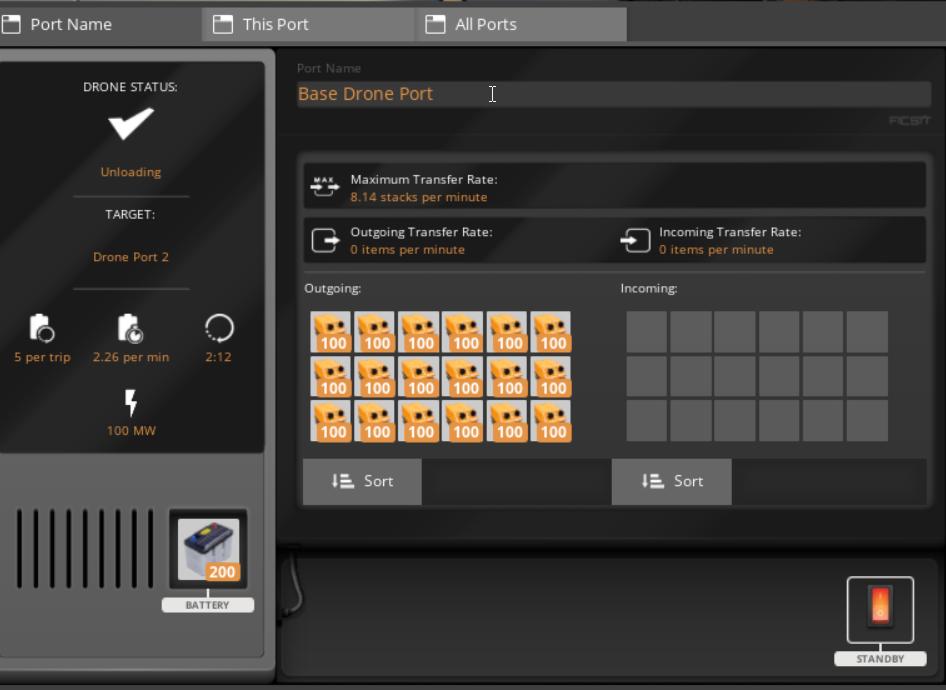
Destination Assignment: Assign destinations to drones through the "This Port" tab. You can also manage ports remotely from the "All Ports" tab.
Many-to-One Configuration
One port can handle many drones if configured correctly. If you have a long route, set up multiple drones at the source and destination ports to keep the supply line flowing smoothly.
You only need to supply batteries to one port on the route. The other ports will need a minimum of five batteries to jump-start operations.
Tips and Tricks
- Compressed Materials: Transport compressed materials like iron plates or caterium ingots to maximize stack sizes and efficiency.
- Battery Factories: Build dedicated battery factories to keep your drones flying smoothly.
- Mall Setup: Create a drone-powered mall for instant delivery of resources anywhere on the map.
Drones are game-changers in Satisfactory, turning tedious logistical tasks into a breeze. By following this guide, you'll be soaring through your production lines in no time. Remember, the only limit is your creativity and planning!