
How to Get and Use the Portable Miner in Satisfactory

Crafting
To craft your Portable Miner, you first need to unlock Hub Upgrade 1 Tier 0 Milestone. This milestone is part of the early-game upgrades and sets the stage for your first automation steps.
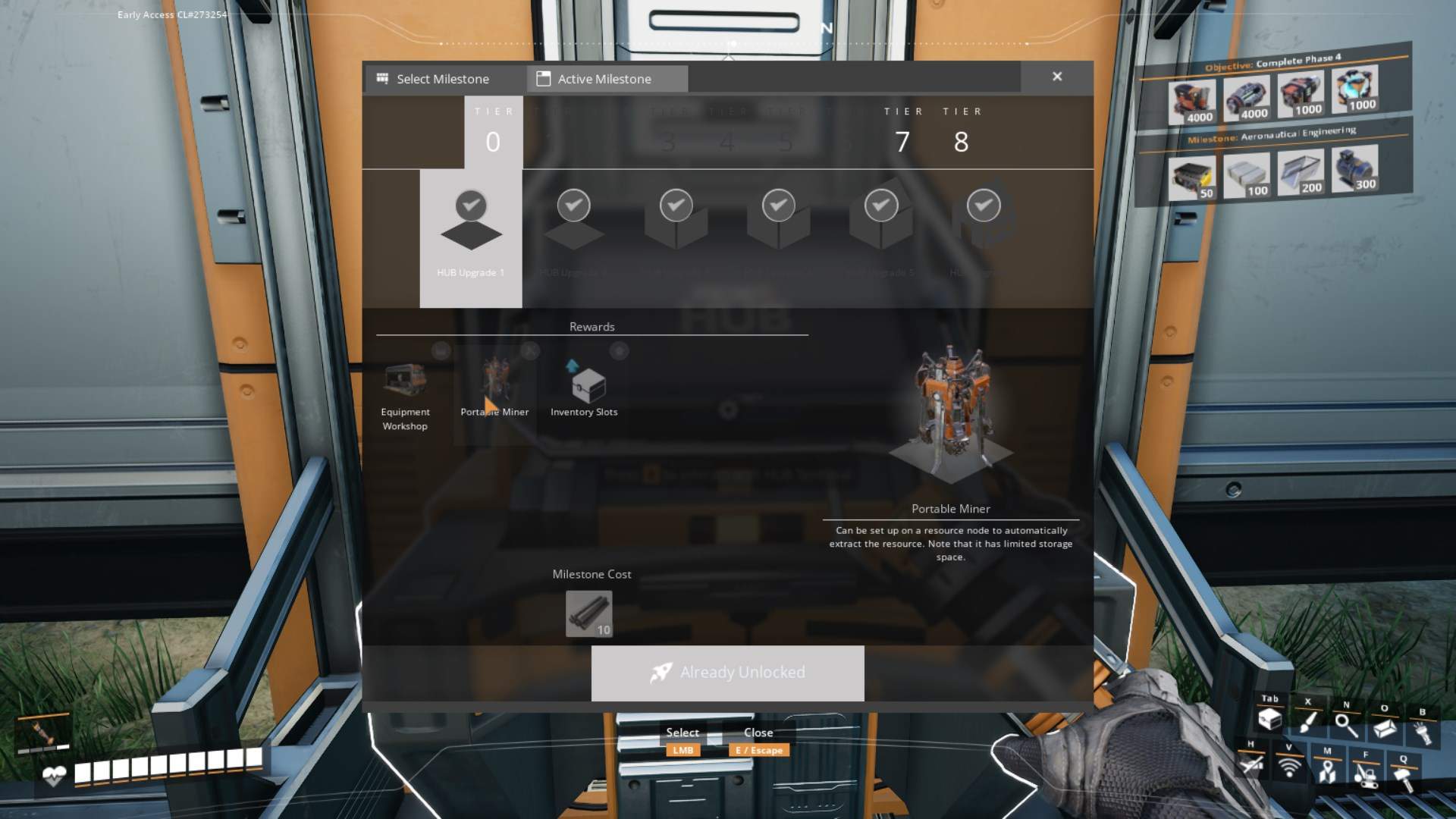
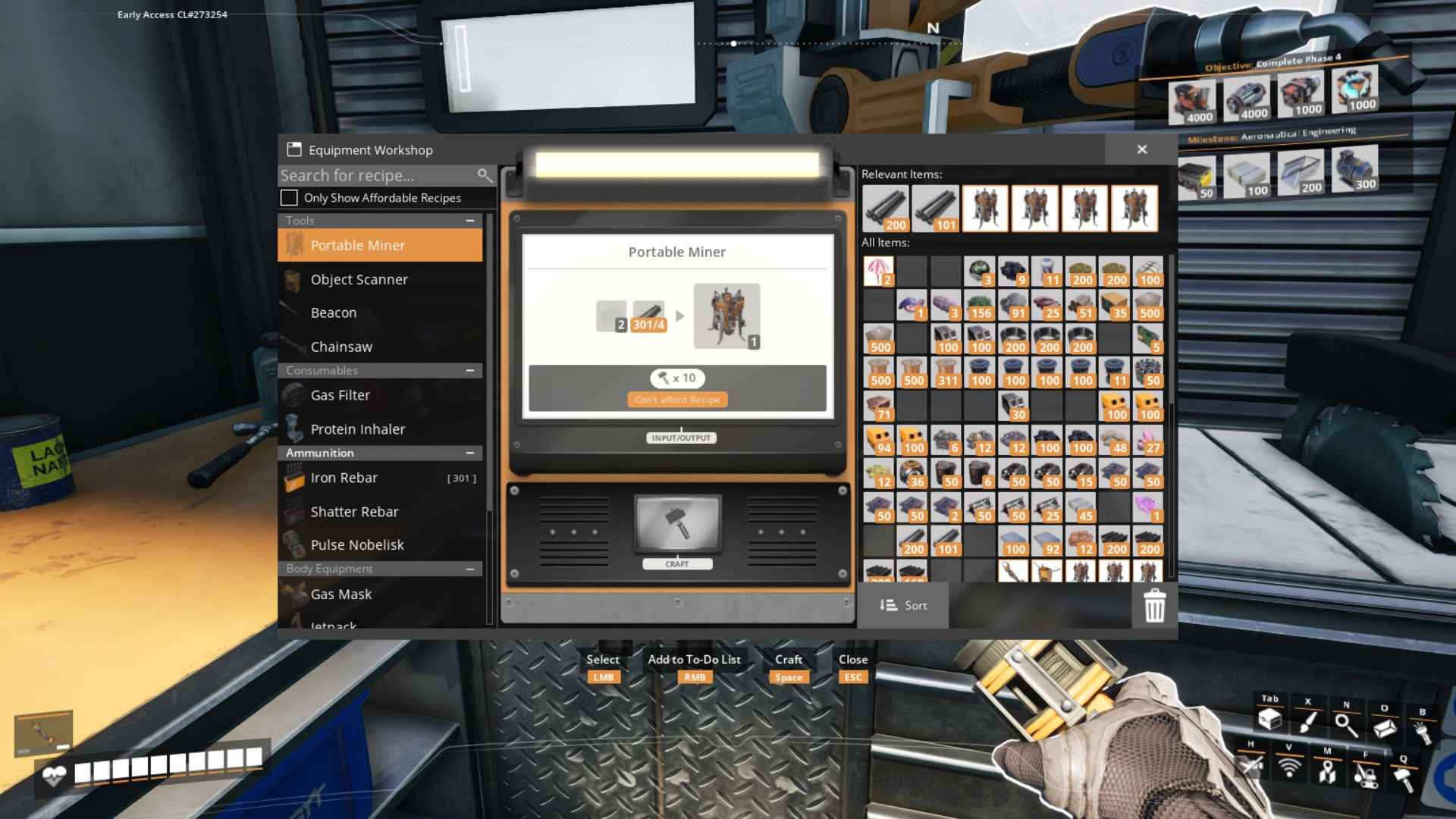
Once you’ve completed this milestone, head over to your Equipment Workshop. Here’s what you’ll need to get your Portable Miner up and running: you’ll need 2 Iron Plates and 4 Iron Rods.
Simply combine these materials in the Equipment Workshop, and voilà, you’ve crafted your Portable Miner! You’ll find it in your inventory, ready for action.
Deploying the Portable Miner
Time to put that Portable Miner to work! First, you’ll need to equip it. Hold down ‘Tab’ and double-click on the Portable Miner in your inventory to bring it into your hands. With your new toy ready, hit ‘V’ to use your Resource Scanner. This will help you locate the nearest resource nodes. Once you’ve pinpointed a resource node (like iron ore), head over to it.
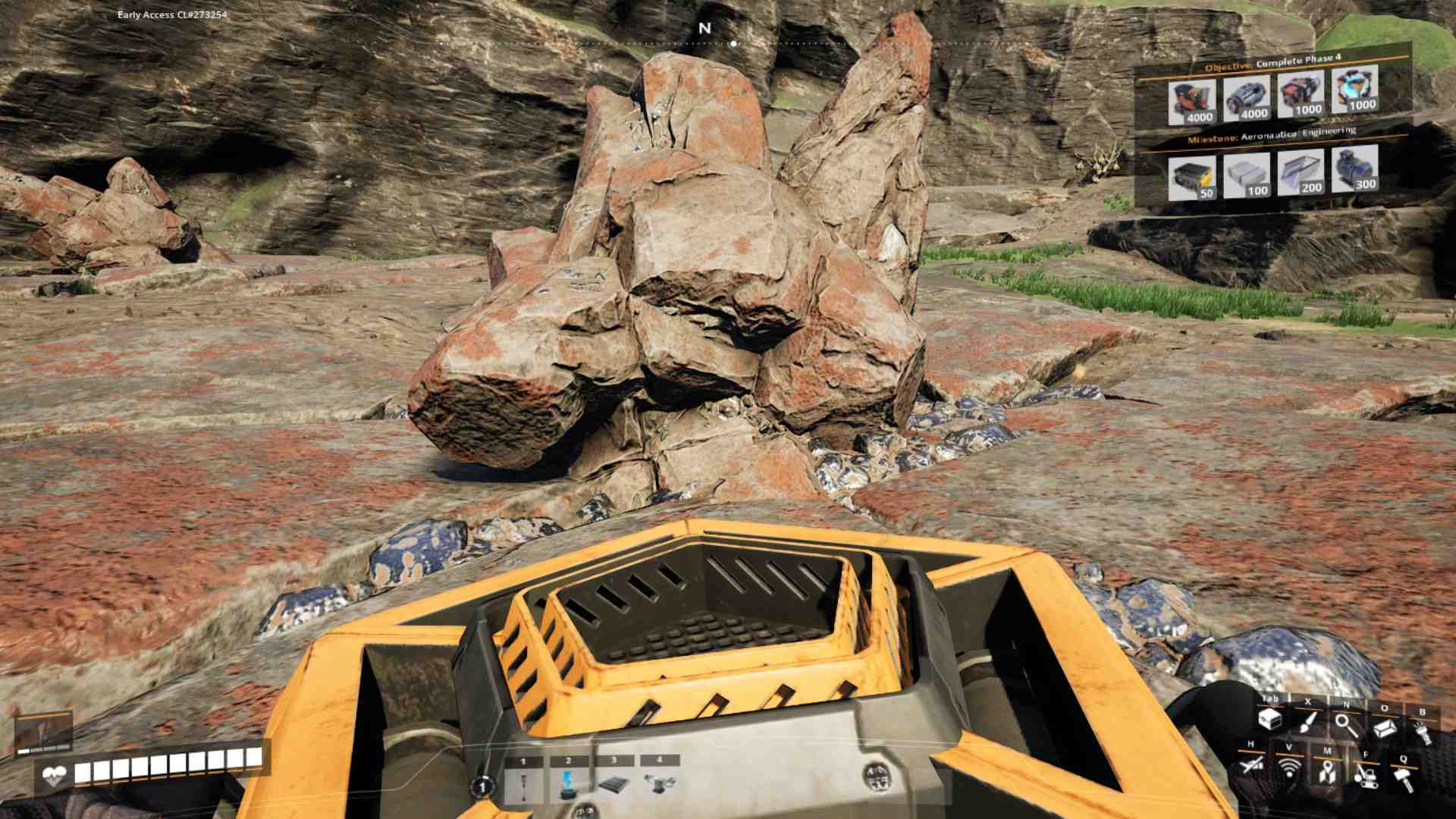
Place your Portable Miner over the resource node. You’ll get an onscreen prompt to pick up the ore. Left-click to place the miner. Your Portable Miner will now start its animation, which means it’s busy collecting ore for you. It’s like having a tiny, tireless mining buddy!
Managing and Moving the Portable Miner
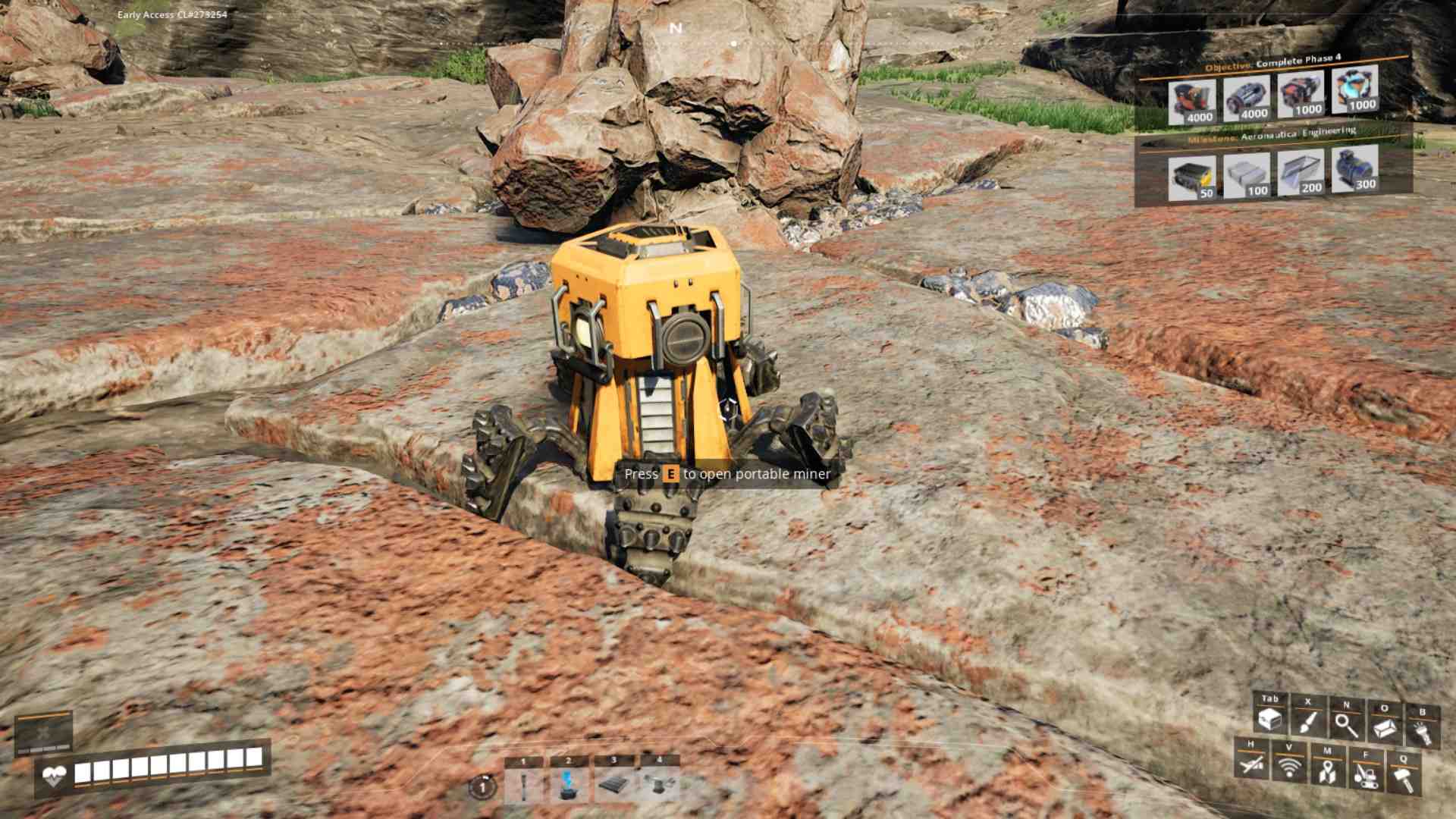
Once your Portable Miner has started its work, you can monitor its progress by pressing ‘E’ when you’re near it. To check the resources it has gathered, simply open the interface and select “Grab All” to transfer the collected ore to your inventory. The Portable Miner can hold up to 100 pieces of ore before it needs to be emptied or moved.
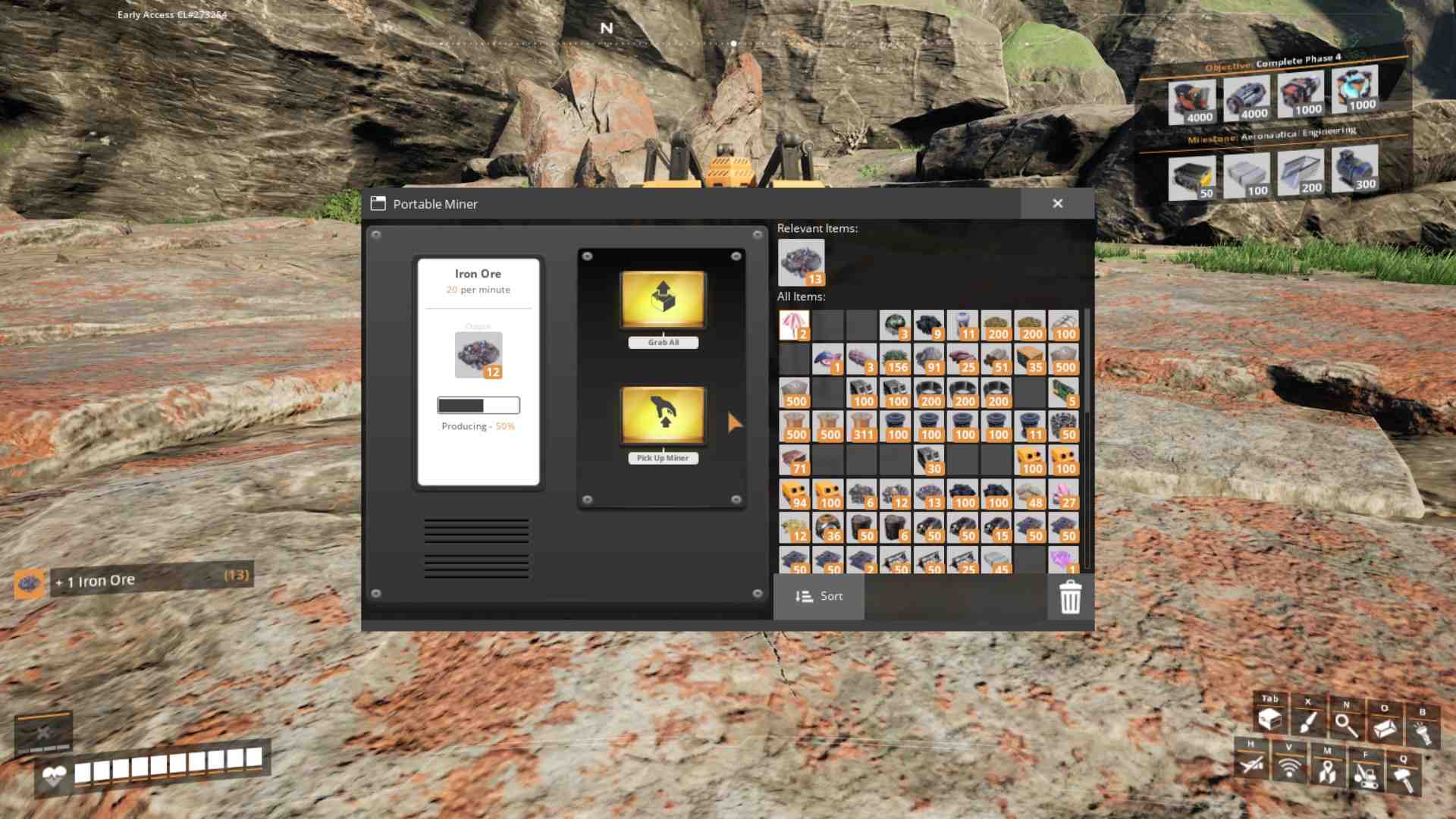
If you need to move your Portable Miner to a new location, just open the interface and select “Pick Up Miner.” You can then reposition it on another resource node to keep the ore flowing. This makes it super easy to set up multiple miners in different locations as you explore.
Upgrading Beyond the Portable Miner
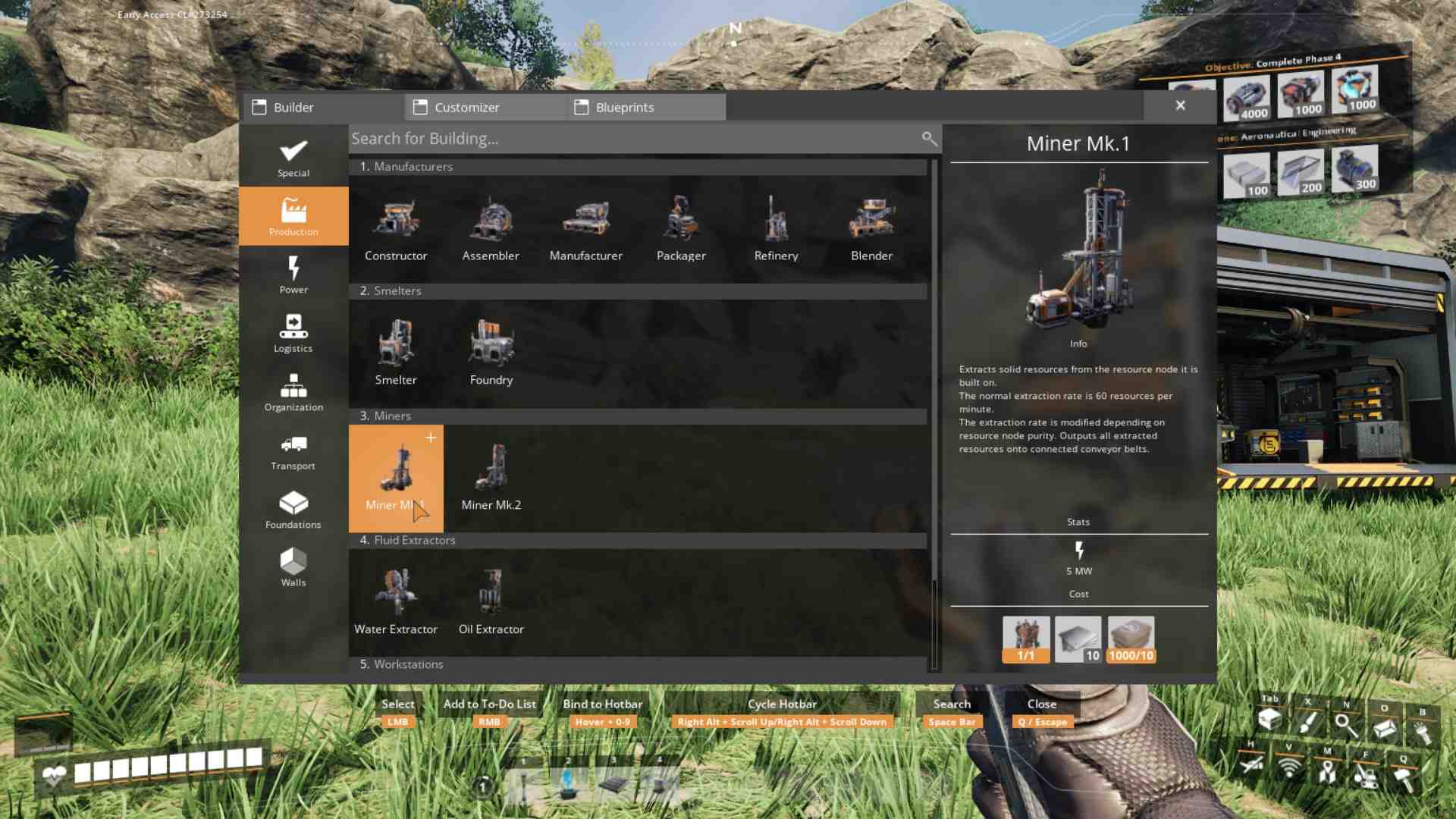
The Portable Miner is a key component in crafting the Mk. 1 Miner building, which you’ll use to automate resource extraction further. To build a Mk. 1 Miner, you’ll need a Portable Miner, 10 Iron Plates, and 10 Concrete. Keep using those Portable Miners and upgrading as you go, and you’ll soon have a well-oiled, automated factory running smoothly.
The Portable Miner is your gateway to automation and efficiency in Satisfactory. It’s easy to craft, simple to use, and an essential tool in your industrial toolkit. By setting up these miners at various resource nodes, you’ll start building a more efficient resource gathering system, paving the way for even more advanced automation later on. Dive into Satisfactory, start mining with your Portable Miner, and watch your industrial empire begin to take shape!