
How to Use Colorblind Accessibility in Rust Update
There’s a cool new feature in the Rust Time to Kill Update that’s set to make your gameplay a lot more inclusive and enjoyable. We’re talking about the brand-new colorblind accessibility options that have just hit the game.
Exploring the Colorblind Accessibility Menu
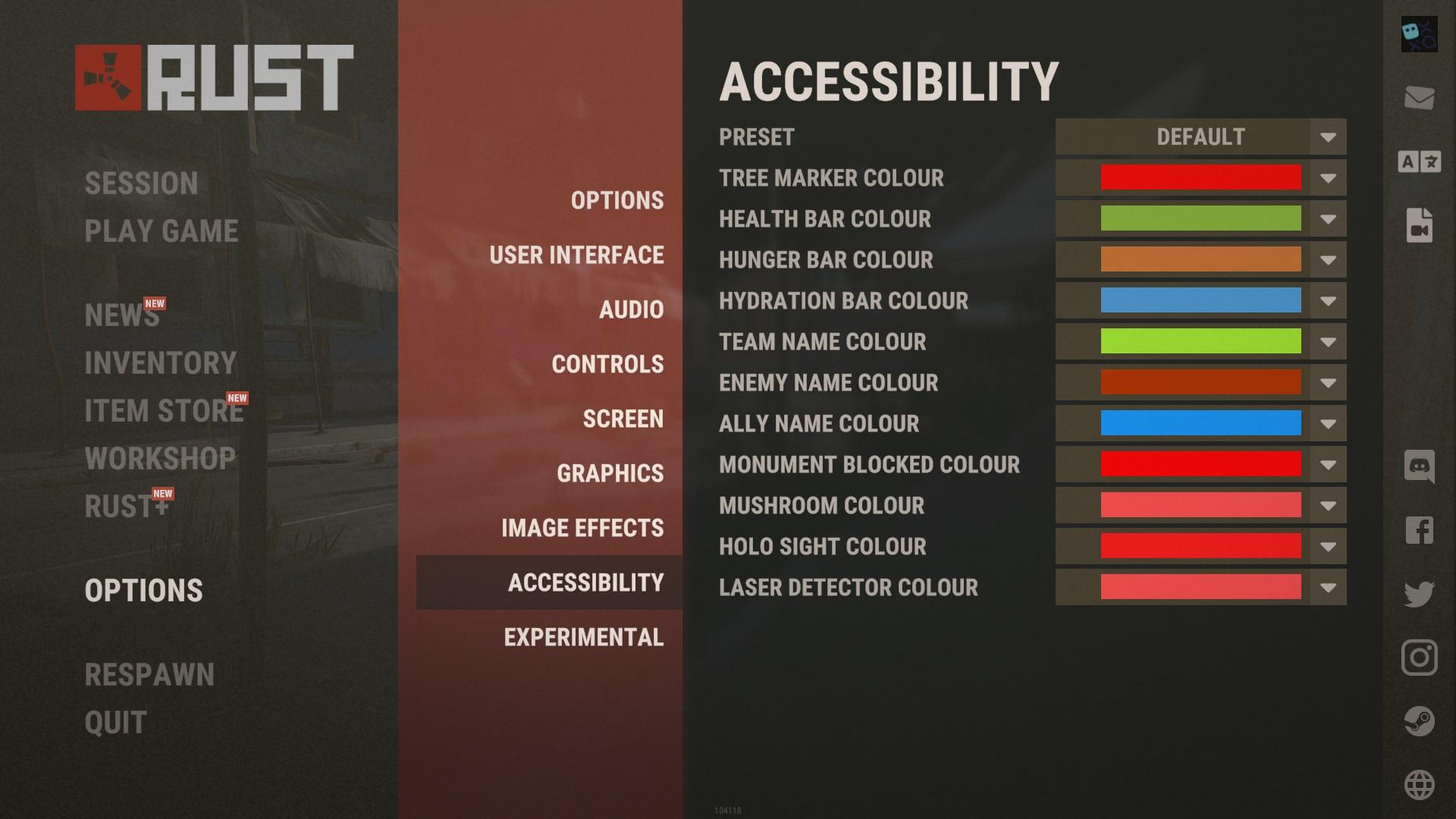
At first, let’s find out where to access these new settings. Head over to the escape menu in Rust, and you’ll spot a fresh addition: Accessibility page. This feature is designed to help you tweak the colors of various in-game elements so they’re easier to see, no matter what type of color vision you have.
Customizing Your Gameplay Experience
Once you’re in the Colorblind Accessibility menu, you’ll see several options to adjust different aspects of the game’s visuals. Here’s what you can customize:
- Hollow Sight Reticle: Change the color of the reticle on your hollow sight to something that stands out more for you. This can be a game-changer when you’re aiming and need that extra visual clarity.
- Health Display: Modify the colors of the health bars on your screen. Whether you want them brighter or in a different hue, this setting lets you choose what’s easiest for you to see.

- Teammate Name Tags: Adjust the colors of the names displayed above your teammates’ heads. This helps in quickly identifying who’s who, especially in high-intensity situations.
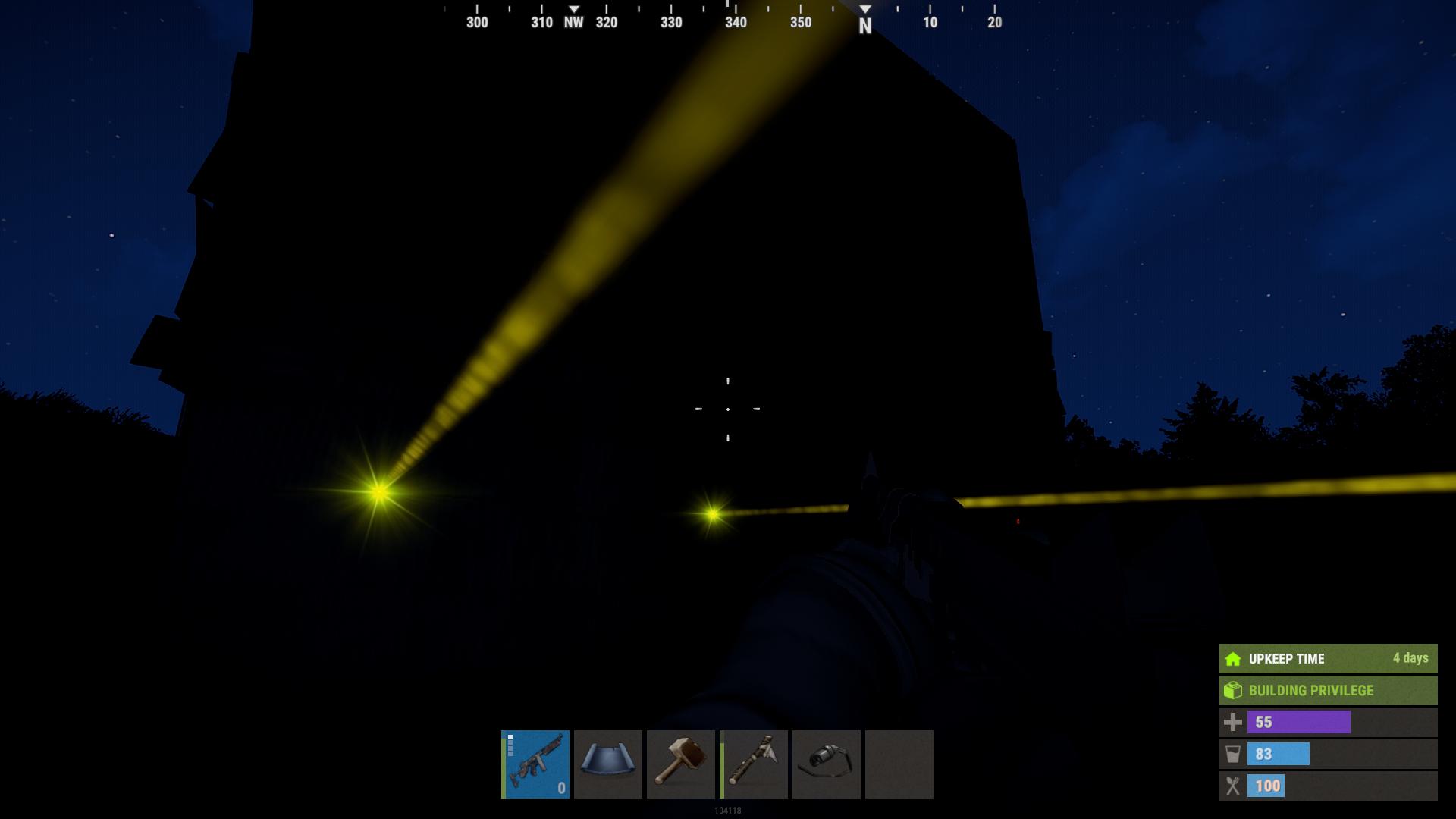
- X Marks on Trees: For those who use the X markers on trees to spot certain points or locations, you can now change these colors to something more distinguishable.
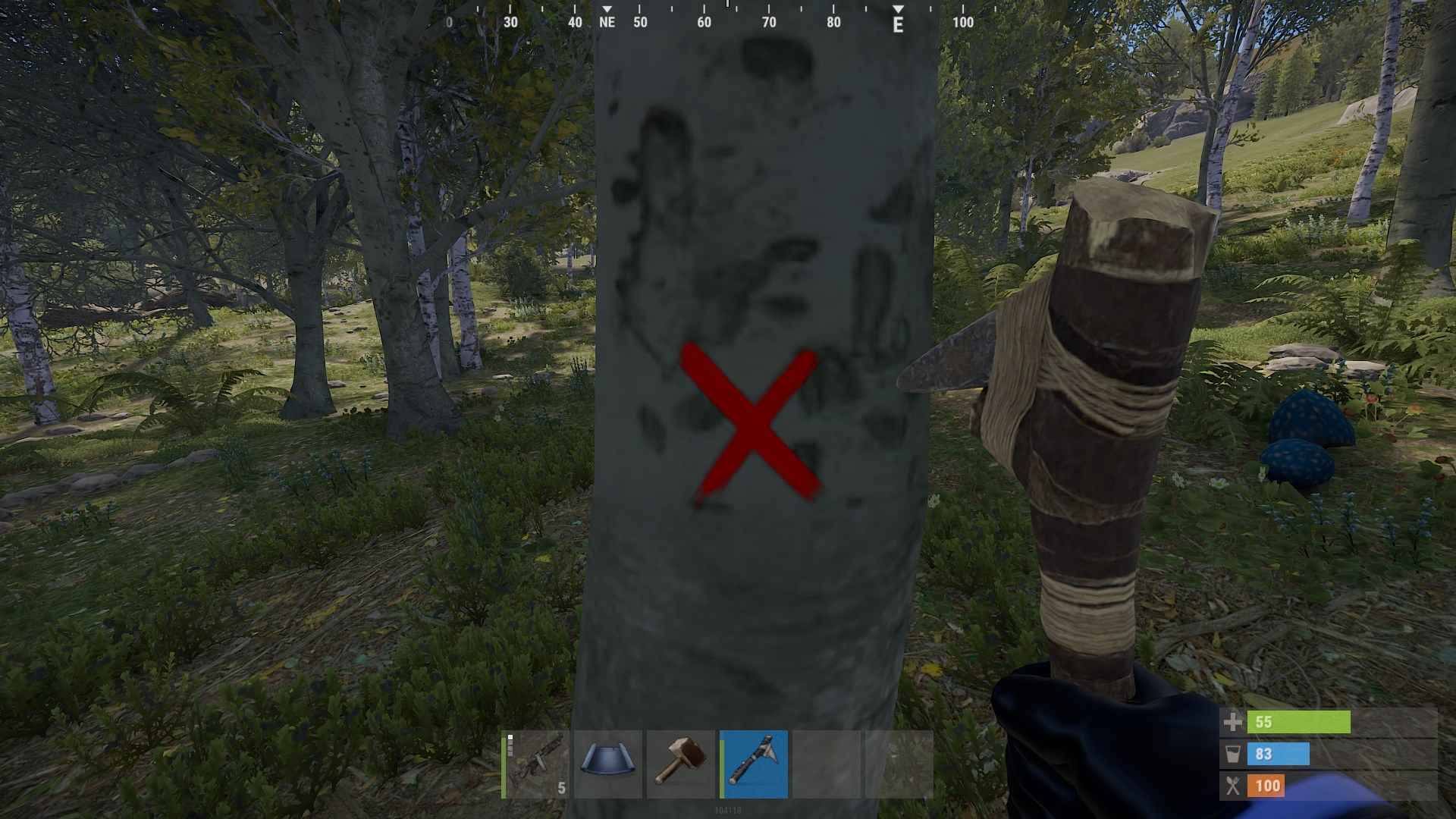
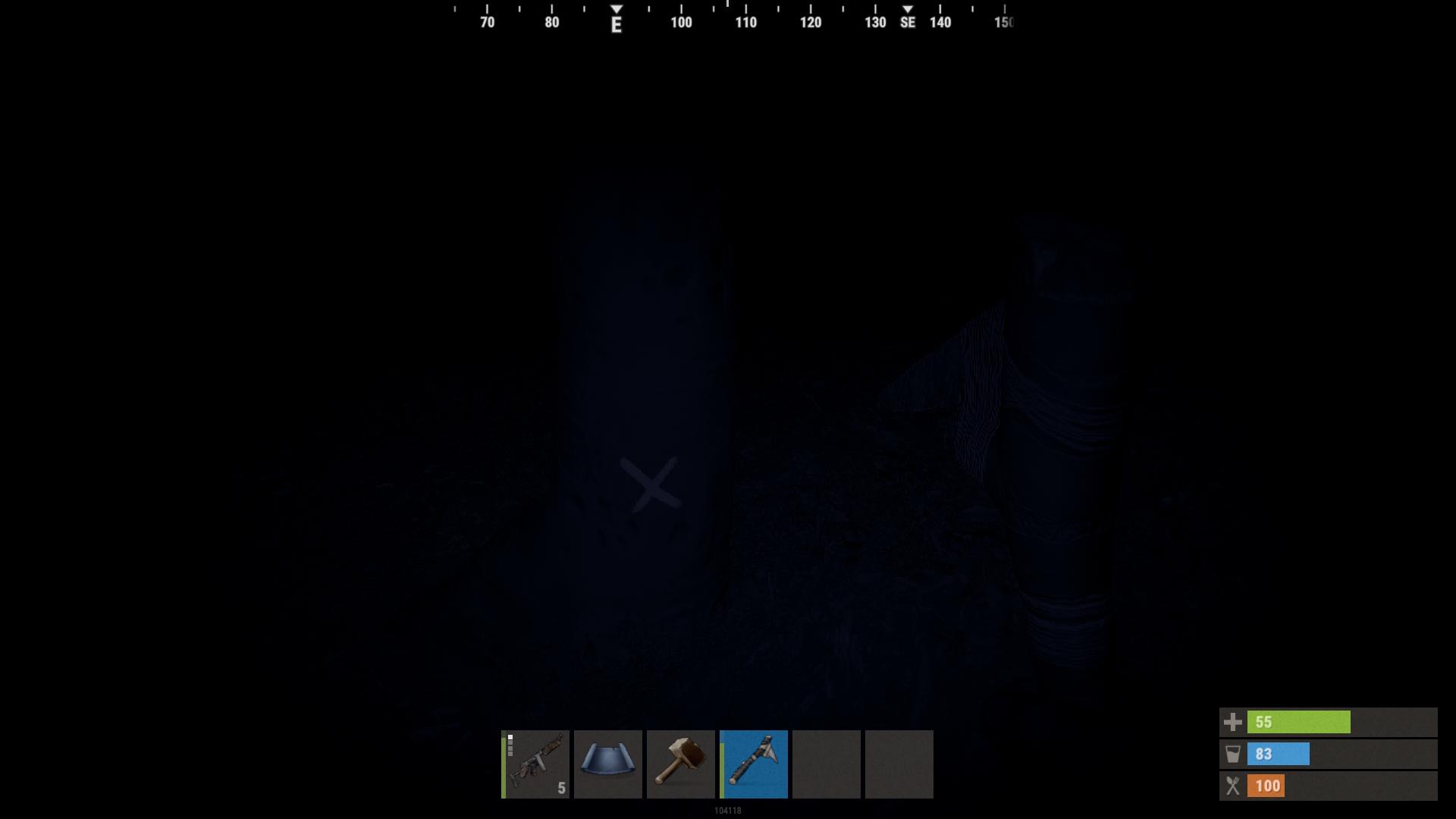
It really helps to cut down trees at night when the tree marks are changed to orange, making them visible in the darkness.
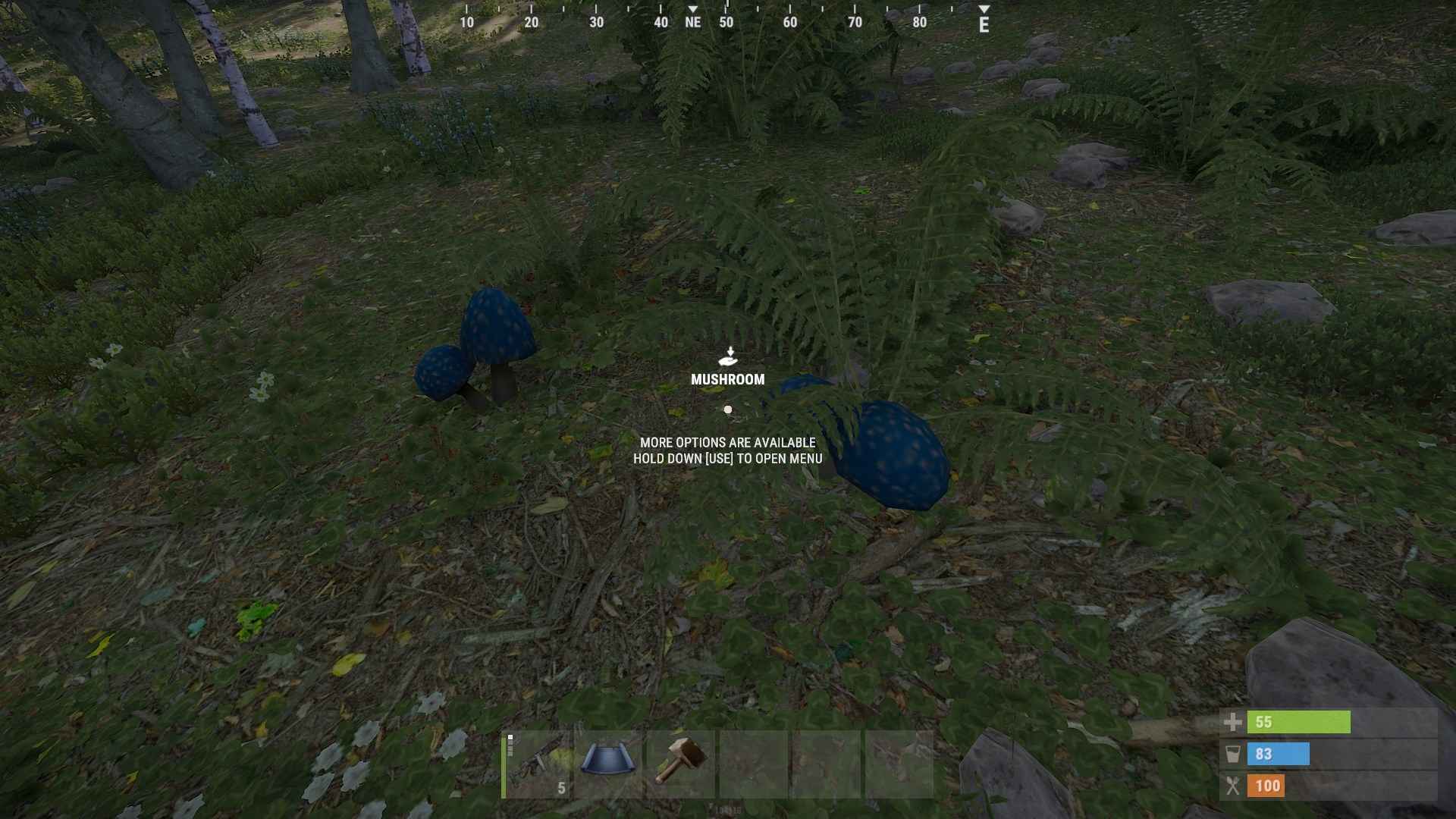
- Mushrooms: Yes, even mushrooms get a color makeover! If you find it tricky to spot these in-game, you can tweak their colors to stand out better.
These settings are super flexible. You can either choose from preset options based on your type of color blindness or set each color individually according to your personal preference. This customization is designed to make Rust more accessible and enjoyable for everyone, regardless of their color vision.
Making the Most of Your New Settings
To get started, just select the colors that work best for you and apply them. You’ll immediately notice a difference in how elements stand out in your game. This feature isn’t just about making things look different; it’s about making sure you can see and interact with everything you need to, without any color-related hassles.
This is just the beginning. The developers have hinted at even more customization options coming down the line. So, if you’re not quite seeing the perfect settings yet, stay tuned. There’s a good chance that more options and refinements will be added to enhance your experience even further.
With the new colorblind accessibility options in the Rust Update, you’ve got the power to make your game experience much more comfortable and tailored to your needs. Whether you’re adjusting the reticle on your hollow sight or tweaking the color of health bars, these settings are all about making sure you can fully enjoy the game.