
How to Reboot Spillway Computer in Abiotic Factor
So, you've made it this far in Abiotic Factor, but now you're staring at a Spillway Computer that refuses to cooperate. You've disabled the radiation on the Hydroplant roof, but the button still isn’t working. Frustrating, right? There are a few key tasks you need to complete before that stubborn machine will respond. In this guide, we’ll break it all down step by step, so you can finally reboot the system and move forward.
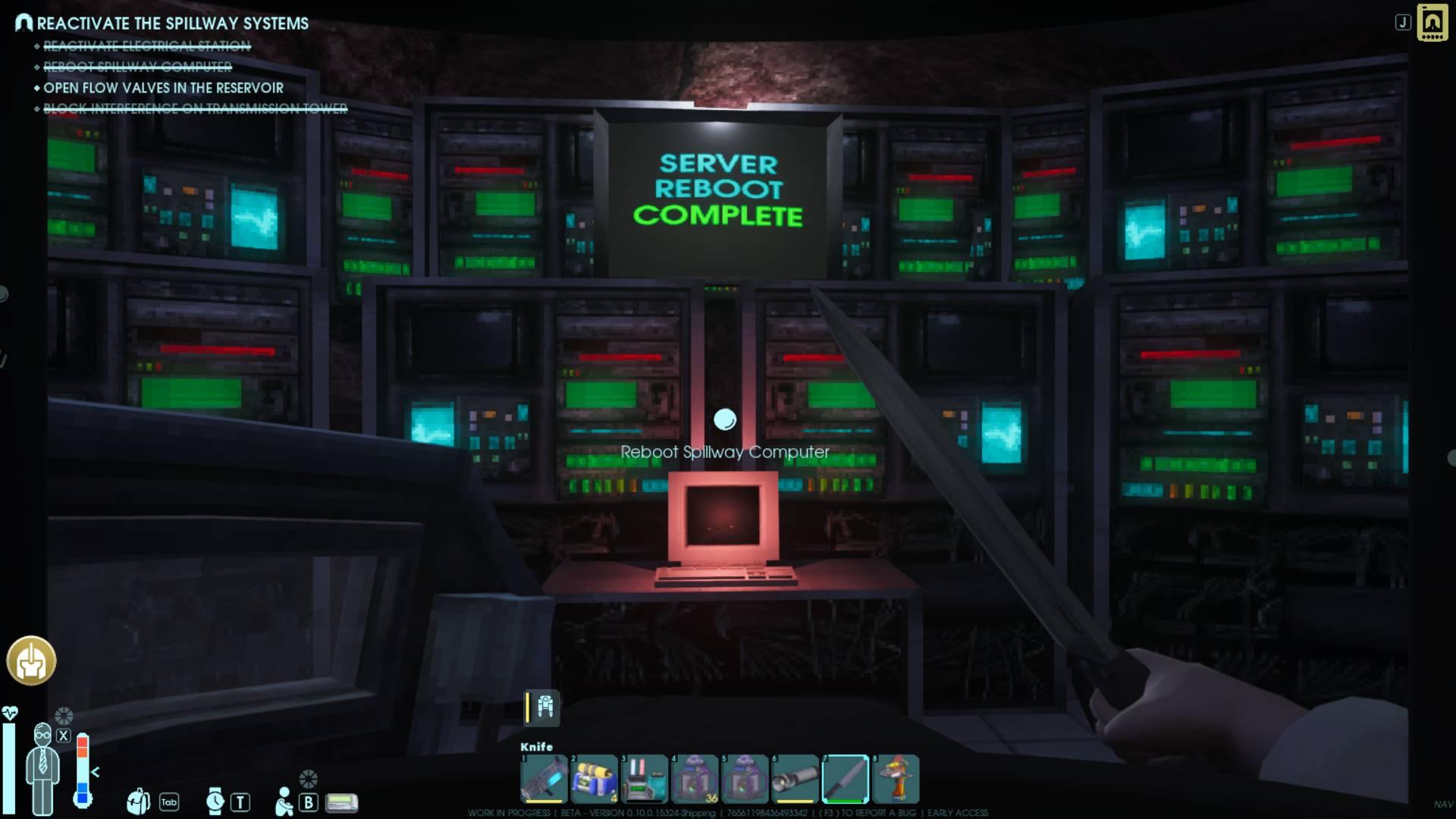
Locate the Spillway Computer
First things first, you need to find the Spillway Computer. It's located at the bottom level of the Waterfall Apartments, deep in the facility. If you haven't been there yet, get ready for some exploration. Keep an eye out for a Level 5 hack-locked door - that’s your entry point.
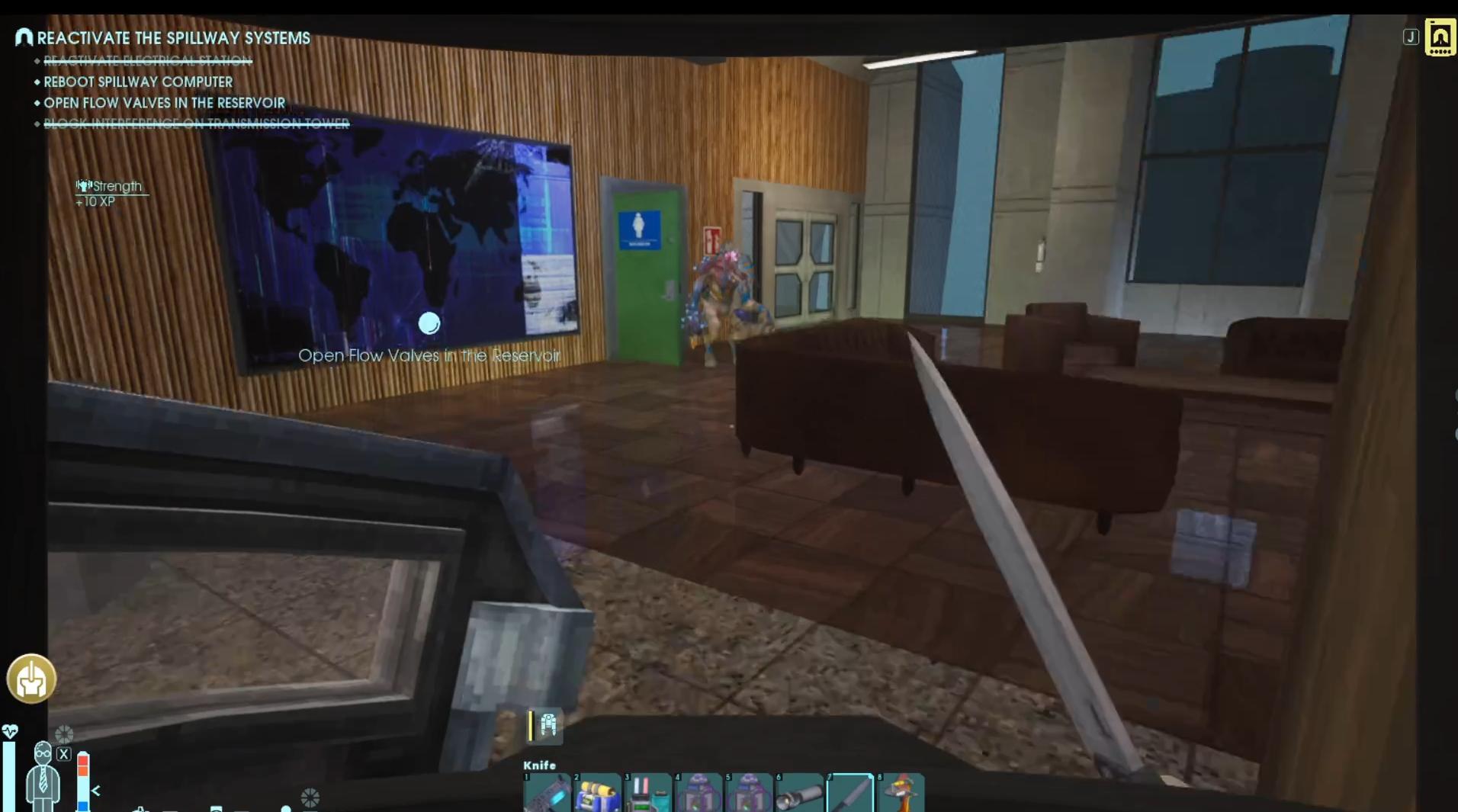
Before you rush in, make sure you have a Tier 5 Hacker tool, because without it, you're not getting through that door. If you haven’t crafted one yet, you’ll need to gather the necessary components and build it first.
Restore Power to the System
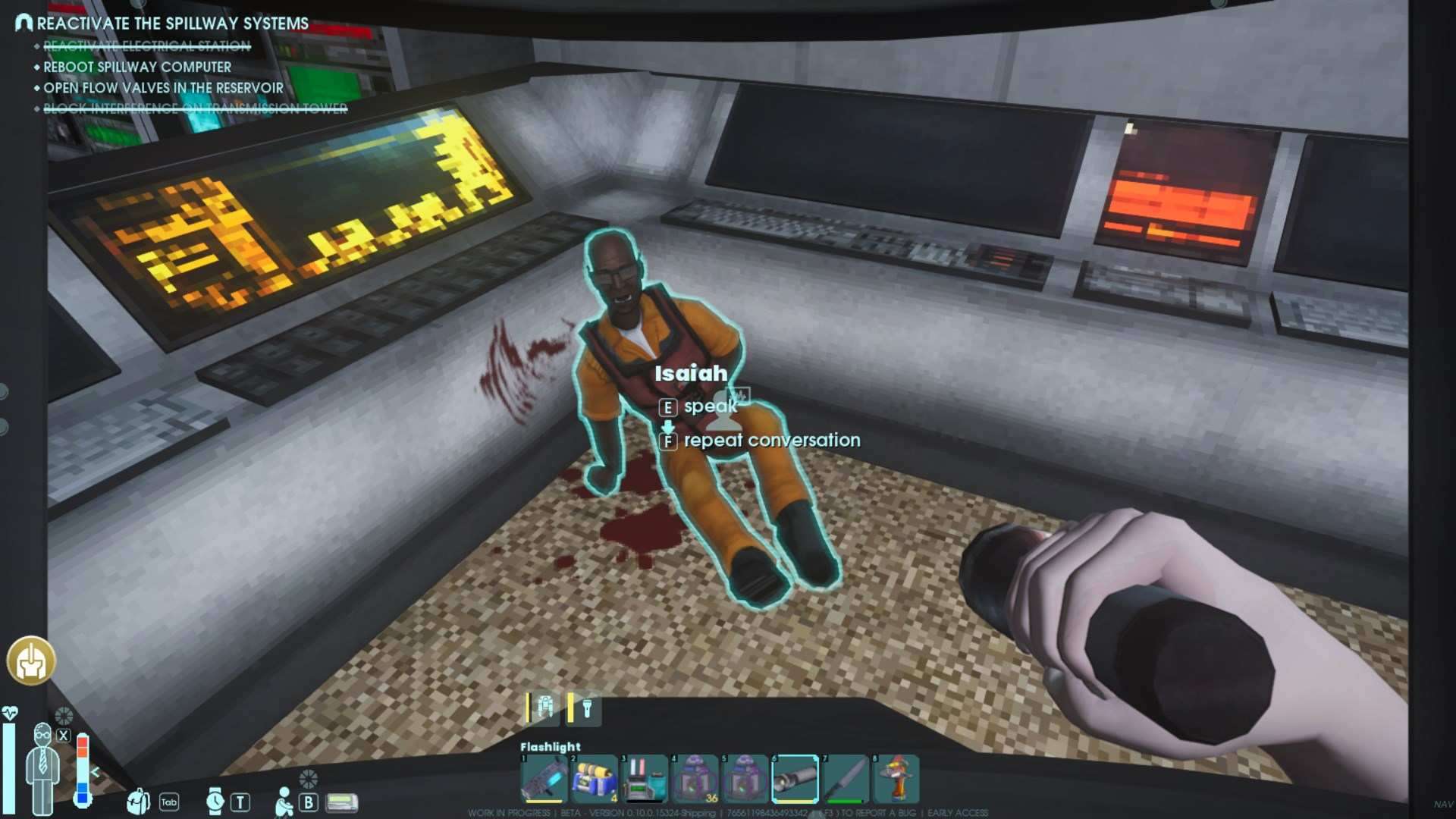
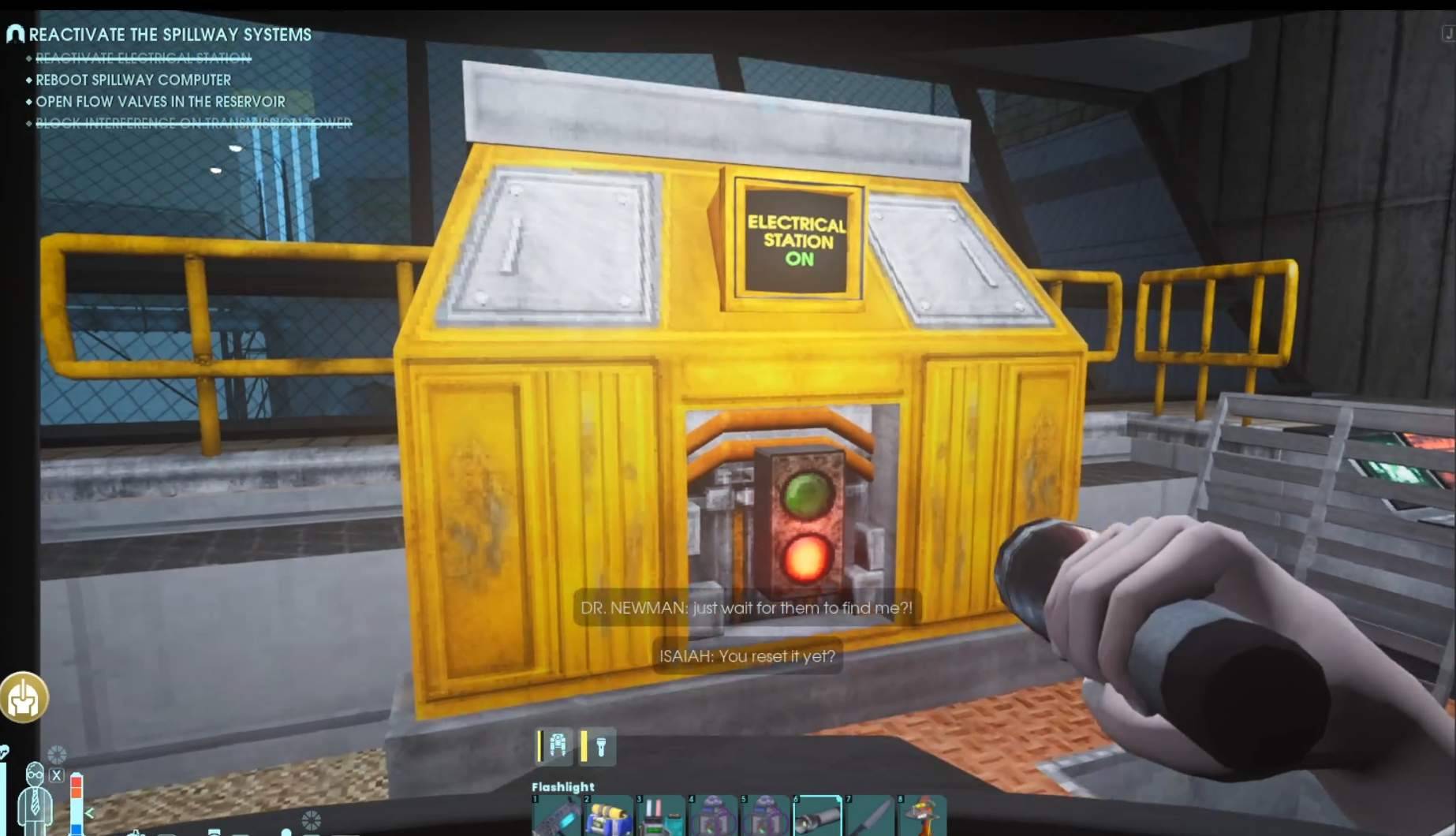
Now that you know where the computer is, it's time to make sure the entire system is powered up. Head over to Isaiah at the Hydroplant, where you'll find the main power system. Thanks to the recent earthquakes, everything shut down, so you'll need to manually reset it.
Look for the power control panel, interact with it, and flip the switch to restore electricity. Once the lights flicker back on, you're one step closer to rebooting the Spillway Computer.
Reboot the Spillway Computer
With power restored, return to the Waterfall Apartments and use your Tier 5 Hacker to unlock the secure room. Once inside, you’ll see the Spillway Computer terminal. Now, here's the tricky part - if you try pressing the button too soon, you’ll see the dreaded message: "It doesn’t seem to be working right now."
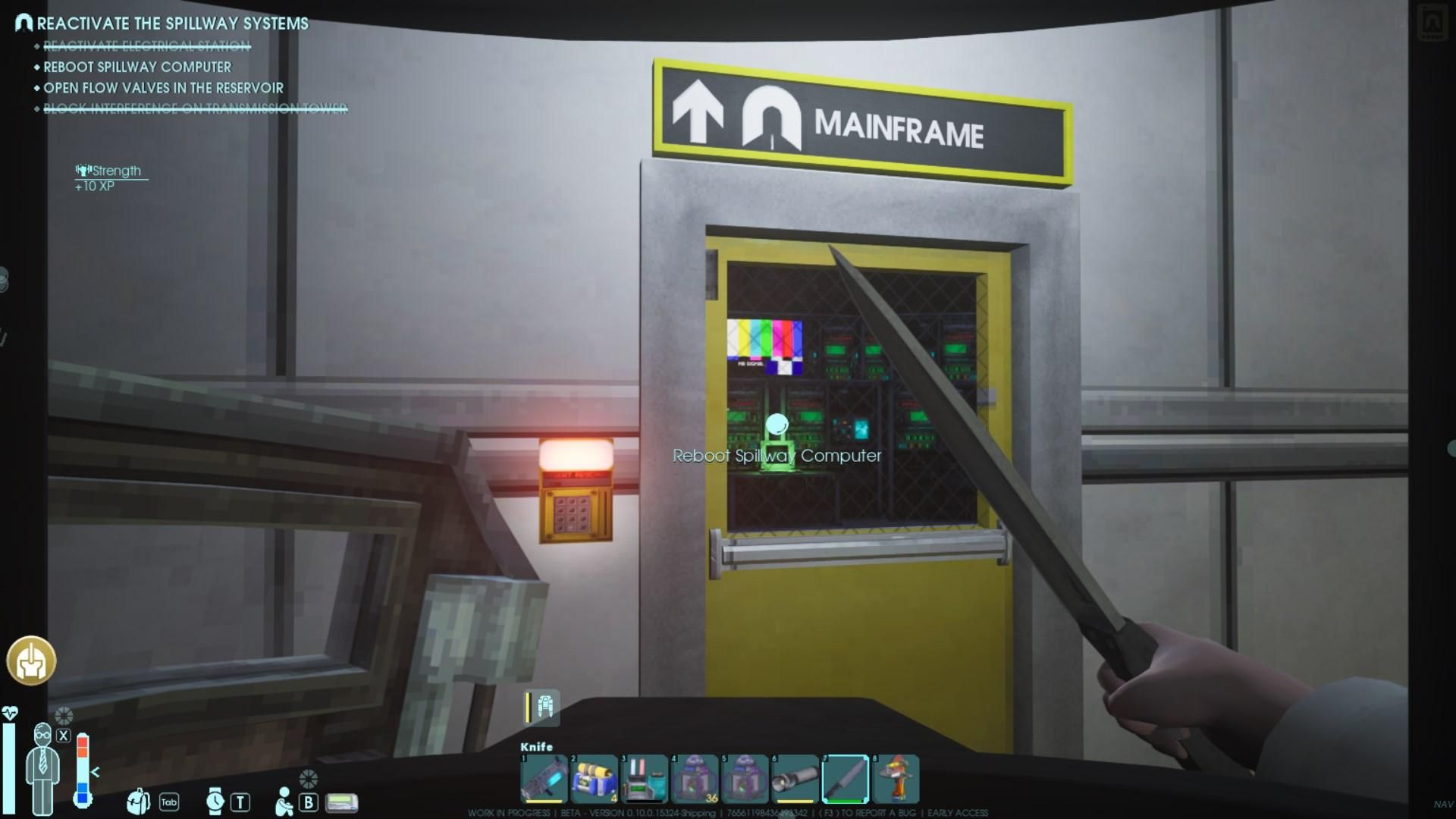
Why? Because there are still three more critical tasks you need to complete.
Press the Button in the Neutrino Emitter Tower
Now that the computer is prepped, it’s time to activate the system from another location. Head to the Neutrino Emitter Tower in the Big Green Lake. Once inside, look for a machine with two buttons. Be careful - you need to press the one on the side, NOT the portal button.
Once you press the correct button, the neutrino emitter should kick into action. But you’re not done yet - there’s still more work to do.
Install and Activate the Neutrino Emitter on the Roof
Next, head up to the Hydroplant roof and locate the antenna station. Your goal is to install the Neutrino Emitter in the designated square outline on the floor. Make sure it’s positioned inside the box, or it won’t count.
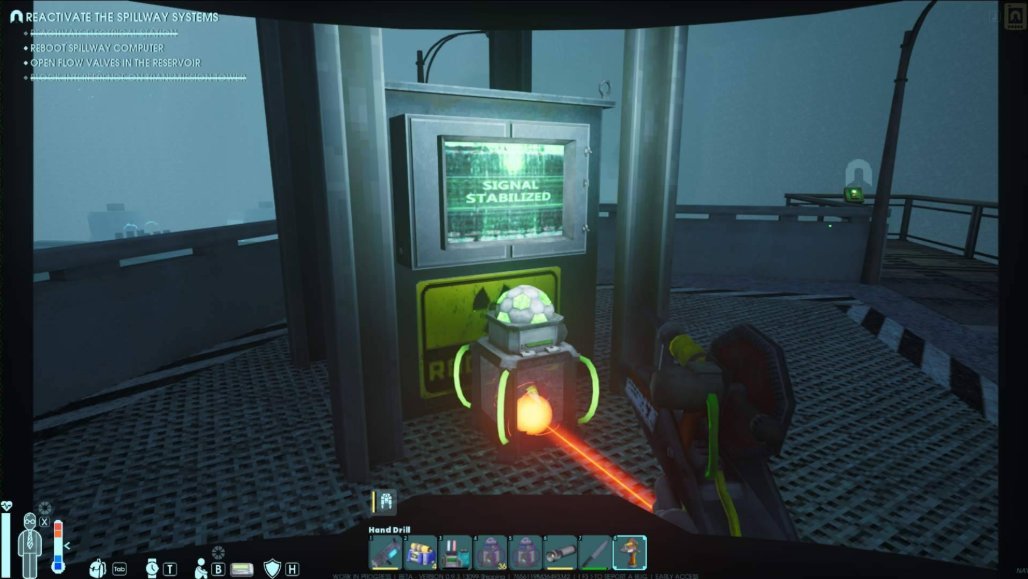
Once it's placed correctly, activate the power input from a laser emitter. If done correctly, you should be able to press the button near the antenna to confirm installation.
Unlock the Flow Valves
With the Neutrino Emitter set up, it’s time to unlock the Flow Valves. These are located in the tower across the reservoir. Unfortunately, getting there isn’t simple. You might have to navigate through some tough terrain and potential enemies, so be prepared.
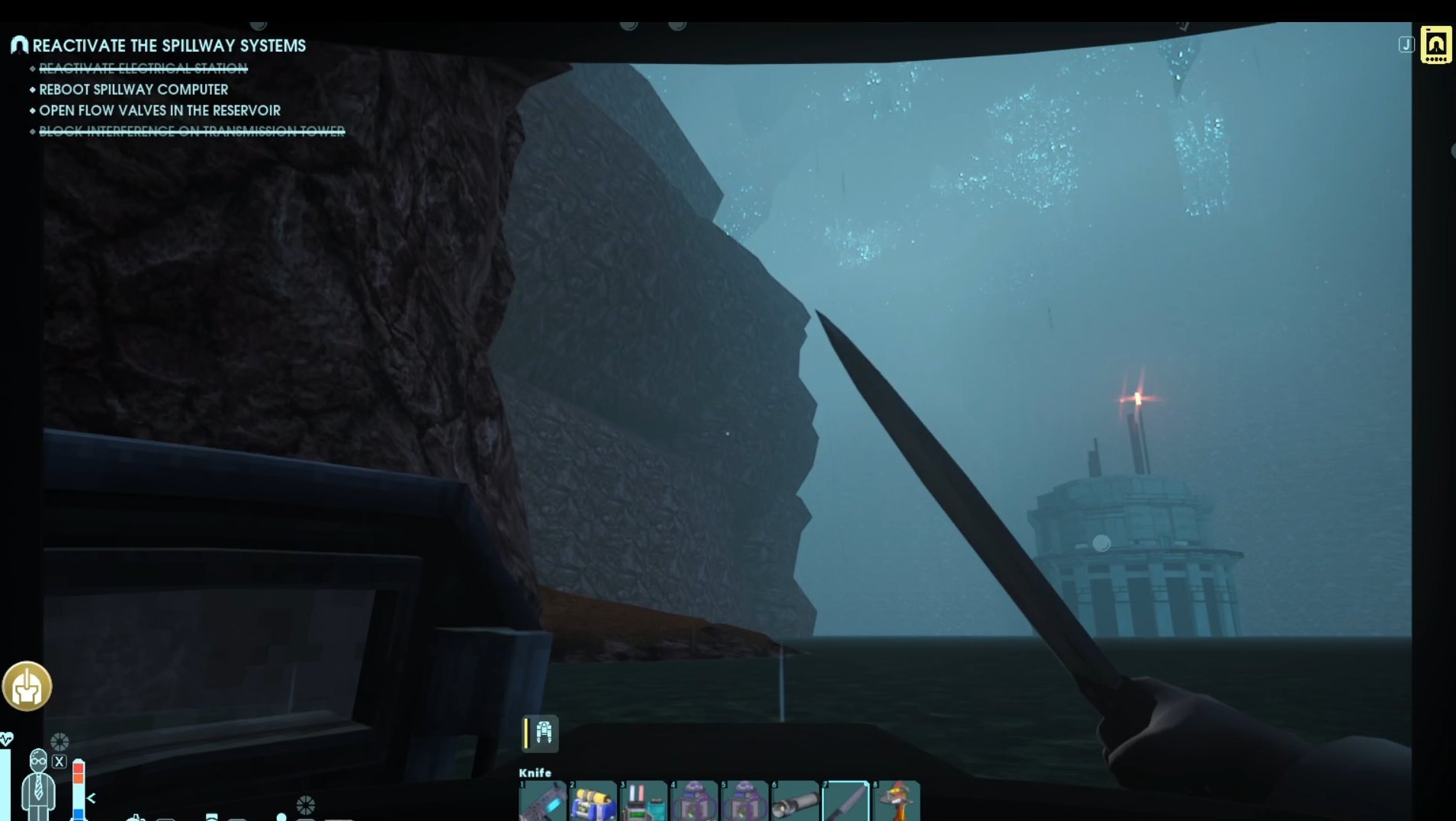
Once inside the tower, interact with the control panel to unlock the Flow Valves. This is a key step in bringing the Spillway system back online.
Restore the Central Network Transmitter
One last step before heading back - the Central Transmitter needs to be reactivated. This is how all dam systems communicate with the facility’s network, so it’s essential to get it working.
You’ll find the Central Transmitter on top of the Hydropump building, which is marked with a big "H" on the side. Something may be interfering with the signal - likely radiation - so make sure to clear any obstacles before attempting activation.
Final Step Return to the Submarine Room
Now that all four tasks are complete, it’s time to return to the submarine room, where Abe and Janet are waiting. This is where you’ll press the final button to fully reboot the Spillway Computer.
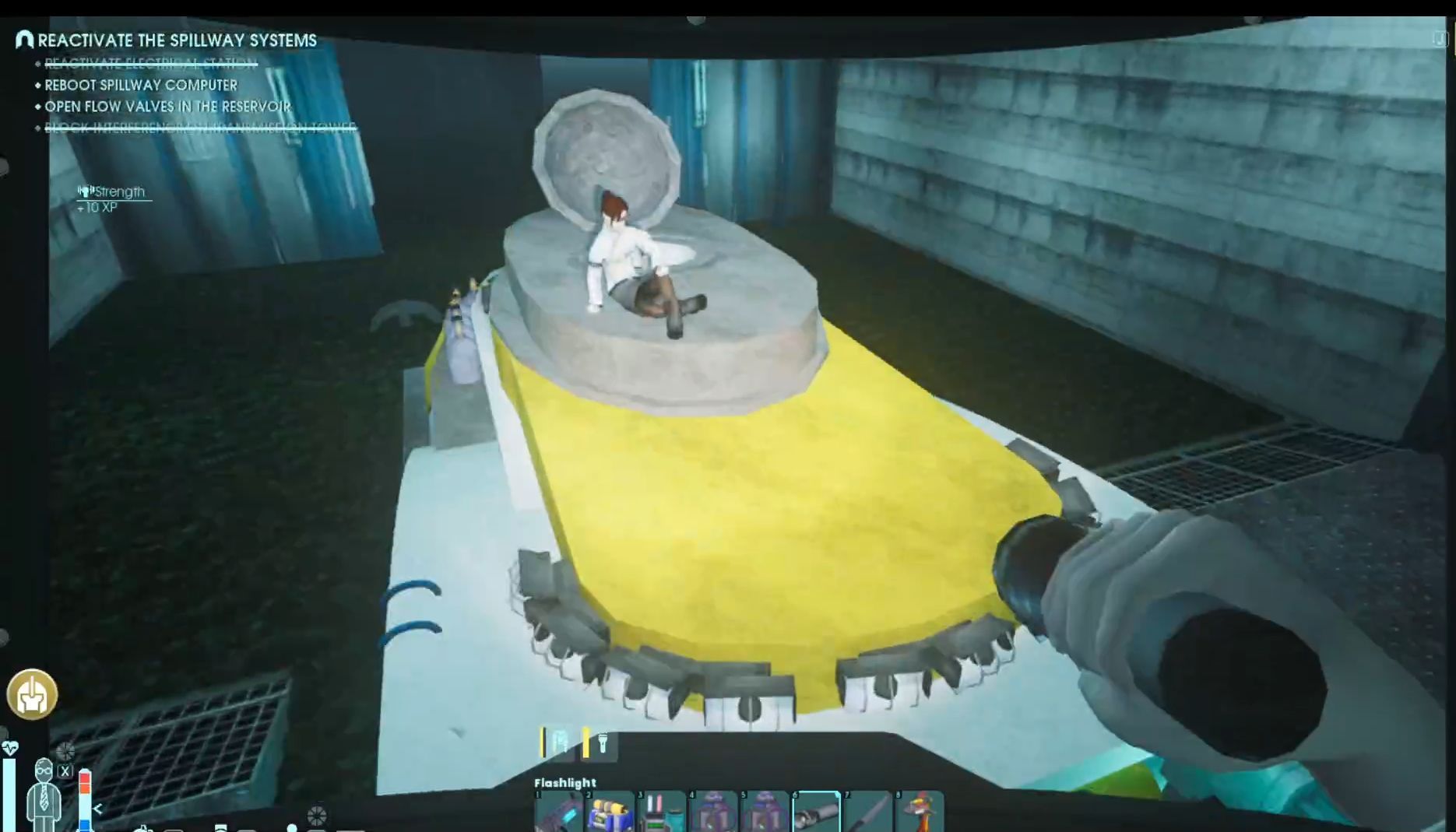
Once activated, the system will engage, and the Spillway will be functional again. Congratulations - you’ve successfully rebooted the Spillway Computer and are ready for the next phase of your journey!
You did it! Rebooting the Spillway Computer in Abiotic Factor might have seemed impossible at first, but with a little patience and a lot of button-pressing, you've restored power and set the stage for what comes next. Now, all that water is rushing straight to Reactors, unlocking new possibilities. What’s waiting for you down there? Only one way to find out—keep exploring, and good luck!