
How to Make a Spyglass in Minecraft?
The world of Minecraft is enormous, teeming with hidden secrets and exploration opportunities. The spyglass is one tool that significantly improves your capacity to survey the terrain. The Caves & Cliffs update introduced the spyglass, enabling users to zoom in for a closer view of distant objects such as a secret settlement, a distant mountain peak, or an approaching mob. This tutorial will show you how to make a spyglass in Minecraft and explore its tactical applications. We'll also talk about how using features like the spyglass to play on Gamever servers can improve your experience and allow you to explore and interact with other players.
What is a Spyglass in Minecraft?
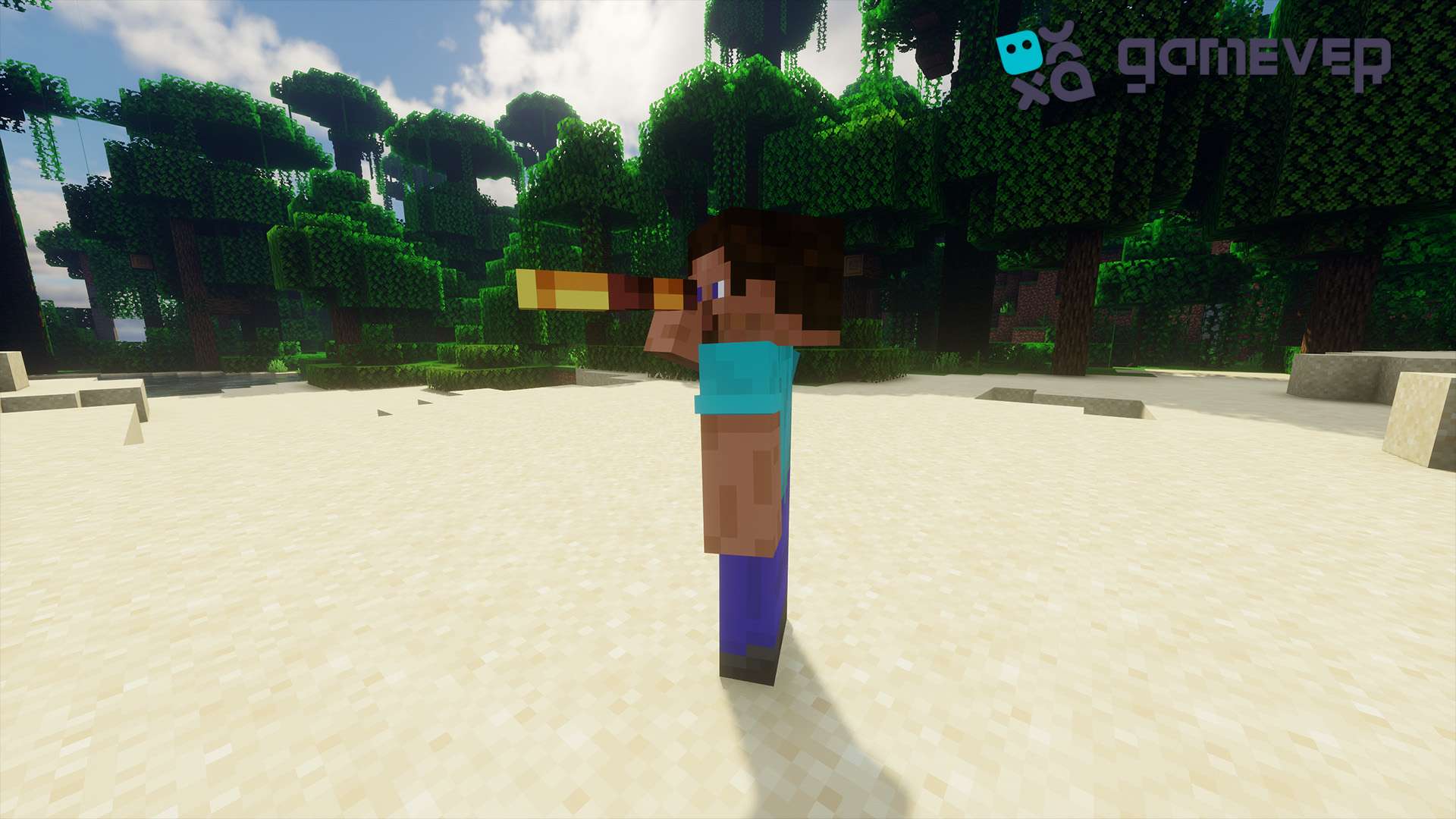
The spyglass is a utility tool that allows players to zoom in on distant objects, giving them a clearer view of far-off locations or entities. This tool is especially helpful when you’re exploring large biomes, scouting out structures from afar, or checking for dangerous mobs before advancing. Once crafted, it doesn't require any resources to use and provides an immersive zoom feature that can greatly enhance exploration.
Materials Needed for a Spyglass
To craft a spyglass, you will need the following materials:
- 2 Copper Ingots : Copper is a relatively new resource in Minecraft, found as copper ore and smelted into ingots.
- 1 Amethyst Shard : Amethyst shards are obtained from amethyst geodes, a rare underground structure in Minecraft.
Step-by-Step Guide to Crafting a Spyglass
1. Collecting Copper Ingots
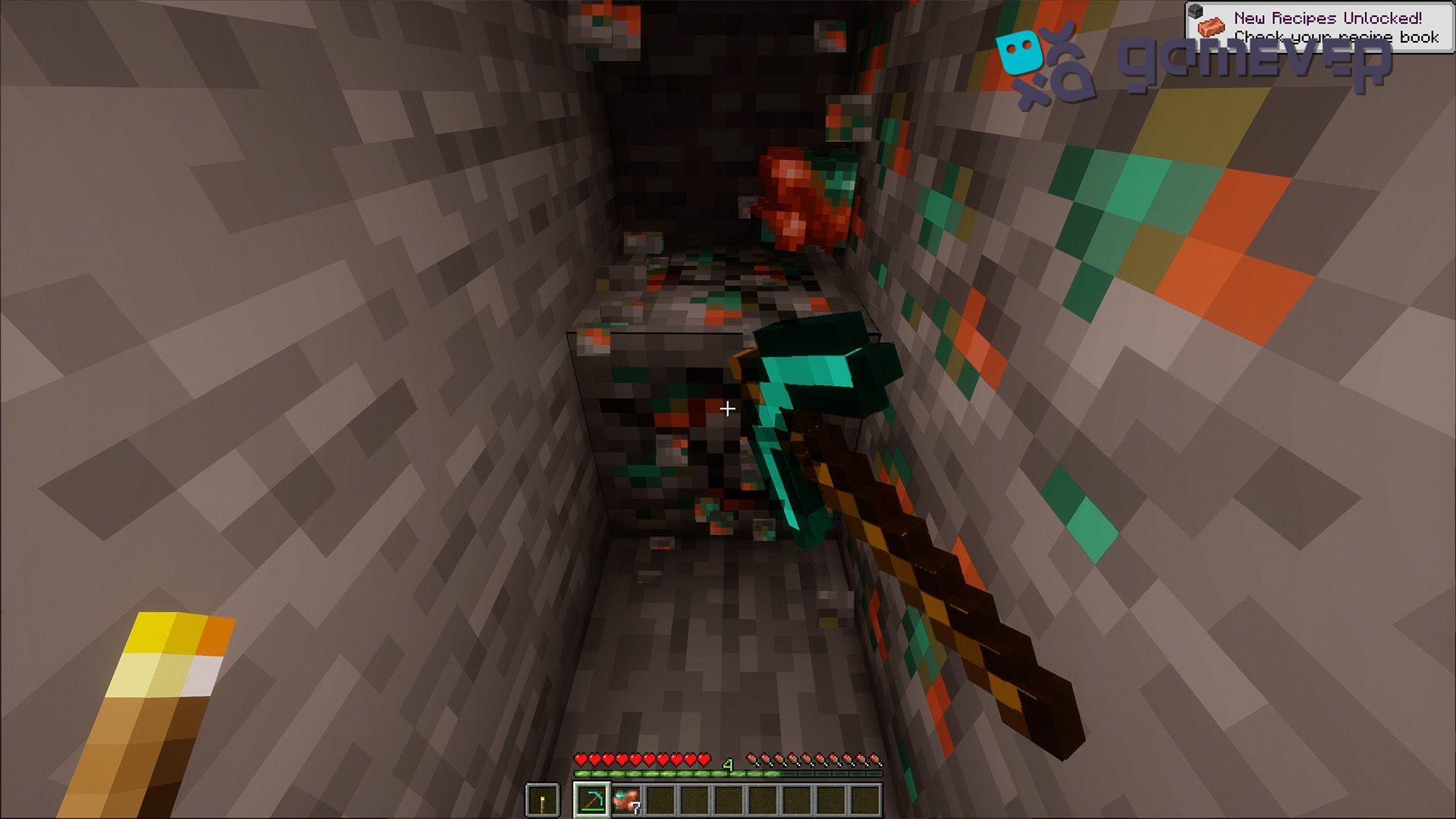
- Mining Copper Ore : Copper ore is relatively common in Minecraft and can be found between levels Y=47 and Y=-16. To mine it, you will need at least a stone pickaxe.
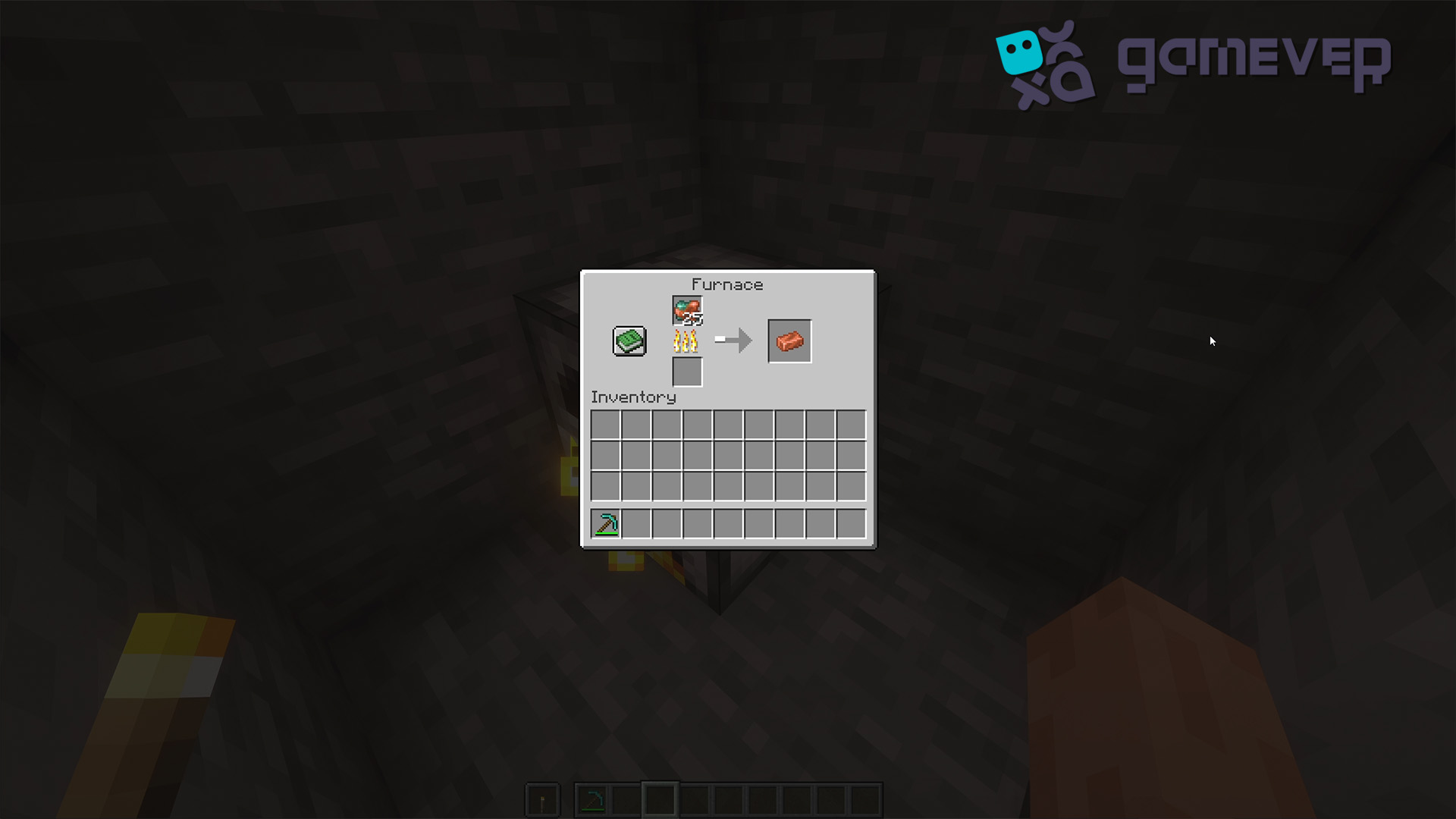
- Smelting Copper Ingots : Once you’ve collected your copper ore, smelt it in a furnace or blast furnace using fuel such as coal or charcoal. This will yield copper ingots, which are essential for crafting the spyglass.
2. Finding Amethyst Shards
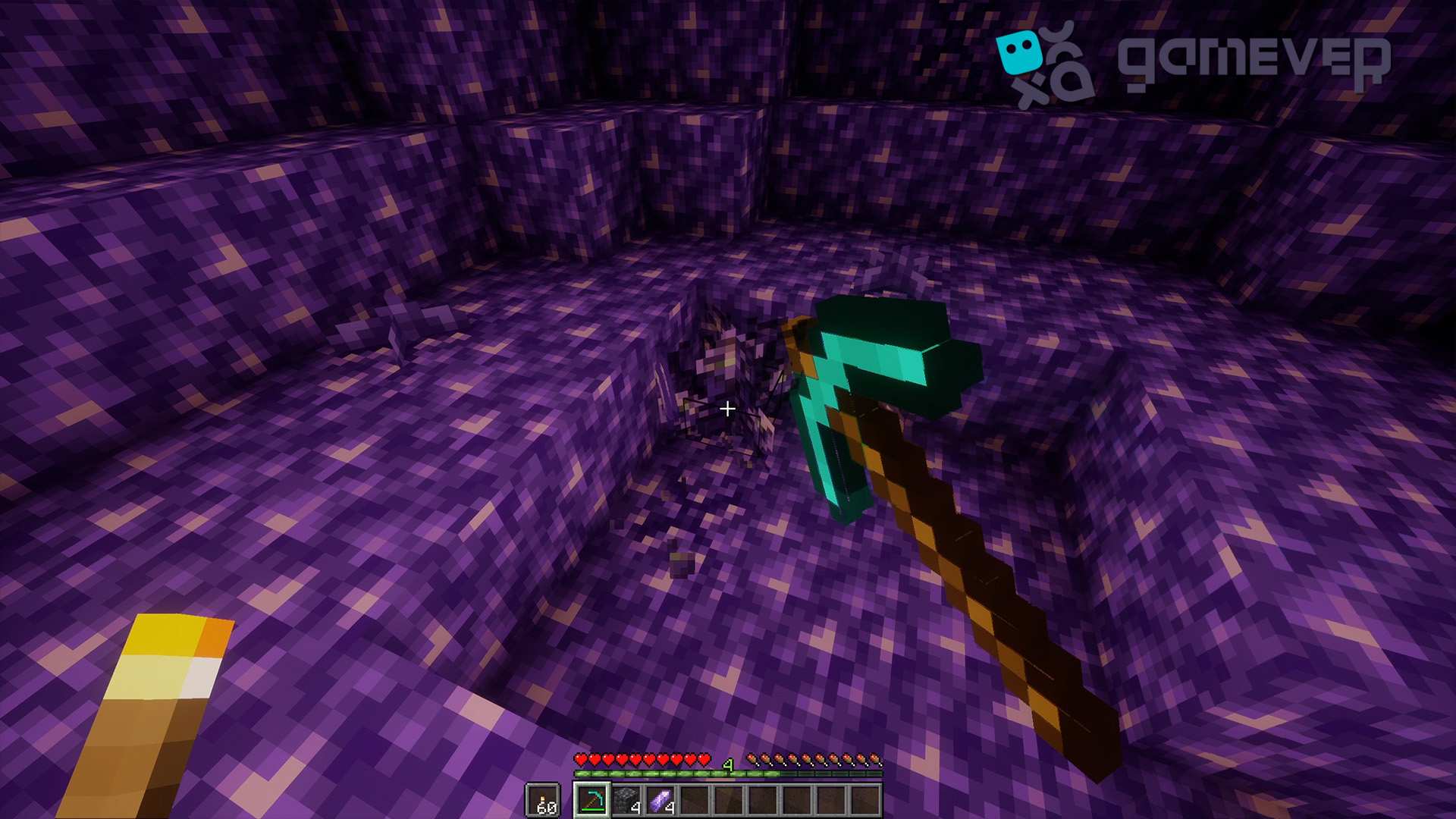
- Locate an Amethyst Geode : Amethyst shards can be found inside geodes, which spawn between Y=70 and bedrock. Geodes are spherical underground structures made up of three layers: smooth basalt, calcite, and amethyst blocks.
- Harvesting Amethyst Shards : You’ll find clusters of amethyst growing on blocks called budding amethyst. Mine the fully grown clusters with an iron pickaxe or higher to collect amethyst shards. Breaking the smaller clusters won’t yield shards, so make sure the clusters are fully grown.
3. Crafting the Spyglass
- Open the Crafting Table : With your materials ready, open your crafting table to access the 3x3 grid.
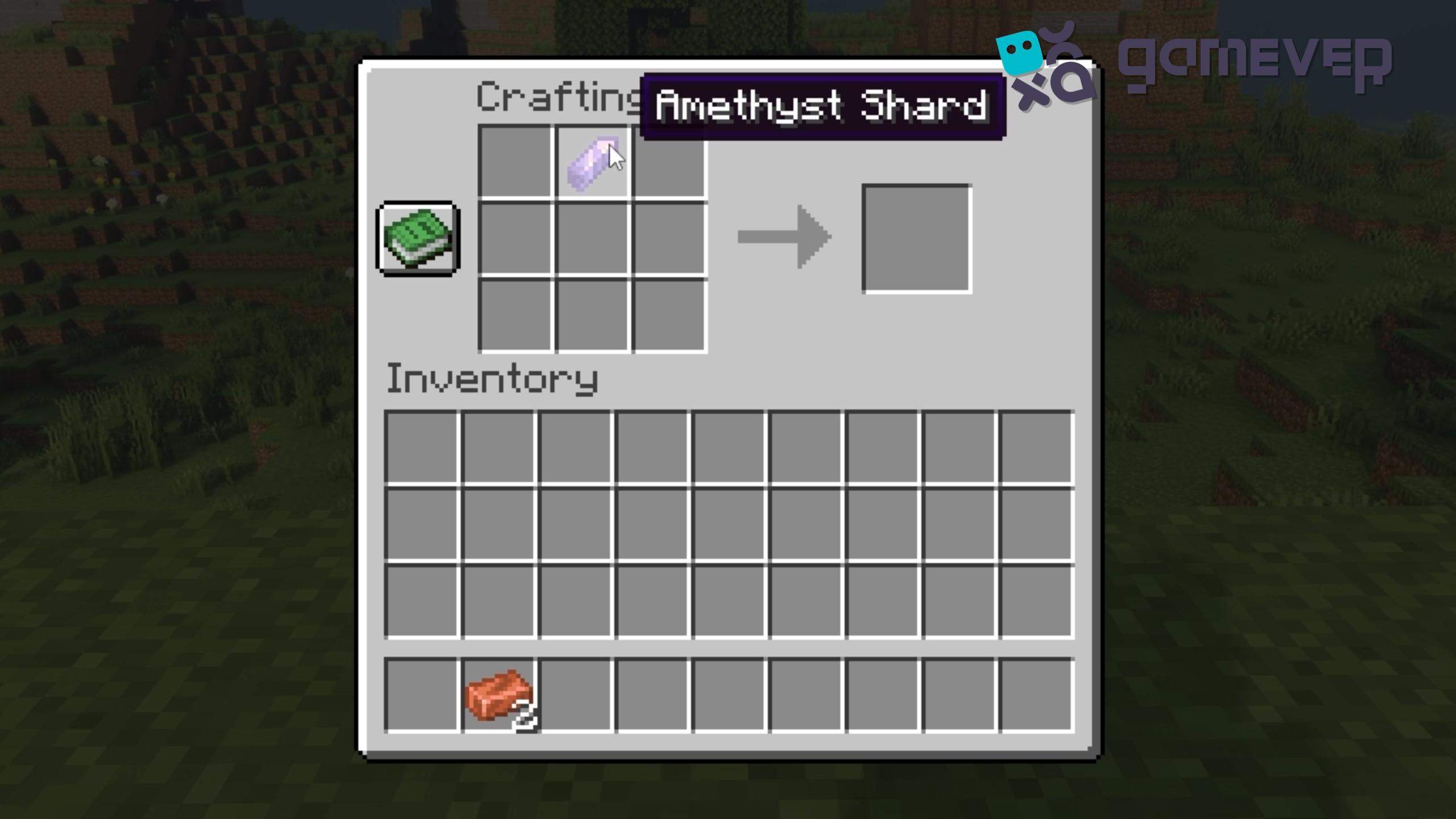
- Place the Amethyst Shard : In the crafting grid, place the amethyst shard in the top-middle slot.
- Add Copper Ingots : Place the two copper ingots in the center and bottom-middle slots, stacking them beneath the amethyst shard.
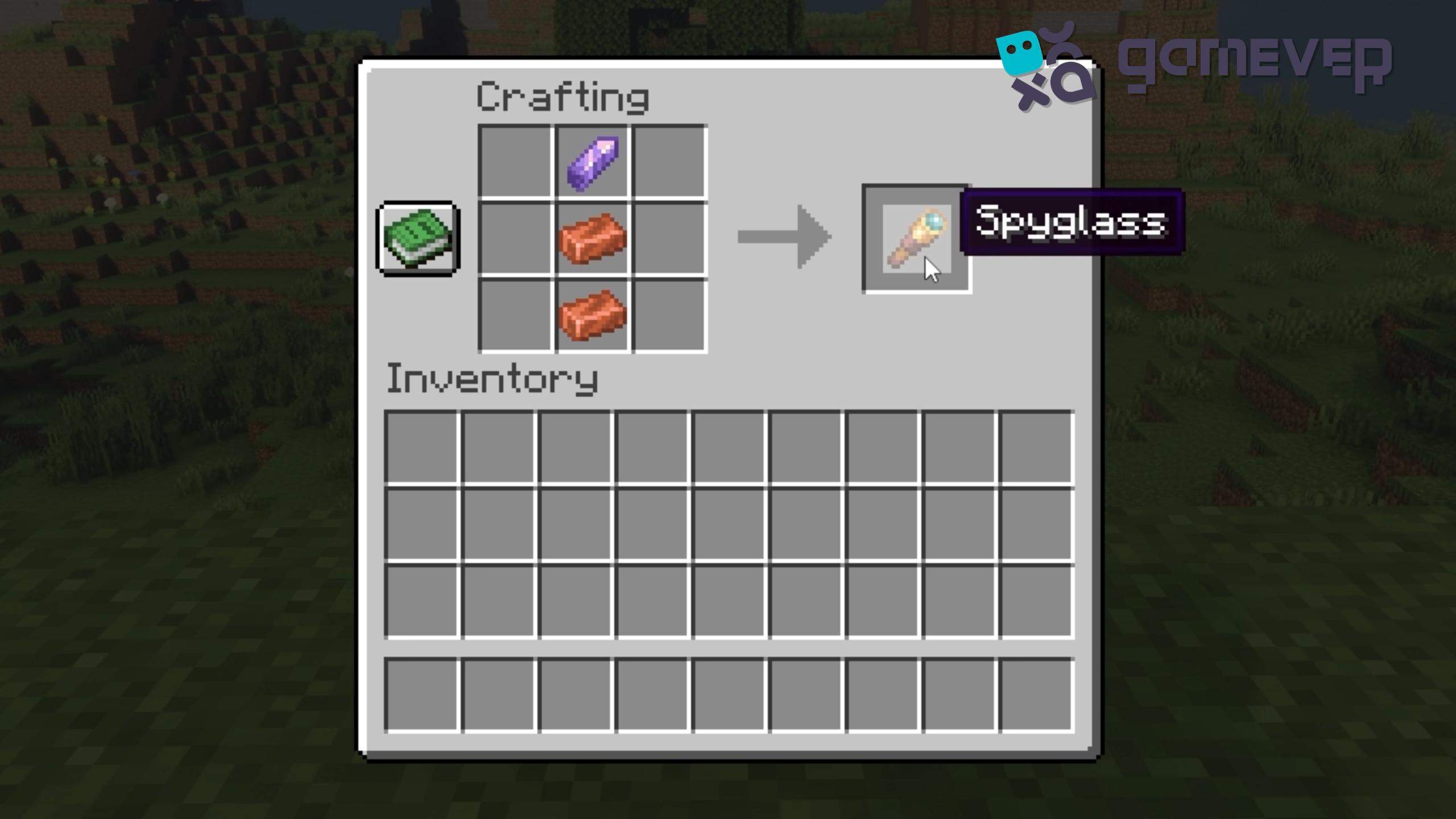
- Craft the Spyglass : Once you've placed all the materials correctly, the spyglass will appear in the result box. Drag it into your inventory, and congratulations—you’ve crafted your spyglass!
How to Use the Spyglass in Minecraft
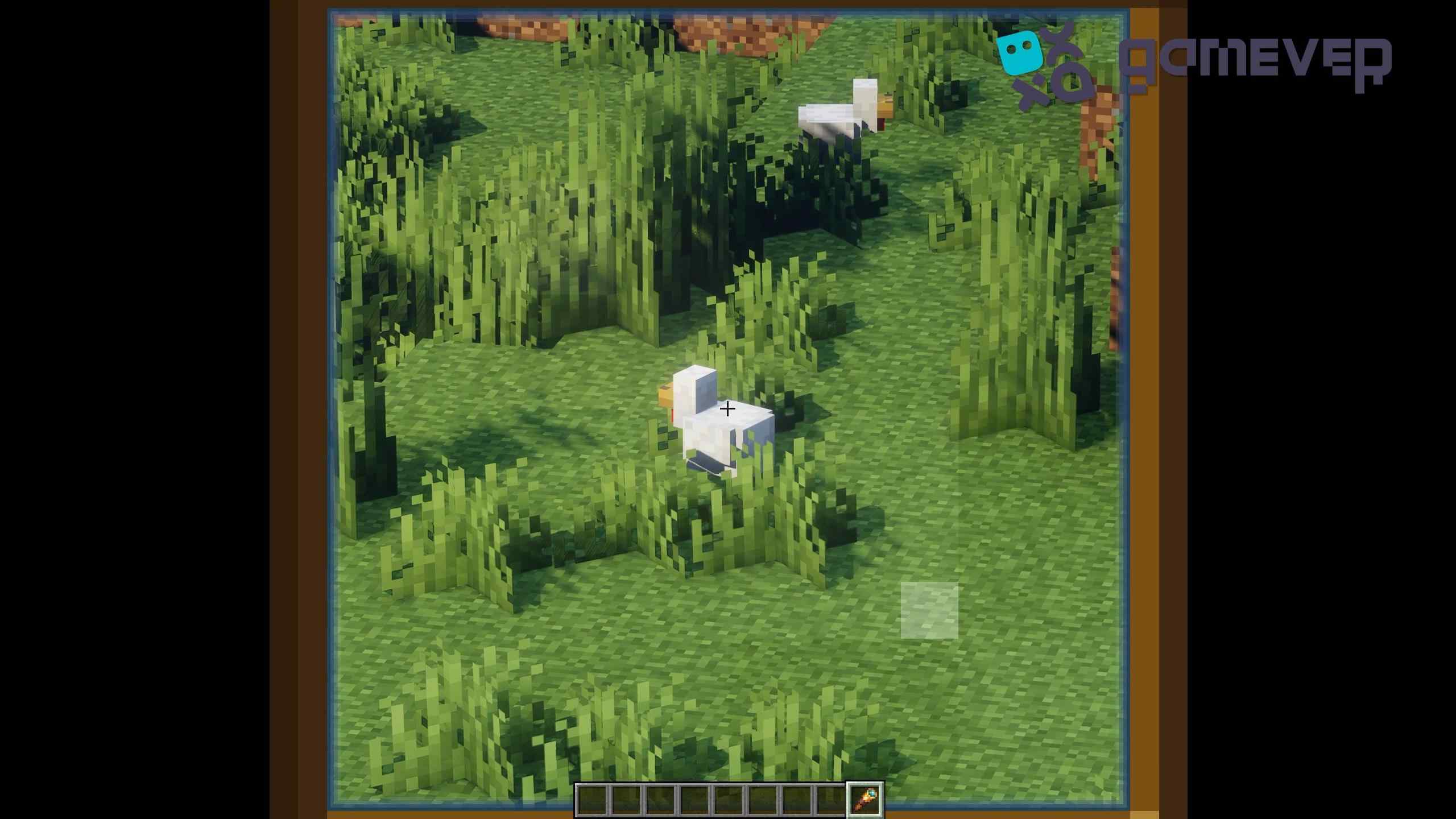
Using the spyglass is straightforward. Simply select the spyglass in your hotbar and right-click (or use the respective button on your platform) to zoom in and focus on distant objects or areas. The spyglass will narrow your field of vision, creating a circular lens-like effect, which adds to the immersive experience.
Strategic Uses of the Spyglass
- Exploring the Terrain : A spyglass is an essential tool for explorers. Use it to scout distant biomes, structures, or villages from a safe distance, saving time and effort.
- Identifying Mobs and Resources : Use the spyglass to identify mobs or valuable resources such as exposed ores in cliffs or mountains, allowing you to plan your approach more effectively.
- Multiplayer Advantages : In PvP or multiplayer scenarios, a spyglass can help you keep an eye on rival players, scout their positions, or locate strategic locations from afar.
Benefits of Using a Spyglass on Gamever Servers
Playing on Gamever servers with a spyglass in hand can greatly enhance your experience in several ways:
- Collaborative Exploration : Work with other players to scout large areas and explore new biomes. With a spyglass, you can easily direct teammates toward resources or objectives you spot from a distance.
- Enhanced Building and Resource Management : On multiplayer servers, especially those focused on large builds or resource gathering, a spyglass is a useful tool for overseeing projects, ensuring optimal placement of structures, and coordinating efforts with other players.
- PvP and Strategic Gameplay : In competitive multiplayer scenarios, spotting enemies or rival factions early with a spyglass can give you a critical tactical advantage, allowing you to plan defensive or offensive strategies more effectively.
How to Optimize Your Spyglass Use
Although you primarily use the spyglass to zoom in on distant objects, you can maximize its usefulness by combining it with other tools and strategies:
- Pairing with Elytra : If you’re flying with an elytra, using the spyglass can help you spot landing zones or key locations from above, making your aerial exploration even more efficient.
- Enhanced Navigation : When exploring vast biomes like deserts or oceans, use the spyglass to find landmarks, such as shipwrecks or temples, that would otherwise be too distant to see clearly.
- Mapping and Charting : If you're creating detailed maps of your world, the spyglass can help you locate and mark significant features from far away, ensuring your maps are as comprehensive as possible.
Conclusion
Crafting a spyglass in Minecraft is a simple yet rewarding process that opens up new opportunities for exploration and strategy in the game. Whether you’re using it to scout resources, track enemies, or simply enjoy the view from your latest build, the spyglass is a valuable tool in any player’s inventory. Plus, when playing on Gamever servers, the spyglass becomes even more useful as you collaborate with other players, explore vast terrains, and engage in multiplayer strategies.
If you haven’t yet joined Gamever servers, consider doing so to enhance your Minecraft experience. Gamever provides a stable, community-focused environment where you can play with friends, share resources, and tackle bigger projects together.