
How to Install the Carry On Mod for Minecraft
The Carry On mod is an incredibly useful addition to Minecraft, allowing players to pick up and move blocks, like chests, furnaces, and even mobs, without losing their contents. This mod is ideal for those who want more control over managing and organizing their resources, or moving objects around their base with ease. In this guide, we’ll walk you through how to install the Carry On mod and make the most of its features. We'll also highlight the benefits of using this mod on Gamever servers, where seamless item management can enhance multiplayer experiences.
Step 1: Download the Carry On Mod
First, download the Carry On mod from trusted sources like CurseForge or Modrinth. These platforms host many Minecraft mods that are safe and simple to use.
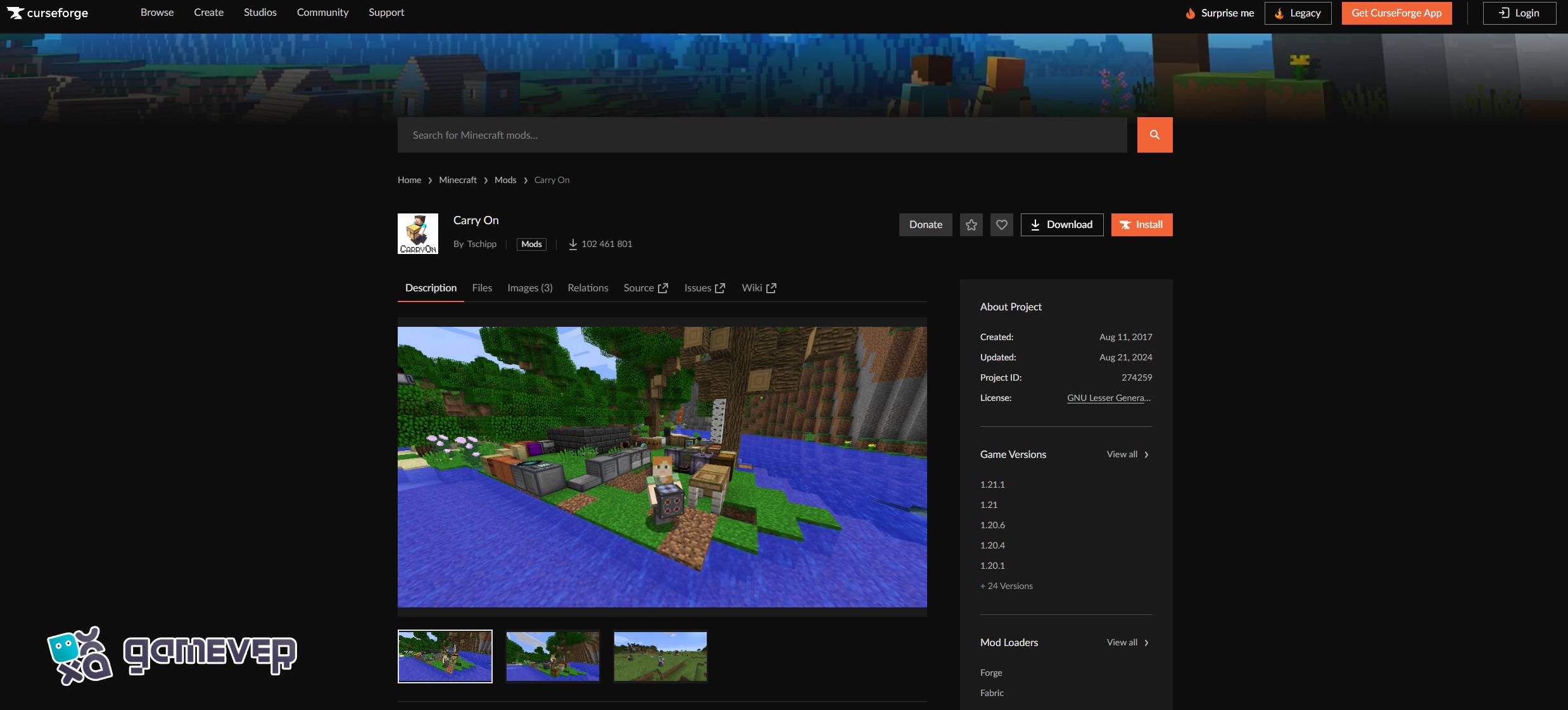
- Download the version of the mod that matches your Minecraft version (e.g., 1.18, 1.16, etc.).
Step 2: Install Minecraft Forge or Fabric
To run the Carry On mod, you need either Minecraft Forge or Fabric, which are mod loaders that allow Minecraft to run mods smoothly.
- Download Minecraft Forge from the official Forge website, or Fabric from Fabric's website.
- Follow the instructions to install the appropriate version for your Minecraft installation.
- Open your Minecraft launcher and make sure to select the Forge or Fabric profile.
Step 3: Move the Carry On Mod to the ‘Mods’ Folder
Once the mod is downloaded, you’ll need to move the Carry On .jar file into the mods folder in Minecraft's directory.
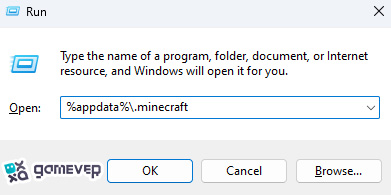
If you don’t see a mods folder in your Minecraft directory, you can manually create one. After that, drag and drop the Carry On .jar file into this folder.
Step 4: Launch Minecraft
With the Carry On mod now in your mods folder, it’s time to launch Minecraft using the Forge or Fabric profile.
- Open the Minecraft launcher.
- Select the Forge or Fabric profile.
- Click Play to launch Minecraft with the mod enabled.
Once Minecraft loads, the Carry On mod will be ready for use.
How to Use the Carry On Mod in Minecraft
The Carry On mod is simple to use and offers convenient features for moving blocks and even mobs without breaking them or losing their contents. Here’s how to make the most of it:
1. Picking Up Blocks and Mobs
The Carry On mod's main feature is that you can pick up items like chests, furnaces, and even mobs. This is incredibly helpful when you want to move blocks while keeping their contents intact.
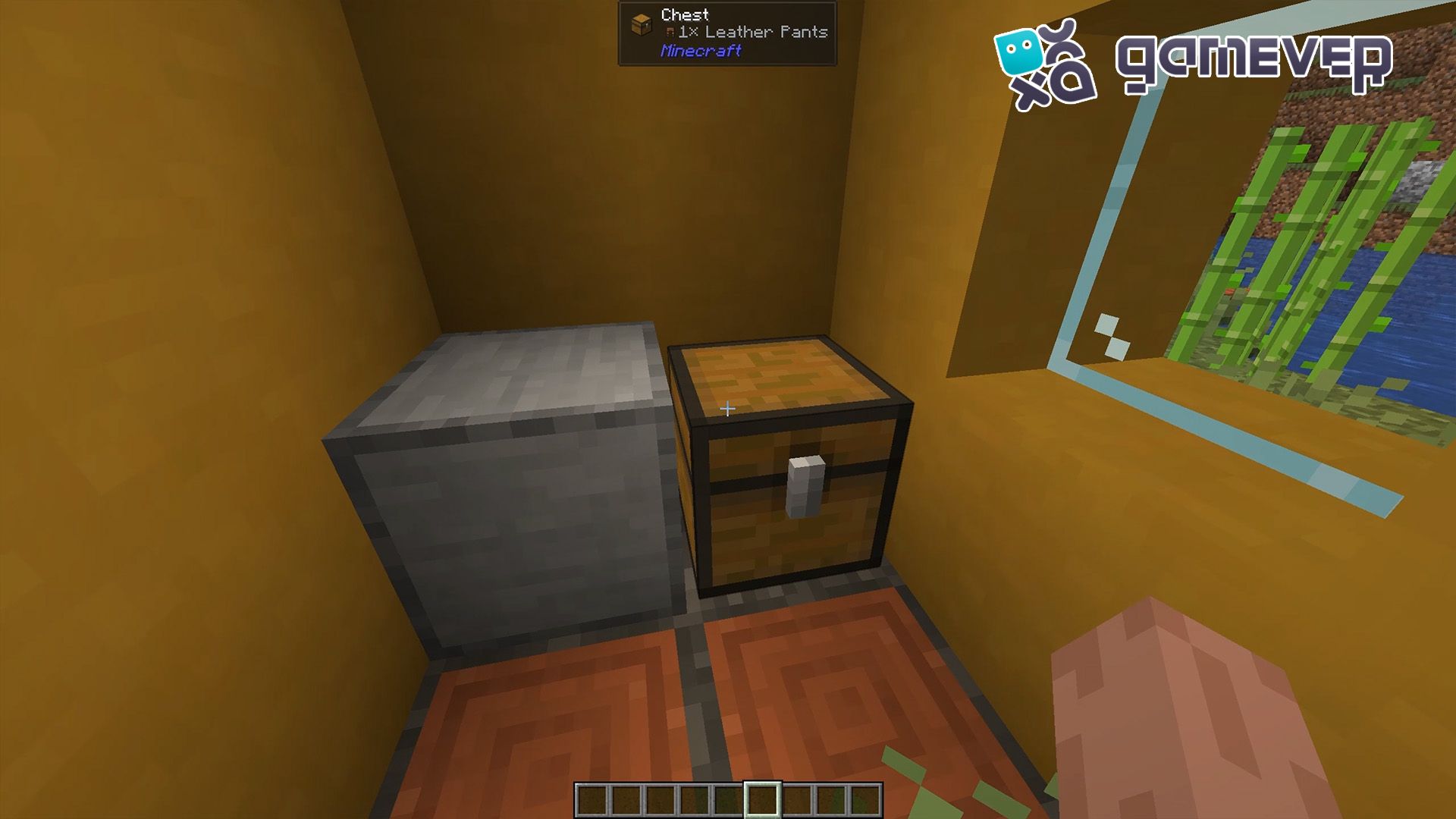
- To Pick Up Items: Hold Shift + Right-Click on the block or mob you want to move, but make sure you have empty hands.
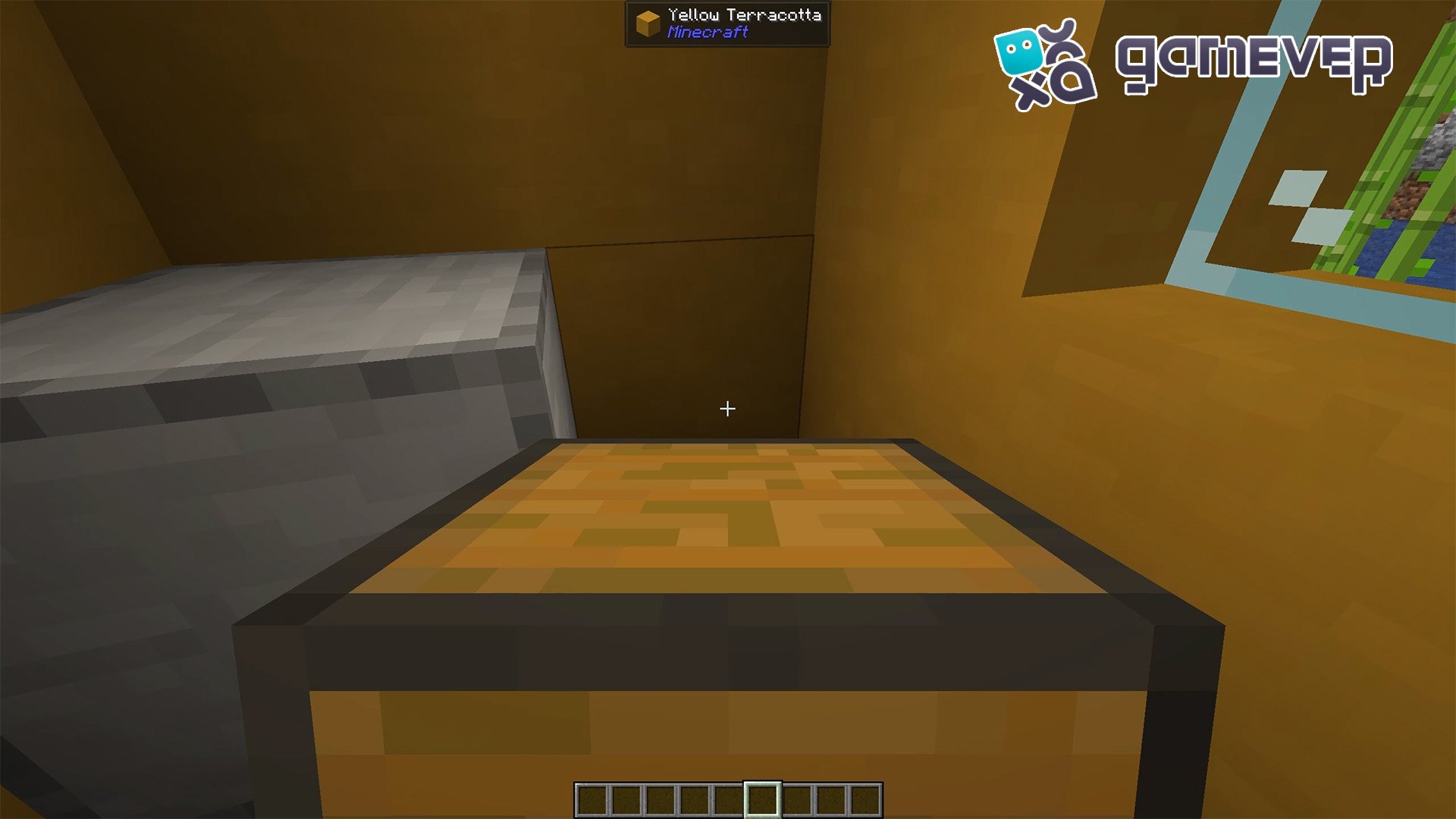
- To Place Items: After carrying the item to its new location, simply right-click to place it down.
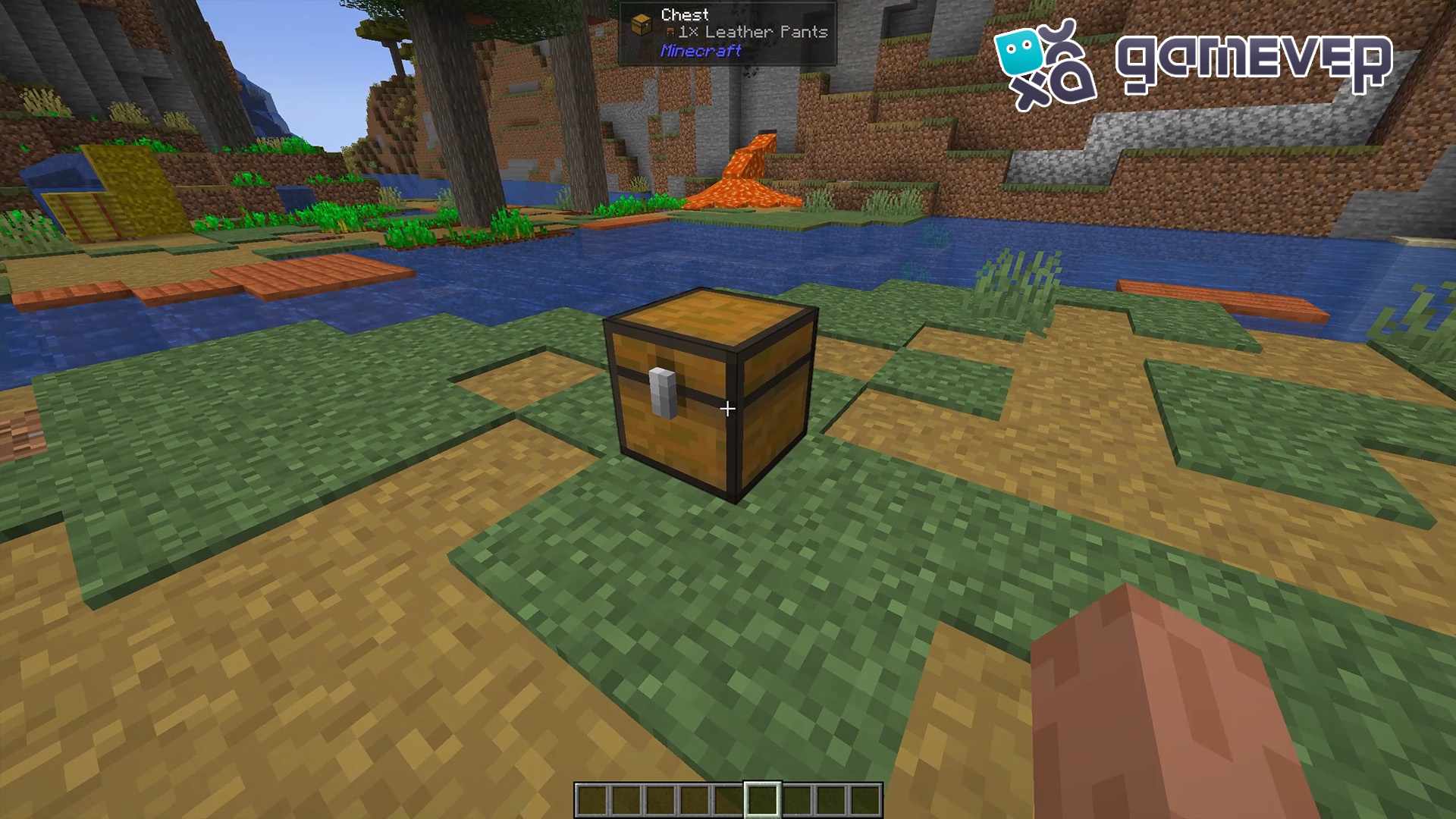
This ability is particularly useful when moving storage blocks like chests, as you don’t have to empty them before moving them.
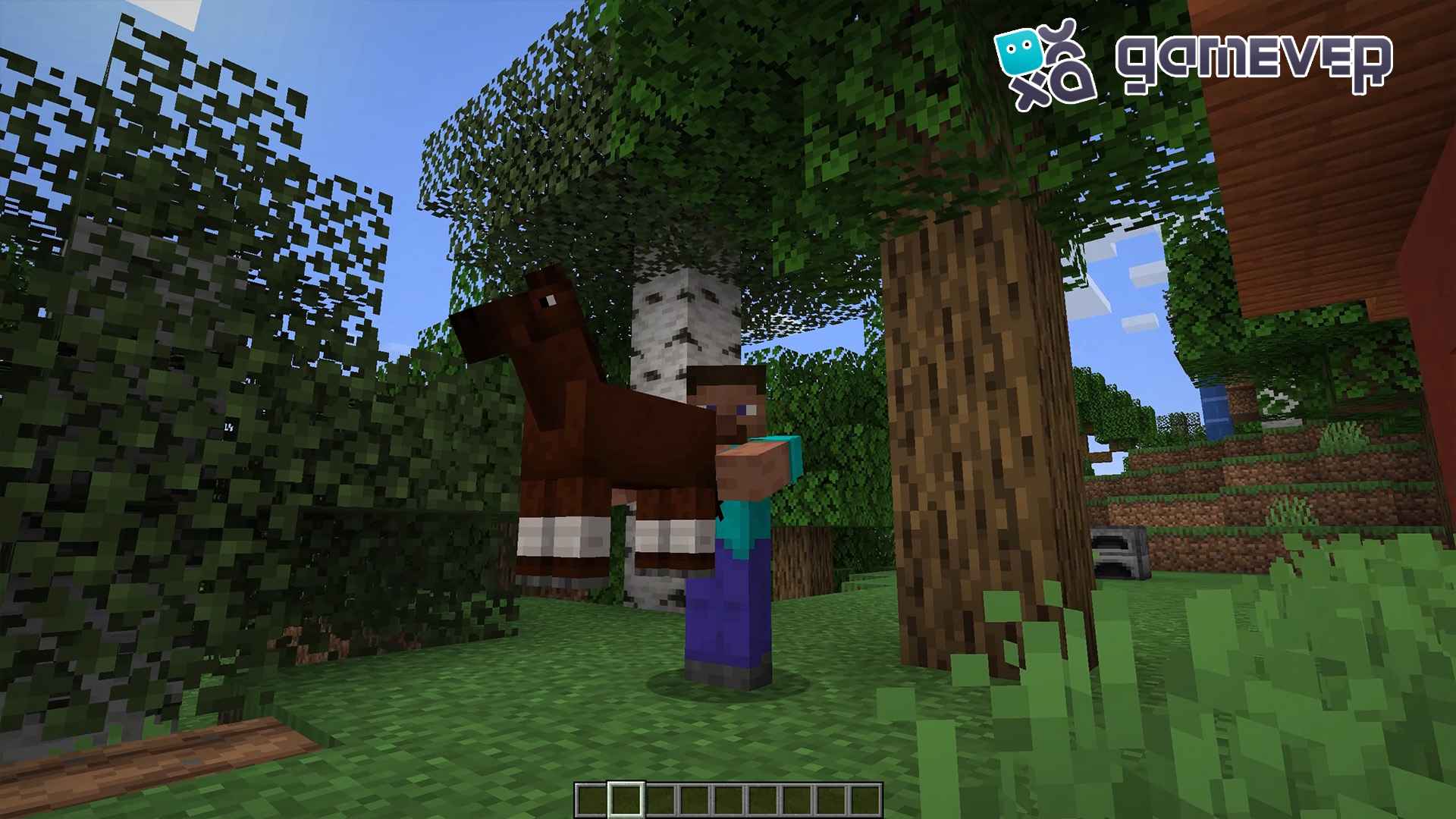
2. Transporting Mobs
One of the more unique features of the Carry On mod is the ability to pick up and move mobs, making it easier to transport animals to new locations without using minecarts or leads. This is especially helpful when setting up animal farms or moving creatures to secure locations.
3. Efficient Base Management
If you frequently rearrange your base or set up temporary camps, the Carry On mod makes organizing your Minecraft world much easier. You can move things around without sacrificing progress or wasting time restoring items.
Benefits of Using Carry On Gamever Servers
When playing on Gamever servers, the Carry On mod becomes even more useful, especially in multiplayer settings. Here’s why:
- Efficient Resource Management: On multiplayer servers, where resource sharing is key, Carry On allows you to move full chests of items to new locations without needing to empty and refill them.
- Team Coordination: If you and your friends are working together on builds or moving resources between locations, Carry On ensures a smoother and faster process.
- Improved Farming and Mob Management: Multiplayer servers often have large-scale farms or mob setups. Carry On makes it easier to transport animals or important blocks without using complex tools like rails or leads.
Conclusion
Installing and using the Carry On mod for Minecraft simplifies the process of moving blocks and mobs, making gameplay more convenient and enjoyable. Whether you're reorganizing your base, transporting full chests of items, or moving animals around, Carry On makes everything faster and easier. When playing on Gamever servers, the mod is even more beneficial, allowing for better team collaboration and efficient resource management.