
How to install plugins on Valheim server
Installing plugins on a Valheim server is a great way to customize your server and add new features. Here is a step-by-step guide on how to install plugins on your Valheim server with bepinex (how in install bepinex).
1. Download the plugin you want to install. Most plugins are available for download from the Valheim modding community, for example here.
2. Extract the plugin files from the downloaded archive.

3. Upload the plugin files to your Valheim server. You can do this using an FTP client or the file manager in your server control panel.
4. Log into your server control panel and navigate to the “configs/bepinex/plugins” section.
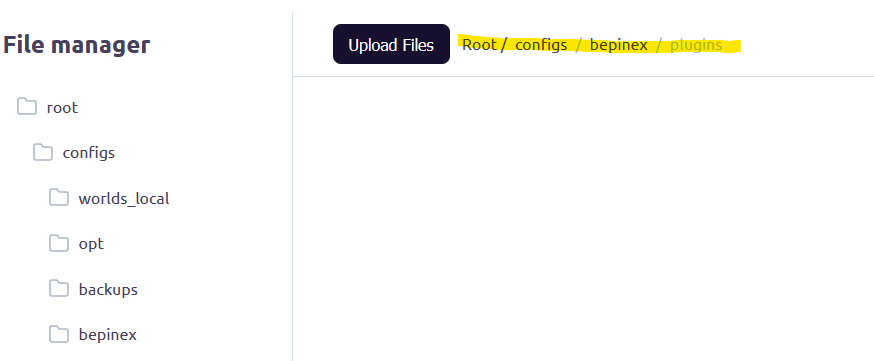
5. Click the “upload files” button and select the plugins you want to install.
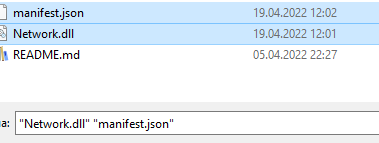
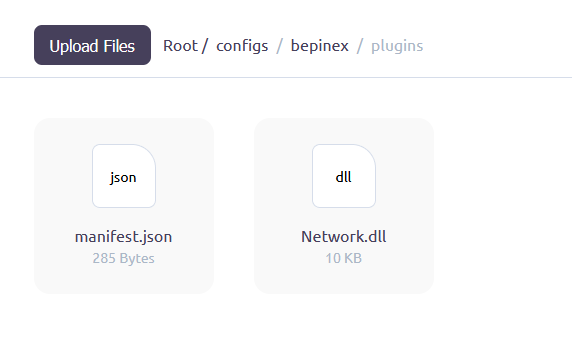
6. Wait for the uploading to complete.
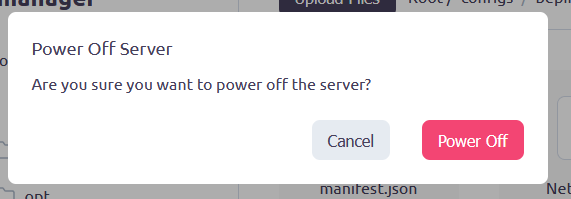
7. Restart your Valheim server for the changes to take effect.
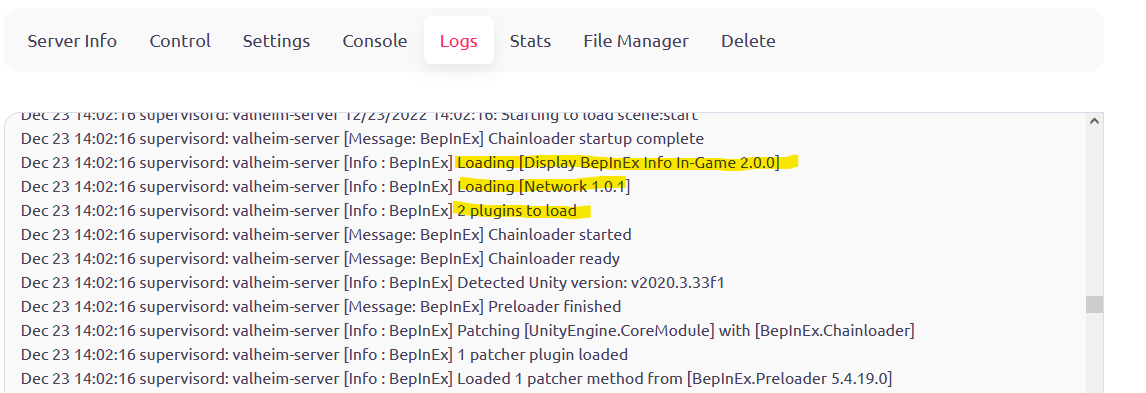
8. You can verify that the plugins have loaded in the Logs tab.
And that’s it! You have successfully installed a plugin on your Valheim server. Enjoy your new features!