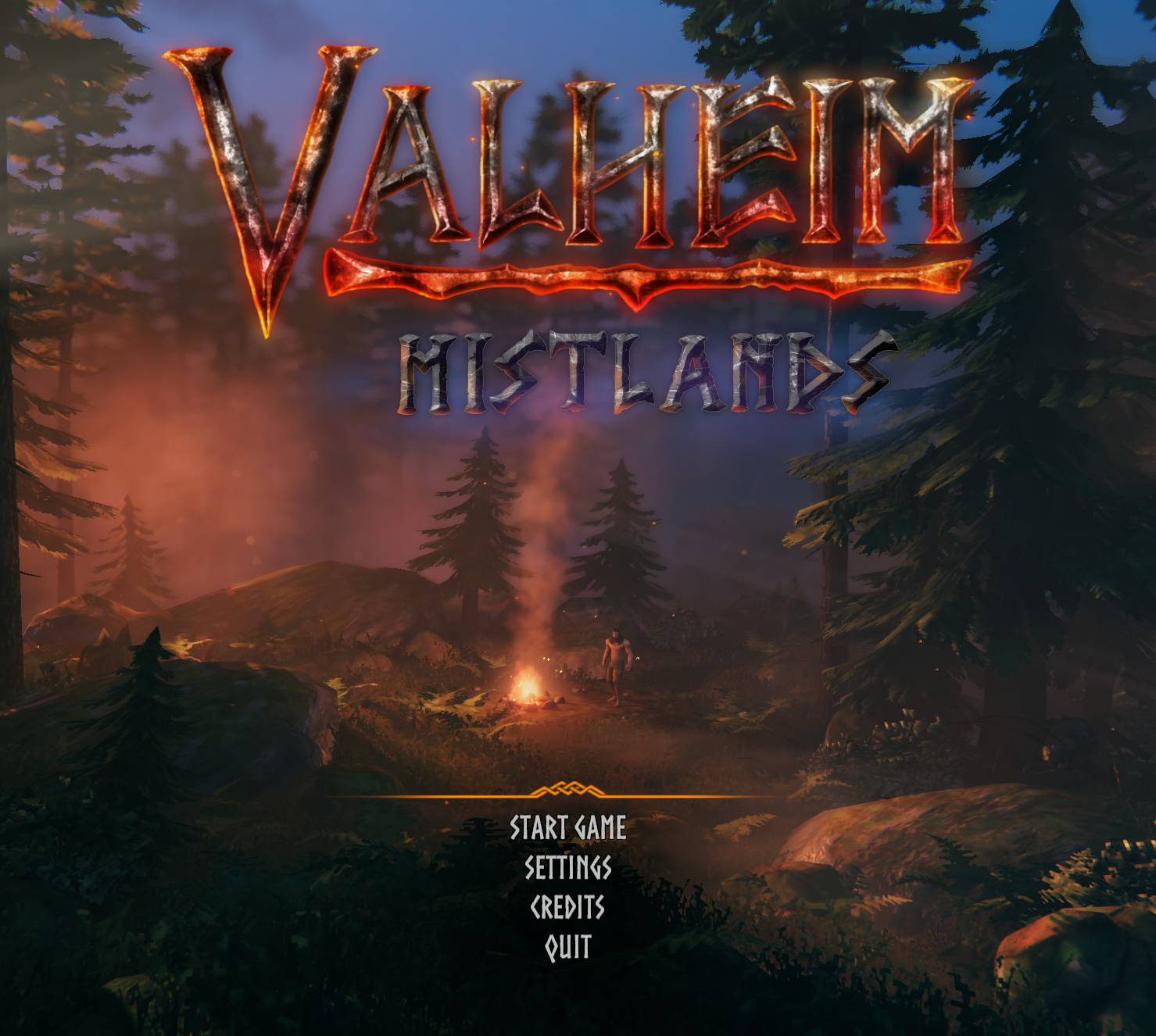
How to install Game Pass Valheim Mistalnds update
If you want to try out newest Valheim Mistlands update but you are using Game Pass version of the game – you need to follow these easy steps to install it.
Valheim Mistlands update is now being released into public testing, so to try it out, we need to get our hands on Xbox official insiders app. To do so:
1) Click on THIS link.
2) Click on “Get in store app” blue button.
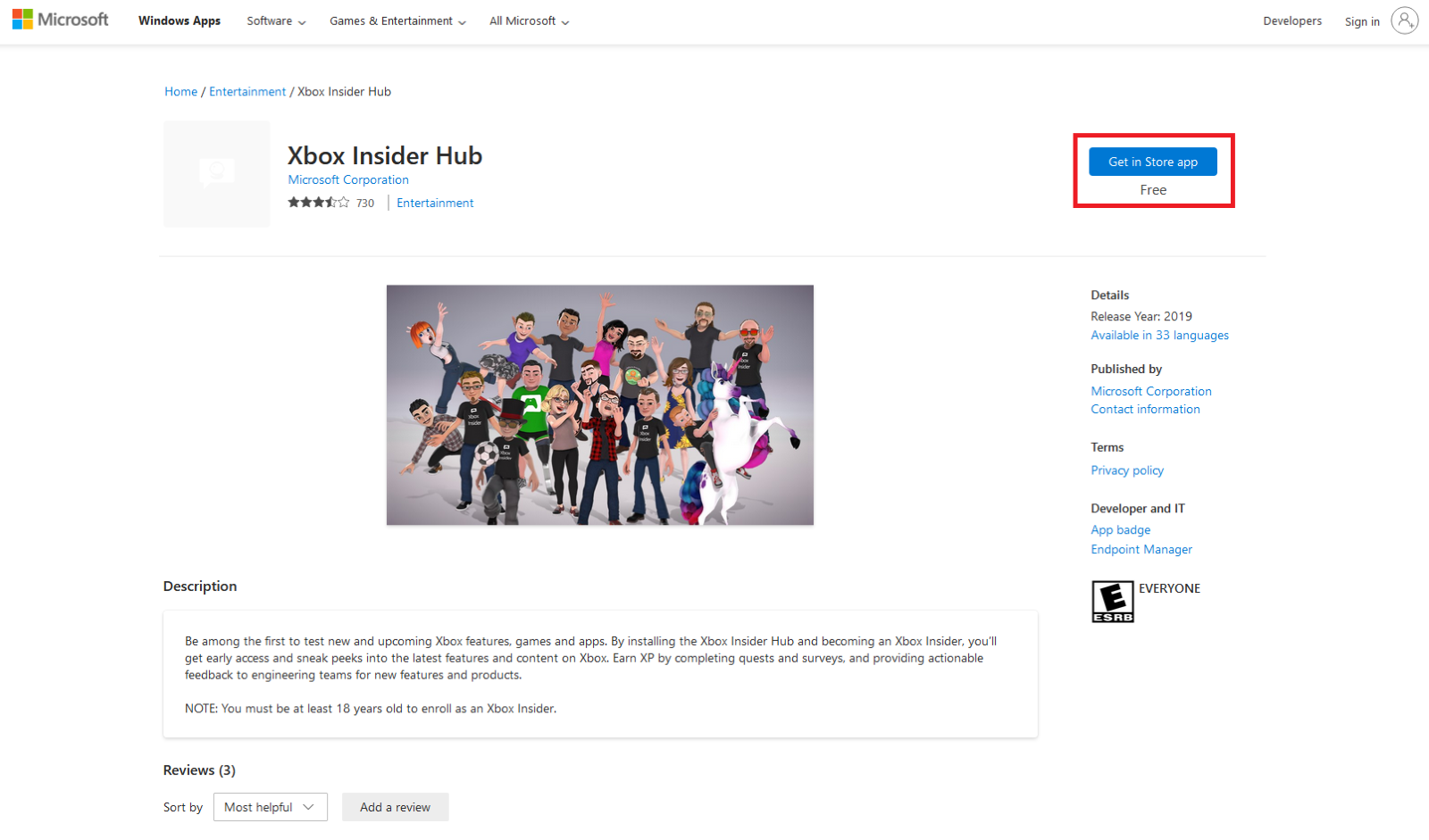 3) Download this app via Microsoft Store (logging into your Microsoft account may be required).
4) Launch the app.
5) Accept all policies.
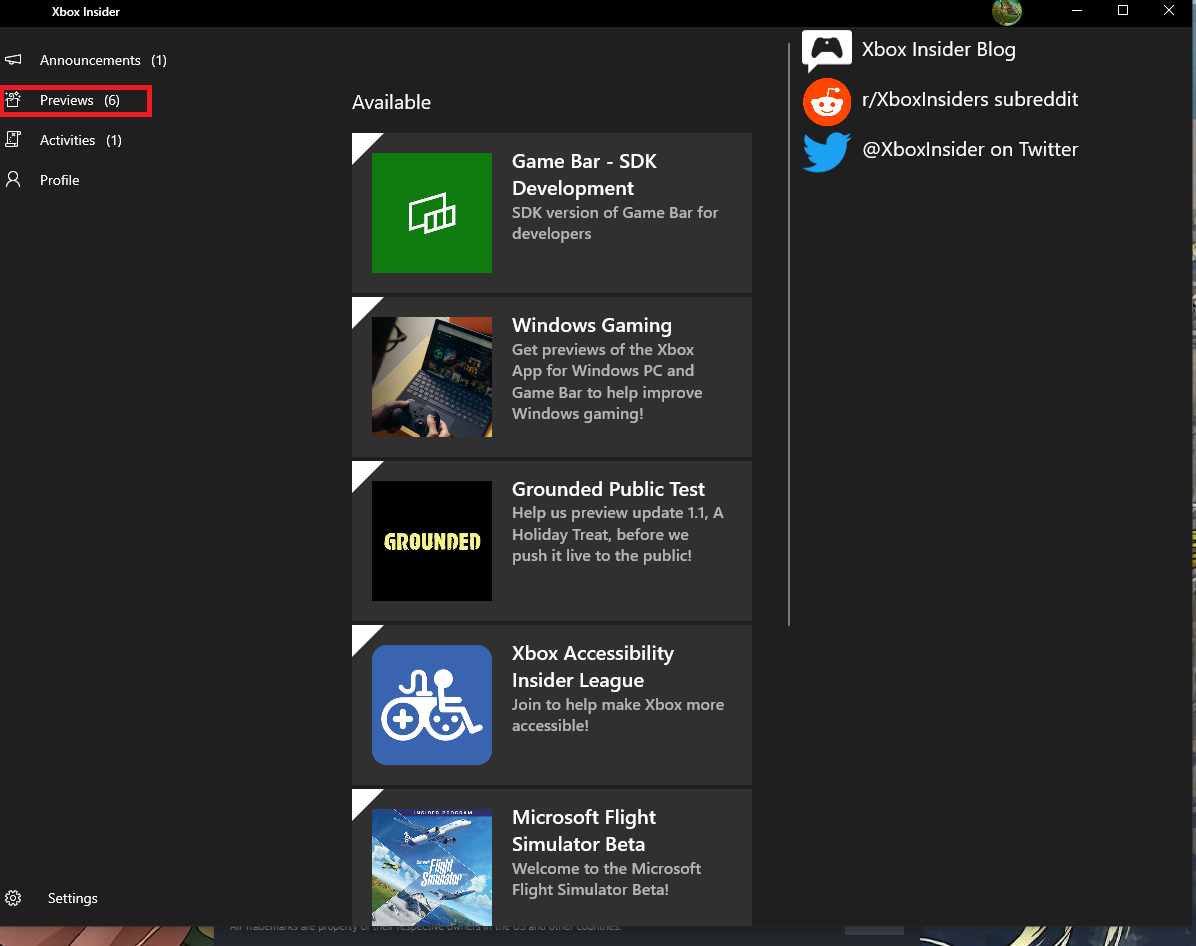
6) Click on ”Previews” button in the upper left column.
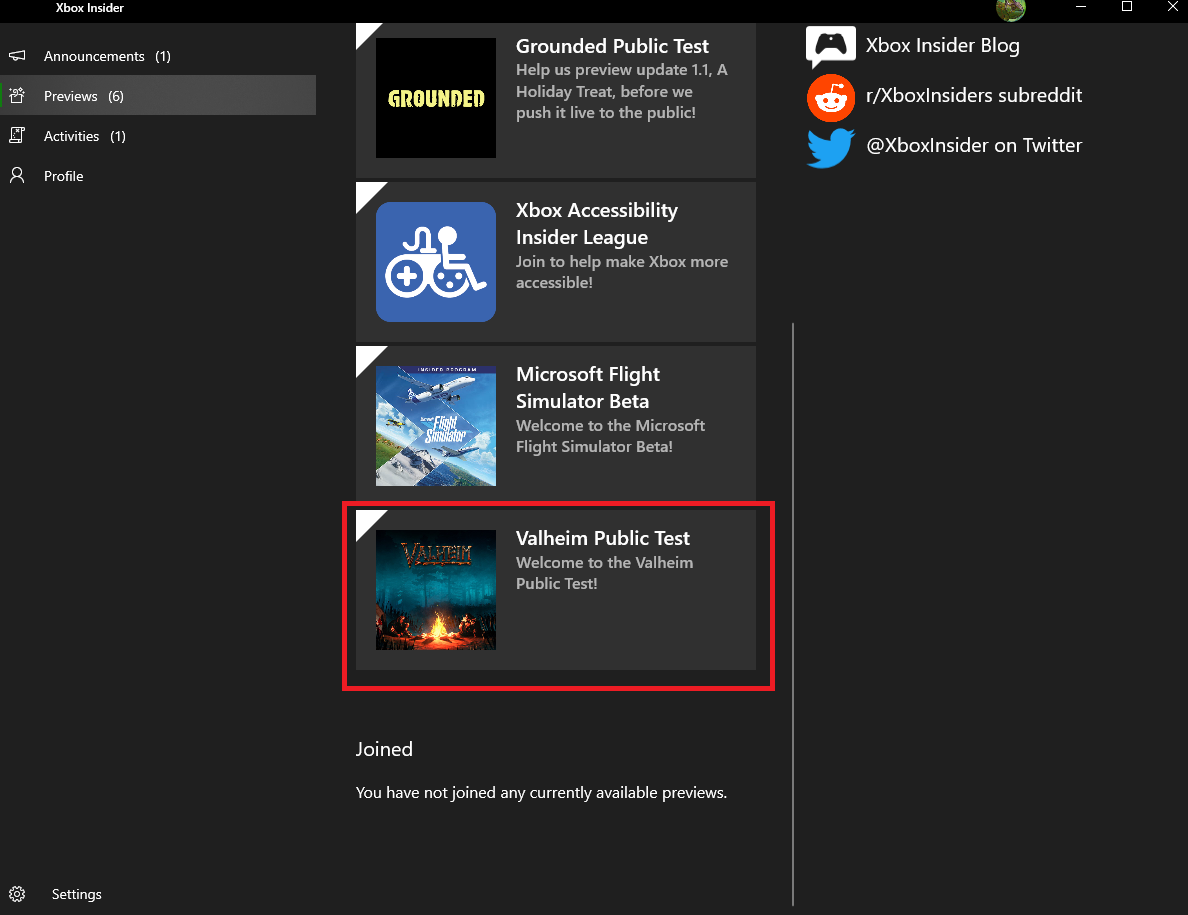
7) Find “Valheim Public Test” and click on it.
 8) Click on ”Join” button.
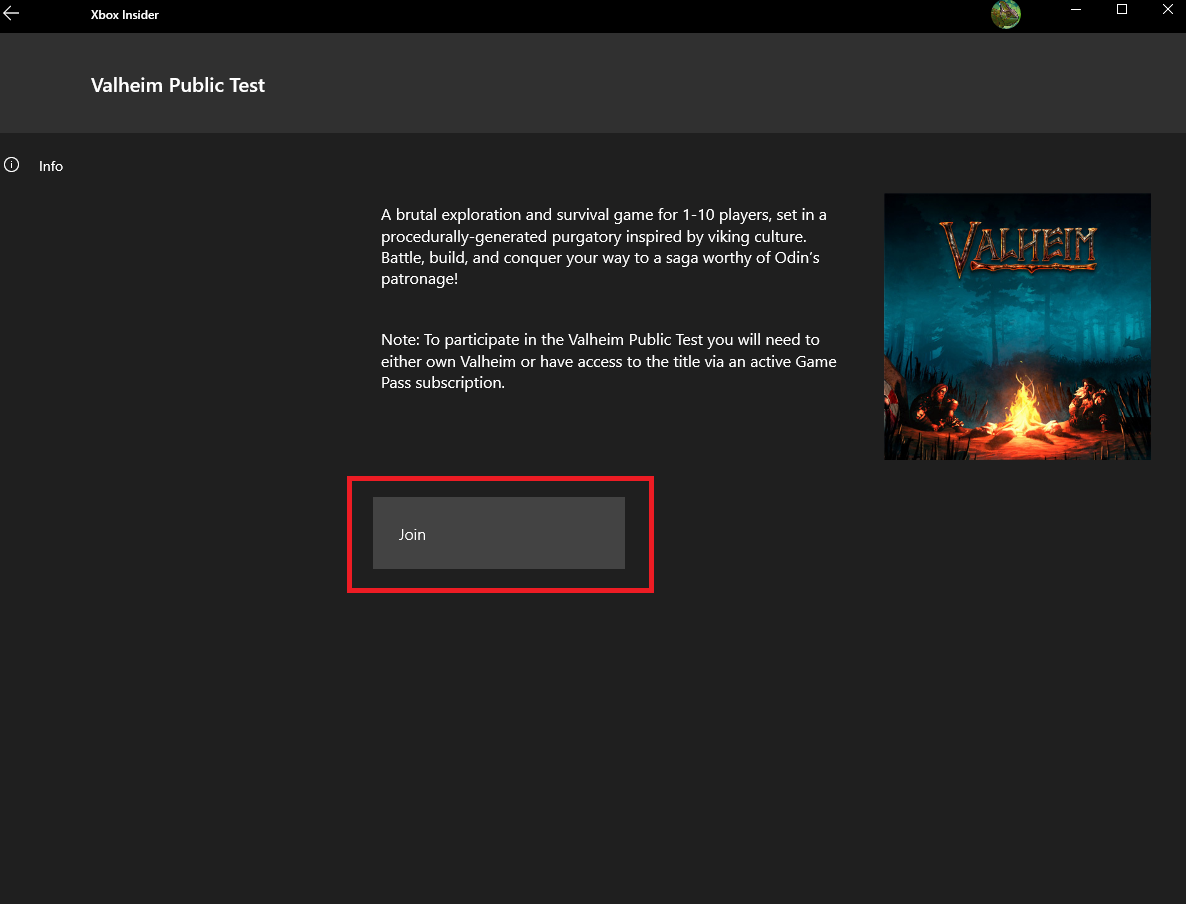 9) Click on ”Continue” button.
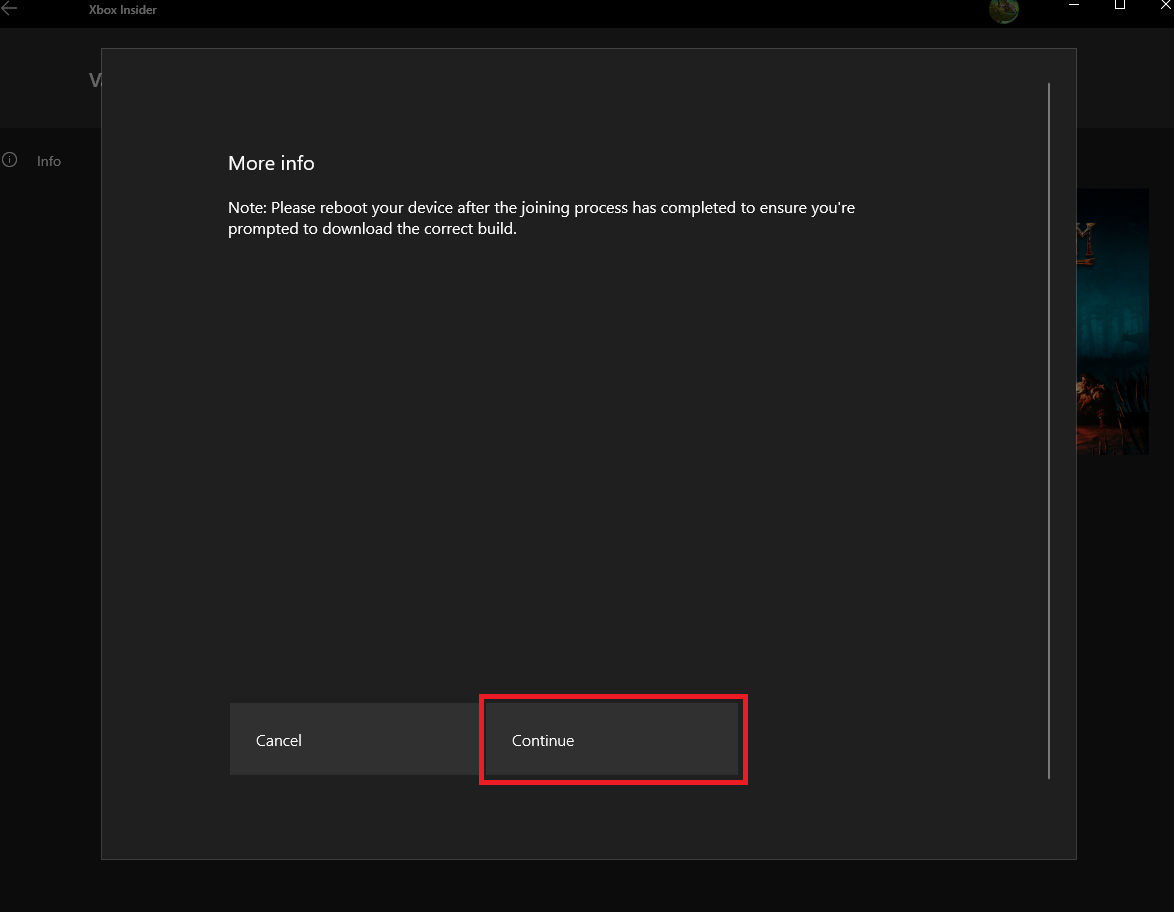 10) Click on ”Accept” button.
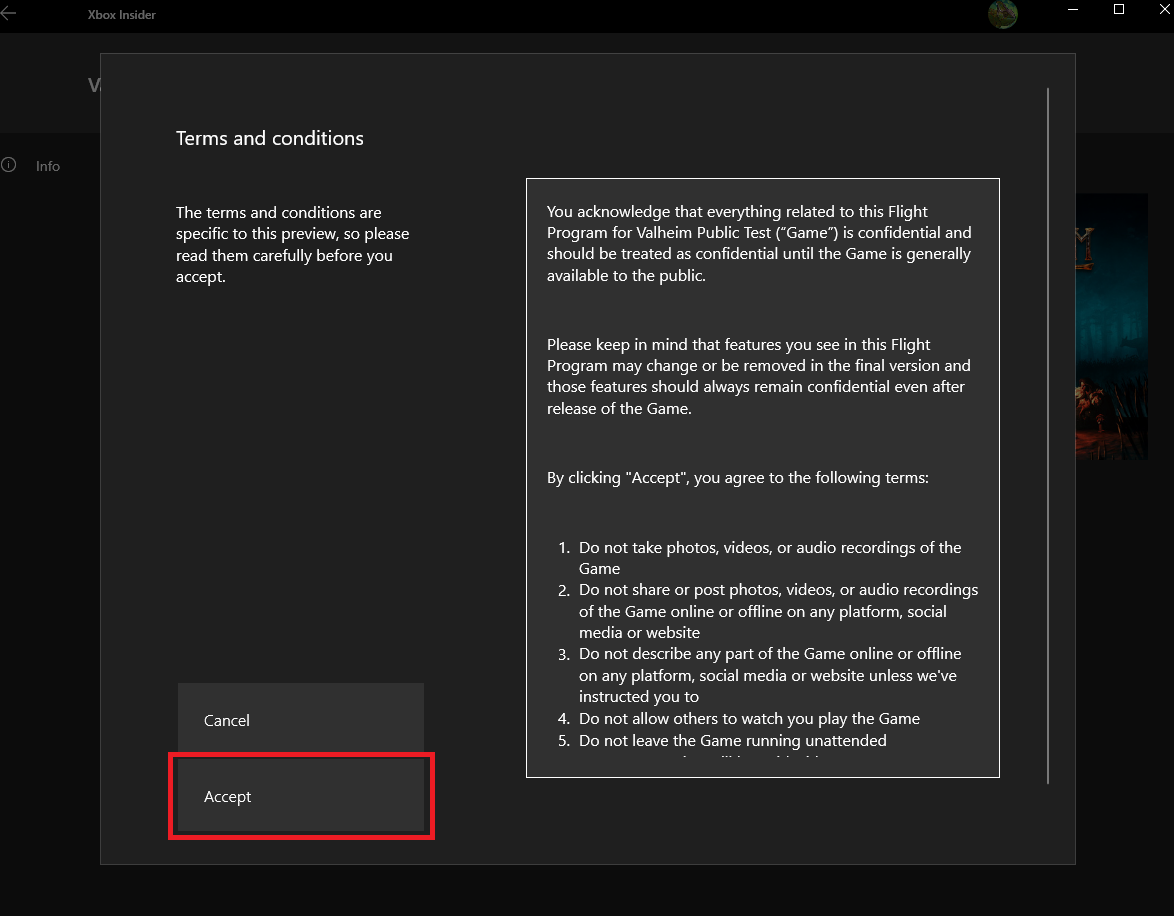 11) When it is done, clcik on the ”Launch in Xbox app” button (you should have active Xbox Game Pass subscription or own Valheim in Microsoft Store).
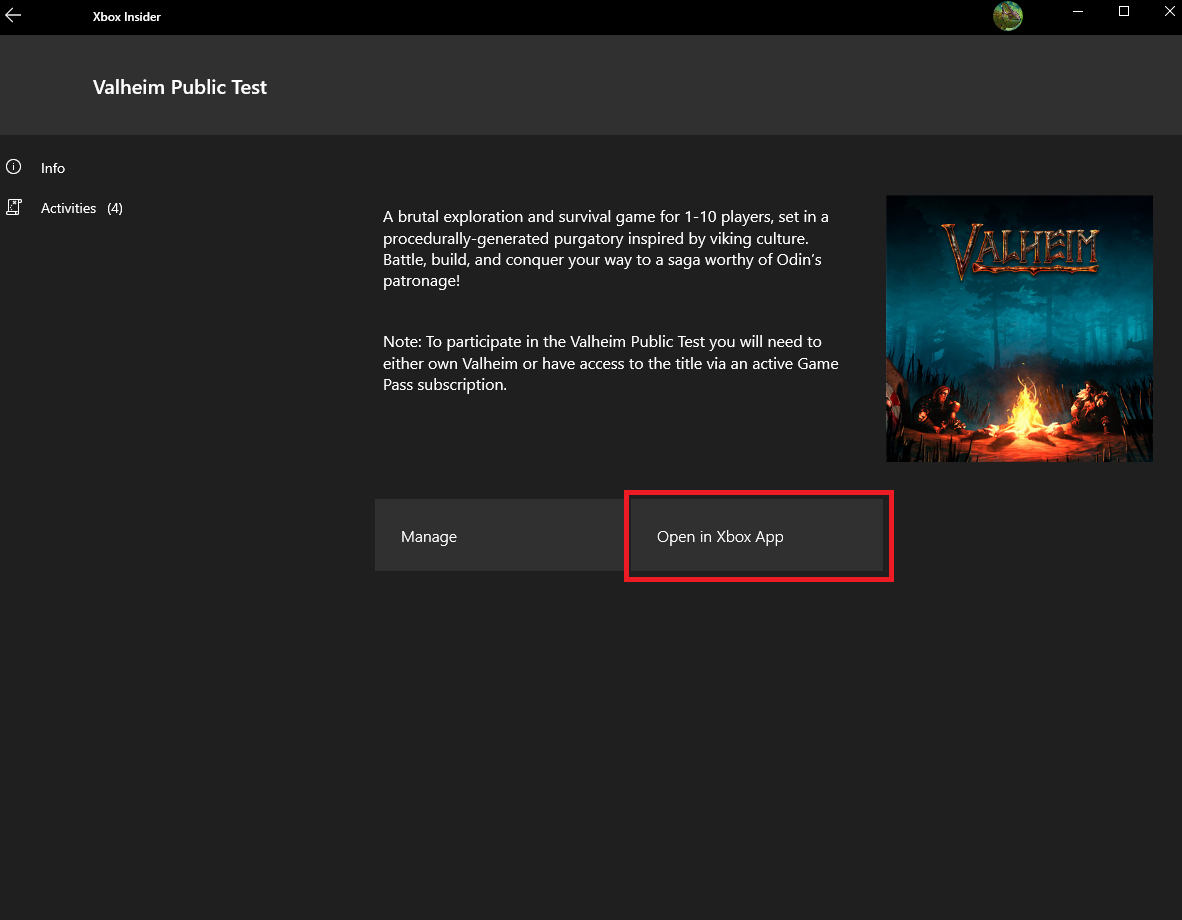 12) Await your download in Xbox app (WARNING: If you previously had installed basic version of Valheim – DELETE IT BEFORE clicking on ”Open in Xbox App” button).
13) Launch your game and check if Mistlands version is installed 😊
14) If you don’t know how to host Valheim Mistlands server - we recommend you THIS tutorial.