How to import/upload World to a Valheim Server
1.Stop your Valheim server.
2.Connect to your Valheim server using the FTP client. You will need the IP address of your Valheim server and the FTP credentials. Check our instruction.
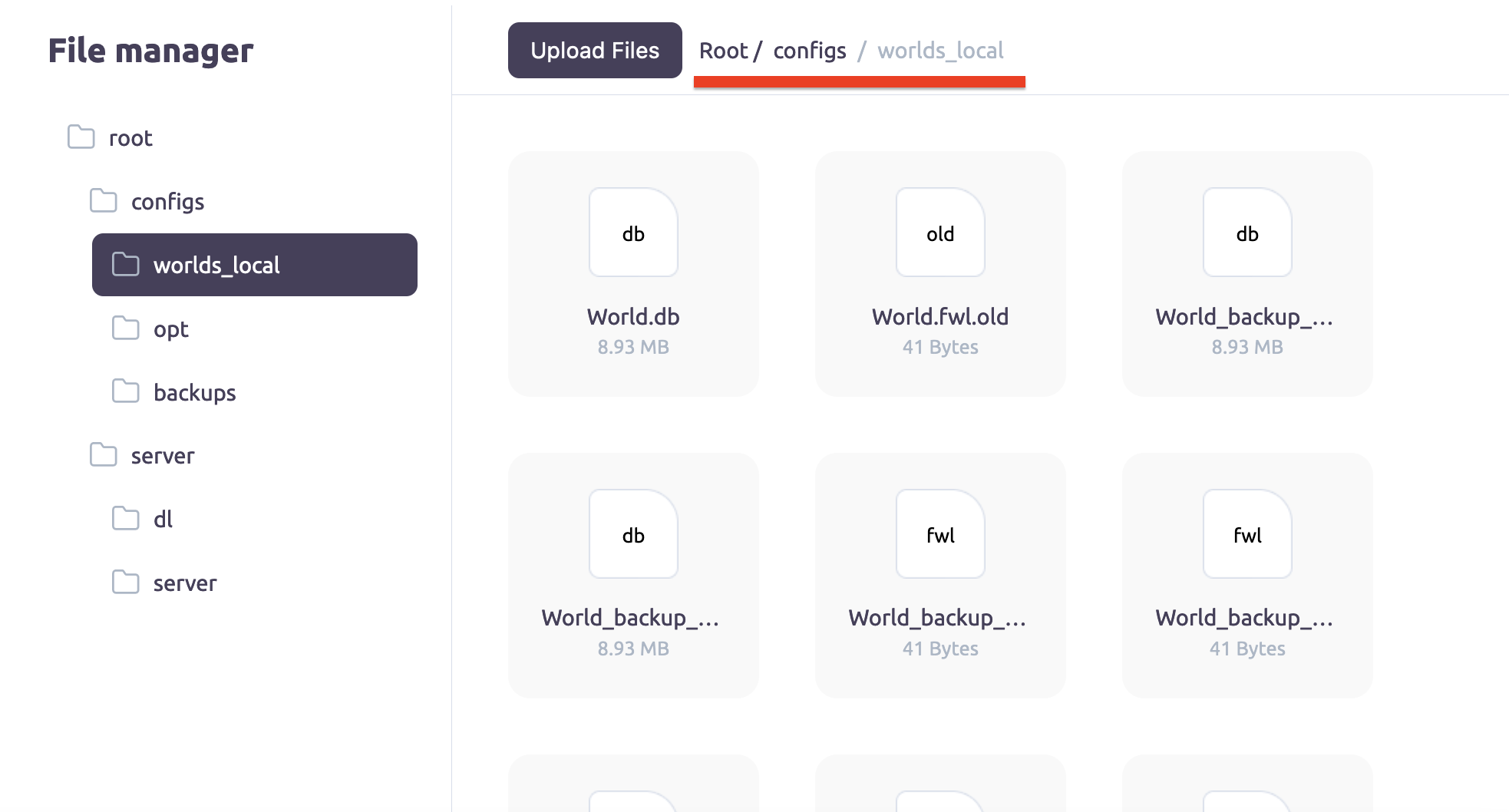
3.Copy the world files from your local computer. Navigate to C:\Users\<username>\AppData\LocalLow\Valheim\Worlds and copy the world files(*.db and *.fwl files) from this directory to a world_local folder on the server.
4.Start the server.
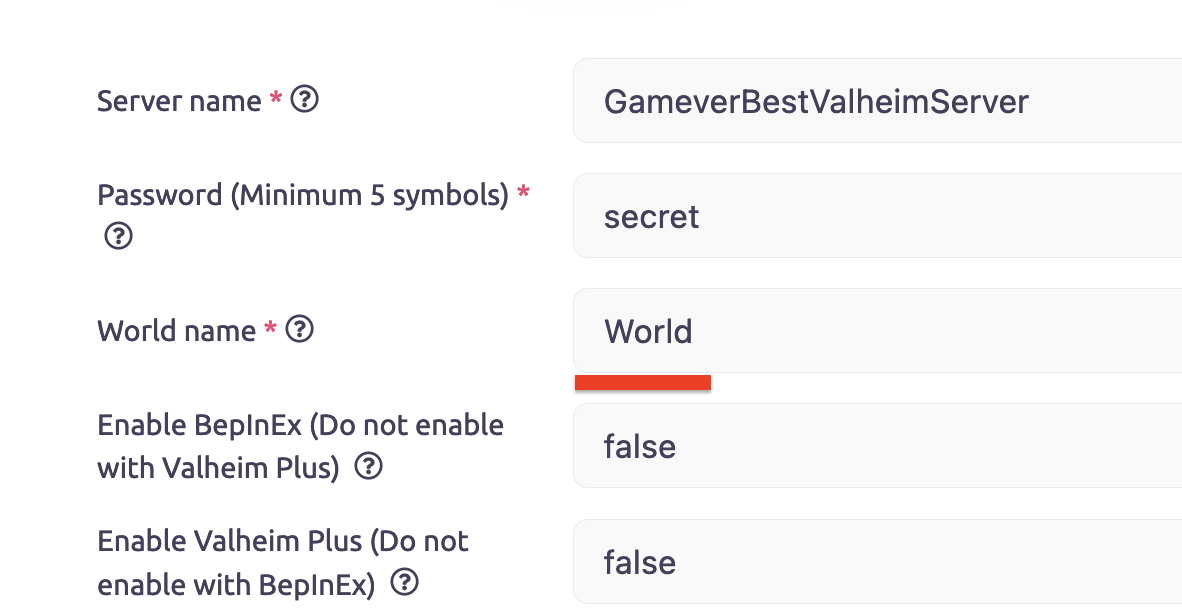
5.Ensure the world name is the same as the world name in the world_local folder on the server.