
How to Get Plastic in Satisfactory
Welcome to the ultimate guide on how to get plastic in Satisfactory! Buckle up, because we're diving into everything you need to know to pump out plastic like a pro.
Unlocking Oil
Before you can produce plastic, you need to unlock oil processing in Tier 4 of the tech tree. Oil is your starting point, so make sure you’ve got this setup running smoothly.
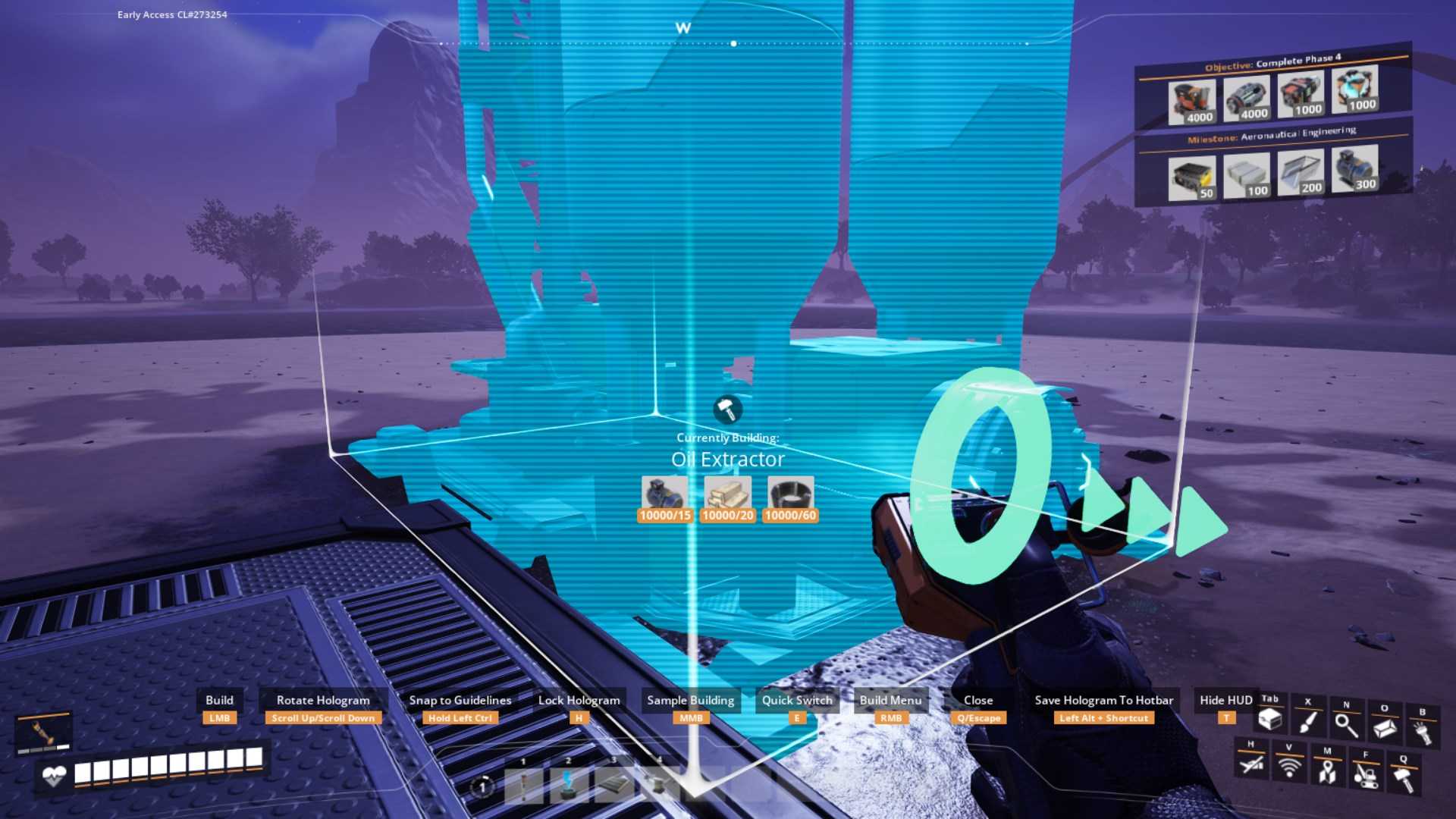
To get plastic, start with a basic oil setup. Place an oil extractor on an oil node and connect it to three refineries. Make sure you have enough power to run everything—biomass generators can handle the initial power needs. At this stage, you’ll get heavy oil residue as a by-product, which is crucial for refining into plastic.
Refining Oil into Plastic
Once you have oil flowing into your refineries, you’ll need to configure them to process it into plastic. Initially, 600 oil will yield 400 plastic with the basic recipe. But here’s where things get exciting—by using alternative recipes, you can increase your yield significantly.
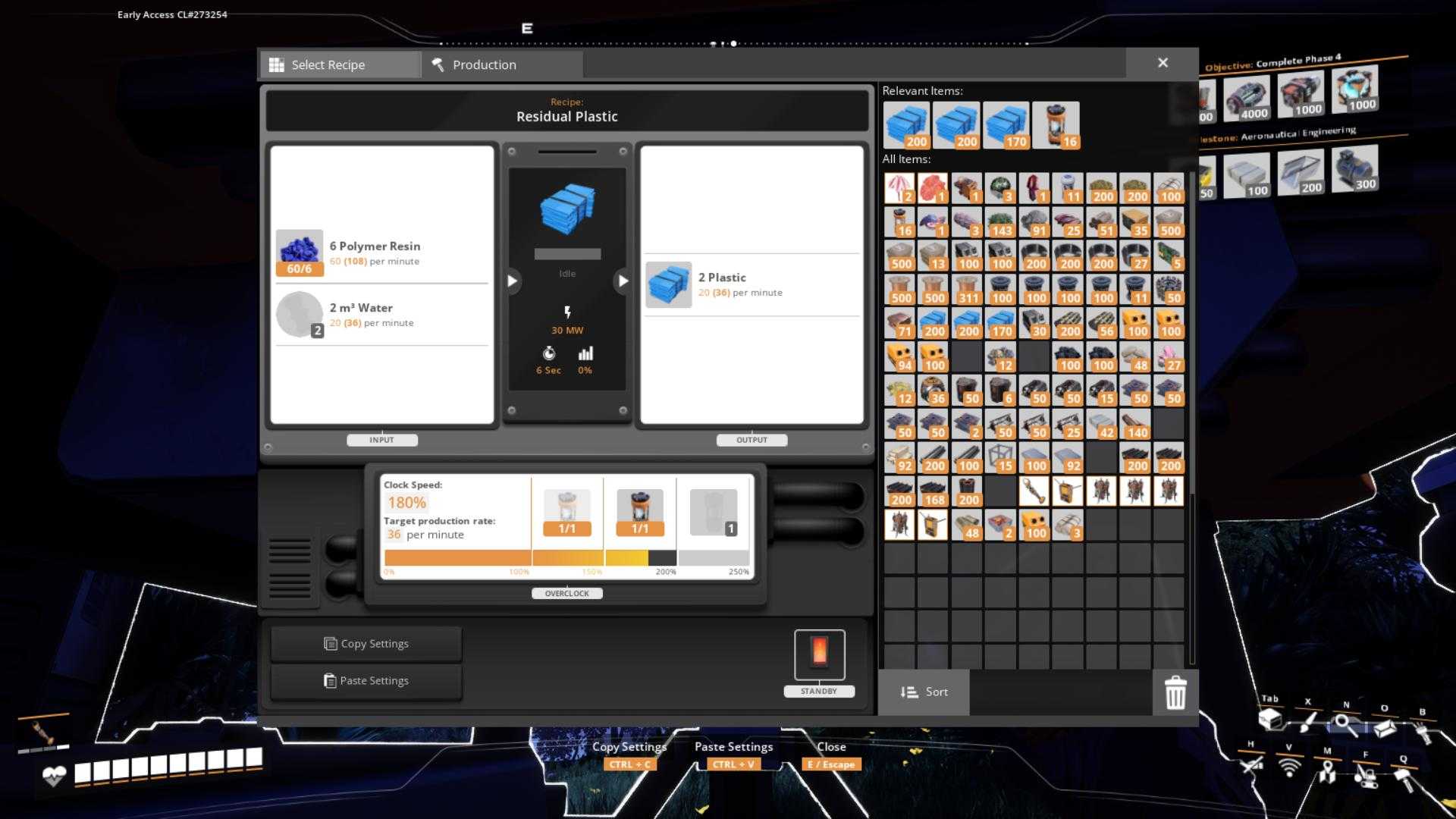
The advanced recipes can boost your output to 1800 plastic from the same 600 oil, thanks to more efficient processing and additional steps.
Using Alternative Recipes
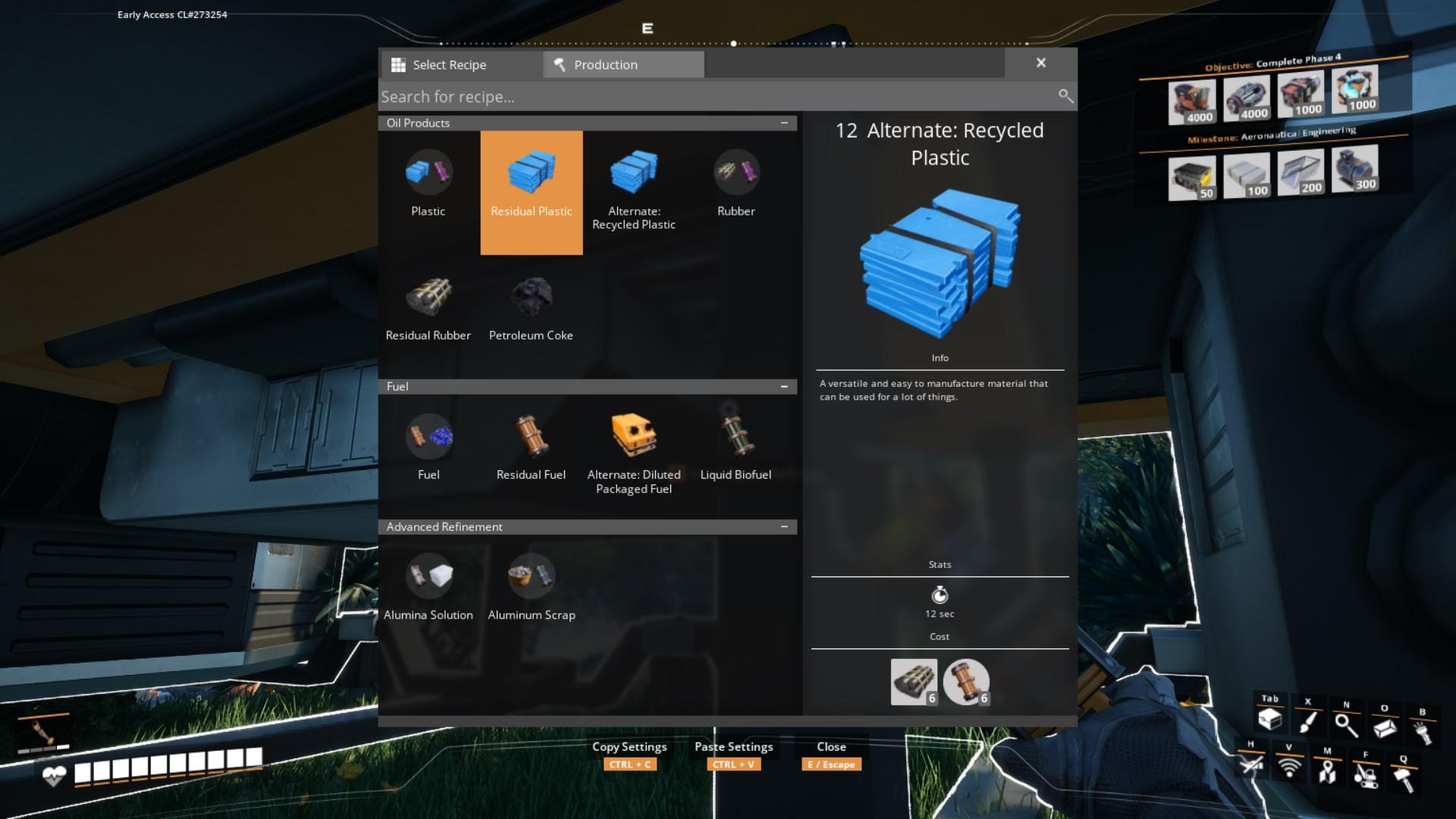
Alternative recipes allow you to maximize your oil efficiency by producing more plastic and rubber. To get these recipes, you’ll need to research them and unlock them through the game’s progression system. Once you have them, set up your refineries to use these recipes. You’ll need to set up additional machinery, like packagers and constructors, to handle by-products and ensure a smooth operation.
Setting Up Efficient Production
As you advance, you'll want to optimize your setup. Use blueprints to create efficient production lines. Start by creating a blueprint for oil processing, which includes refining and packaging. Then, design a separate blueprint for your plastic production line. This will help you keep things organized and ensure you’re getting the most out of your oil. Integrate your setups for a self-sufficient factory where the output of plastic can be scaled up efficiently.
When you’re ready to scale up, consider using Mark 4 logistics for handling large quantities of items. You can set up multiple refineries and blueprints to handle increased production rates.
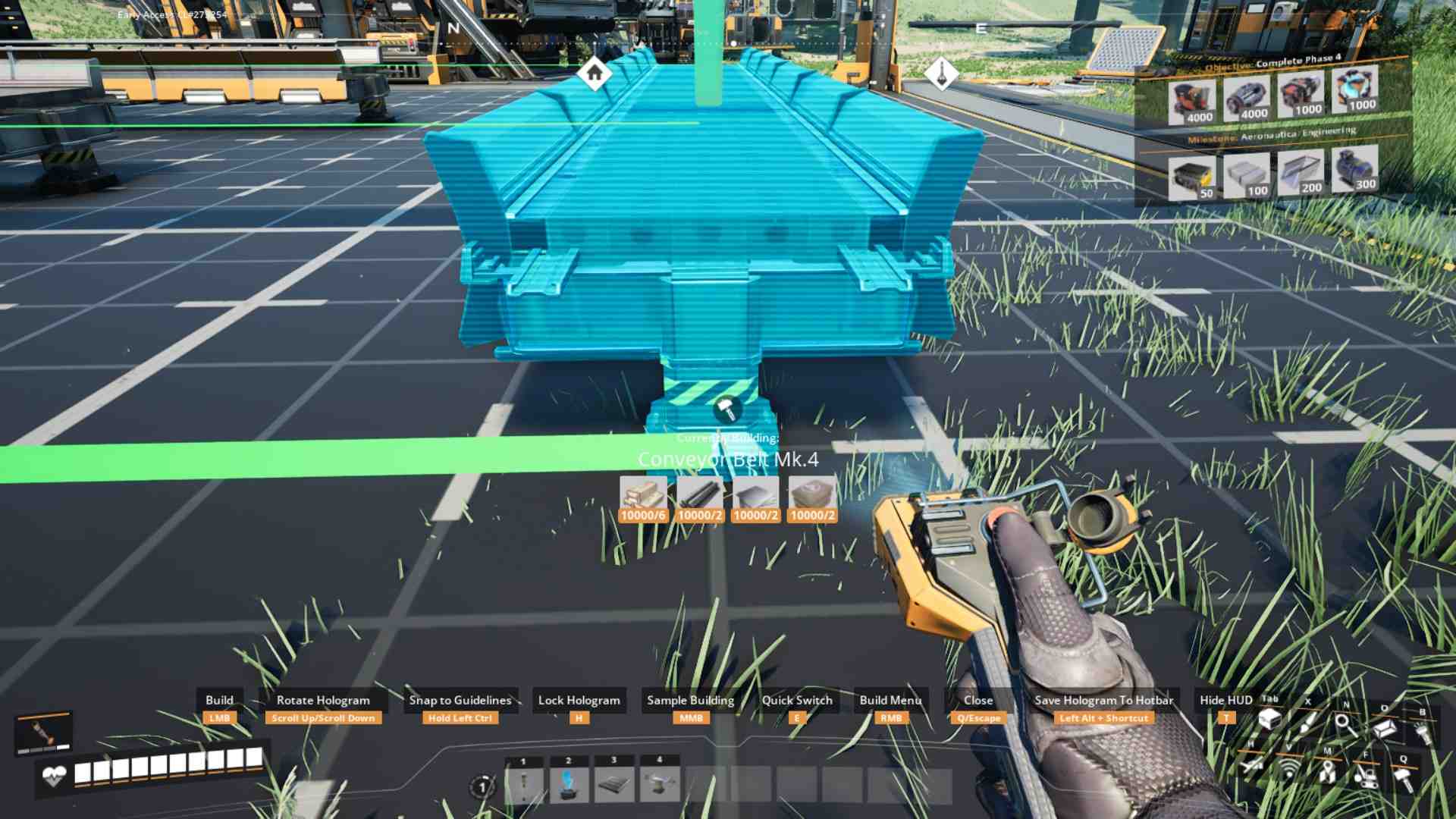
Make sure to manage your logistics carefully to avoid bottlenecks. For example, use conveyor belts and pipes to connect your refineries and storage units efficiently.
To make your setup even more efficient, consider creating closed-loop systems. This means recycling by-products like heavy oil residue into additional plastic or rubber. This setup reduces waste and ensures that your production lines are continuously fed without manual intervention. Use packagers and refineries to create a loop where by-products are reused effectively.
Blueprint Design
Designing blueprints is essential for maintaining an efficient factory. Use dual blueprints to handle different stages of production and integrate them seamlessly. Ensure your blueprints are well-organized, with clear connections for belts and pipes. Keep in mind that stacking blueprints vertically can save space and increase efficiency.
Importing and Exporting Blueprints
Once you’ve created your blueprints or downloaded prepared files from blueprints collection for Satisfactory, you might want to share them or use them in different locations. To export blueprints, go to your system disk: ‘Users > [Your Username] > AppData > Local > FactoryGame > Saved > SaveGames > Blueprints’. Blueprints consist of ‘.bp’ files and ‘.cfg’ files, so make sure to back them up or share them as needed.
Even after setting up your plastic production, keep looking for ways to optimize and improve your setup. As you unlock new technologies and recipes, integrate them into your factory. Experiment with different configurations and layouts to find the most efficient setup for your needs.
Getting plastic in Satisfactory is a key milestone that opens up new possibilities for your factory. By following these steps, from setting up basic oil extraction to designing advanced blueprints, you’ll be able to produce plastic efficiently and scale your factory to new heights. Dive in, experiment, and enjoy the satisfaction of a well-oiled, plastic-producing machine!