
How to Get and Use the Decay Tool in Enshrouded Pact of the Flame Update
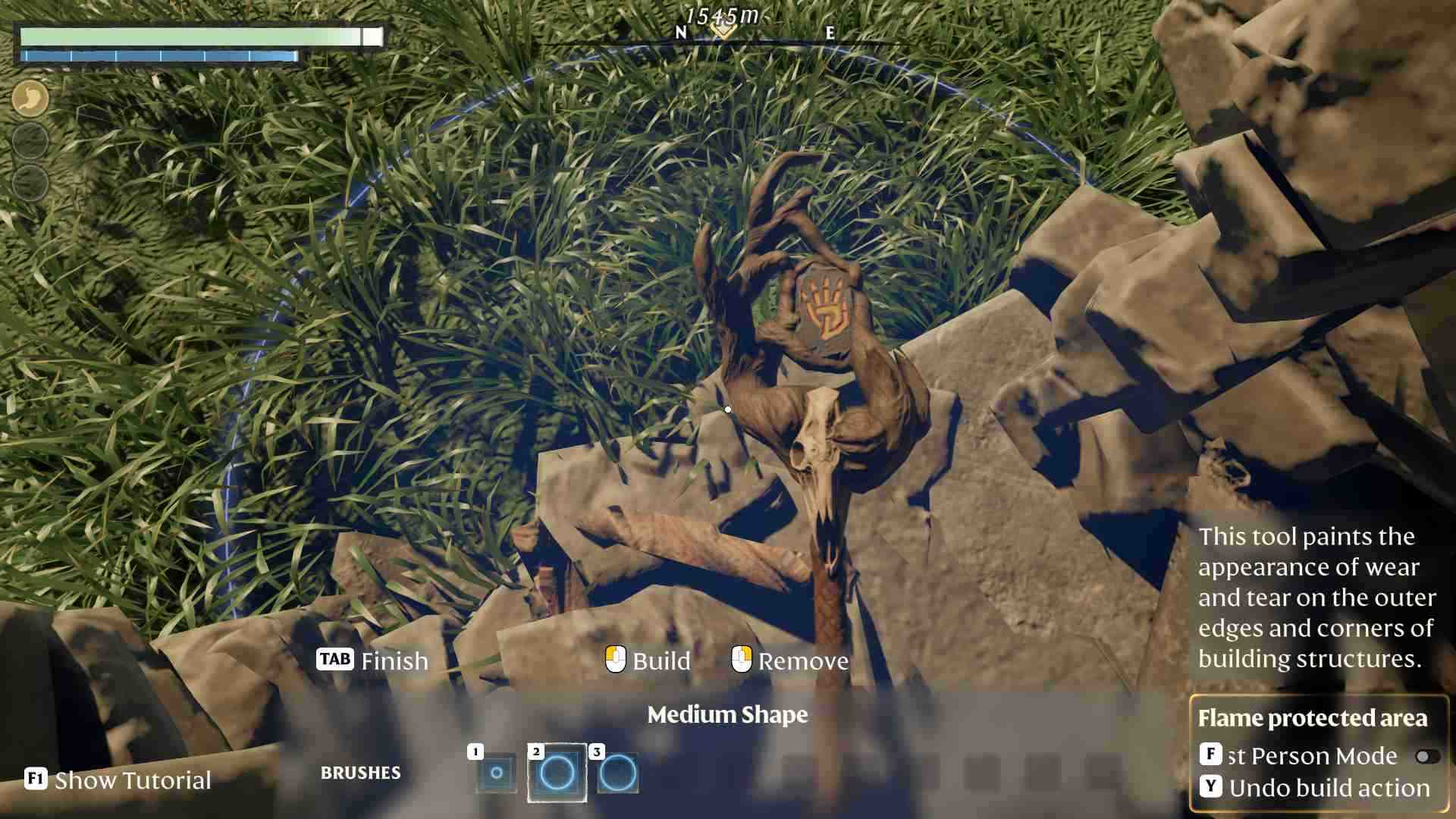
How to Get
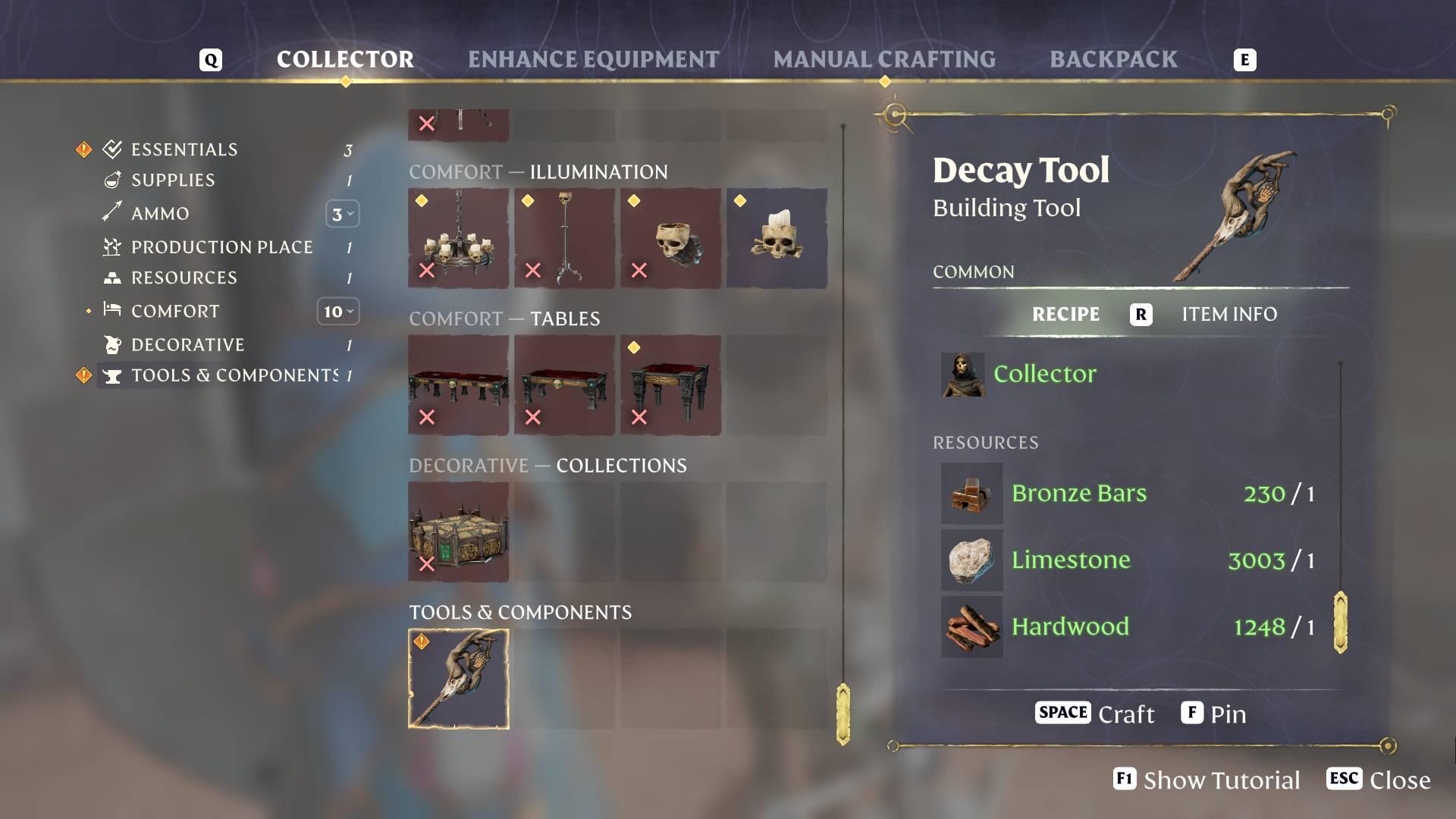
First things first, you need to craft the Decay Tool. Head over to the Collector NPC, your go-to spot for all crafting needs. Make sure you've gathered the necessary materials from the Nomad Highlands. You'll need one Bronze Bar, one Limestone, and one Hardwood. These resources are fairly common, so with a bit of exploration and gathering, you should have everything you need in no time.
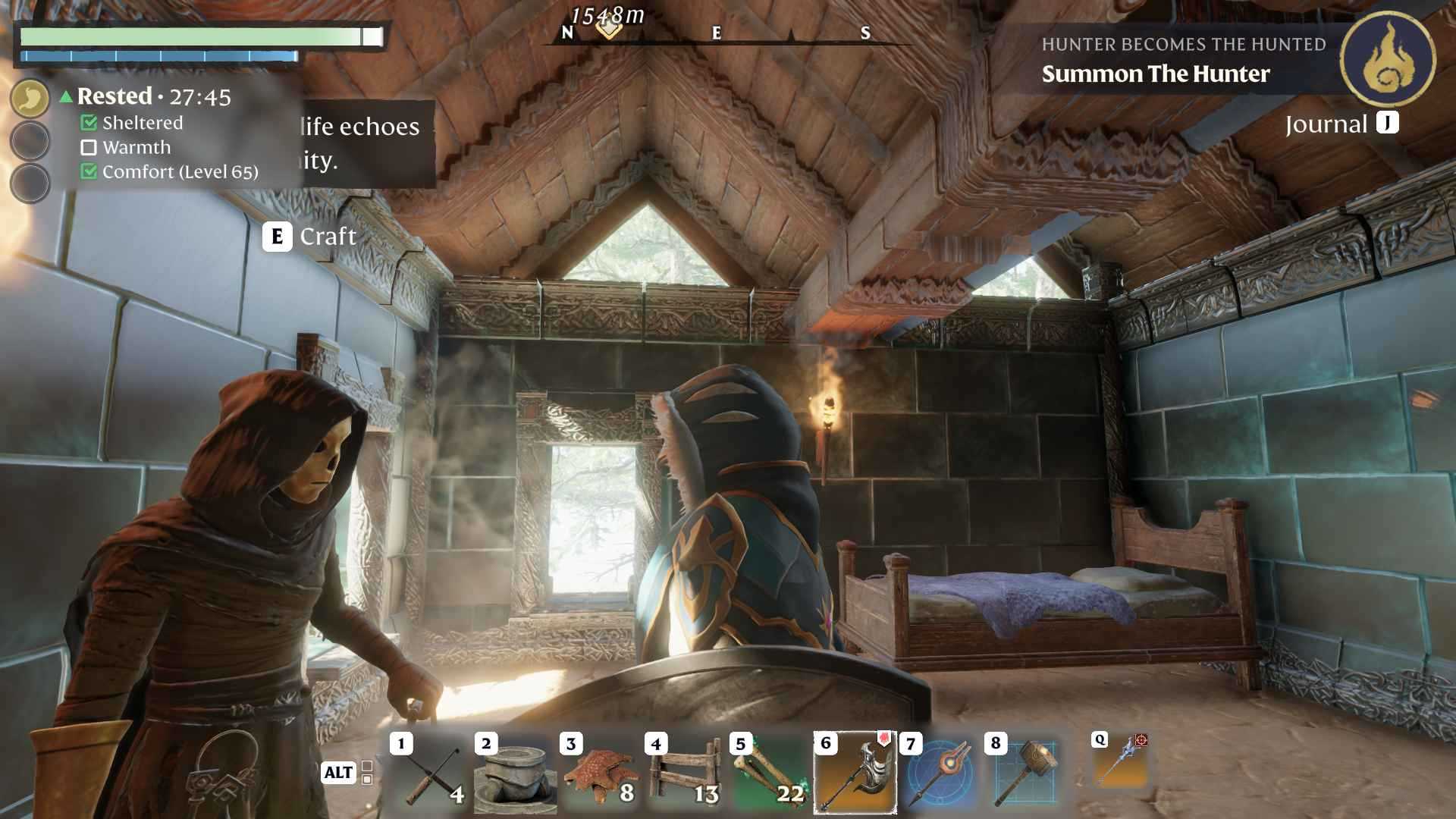
Once you have your materials ready, it's time to craft the Decay Tool. Interact with the Collector NPC and navigate to the crafting section. Select the Decay Tool from the list of available items. The crafting process is instant, so no need to wait around. Within moments, you'll have the Decay Tool ready to go, empowering you to add or remove signs of decay from your buildings.
How to Use
With the Decay Tool in hand, you’re ready to give your base a unique, aged look. Equip the tool and approach any building wall you want to modify.
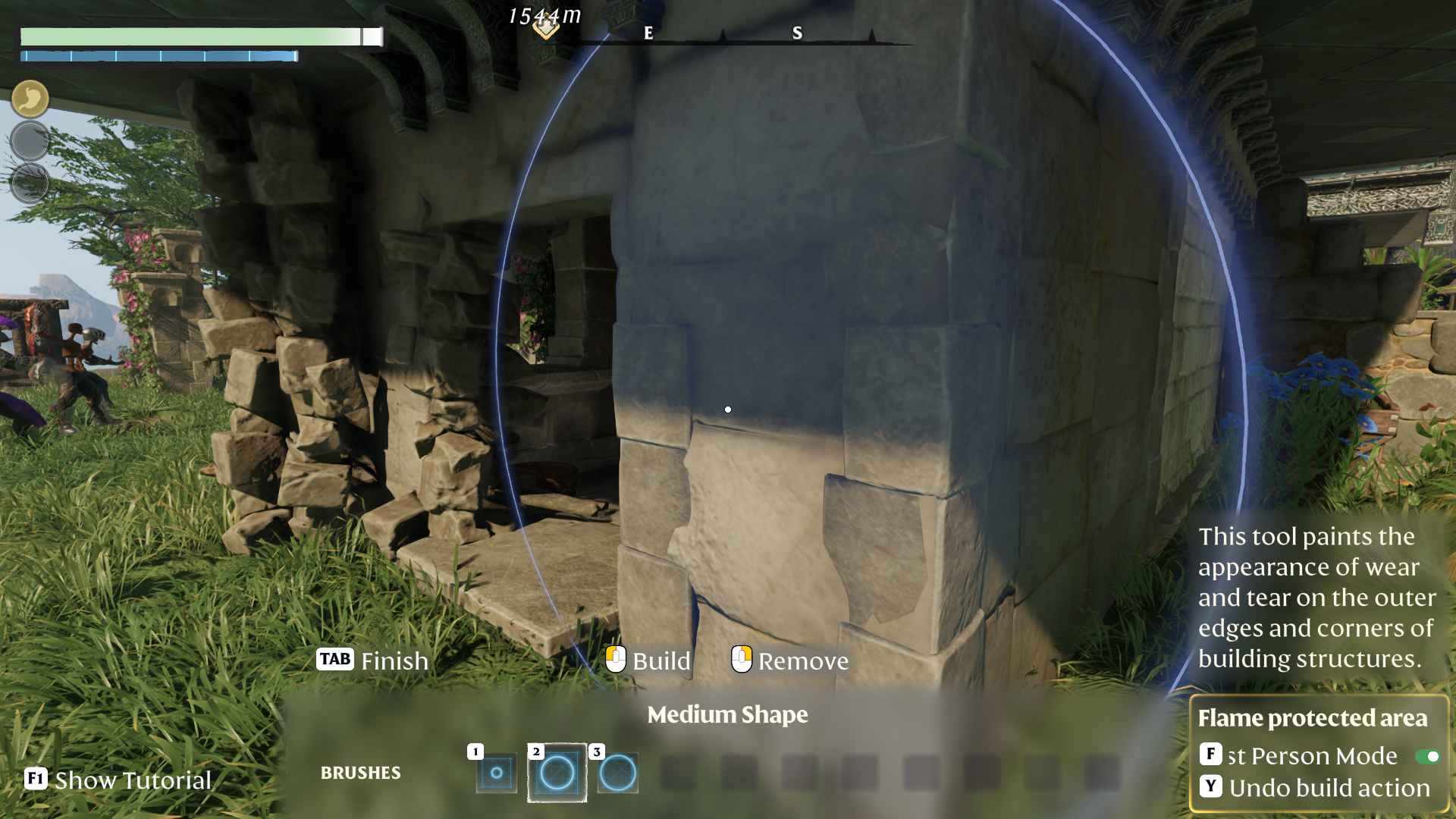
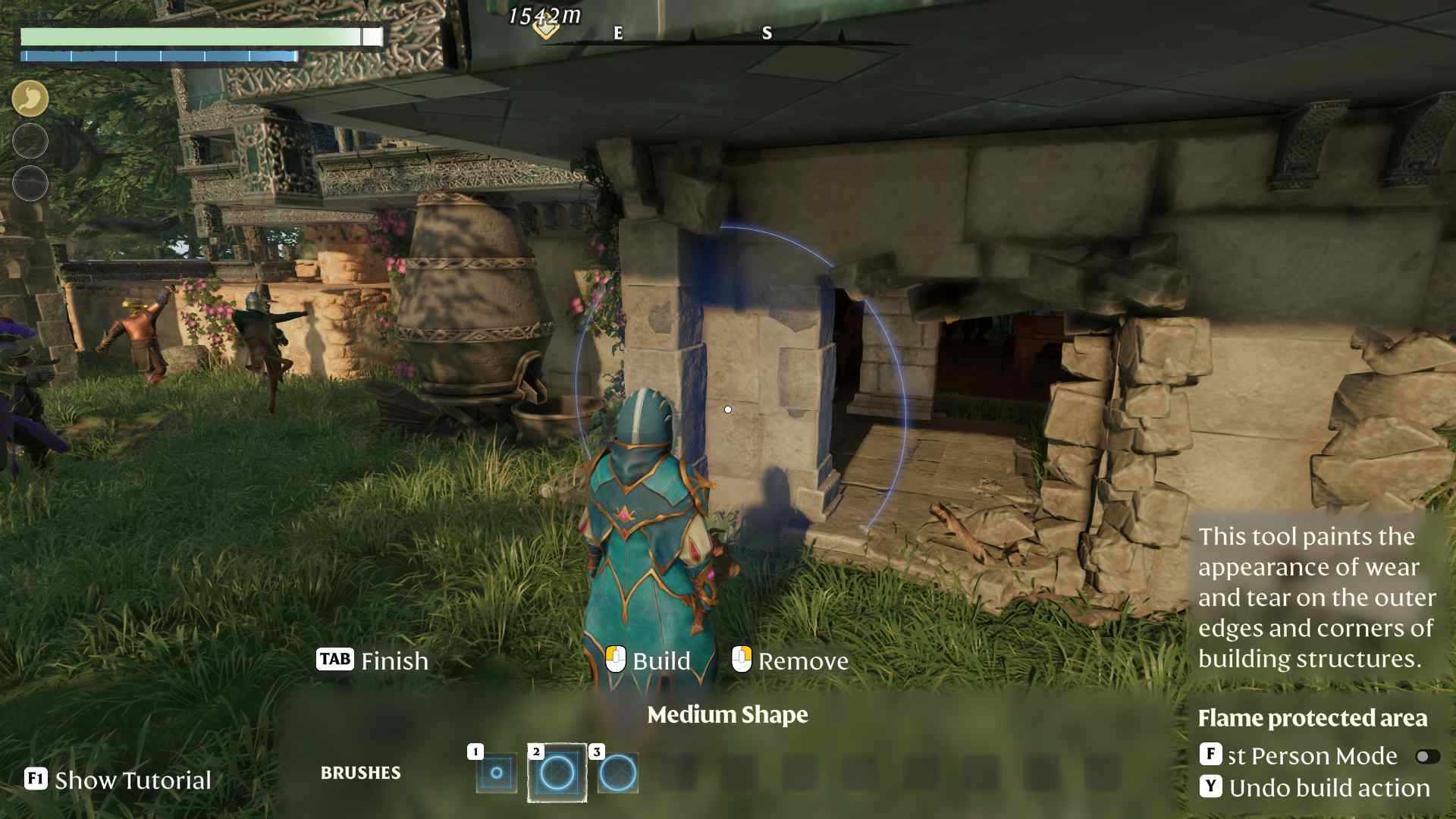
Click on the wall edges to add ruined block visuals, giving your structures a weathered and abandoned appearance. If you ever want to revert the changes, simply use the tool to remove the decay effects. This flexibility allows you to customize your base's aesthetics to match your desired theme perfectly.
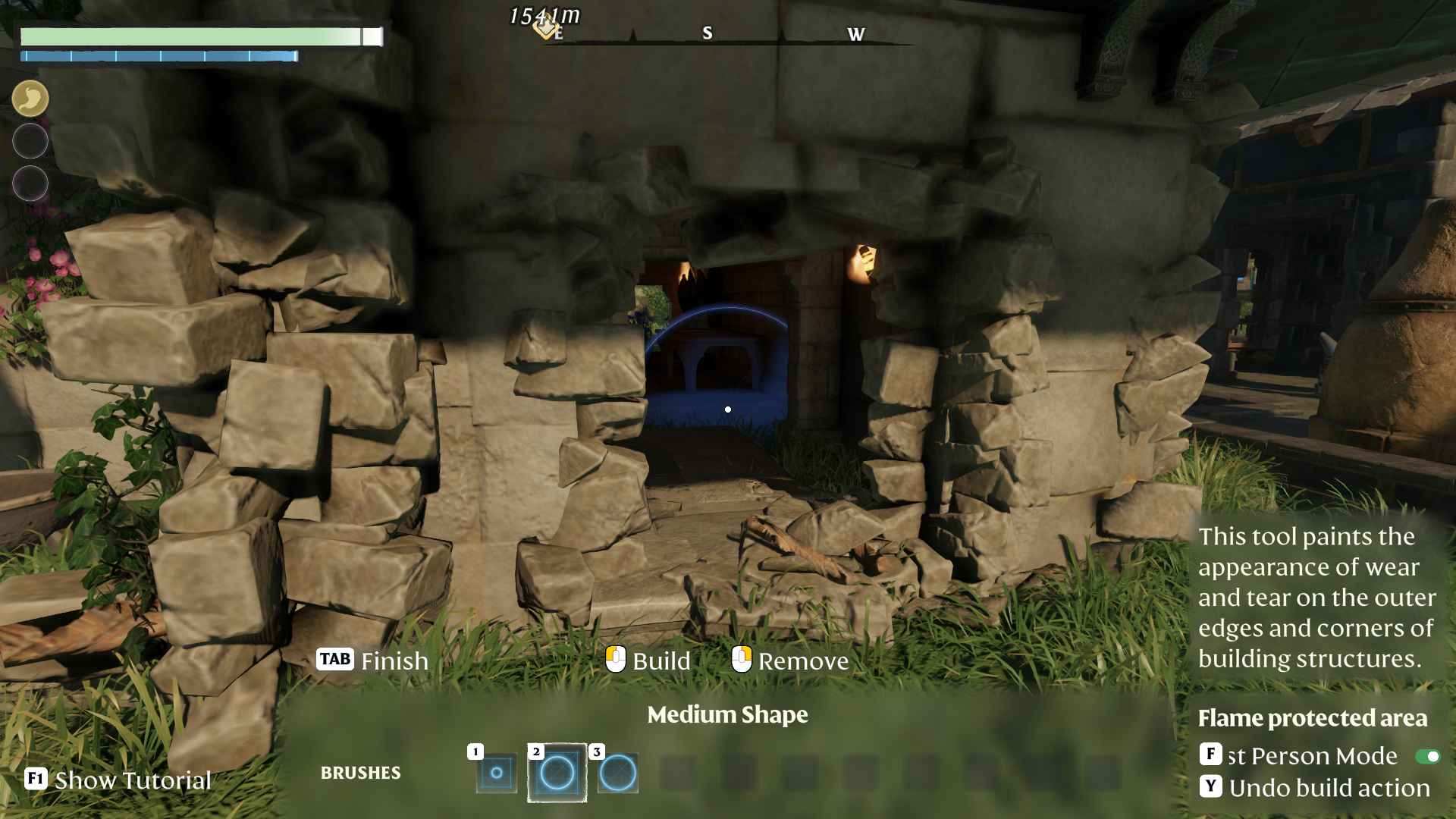
The Decay Tool isn’t just about making your base look old - it’s about adding story and depth. Imagine your fortress with ivy creeping up the walls or stone blocks showing signs of wear from years of battles. These subtle imperfections bring your base to life, making it a believable and immersive part of the Enshrouded world. Combine the Decay Tool with other building enhancements from the Pact of the Flame update to create truly stunning and personalized bases.
Maintaining Your Base's Aesthetic
While the Decay Tool allows you to modify your base's appearance, it's important to maintain a balance to keep your base functional and visually appealing. Regularly revisit your buildings to adjust the decay levels as needed, ensuring that your base remains both stylish and sturdy against the threats of the Enshrouded world.
The Pact of the Flame update also introduces new locations like the Springlands and Albaneve Summits, which feature enshrouded ruins and farm areas. Use the Decay Tool to match the aesthetic of these new areas when building your own bases nearby. This cohesion enhances the overall visual storytelling of your surroundings, making your presence in these new locations feel natural and integrated.
Crafting Resources and Where to Find Them
Gathering the materials for the Decay Tool is straightforward. Bronze Bars can be mined and smelted from bronze ore found in various regions. Limestone is abundant in rocky areas, and Hardwood is harvested from mature trees in forested zones. Spend some time exploring the Nomad Highlands to stock up on these resources, ensuring you’re always ready to craft and maintain your Decay Tools as needed.
Integrating Decay with Other Building Tools
The Decay Tool shines brightest when used in conjunction with other building tools introduced in the update. Pair it with the Overgrowth tool to create bases that look both ancient and lush with vegetation. This combination not only enhances the visual appeal but also adds layers of complexity to your base designs, making them stand out in the vast world of Enshrouded.
Troubleshooting Common Issues
Sometimes, things might not go as planned when using the Decay Tool. If you encounter any glitches or the tool doesn't seem to apply decay correctly, try the following:
- Restart the Game: A simple restart can often resolve temporary issues.
- Revisit the Collector NPC: Ensure that your tool is properly equipped and that you have enough materials.
- Check for Updates: Make sure your game is updated to the latest version to benefit from bug fixes and improvements.
Community Inspiration and Sharing
Don't forget to share your decayed masterpieces with the Enshrouded community! Join forums, social media groups, and in-game chats to showcase your creative builds. Seeing how others use the Decay Tool can inspire new ideas and techniques, helping you refine your base-building skills even further.
The Decay Tool in Enshrouded's Pact of the Flame update is a fantastic addition for players looking to add depth and character to their bases. By following this guide, you can easily craft and use the Decay Tool to transform your structures into unique, story-rich environments. Embrace the imperfections and let your creativity flourish as you build bases that truly stand out in the enchanting world of Enshrouded. Happy building!