
How to Turn Off Spiders in Enshrouded the Albaneve Summits Update
Enshrouded’s Albaneve Summits update introduced an Arachnophobia mode that replaces spider models with more approachable visuals, making the game accessible for everyone.
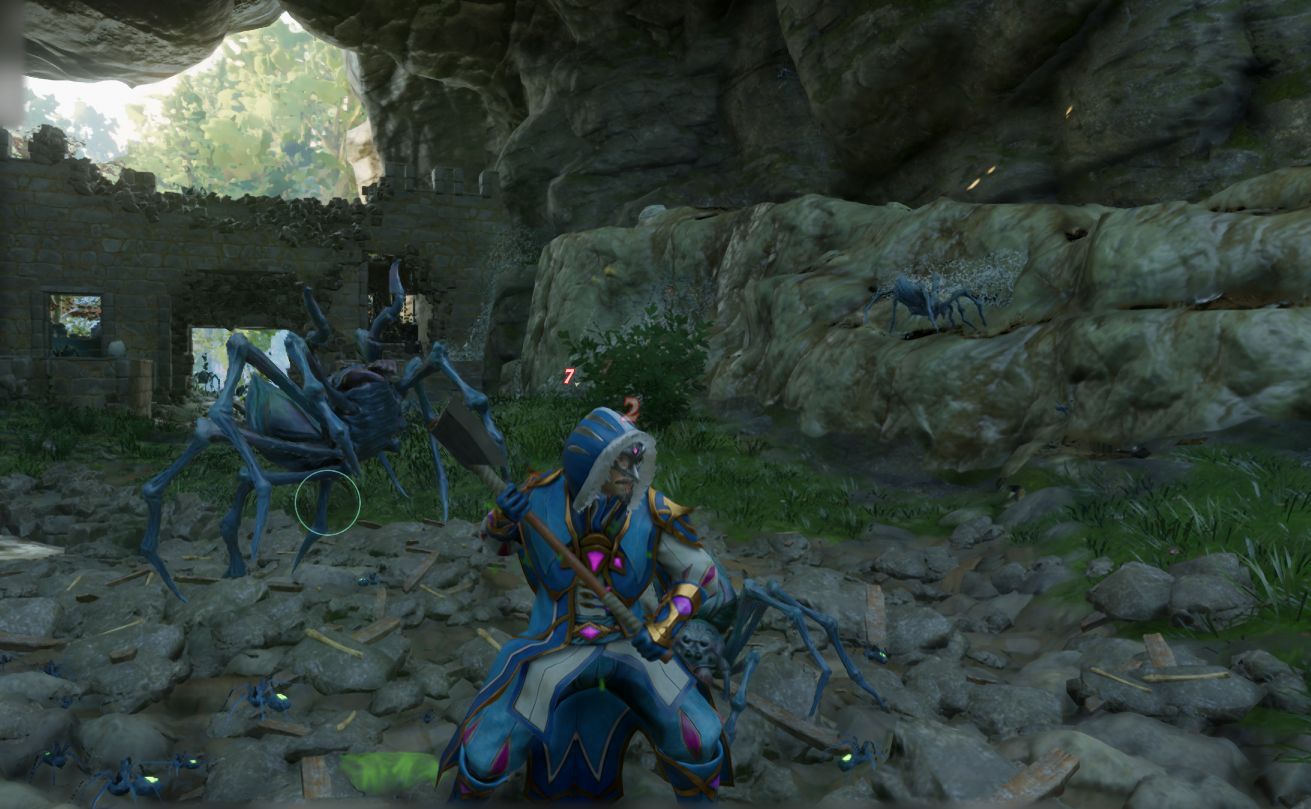
Enable Arachnophobia Mode
The Arachnophobia mode is a user-friendly setting designed to help players who are uncomfortable with spiders. To turn it on:
1. Open the settings menu from the main screen or in-game pause menu.
2. Navigate to the “Accessibility” tab.
3. Find the option labeled “Arachnophobia Mode.”
4. Toggle the setting to “On.”
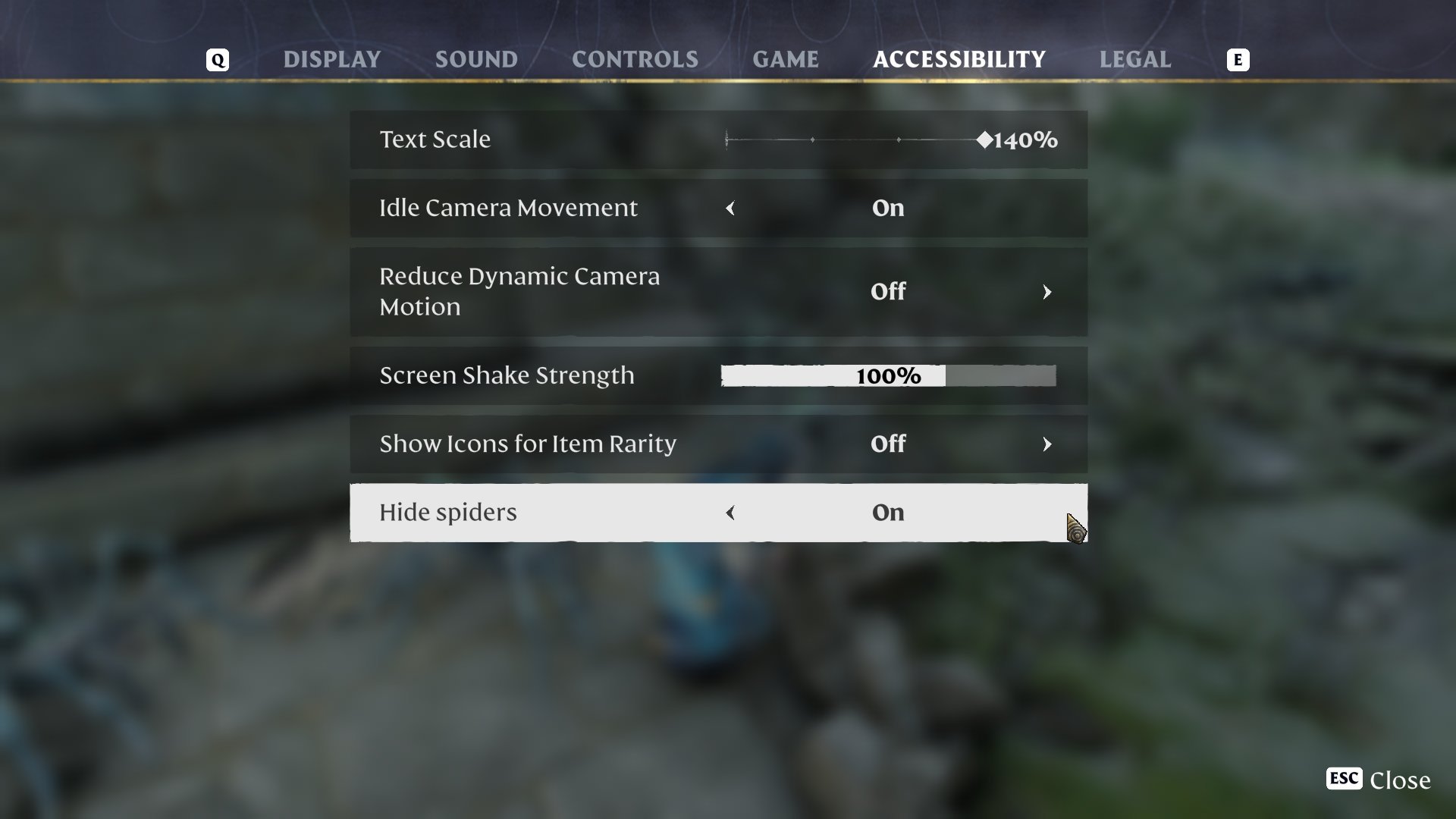
Once enabled, all spider models in the game will be replaced with alternate, less intimidating designs.
What Happens When You Turn It On?
When Arachnophobia mode is activated, spiders transform into fun, non-threatening models. These could look like blobs, snowballs, or other whimsical shapes. The changes apply instantly and affect all spiders in the game, whether in caves, forests, or dungeons.
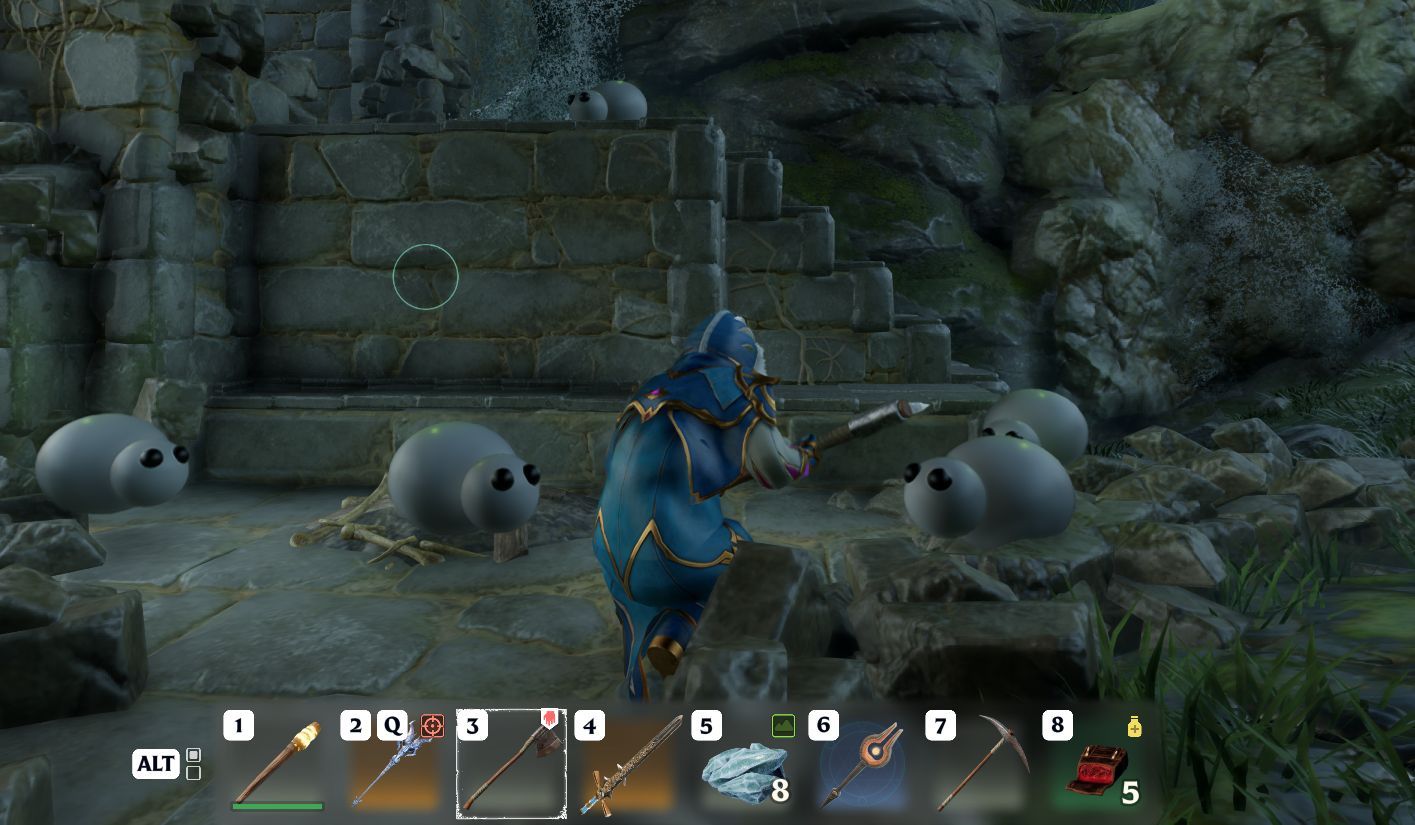
This setting is purely cosmetic and does not alter the gameplay mechanics of spider encounters. They will still behave the same way in combat or exploration scenarios.
Why Use Arachnophobia Mode?
Many players find spiders unsettling or even terrifying, which can disrupt the fun of exploring Enshrouded. Arachnophobia mode allows these players to fully immerse themselves in the game without fear.
Benefits of this mode include:
- Reducing stress during gameplay.
- Making dungeons and caves less intimidating.
- Encouraging players to explore areas they might otherwise avoid.
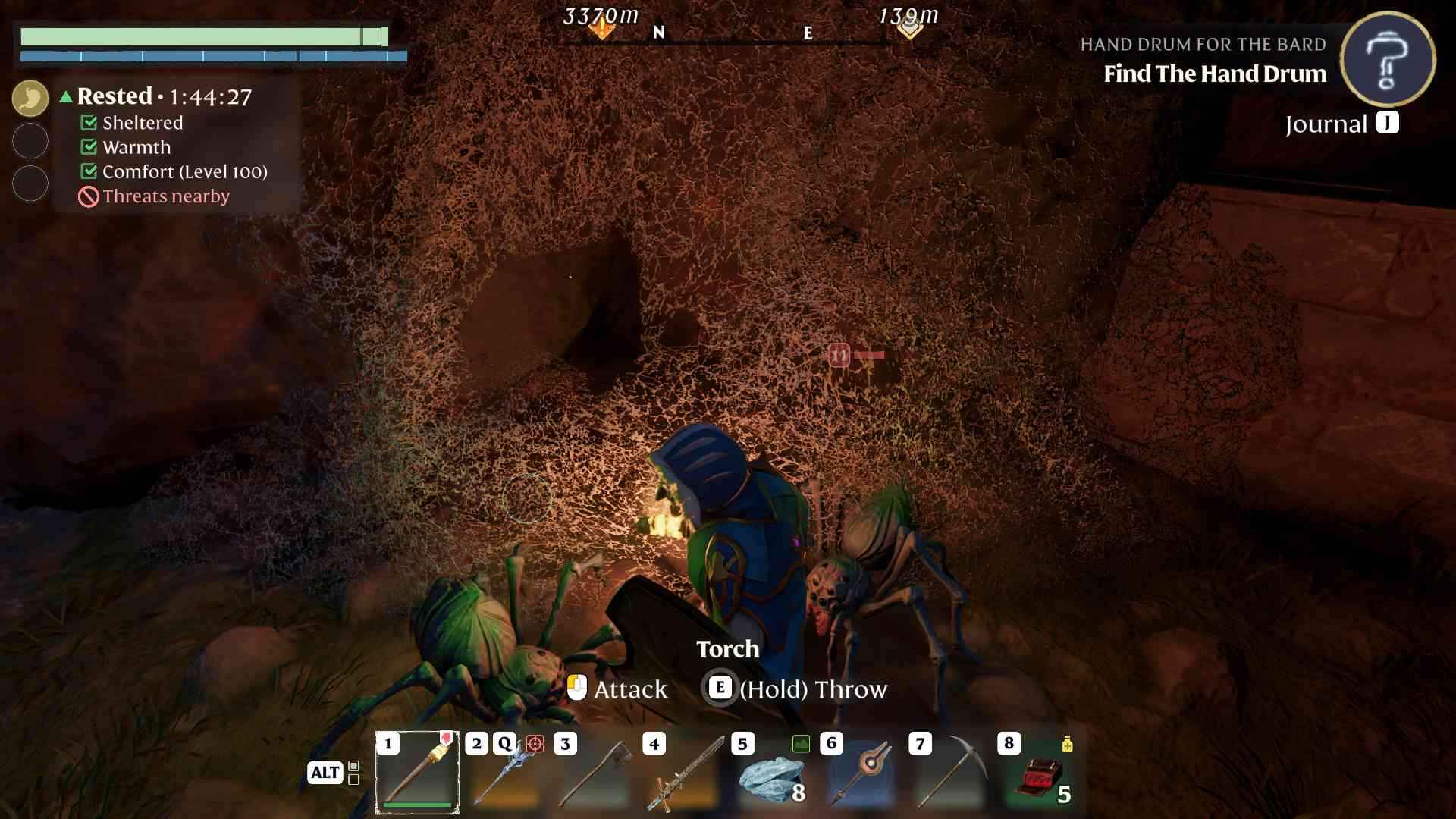
Tips for Exploring with Arachnophobia Mode
1. Double-check the settings before entering spider-heavy areas like caves or ruins.
2. Use Arachnophobia mode with other accessibility settings for a customized experience.
3. Keep the game updated to ensure the mode functions as intended.
How Developers Cater to Inclusivity
The introduction of Arachnophobia mode showcases the developers’ commitment to inclusivity. By addressing common phobias, Enshrouded creates a more welcoming environment for all players. This thoughtful feature proves that even survival games can be accessible and enjoyable for diverse audiences.
Turning off spiders in Enshrouded is as simple as activating the Arachnophobia mode in the settings menu. This feature ensures that every player, regardless of their comfort levels with certain creatures, can enjoy the game to its fullest. Dive into Enshrouded’s Albaneve Summits update and explore without fear, knowing that the developers have your back with this considerate addition.