
How to break bedrock in Minecraft?
Introduction:
In Minecraft, bedrock stands as the unbreakable foundation of the game's worlds, a barrier that players can neither mine nor destroy through conventional gameplay. This has led to bedrock being seen as a challenge by the community, a puzzle to be solved. While breaking bedrock is not typically possible in standard play, there are ways to bypass this limitation. In this comprehensive guide, we will explore two methods of breaking bedrock: using Creative Mode and a more complex technique involving pistons, TNT, a lever, obsidian, and a trapdoor. Additionally, we'll introduce how Gamever servers can elevate your Minecraft experience, offering you the flexibility to experiment with these methods in a shared environment.
Method 1: Breaking Bedrock in Creative Mode
The simplest method to break bedrock is by switching to Creative Mode. This mode provides players with unlimited resources and the ability to break any block, including bedrock.
Steps to Break Bedrock in Creative Mode:
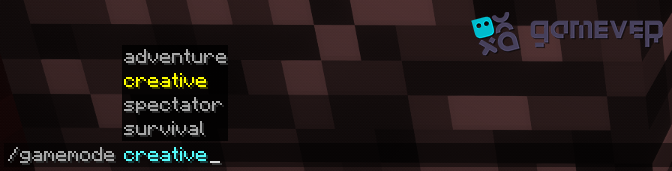
Switch to Creative Mode: Enter the command ‘/gamemode creative’.
Locate the Bedrock: Find the bedrock layer you want to break.
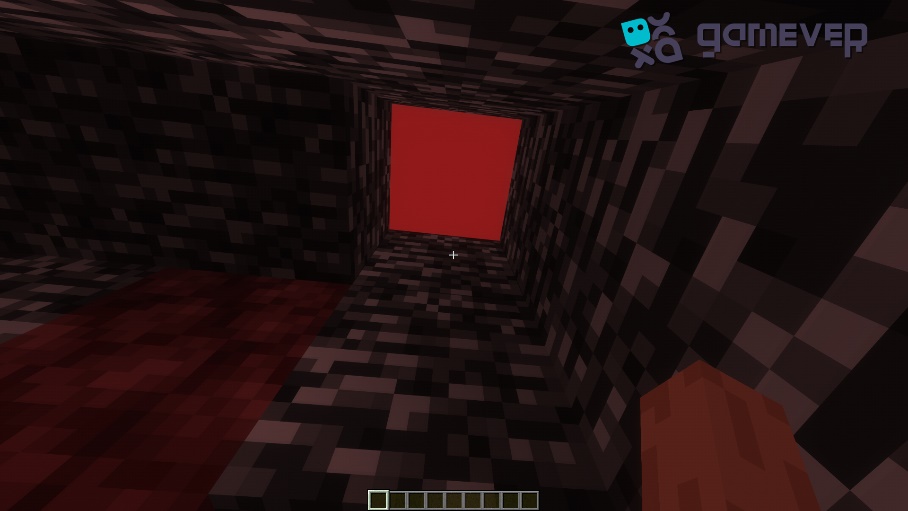
Break the Bedrock: Simply left-click on the bedrock blocks you wish to remove.
Method 2: Breaking Bedrock Using Pistons, TNT, Lever, Obsidian, and Trapdoor
For those seeking a challenge in Survival Mode, there's a more complex method that involves pistons, TNT, a lever, obsidian, and a trapdoor.
Required Materials:
Pistons
2 TNT
Lever
2 obsidian blocks
Trapdoor
Steps to Break Bedrock Using This Method:
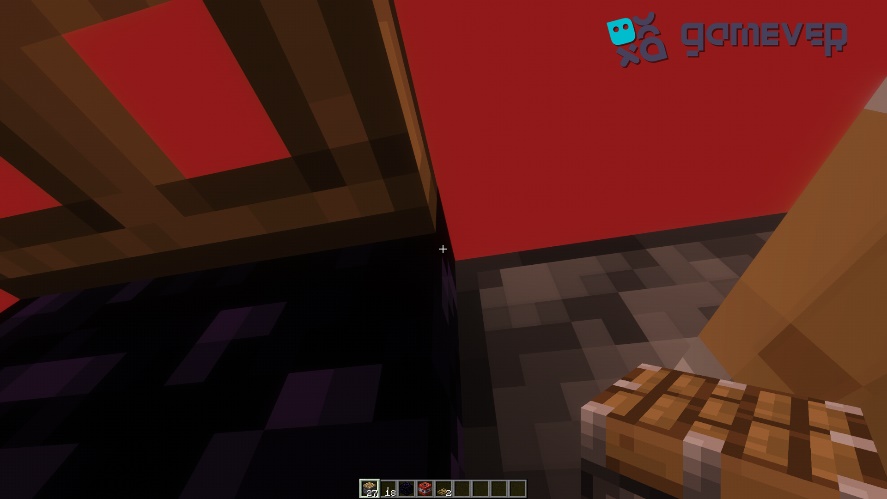
- Install the construction as shown in the picture. The piston should be placed over the block you are going to break.
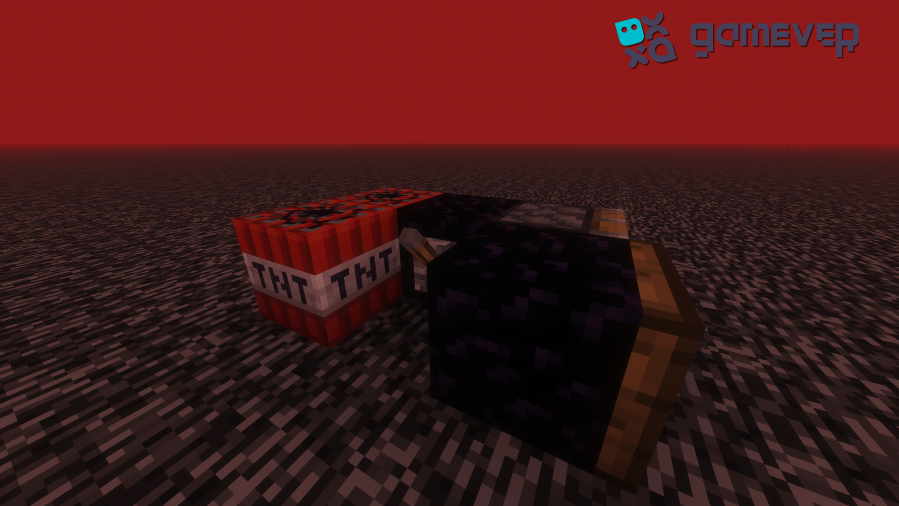
- Once everything is ready, activate the TNT and the piston with the lever.
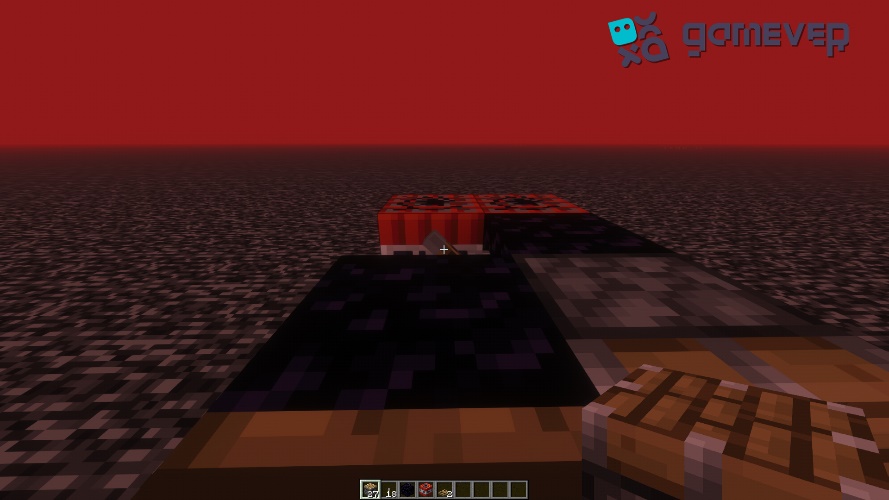
Lever activation
- Activate the trapdoor to change the character's position and, pointing at the obsidian corner, quickly right-click (we advise you to use the auto-clicker for easier execution). This method requires patience because it is very difficult to perform it the first time.
Why break bedrock?
Players often break bedrock to:
Access the top of the Nether for travel or building.
Create unique structures or traps.
Challenge themselves with the game's mechanics.
Tips for Successful Bedrock Breaking
Practice in Creative Mode: Before attempting the piston-TNT method in Survival, practice in Creative Mode to get the timing right.
Safety First: The piston-TNT method involves explosives, so ensure your valuable items are stored safely away.
Be patient. It might take several attempts to successfully break bedrock using the piston-TNT method.
The Gamever Server Advantage
Attempting to break bedrock, especially using the piston-TNT method, can be more fun and engaging on a multiplayer server. Gamever servers offer a unique platform where you can rent a server to play with friends, sharing the thrill of breaking bedrock together.
Why choose Gamever?
Customizable Experience: Tailor your server settings to suit your bedrock-breaking adventures.
Shared Learning: Collaborate with friends, sharing tips and strategies for successful bedrock breaking.
Reliable Performance: Enjoy a lag-free experience, crucial for timing-sensitive tasks like the piston-TNT method.
Conclusion
Breaking bedrock in Minecraft, whether through the straightforward approach in Creative Mode or the intricate piston-TNT method in Survival, offers a unique challenge for players. These methods not only test your understanding of game mechanics but also open up new possibilities in your Minecraft world. And with Gamever servers, you can take this challenge to the next level, enjoying a shared experience with friends in a stable and customizable environment. So why wait? Rent a Gamever server today and start your bedrock-breaking journey!