
Why Would You Want to Know the Seed?
First things first, why would you want to know the seed of your Minecraft Realm? Well, a seed is basically the DNA of your Minecraft world. Knowing the seed allows you to recreate the world, which is super handy for all sorts of things—planning builds, finding resources, or sharing a cool world you've found with friends.
How to Get the Seed
If You're the Owner of the server
If you're the owner of the server, life's easy for you. Just follow these steps:
Open the Chat: Once you're in, press the "T" key (or whatever key you've mapped chat to).
Type and Enter: “/seed”
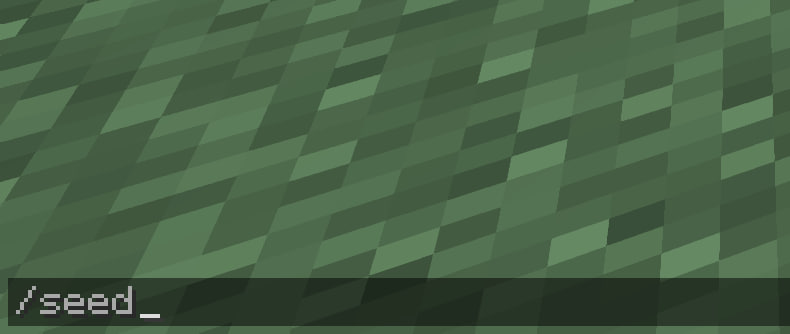
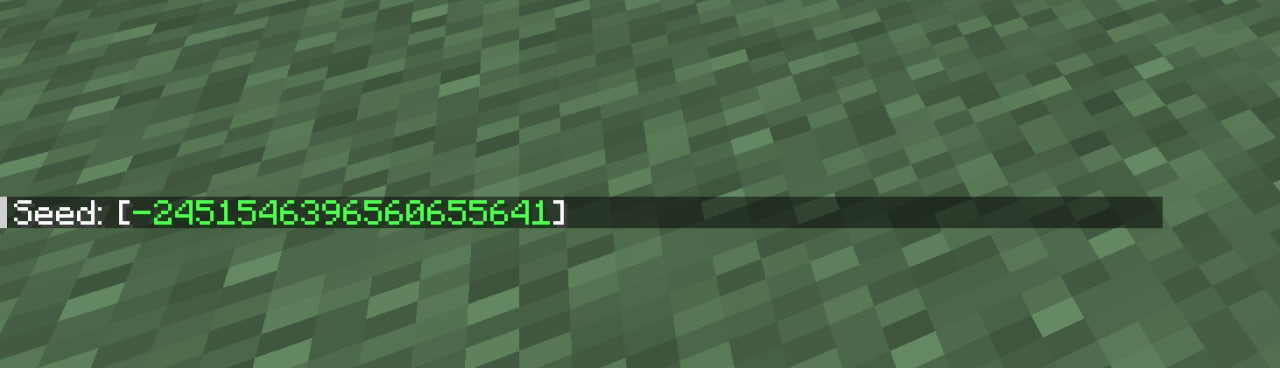
Voilà! The game will display the seed.
If You're Not the Owner
Now, if you're not the owner, things are a bit trickier. The /seed command is generally an operator-level command, which means you need the owner's permission to use it.
Ask Nicely: Your best bet is to ask the owner to either give you the seed or give you temporary operator status so you can run the /seed command yourself.
Check for Clues: Some server owners will list the seed in the server description or somewhere else that's publicly accessible. You could get lucky!
What To Do with the Seed
Once you have the seed, you can do a whole bunch of stuff:
World Replication: You can create a new single-player world with the same seed to test things out or find resources.
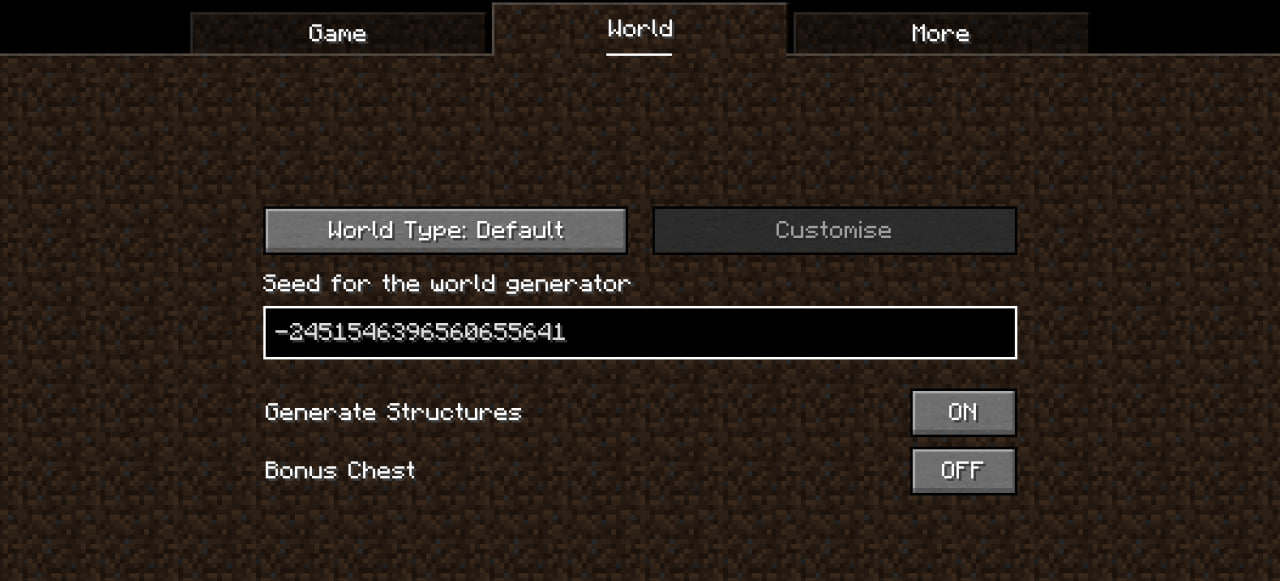
Share It: If you've got a world you're particularly proud of, why not share it? Just give your friends the seed, and they can generate the same world on their end.
Research: Various online tools and forums can help you understand what biomes, structures, and resources are near your spawn point if you plug in your seed.
Some Tips and Warnings
Version Matters: Keep in mind that the same seed can generate different worlds in different versions of Minecraft.
No Going Back: If you regenerate a world with a seed, you'll lose any structures or items you've created in the previous world, so be cautious!
Wrapping Up
Finding the seed of a Minecraft Realm can range from a simple command to a quest for permission. Either way, once you have it, you've got the key to understanding your Minecraft world a bit better. So what are you waiting for? Get out there and get that seed!
Hope this helps! Happy mining!