
Where Dragonwilds Keeps Your Save, and Exactly What Is Inside It
Your entire Dragonwilds character lives in a readable JSON file, and you can copy it. Skills, quest progress, revealed landmarks, unlocked spells, even the map pins you placed by hand — all of it sits in one folder under AppData. Knowing where it is turns "my character is gone" from a catastrophe into a file restore, and it is the difference between a bad patch costing you an evening or a hundred hours.
On sourcing. Jagex do not document the save format. The location and contents below come from the community RuneScape: Dragonwilds wiki, and can change with any patch.
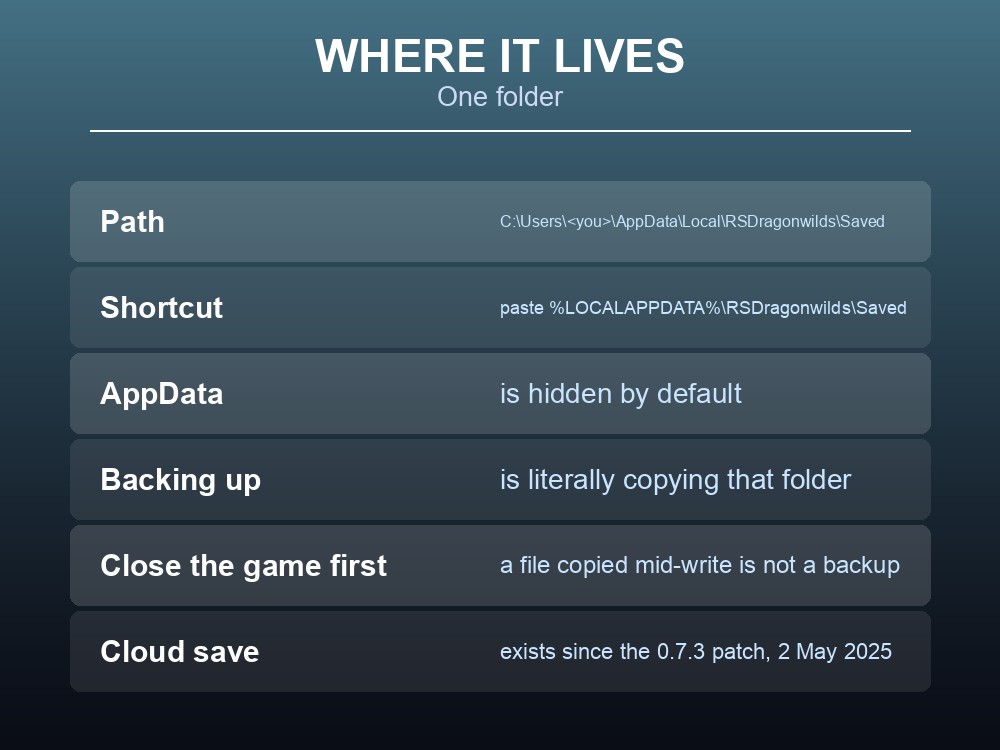
Where It Lives
On Windows, by default:
`` C:\Users\<your username>\AppData\Local\RSDragonwilds\Saved ``
AppData is hidden by default. Paste the path into the Explorer address bar, or type %LOCALAPPDATA%\RSDragonwilds\Saved — Windows expands it for you.
The folder holds both your game settings and your character, and "can be copied to other directory, to create backup." That is the whole backup procedure: copy the folder.
Cloud save exists too — it "has been added" in the 2 May 2025 (0.7.3) patch — but cloud sync and a local copy solve different problems. Cloud protects you from a dead drive. A local copy protects you from a bad save, because a corrupted or unwanted state syncs upward just as happily as a good one.
What the Character File Contains
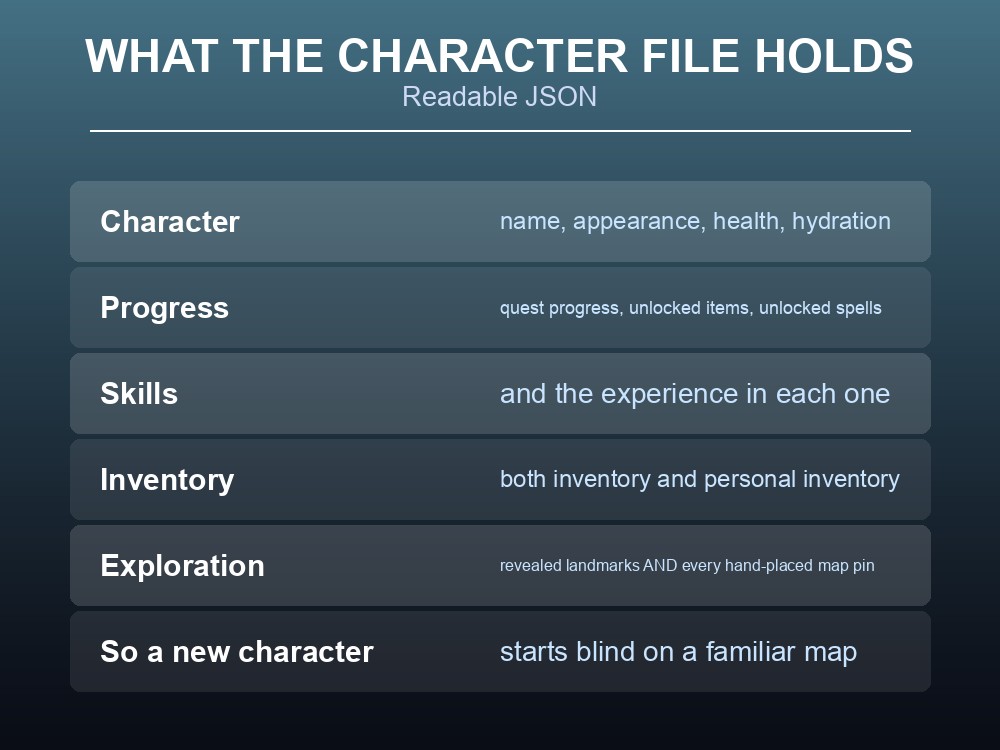
The character save is a .json file, and it stores:
| Category | Detail |
|---|---|
| Character | Name, status — health, hydration and the rest — and visual customisation: hair, eyes and so on |
| Play time | Total time played |
| Inventory | Both inventory and personal inventory |
| Unlocks | Progress on unlocked items |
| Quests | Quest progress |
| Exploration | Revealed landmarks |
| Skills | Skills and experience in each skill |
| Journal | Your Journal contents |
| Map | All manually placed pins |
| Spells | Unlocked spells |
Two entries on that list are worth pausing on.
Revealed landmarks and map pins are character data, not world data. So a new character on a familiar world starts blind — your exploration does not transfer, and neither do the pins you spent hours placing.
Skills and quest progress are character-side too, which is why the character-type rule matters so much: a Custom World character cannot carry progress into a Standard world, and vice versa. The save file is the reason — progress travels with the character, and character types are kept separate.
Backing Up Properly
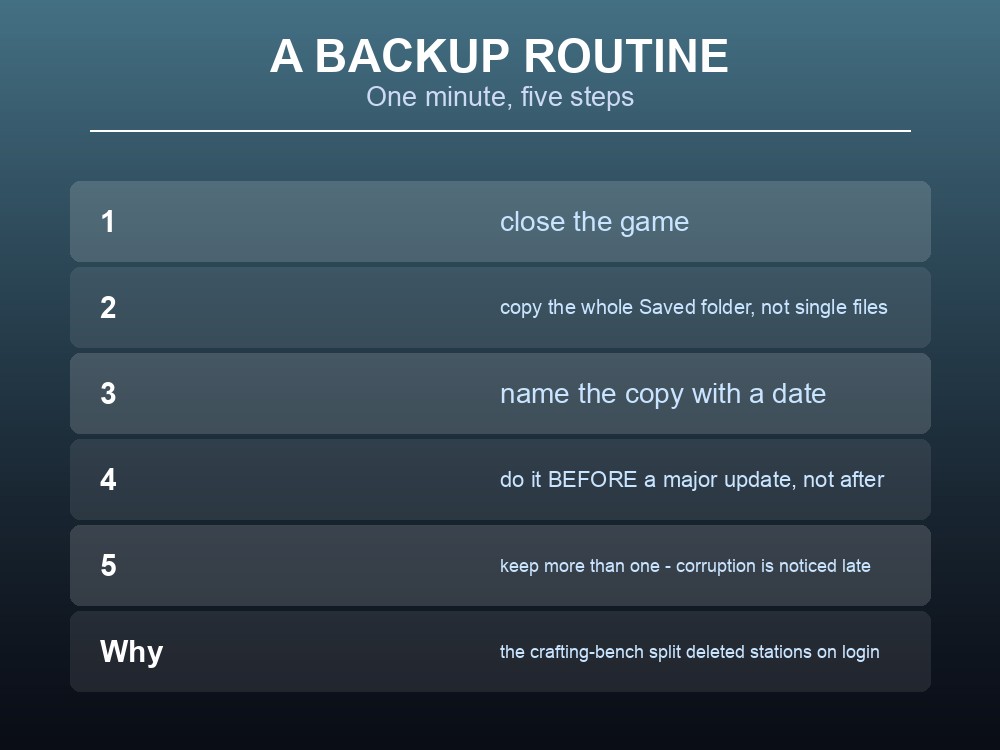
A routine that costs a minute and covers the realistic failures:
- Close the game first. A file copied mid-write is not a backup.
- Copy the whole
Savedfolder, not individual files — settings and character live together. - Name the copy with a date.
Saved-2026-08-24beatsSaved - Copy (3). - Do it before every major update, not after. The patch that breaks something is the one you cannot roll back from without a prior copy.
- Keep more than one. Corruption is often noticed days later, by which point a single rolling backup has already overwritten the good state.
The timing point is the important one. Jagex ship quarterly major updates and roughly monthly minor ones — and the crafting-station split destroyed existing benches on login, refunding materials. A change of that shape is exactly when a pre-patch copy earns its keep.
And note what a local copy does not cover on a dedicated server. The world lives on the server; your character lives on your machine. Backing up one does not back up the other — which is the practical division of responsibility on a shared world.
Servers, Characters and What Belongs Where
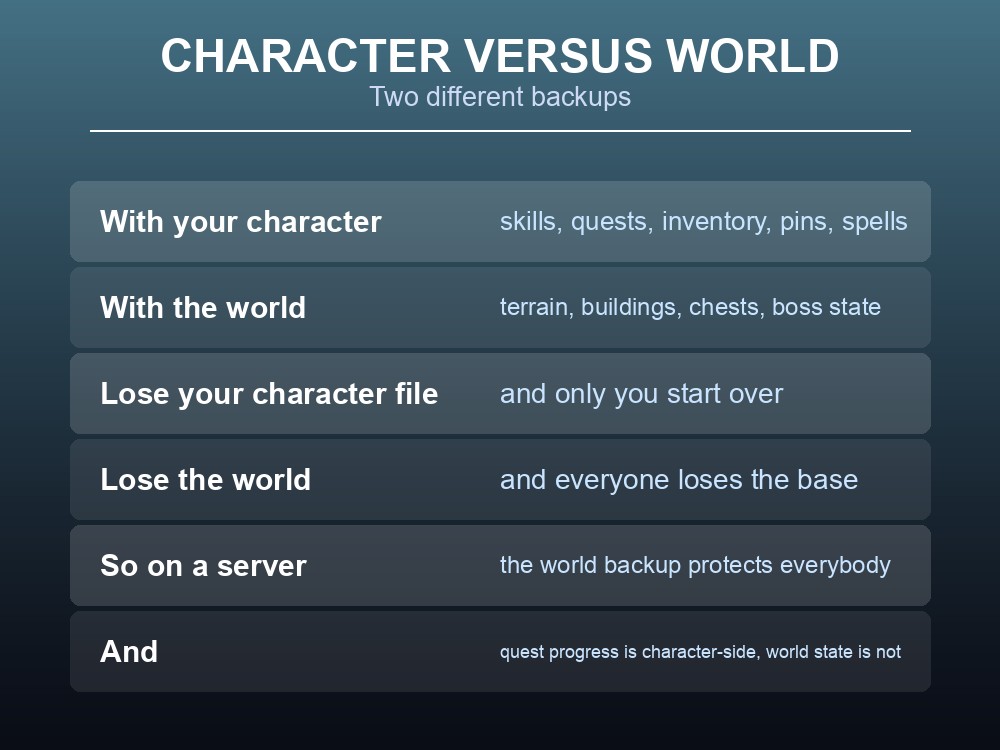
The split is clean once you see it:
| Lives with your character | Lives with the world |
|---|---|
| Skills and experience | Terrain and buildings |
| Quest progress | Chest contents |
| Inventory | Boss and world state |
| Revealed landmarks and pins | Placed structures |
| Unlocked spells and recipes | Other players' bases |
So a group's exposure is asymmetric. If one player loses their character file, they alone start over — the world is untouched. If the world file is lost, everyone loses the base, the storage and the shared progress.
That is why world backups matter more than character backups on a shared server, and why the responsibility naturally sits with whoever runs it rather than with each player.
A related consequence worth stating plainly: because quest progress is character-side, a group can be at wildly different quest stages on the same world — and the world's own state, such as which bosses have died, is shared by everyone regardless. A newcomer inherits the world's difficulty with none of their own progress.
Practical tips
- Saves live in
%LOCALAPPDATA%\RSDragonwilds\Saved.- Backing up is literally copying that folder — with the game closed.
- Cloud save exists since 0.7.3, but it syncs bad states as readily as good ones.
- The character
.jsonholds skills, quests, inventory, spells, landmarks and map pins.- Map pins and revealed landmarks are character data — a new character starts blind.
- Copy before a major update, not after.
- Keep dated copies; corruption is often noticed late.
- On a server, your character is local but the world is not — two separate backups.
Running your own RuneScape: Dragonwilds server
Character files are yours to copy; the world is the part a group cannot recreate. A gamever Dragonwilds server takes one-click backups of that world so a bad patch or a bad session is a rollback rather than a loss, keeps it online around the clock for up to six players, and updates automatically so client and server versions never drift apart.
Conclusion
Dragonwilds keeps your save at C:\Users\<username>\AppData\Local\RSDragonwilds\Saved, and backing it up is as simple as copying that folder with the game closed. The character file is readable JSON holding name and appearance, status, play time, inventory, unlocked items, quest progress, revealed landmarks, skills and experience, your Journal, every manually placed map pin, and unlocked spells — which means exploration and pins are character data, so a new character starts blind on a familiar map. Cloud save has existed since the 2 May 2025 (0.7.3) patch, but it protects against hardware failure rather than bad states, since a corrupted save syncs upward too. The rule to build a habit around is timing: copy before a major update, keep dated copies, and remember the split — your character is local, the world is not, so on a shared server the world backup is the one that protects everybody.
Want the world backed up without anyone remembering to do it? Rent a Dragonwilds server at gamever.io — instant setup, one-click backups and updates, and 24/7 uptime. Start with a free trial and use promo code WELCOME.