
Valheim Performance in 2026: The Unity 6 Upgrade, New Graphics Settings & the Vulkan Warning
Valheim's five-year anniversary patch was not just a hat and some emotes. Patch 0.221.10 carried an engine upgrade to Unity 6, a rework of the graphics settings, and a list of optimisations aimed at the things that actually cost frames in a long-running base — armour stands, grass in reflections, minimap memory. And one month later Iron Gate issued a warning that still matters: Vulkan can make the game unstable. Here is what changed and what to set.
The Engine Upgrade
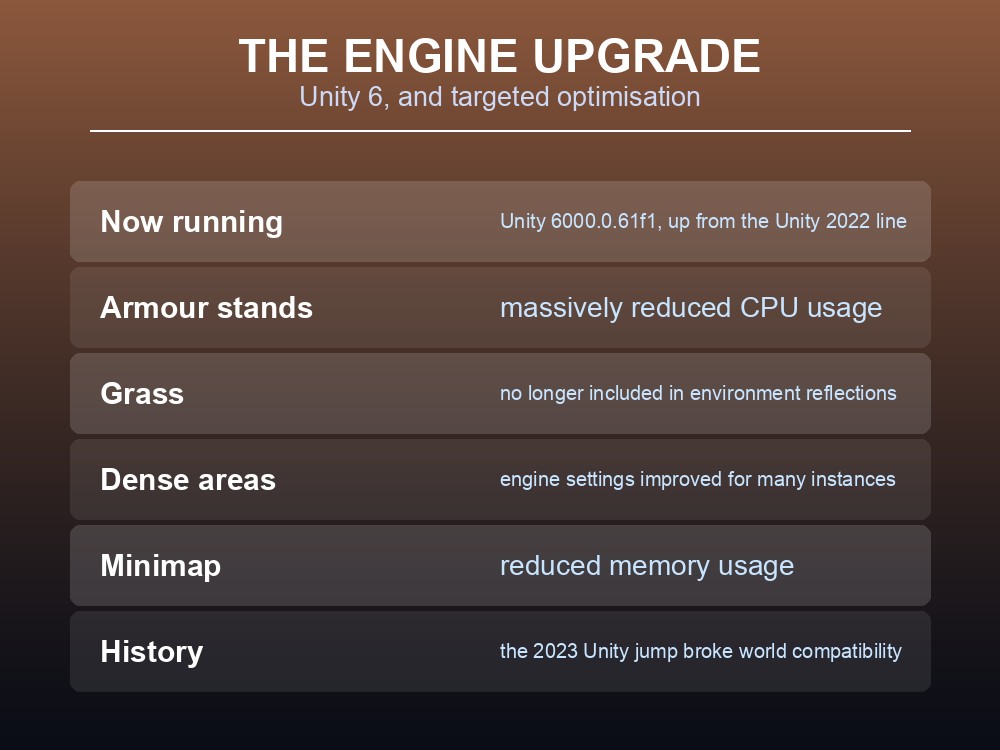
Valheim now runs on Unity 6 — specifically Unity 6000.0.61f1, replacing the Unity 2022 line the game had used since a 2023 upgrade.
Engine upgrades in Valheim have a history worth knowing. When Iron Gate moved to Unity 2022 in 2023, they warned that "worlds used in this update will not" be backwards compatible — a reminder that engine jumps are the updates where a backup is not optional.
The 0.221.10 optimisations targeted specific, identifiable costs:
| Optimisation | Effect |
|---|---|
| Armour stands | "Massively reduced CPU usage" |
| Grass in reflections | No longer included — improves performance |
| Image effect texture copies | Skipped when shield dome and heat distortion are unused |
| Engine instance settings | Improved performance "in areas with many instances" |
| Minimap | Reduced memory usage |
| Graphics presets | Only the current platform's are loaded |
| Matchmaking manager | A duplicate was removed from the start menu |
Armour stands are the standout for base builders. If you have a hall lined with display armour, that line item is aimed squarely at you — and "areas with many instances" is the same story from the other direction.
The minimap has form here too. An earlier patch "optimised minimap to reduce FPS drops when having a lot of map markers" — so if your group pins everything, both changes compound.
The Reworked Graphics Settings
If a setting you remember has vanished, this is why:
| Change | Detail |
|---|---|
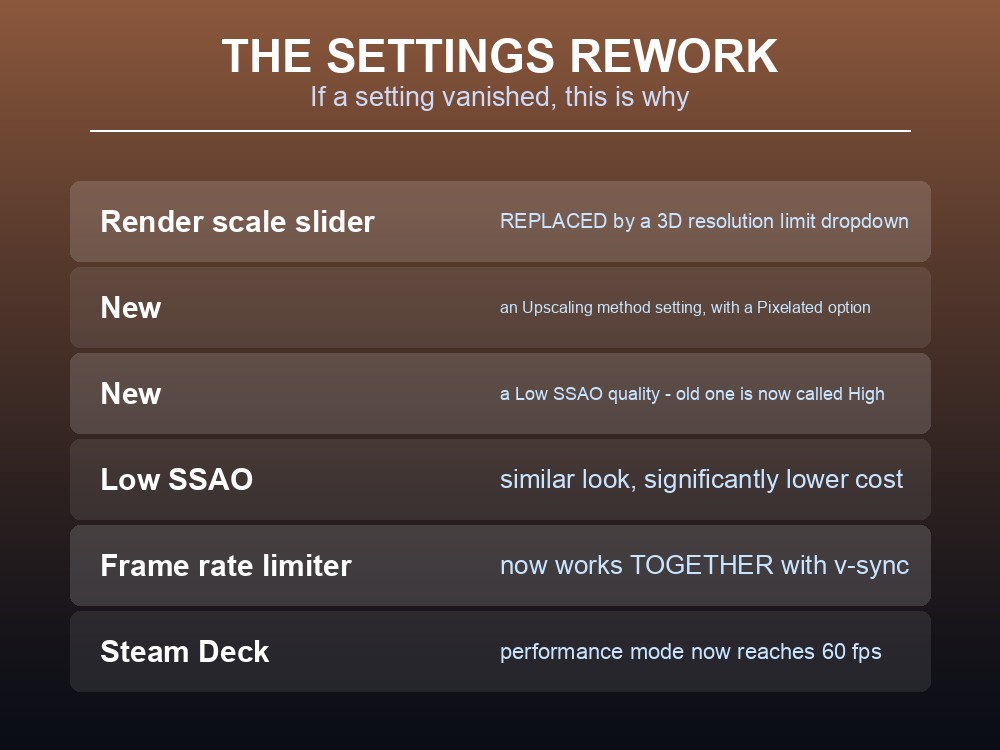
| "Render scale" percentage slider | Replaced by a "3D resolution limit" dropdown with fixed resolutions |
| New: "Upscaling method" | Includes a "Pixelated" option |
| New: "Low" SSAO quality | Similar look to the old setting "with a significantly lower performance impact" — the old one is now called High |
| Frame rate limiter | Now works together with v-sync |
| Frame rate limiter | Now applied during the splash/loading screen |
| Resolution dropdown | Now sorts highest to lowest |
The "Low" SSAO option is the free win. Iron Gate describe it as achieving "a similar look to the existing SSAO quality… with a significantly lower performance impact." If you have never touched SSAO, this is the first setting to change.
The 3D resolution limit replaces render scale for a reason — Iron Gate say the dropdown "improves use case as a performance target", which is the practical difference: you are picking a resolution to hold rather than a percentage to guess at.
The frame rate limiter plus v-sync combination is genuinely useful: it "chooses the lowest submultiple of the monitor refresh rate that is greater than or equal to the selected value" — so you get a stable, tear-free target rather than having to choose between the two.
Steam Deck got its own pass:
- Performance mode now reaches 60 fps.
- Preset settings optimised for battery life.
- Native resolution is used on first start, instead of 1366×768.
The Vulkan Warning
Patch 0.221.12 opened with an unusual warning, and it is the single most useful troubleshooting fact in this article:
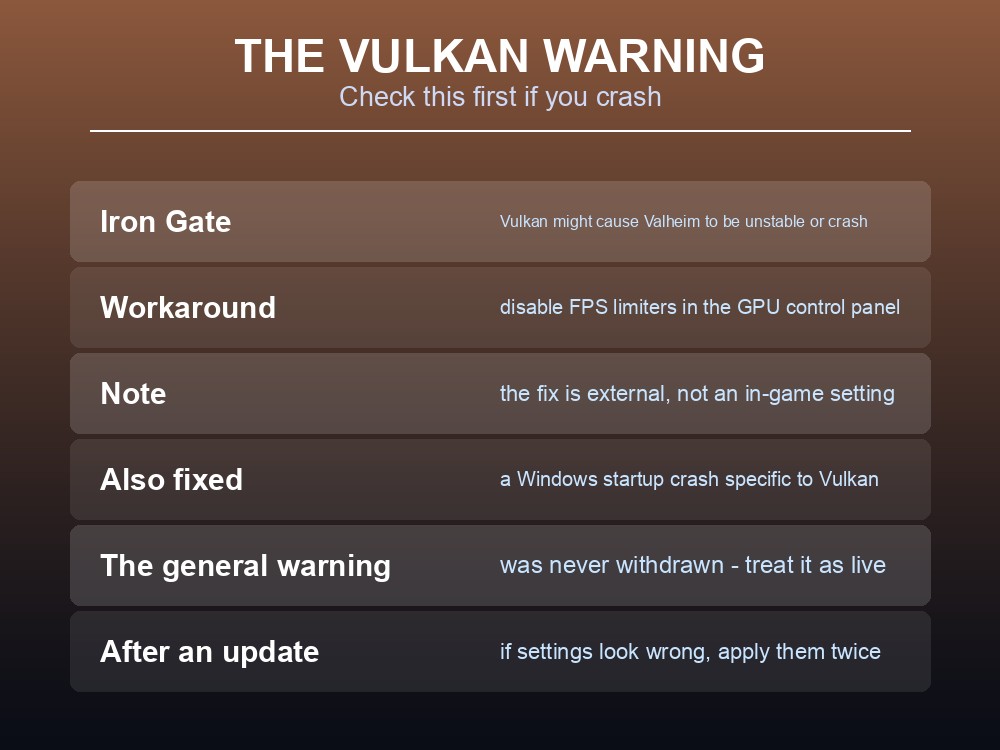
"Playing using Vulkan might currently cause Valheim to be unstable and/or crash. If you want to continue using Vulkan, you can disable the FPS limiters in e.g. the Nvidia Control Panel for a hopefully smoother experience."
So if Valheim is crashing for you and you run Vulkan, that is where to look first — and the workaround is external, in your GPU control panel, not in the game.
A related crash was fixed in the same patch: "Fixed crash on startup on Windows that triggers under specific conditions when using Vulkan." Iron Gate said they were "working on a solution for the Vulkan issue" — but the general instability warning was not withdrawn in a later patch note, so treat it as live.
Two other stability fixes from that patch worth recognising:
- Resolution settings misbehaving in windowed mode when changing settings — fixed.
- Graphics settings sometimes not applying properly the first time after updating from an earlier version — fixed. If settings look wrong immediately after an update, apply them twice.
And one input change people noticed: crouching had been "unintentionally changed to a press-and-hold action on gamepad" and was reverted to a single press. A release-to-select option was also added to the radial menu — keep holding the button and let go to pick an emote.
What to Actually Change
In order of benefit for effort:
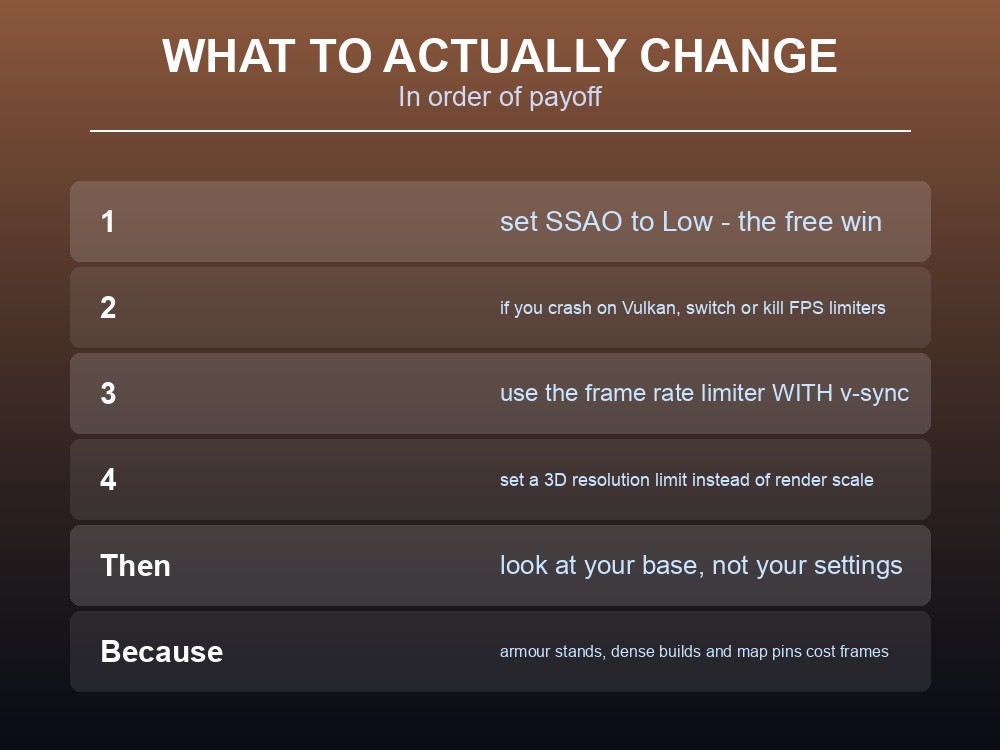
- Set SSAO to Low. Similar look, significantly cheaper — Iron Gate's own description.
- If you crash and use Vulkan, switch renderer or disable external FPS limiters.
- Use the frame rate limiter with v-sync rather than choosing one.
- Set a 3D resolution limit instead of hunting for the old render-scale slider.
Then look at your base, not your settings. The optimisations above tell you where the costs are: armour stands, many instances in one area, and map markers. A hall of display armour and a map covered in pins are real frame costs, and both are things you control.
On a shared server the picture differs slightly. Client frame rate is a client concern, but world size and object count are shared — everyone pays for the megabase. That is worth a conversation in a long-running group, particularly ahead of a 1.0 world that may run for years.
And the timing matters. With 1.0 arriving 9 September and a new chunked world save system waiting on the Public Test Branch, this is the season to take a manual backup and check that your setup is stable before the update rather than after.
Practical tips
- Valheim runs on Unity 6 (6000.0.61f1) since the five-year anniversary patch.
- Set SSAO to "Low" — near-identical look, significantly cheaper.
- "Render scale" is gone, replaced by a "3D resolution limit" dropdown.
- The frame rate limiter now works with v-sync and applies during loading screens.
- Vulkan can cause instability — disable external FPS limiters, or switch renderer.
- If settings look wrong right after an update, apply them again.
- Armour stands, dense object areas and map pins are documented performance costs.
- Steam Deck performance mode now reaches 60 fps at native resolution.
Running your own Valheim server
Client-side settings only get you so far — a long-running world with a big base and a full map is work the server does too, and that work is steadier on hardware dedicated to it than on someone's gaming PC hosting in the background. A gamever Valheim server keeps your world online around the clock for up to 10 players, takes one-click backups before updates like the coming 1.0, and applies updates so client and server versions never drift apart.
Conclusion
Valheim's five-year patch (0.221.10) moved the game to Unity 6000.0.61f1 and shipped optimisations aimed at real costs — massively reduced CPU usage for armour stands, grass removed from environment reflections, lower minimap memory, and better handling of "areas with many instances." The graphics settings were reworked: render scale became a "3D resolution limit" dropdown, a new "Upscaling method" setting appeared with a Pixelated option, and a new "Low" SSAO quality gives "a similar look… with a significantly lower performance impact" — the easiest win available. The frame rate limiter now works alongside v-sync. Steam Deck performance mode reaches 60 fps. And the warning to carry forward is Iron Gate's own: Vulkan may make the game unstable, with the documented workaround being to disable external FPS limiters in your GPU control panel.
Want the world running on hardware that is not also your gaming PC? Rent a Valheim server at gamever.io — instant setup, one-click backups and updates, and 24/7 uptime. Start with a free trial and use promo code WELCOME.