
Valheim: How to Reveal Map
Valheim offers a vast world for exploration, but if you're looking to uncover the entire map quickly, there's a cheat for that. Follow these steps to reveal your whole map effortlessly.

Console Commands
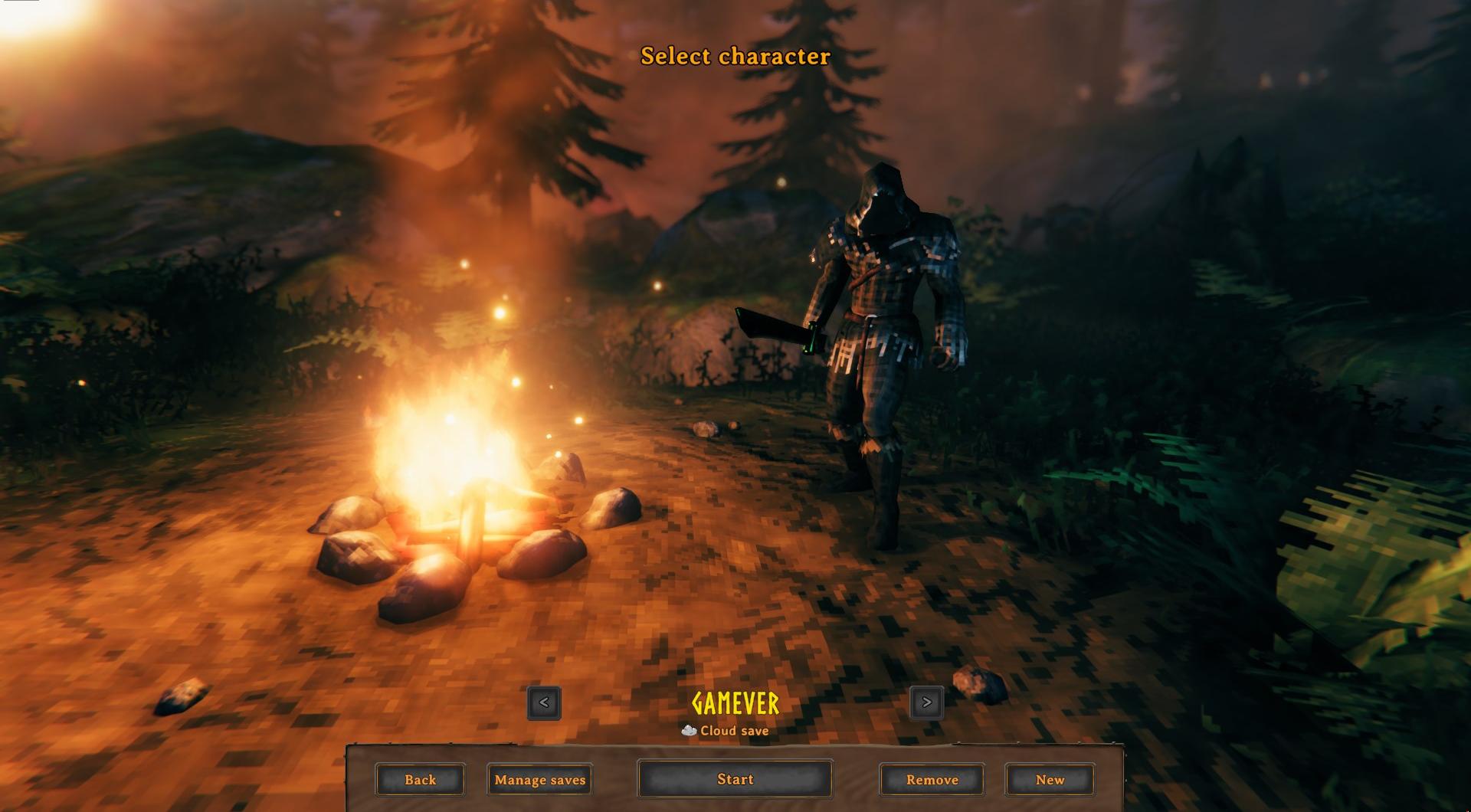
Launch Valheim and enter a game.
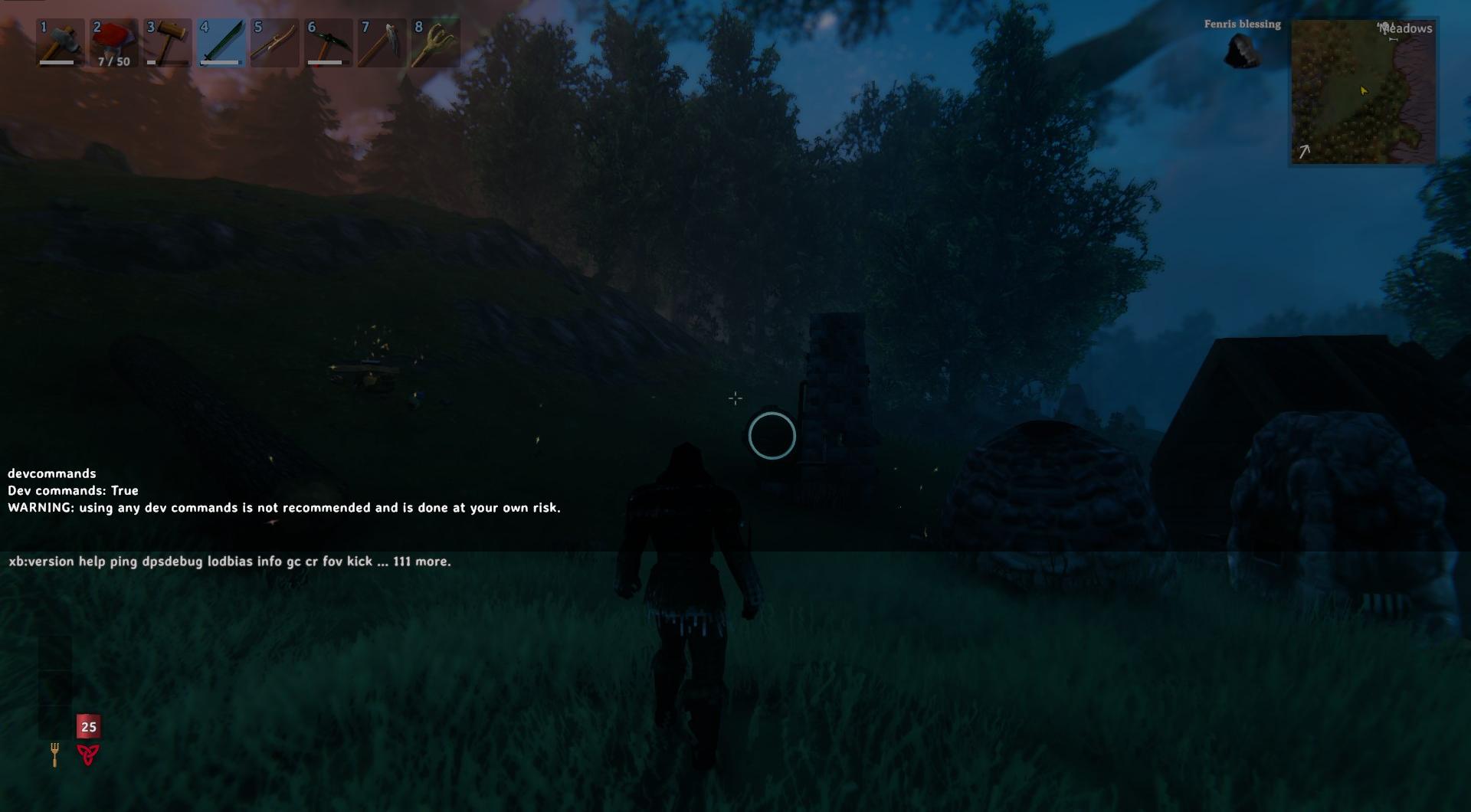
Press F5 to open the console. Type "devcommands", hit Enter to enable cheats.
Type 'debugmode' to enable toggling map visibility.

Revealing the Map
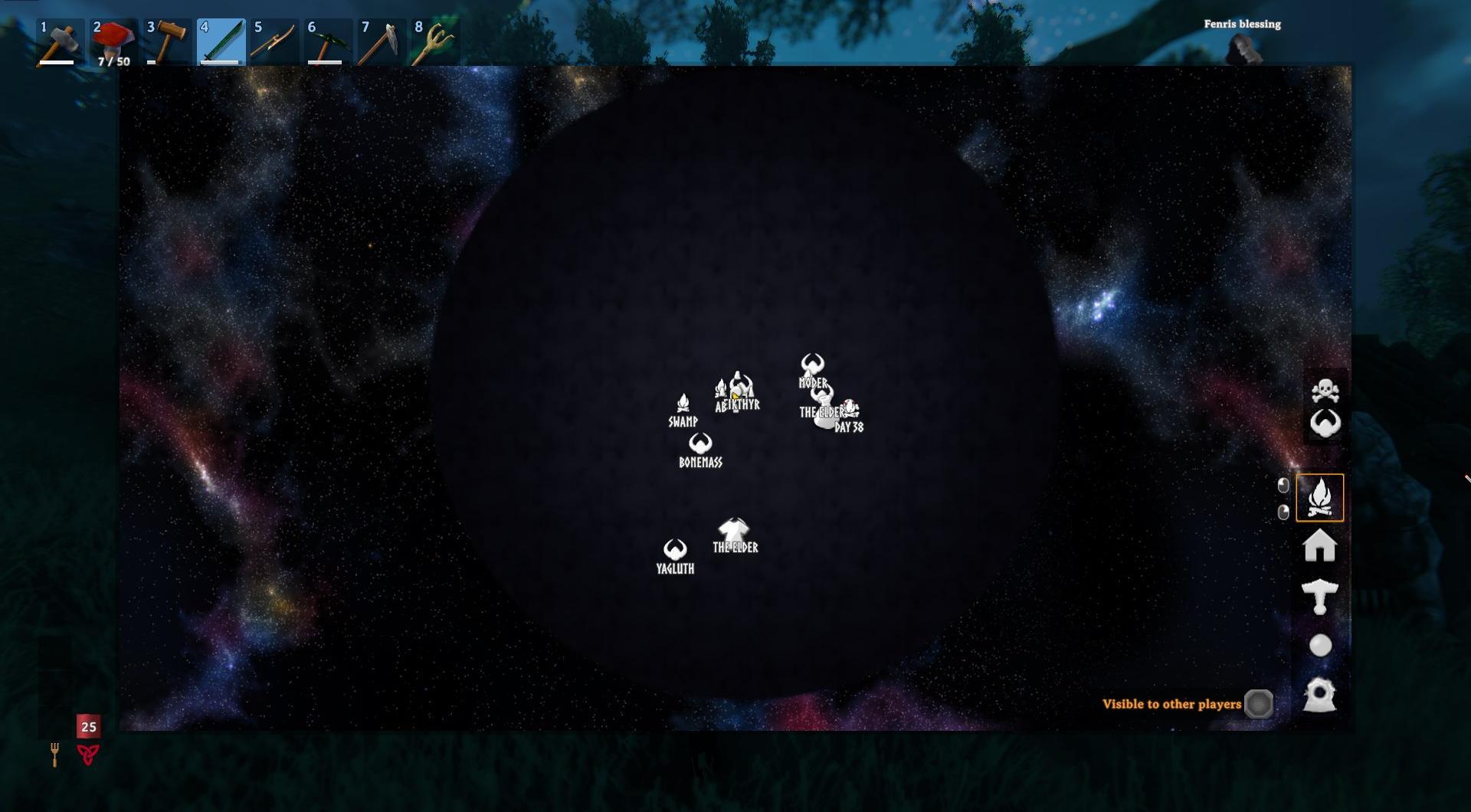
In the console, type "exploremap" and press Enter.

Your entire map is revealed instantly.
Additional Commands
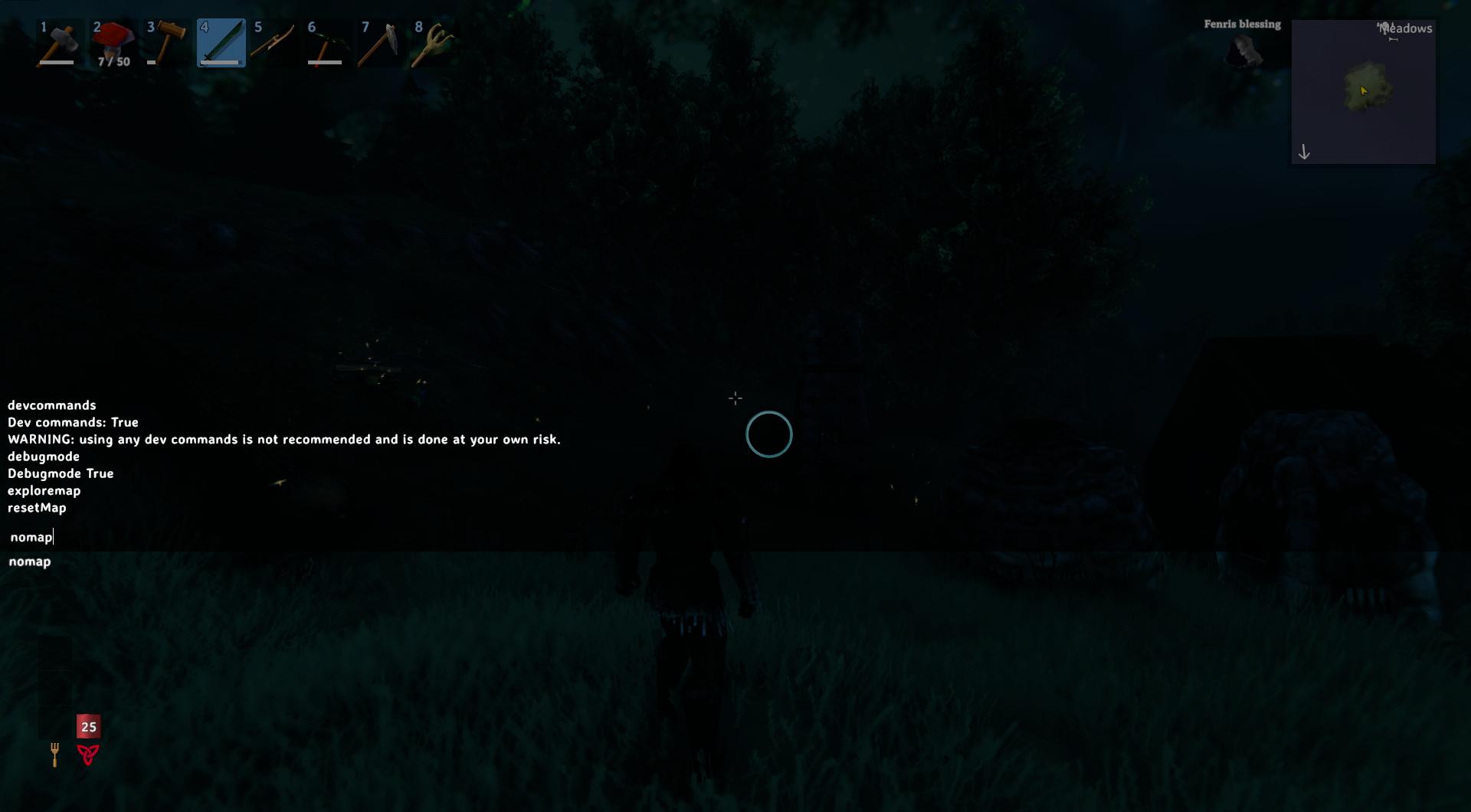
To reset the map, type "resetmap" and hit Enter. This will remove all exploration progress.
Want to hide the map again? Use "nomap" to disable it entirely.
Cartography Table
You can use the Cartography Table to access the discoveries made by your friends. If they have explored parts of the world that you haven't visited yet, you can synchronize these changes from the Table.
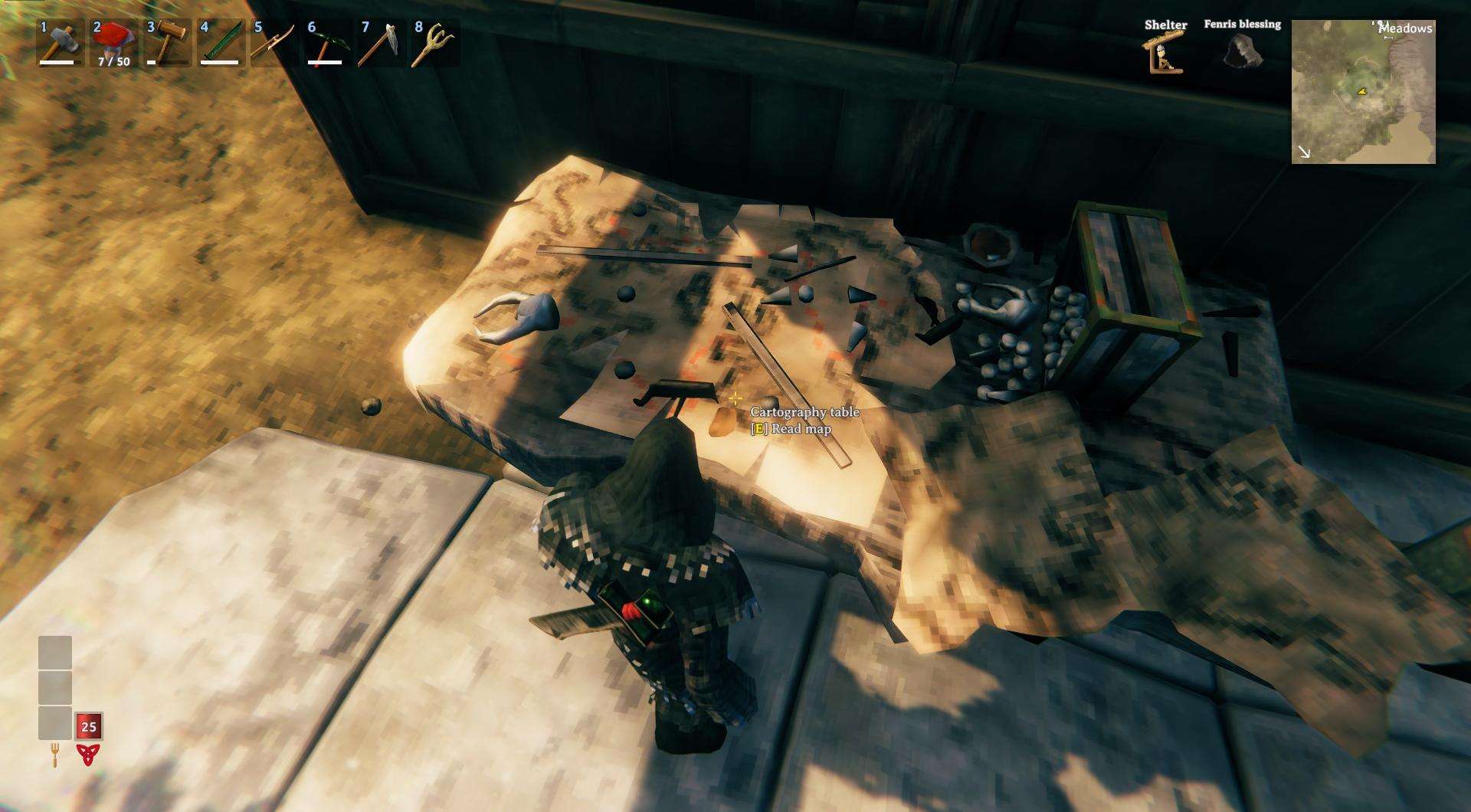
It's important to note that your co-players need to upload their discoveries to the Cartography Table first.
With these simple commands, you can reveal and manage your map in Valheim effortlessly, saving time and effort in your exploration journey.