
V Rising PvP vs PvE: Choosing Your Server's Game Mode
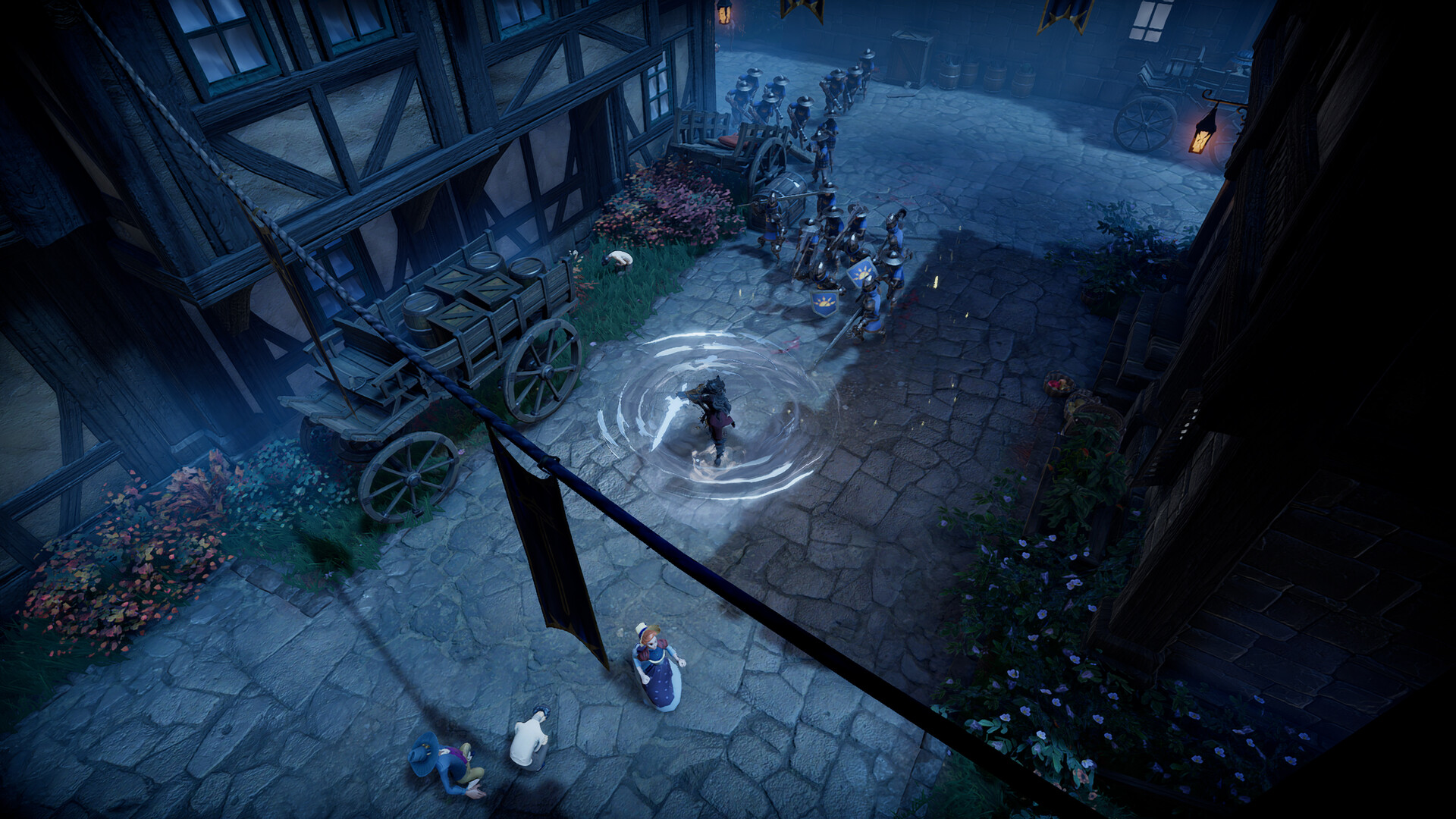
The single biggest decision for a V Rising server is PvP or PvE — it changes whether players can attack and raid each other, and it shapes everything from castle defence to how your clan plays. This guide explains the difference, the related knobs, and exactly where to set it on your gamever server.
PvP vs PvE at a glance
| Mode | What it means |
|---|---|
| PvP | Players can fight and kill each other and raid rival castles (within the configured raid rules). Competitive, higher-stakes — plan for defence. |
| PvE | Players cannot damage each other or raid; everyone cooperates against the world and its bosses. Relaxed, build-focused. |
There are also mixed styles in the V Rising rule set — for example PvP combat but with limited or scheduled castle raiding — which you reach through the Game Presets or by tuning the JSON directly.
Where it's set
Game mode is part of the gameplay rules, so it lives in ServerGameSettings.json (the GameModeType area), not on the Settings page. You have two ways to set it:
- The quick way — Game Preset. Pick a preset on the Settings tab dropdown (e.g. a Standard PvP or Standard PvE preset) and it applies the matching mode plus a sensible bundle of rules.
- The custom way — edit the JSON. Open
/home/configs/Settings/ServerGameSettings.jsonin the File Manager or over FTP and set the mode and related values yourself — see the config JSON guide.
Related knobs that come with the choice
Once you pick a mode, a few neighbouring settings matter:
- Raid rules — on PvP servers, when castles can be raided (always, offline-protected, or scheduled windows).
- Clan size — how many players can band together.
- Blood pool / bloodbound gear — affects how punishing death is.
- Rates — gather/craft/research speed, which sets the overall pace for either mode.
All of these live in ServerGameSettings.json alongside the mode. A preset sets them for you; editing the file lets you fine-tune.
Changing mode later
Switching PvP↔PvE on an established world can have major gameplay consequences (castles, progress and expectations were built around one mode). Decide early where possible, and if you do change it, back up the save first (see backup & restore) and treat it as a significant change. For a true fresh start, see reset & wipe.
Additional Tips
- Decide before you share the IP — mode shapes how everyone plays from day one.
- Use a preset for a fast, sane setup, then tweak only what you need in the JSON.
- PvP means defence matters — check your raid rules so offline players aren't wiped unfairly.
- PvE is the relaxed, co-op route — great for builders and boss-hunting groups.
- Stop the server before editing the JSON, then start to apply — see the config guide.
Conclusion
PvP or PvE is the heart of your V Rising server's identity. Pick the mode (and its raid, clan and rate settings) with a Game Preset for speed, or tune it by hand in ServerGameSettings.json for full control. Decide early, back up before any later change, and your server plays exactly the way your group wants.
Rent your V Rising server at gamever.io — one-click presets for PvP or PvE, plus a browser editor for the fine details. Free trial, promo code WELCOME.