
Updating Your V Rising Server and Keeping Versions in Sync
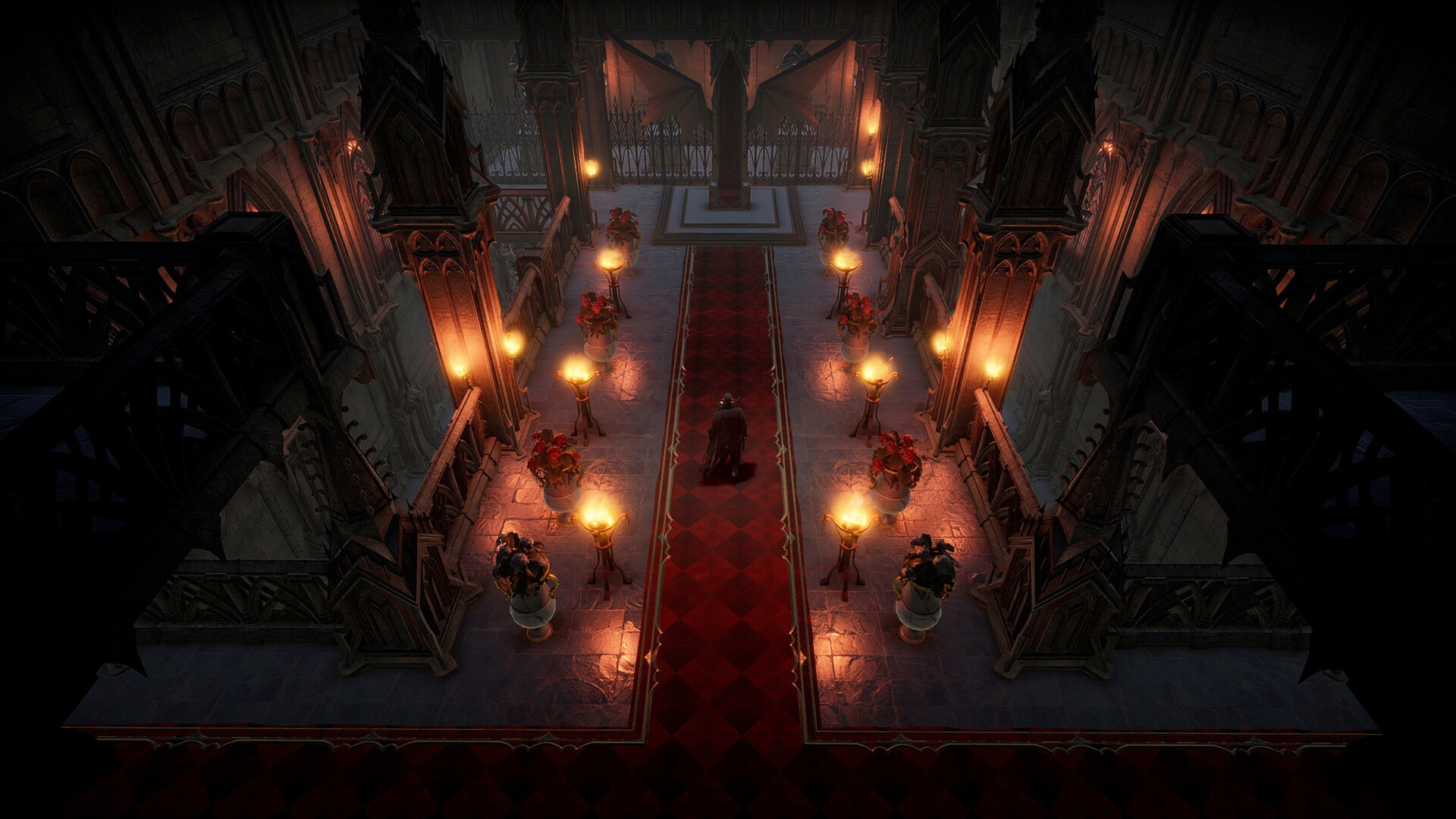
When Stunlock ships a V Rising update, your server needs to move to the new build so your clan can connect. The good news: on gamever this is almost automatic — updates apply when the server restarts. This guide explains how updating works, why the server and players must be on the same version, and what to do when a patch lands.
How updating works
Your gamever V Rising server pulls the current build when it starts. So the update flow is simply:
- A new V Rising patch releases.
- Restart your server from the Overview tab (or wait for your scheduled restart).
- On boot it updates to the new build — watch the Console for progress.
- Once it's back to Active, players on the updated client can join.
No manual file juggling — the restart does it.
Server and players must match
V Rising clients and servers have to be on the same build. After a patch:
- Players update their game through Steam (usually automatic).
- The server updates on its restart.
- If one side is ahead of the other, players get a version mismatch and can't connect.
So if your clan can't join right after a patch, the usual cause is a version gap — make sure both the server has restarted and everyone's Steam client has pulled the update.
When a big patch lands
Major V Rising updates can touch the world or config. A safe routine:
- Back up first — download the save over FTP (see backup & restore).
- Restart to apply the update.
- Check the Console for any config warnings — a big patch can add or rename settings in
ServerGameSettings.json. - Confirm your Game Preset/rules still read the way you want.
Most patches need nothing more than a restart; backing up first just means a major one can never catch you out.
Additional Tips
- A restart applies the update — manual or via your scheduled restart.
- Watch the Console during boot to confirm the update completed.
- Version mismatch = can't join — make sure server and client both updated.
- Back up before a major patch in case it changes the world or config.
- Schedule a daily restart so routine updates land without you lifting a finger.
Conclusion
Keeping a V Rising server current is easy: a restart pulls the new build, so a daily scheduled restart keeps you patched automatically. Just remember the server and your players must be on the same version — if the clan can't connect after a patch, check that both sides updated. Back up before the big ones, and you're always ready for the next drop.
Rent your V Rising server at gamever.io — restart-to-update, a live console and scheduled restarts so patch day is a non-event. Free trial, promo code WELCOME.