
Twitch Integration on Your 7 Days to Die Server
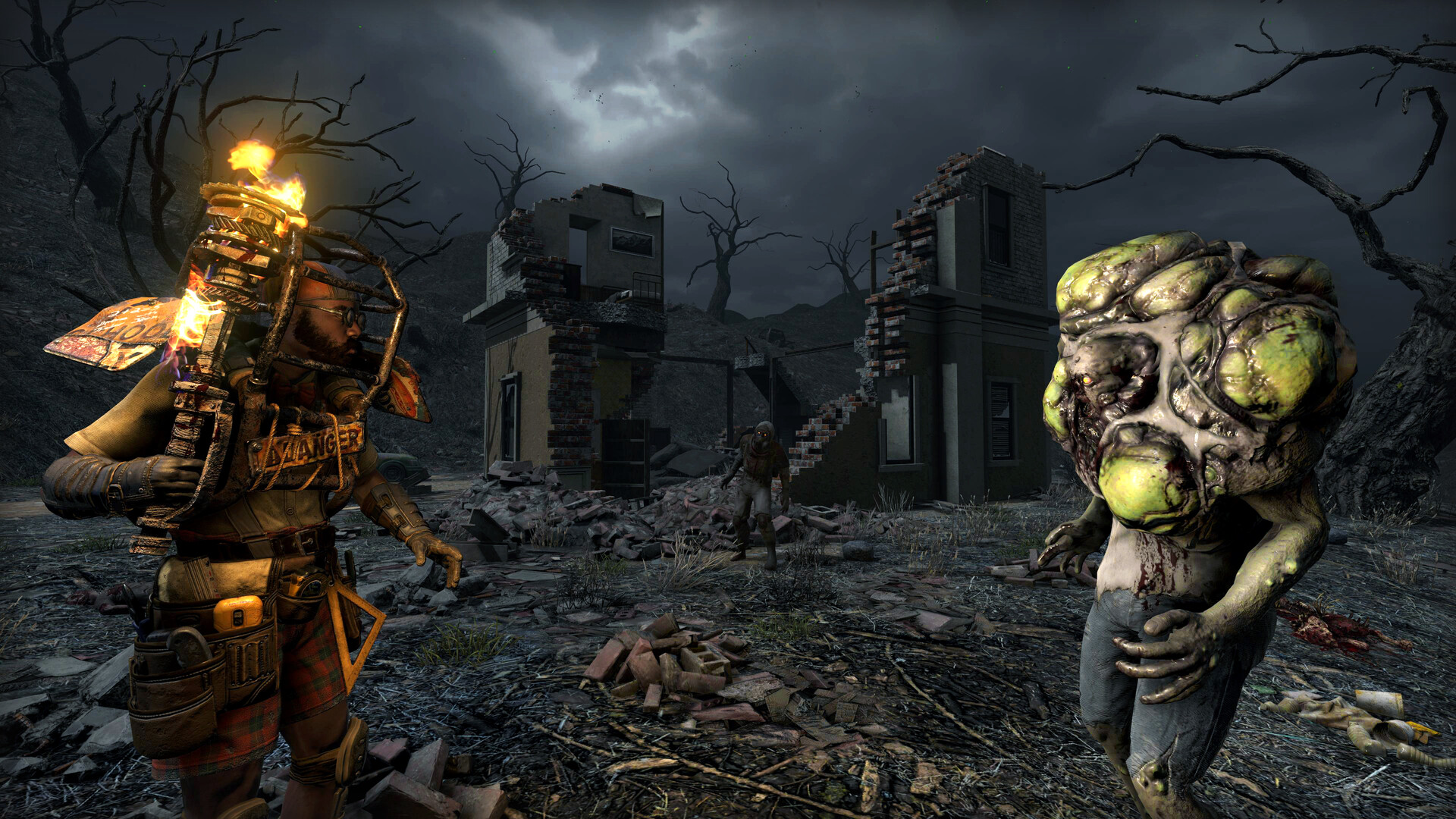
7 Days to Die ships with built-in Twitch integration — no third-party bot required. When a player links their Twitch channel, their viewers can type chat commands or vote to trigger in-game events: spawning extra zombies on the streamer, dropping loot, buffing or debuffing them, and more. It turns a stream into something the audience plays along with. This guide explains how the feature is set up, which part is the streamer's job, and the one server-side setting your gamever server needs so it's allowed to run.
Who sets it up — the streamer, not the server
Twitch integration is first and foremost a client/streamer feature. The player who is streaming links their own Twitch account from inside the game's own menus (it authorises the channel so the game can read chat and channel-point redemptions). Nothing about that link happens on the server, and it's tied to the streamer's account — so each person who wants to run it on your world links their own channel on their own client.
What viewers can do — the chat commands, their cooldowns, and the vote options — is defined by the game's twitch.xml and twitch_events.xml config files (twitch.xml covers active commands and votes; twitch_events.xml reacts to things like subs, bits and raids). These ship as defaults with the game, and per-save copies live in the save's ConfigsDump folder.
What the server has to allow
Because the streamer drives the feature from their client, the server's only job is to permit it. Two options in the server's serverconfig.xml govern that:
| Setting | Default | What it does |
|---|---|---|
| TwitchServerPermission | 90 | The permission level a player needs to use Twitch integration on the server. |
| TwitchBloodMoonAllowed | false | Whether Twitch-triggered actions are allowed to fire during a blood moon night. |
A note on TwitchServerPermission: in 7 Days to Die, a lower permission number means more authority (admins sit near 0), and ordinary players default to level 1000. So the default of 90 means only admins and moderators can run Twitch integration out of the box. If you want any connected player to be able to stream with it, raise the value toward 1000; to keep it admin-only, leave it low and grant trusted streamers an admin level — see passwords & admin.
TwitchBloodMoonAllowed is off by default for a reason: letting viewers spawn extra enemies on top of a horde night can pile on a lot of zombies at once and lag the server. Turn it on only if your group wants that chaos and your server has the headroom. It affects only Twitch-triggered actions — it does not change your normal blood-moon schedule, which is set under difficulty settings.
Editing those settings in the gamever panel
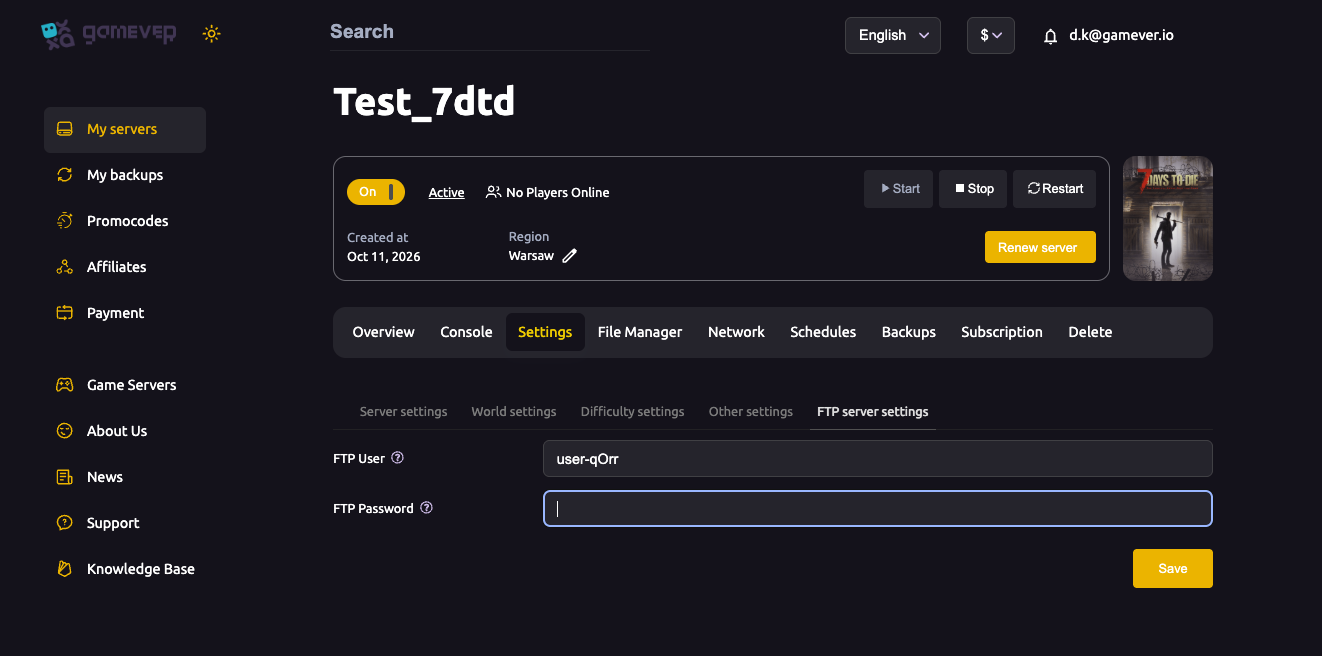
These two options aren't dedicated fields on the Settings tabs — like the rest of serverconfig.xml, you edit them directly through the panel. Open the File Manager (or connect over FTP using the details on Settings → FTP server settings), open serverconfig.xml, and set the two <property> lines:
<property name="TwitchServerPermission" value="1000"/>
<property name="TwitchBloodMoonAllowed" value="false"/>
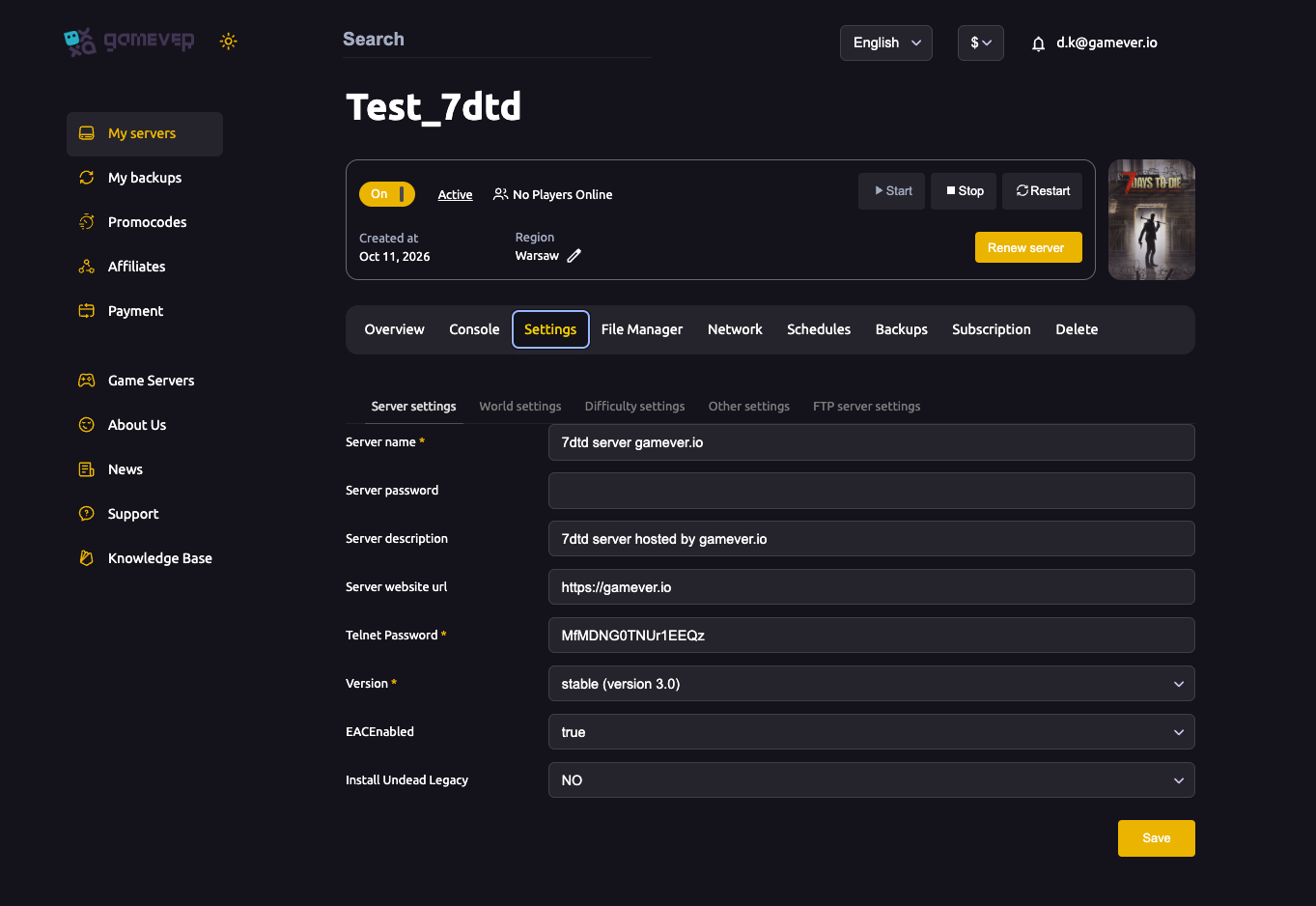
Save the file, then Restart the server from the Overview tab so the change takes effect. The rest of your server's identity — name, password, version and anti-cheat — stays on the main Server settings tab:
Additional Tips
- The link is the streamer's job, not yours — each streamer connects their own Twitch channel from their game client; the server only permits it.
- Leave
TwitchServerPermissionat 90 for an admin-only feature, or raise it toward 1000 to open it to all players. - Keep
TwitchBloodMoonAllowedfalse unless you want the mayhem — viewer-spawned enemies during a horde night can lag a busy server. - Always Save then Restart —
serverconfig.xmlchanges apply on the next start. - Settings vary by game version — if a property looks different on your build, check the current values in your own
serverconfig.xmlbefore changing them.
Conclusion
7 Days to Die's Twitch integration is mostly a streamer-side feature: the broadcaster links their channel in-game, and their viewers join in with chat commands and votes. On the server side there's very little to do — just decide who may use it (TwitchServerPermission) and whether it fires during blood moons (TwitchBloodMoonAllowed), both edited in serverconfig.xml. Set them once, restart, and your streamers are good to go.
Rent your 7 Days to Die server at gamever.io — a browser File Manager and FTP for serverconfig.xml, plus every core setting in one clean panel. Free trial, promo code WELCOME.