
Turn Crash Site junk into resources in the Satisfactory 1.1 update
Crash Sites in Satisfactory have always been a double-edged sword. On the one hand, they’re treasure troves hiding valuable Hard Drives that unlock alternate recipes. On the other, once looted, they just sit there like broken-down junkyards - immovable, awkwardly placed, and usually right where you want to build your next mega-factory. But that’s history now. In Update 1.1, FICSIT finally lets you clean up the mess. You can dismantle the wreckage and even get some bonus resources out of it. Let’s go over exactly how it works and how to make the most of it.
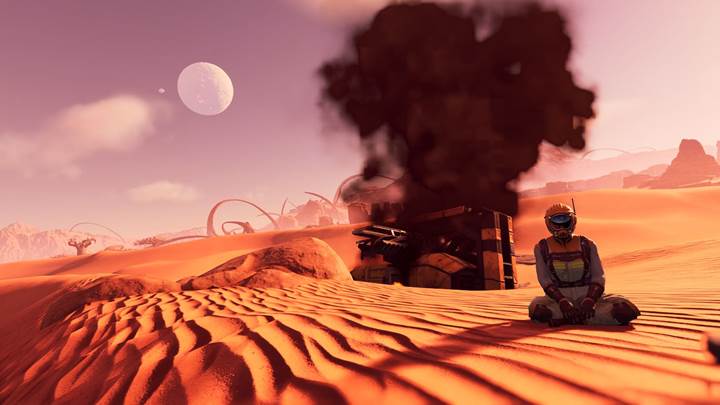
Until recently, Crash Sites were permanent fixtures in the world. You’d find a Drop Pod, supply the required item or power, and grab the Hard Drive. After that, the pod would stay there - smoking, broken, and entirely undeconstructable. Players had to build around them, hide them, or just live with the eyesore. Not anymore. Update 1.1 changes that entirely.
How dismantling works now
Here’s the new rule: once you unlock and retrieve the Hard Drive from a Crash Site, you can fully dismantle it. That includes the Drop Pod, the surrounding scrap, and any visual debris. To dismantle, just use your standard dismantle tool as you would for any other structure. Some parts will even reward you with basic materials like iron plates, copper wire, or reinforced frames. It’s not massive loot, but it’s something. More importantly, you can finally clear your terrain and make room for builds.
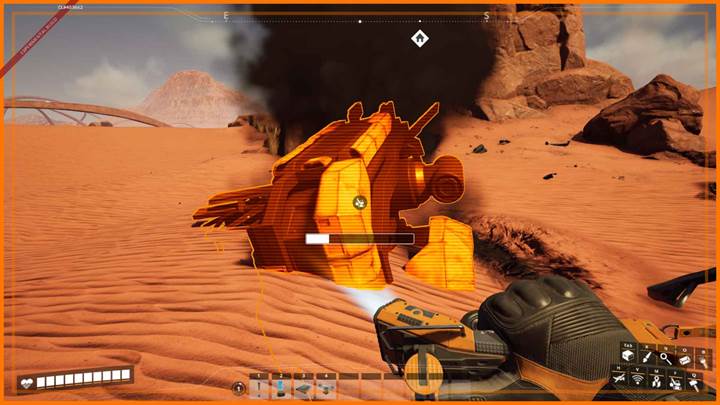
Step-by-step cleanup guide
First, locate a Crash Site using your Object Scanner after unlocking Radio Signal Scanning. Head to the location, watch for environmental hazards like gas or hostile fauna, and unlock the Drop Pod. That may require power (via Biomass Burners or cables) or specific items. Once you’ve opened it and taken the Hard Drive, equip your dismantle tool by pressing ‘F’ and start cleaning up. It’s that simple. Just be sure not to leave without opening the pod, because you can’t dismantle anything until the drive is claimed.
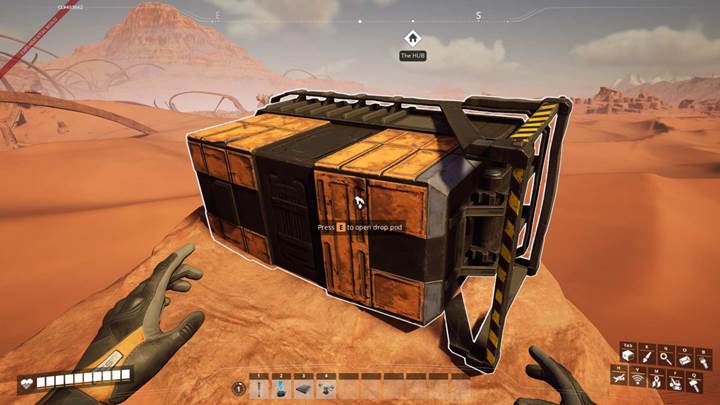
Why this matters
This change is huge for factory designers and base builders. It means you can finally reclaim valuable space, flatten terrain, and remove distractions. No more building awkward towers over crash pods or losing sightlines to visual clutter. It also adds one more satisfying layer to exploration: not just discovering Crash Sites but restoring the land after you’ve looted them. If you're playing on a Gamever-hosted server with friends, it makes collaborative base planning so much cleaner.
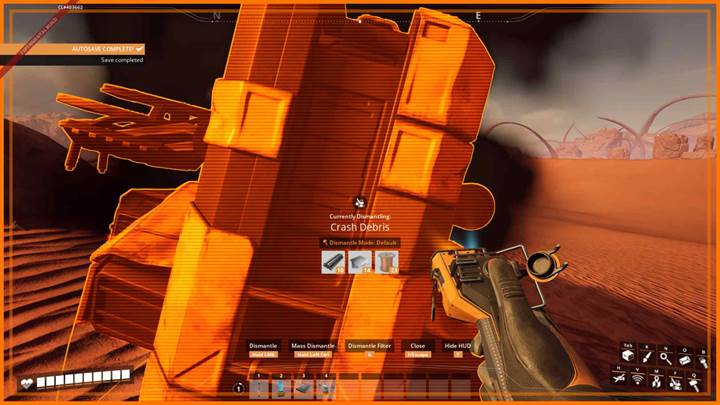
Before heading out to clear Crash Sites, pack basic building supplies like power poles, Biomass Burners, and cables. Bring gas masks or hazmat suits for tougher environments. Use color-coded beacons or map markers to track which sites you’ve cleared. And consider automating Hard Drive research at the MAM while you’re at it - you’ll unlock alt recipes while you tidy the world.
Aesthetic improvements
There’s also a visual bonus: dismantling removes the smoke, fire, and busted ship models that used to linger even after looting. Waterfalls no longer have awkward splash effects near sites, making the world feel smoother and more polished.
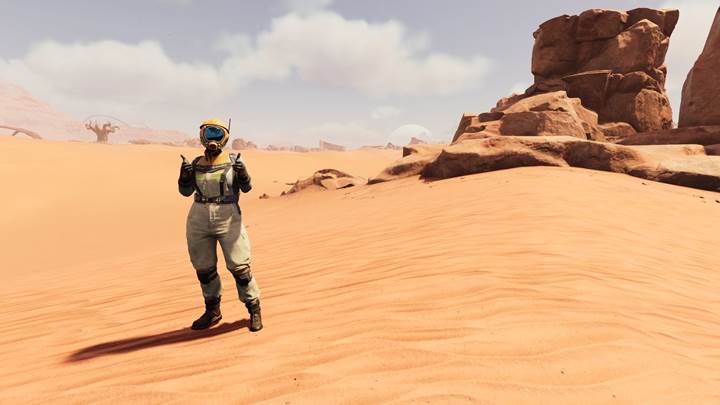
Satisfactory’s Update 1.1 finally delivers what players have wanted for years: the ability to fully dismantle Crash Sites after retrieving their Hard Drives. This not only rewards exploration but also cleans up your world, clears space for factories, and adds new materials to your early-game economy. It’s one more way Update 1.1 makes the planet your own. Now go forth, clean up the crash zone, and build without limits.