
The Global Palbox in Palworld 1.0: Cross-World Transfer and Its One Hard Rule
The Global Palbox is Palworld's cross-world Pal transfer system, and it works in a way most players get wrong on the first try. It does not move a Pal from one world to another. It saves the Pal's genetic data, and lets you reconstruct that Pal somewhere else — which sounds like the same thing until you hit the rule that governs it: more than one Pal with the same genetic data cannot exist in the same world.
How It Actually Works
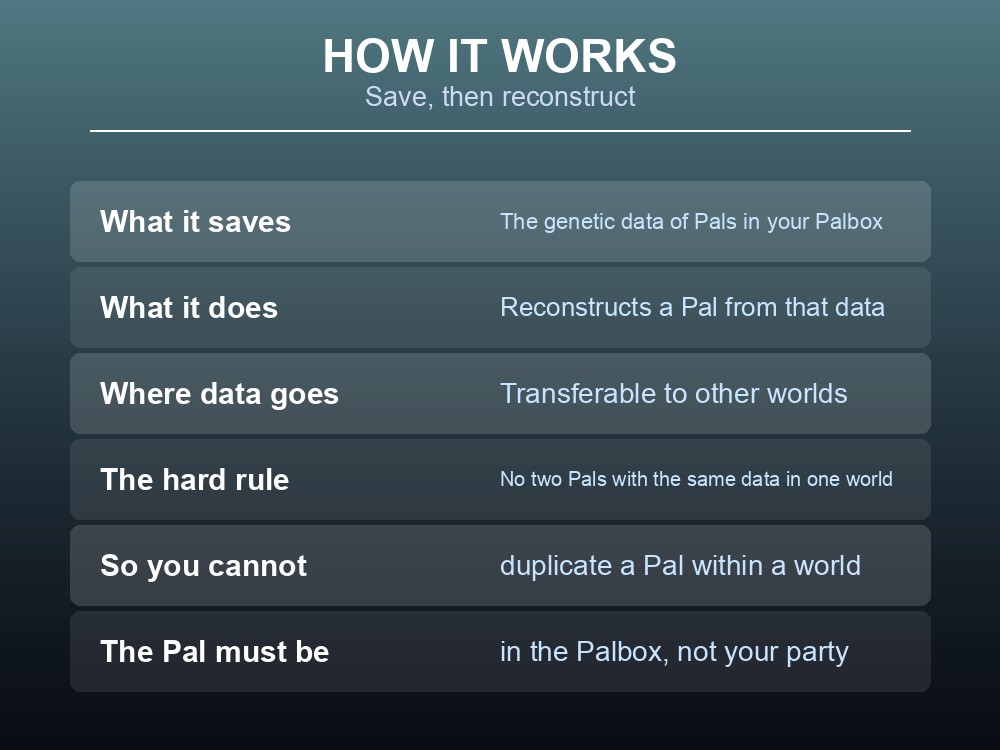
The facility does two jobs:
- Saving. It records the genetic data of Pals stored in your Palbox.
- Reconstructing. It rebuilds a Pal from that saved data.
Saved genetic data can be transferred to other worlds, which is the entire point — it is how you move a carefully bred, condensed, passive-perfect Pal from a single-player save onto a server, or between two servers, without starting over.
The unique-genetics rule is the constraint that shapes everything else. Because two Pals with identical genetic data cannot coexist in one world, you cannot use the Global Palbox to duplicate a Pal within a world. Reconstruct a saved Pal into a world that already has it, and the game will refuse. This is deliberate: it is the anti-duplication mechanism that lets cross-world transfer exist at all without turning a perfect breeding result into an infinite supply.
The Two Server Settings
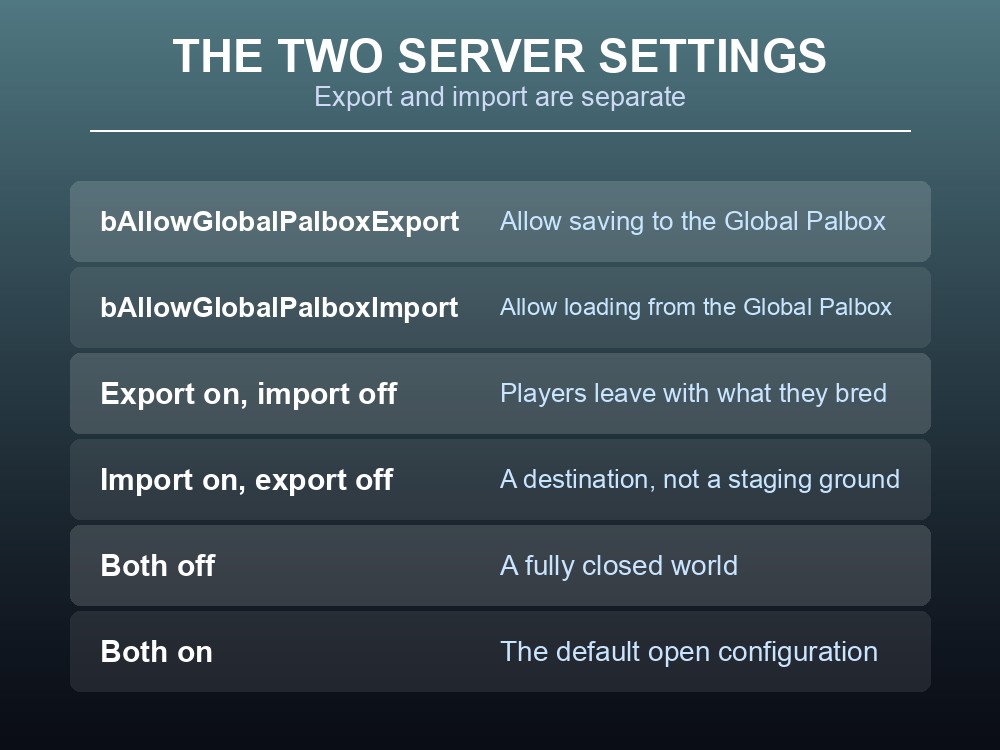
This is where server owners need to pay attention, because the Global Palbox is governed by two independent settings, not one:
| Setting | What it controls |
|---|---|
bAllowGlobalPalboxExport | Allow saving to the Global Palbox |
bAllowGlobalPalboxImport | Allow loading from the Global Palbox |
Splitting export from import is more useful than it first looks, because the two directions carry completely different risks:
- Import off, export on. Players can take their Pals with them when they leave, but cannot bring outside Pals in. This is the standard configuration for a server that wants a level playing field — nobody arrives on day one with a fully condensed, four-passive endgame Pal bred somewhere with relaxed settings.
- Import on, export off. Players can bring Pals in but not extract them. Rare, but it fits a server that wants to be a destination rather than a staging ground.
- Both off. A fully closed world. Everything on the server was earned on the server.
- Both on. The default open configuration, appropriate for a private group who already trust each other.
The in-game tips text says the same thing from the player's side: world settings may disallow the reconstruction of Pals or the saving of genetic data. If the Global Palbox appears to do nothing on a server you have joined, this is why — it is a server policy, not a bug.
What to Do Before You Transfer
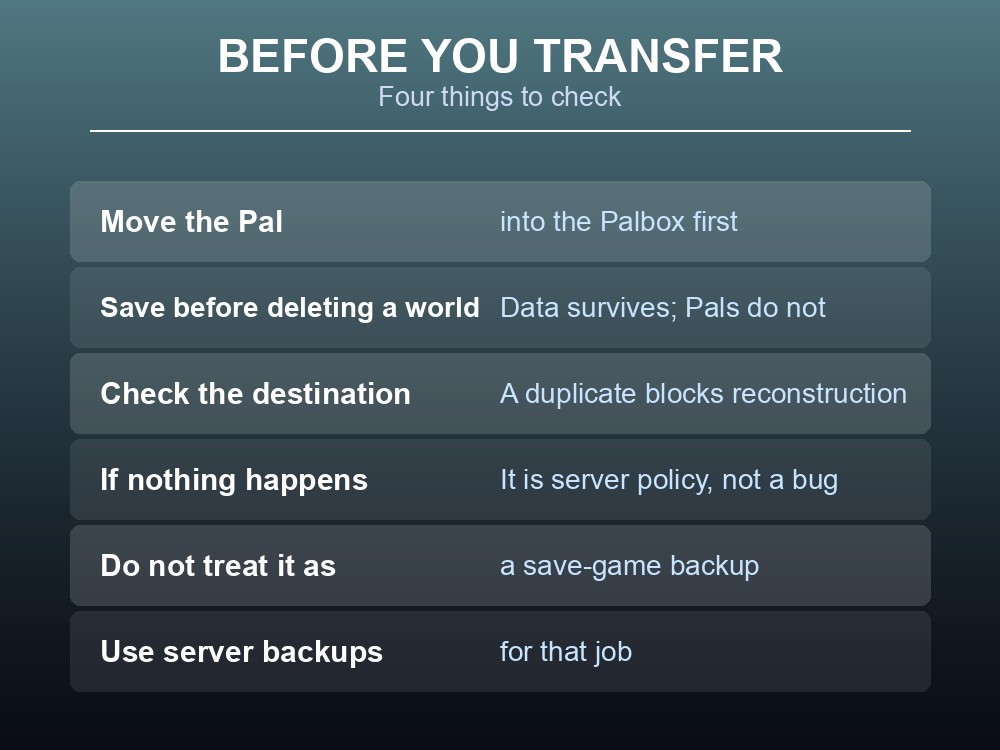
A few practical points that follow from the mechanics:
- The Pal must be in the Palbox, not in your party, for its genetic data to be saved.
- Save before you leave a world you are done with. Genetic data is the only thing that survives; a world you delete takes the Pals themselves with it.
- Check the destination world for a duplicate first. If the same Pal is already there, reconstruction will not happen, and the fix is to move or release the existing copy — not to try again.
- Do not treat it as a backup. It is a transfer system for individual Pals, not a save-game backup. Server-side backups are the tool for that job.
Running your own Palworld 1.0 server
The Global Palbox is only half a solution — it moves Pals between worlds, but it does not keep a world running when the host logs off. A gamever Palworld server gives your group one persistent world with full crossplay, automatic updates and one-click backups, and puts both Global Palbox flags under your control.
Conclusion
The Global Palbox saves a Pal's genetic data and reconstructs the Pal from it, rather than moving the Pal itself, and saved data can be carried to other worlds. The rule that shapes all of it is that two Pals with the same genetic data cannot exist in one world, which makes cross-world transfer possible without making duplication possible. Server owners control it through two independent flags — bAllowGlobalPalboxExport for saving and bAllowGlobalPalboxImport for loading — and the asymmetric setting is the useful one: export on, import off lets players leave with what they bred while stopping imported endgame Pals from landing on a fresh server. The Pal has to be in the Palbox to be saved, a duplicate in the destination world will block reconstruction, and none of this is a substitute for an actual server backup.
Want one world that stays up whether or not you do? Rent a Palworld server at gamever.io — instant setup, one-click backups and updates, full crossplay and 24/7 uptime. Start with a free trial and use promo code WELCOME.