
Starting a Fresh World (Reset and Wipe) on Your Abiotic Factor Server
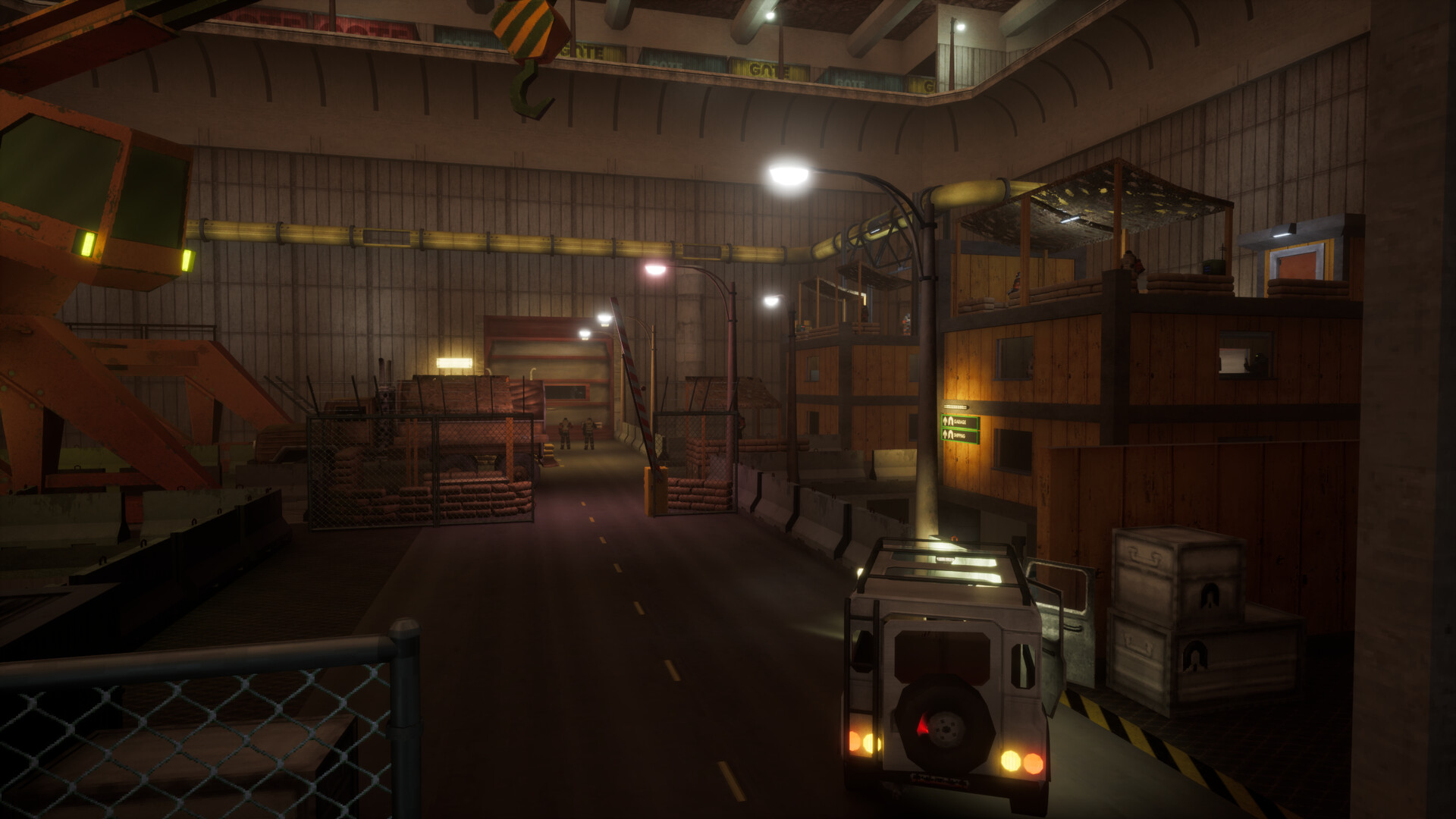
Maybe a patch calls for a fresh start, or your group just wants to run the facility again from scratch. On gamever you have a few ways to start a clean Abiotic Factor world — and one rule that comes before all of them: back up first. This guide covers your reset options and the safe order to do them in.
Back up before you wipe
A wipe is permanent. Before you do anything, pull a copy of your current world so you can change your mind:
- Check My backups in the panel sidebar for a restore point, and
- Download your current world over FTP for an off-server copy.
The full steps are in backup & restore. Do this with the server stopped so you copy a clean save.
Option 1: Change the World name
The simplest fresh start is a new World name. On the Settings page:
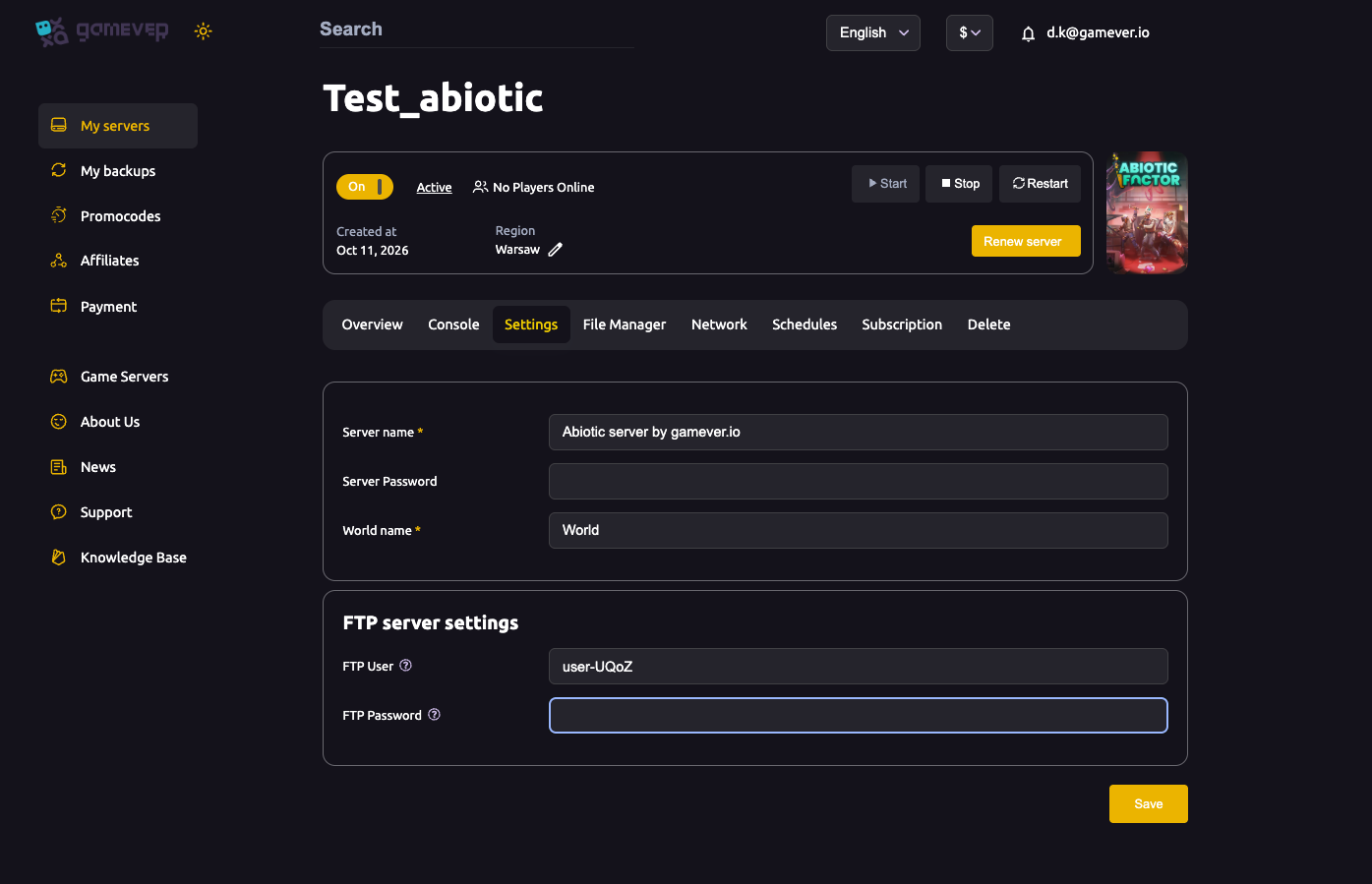
- Set World name to something new.
- Click Save, then Restart from Overview.
The server loads a new, empty world under that name while your old one stays on disk — a clean start you can reverse by switching the name back. See server settings for the field.
Option 2: Reset server from the File Manager
The File Manager tab has a Reset server button:
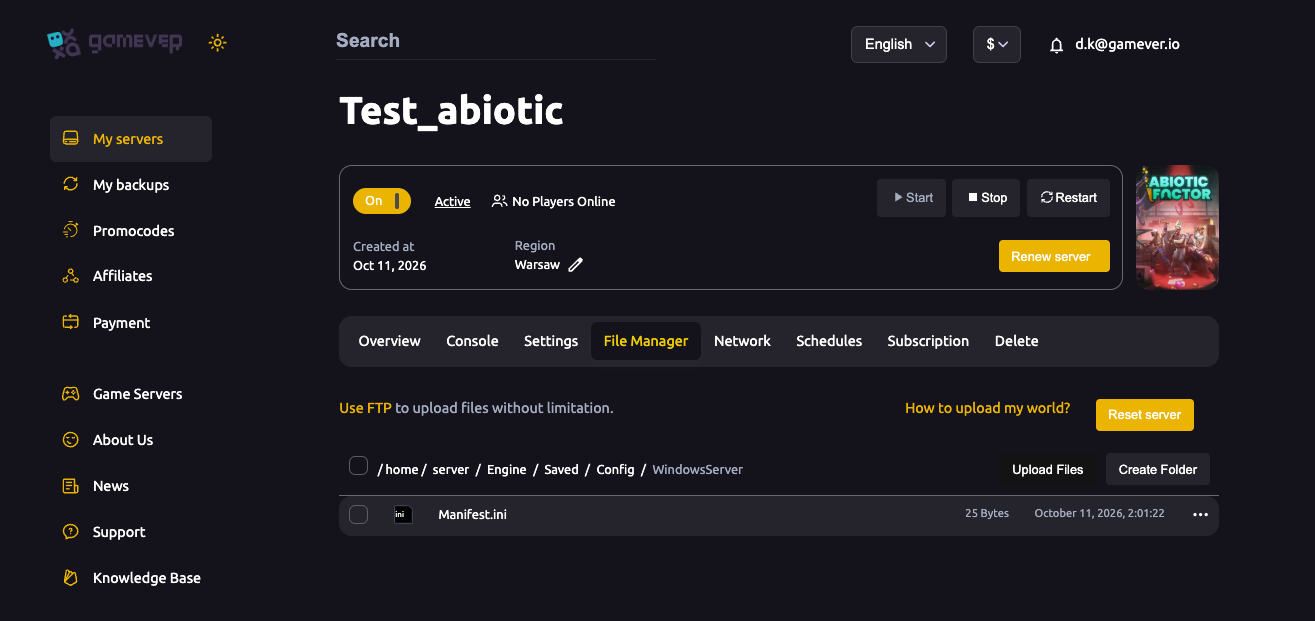
Use this when you want the server itself returned to a clean state rather than just pointing it at a new world name. Because it's destructive, only do it after you've backed up.
Option 3: Delete the save over FTP
For a hands-on wipe, Stop the server, connect over FTP, and remove the old world/save files from the Abiotic Factor save tree, then Start. The server generates a fresh world. This is the most manual route — use the World name change or Reset server unless you specifically need it.
Additional Tips
- Always back up first — a wipe can't be undone (see backup & restore).
- World name change is the gentlest reset — your old world stays on disk.
- Reset server (File Manager) returns the server to a clean state.
- Stop the server before deleting save files over FTP.
- Restart after any reset so the fresh world loads cleanly.
Conclusion
Starting over in Abiotic Factor is straightforward on gamever: back up, then either point the server at a new World name, use Reset server in the File Manager, or clear the save over FTP. The World name route is the safest because it keeps your old world intact — but whichever you choose, take a backup first and restart to load the clean slate.
Rent your Abiotic Factor server at gamever.io — easy fresh starts and panel backups so a clean slate is never a risky one. Free trial, promo code WELCOME.