
Sons of the Forest Server World Settings
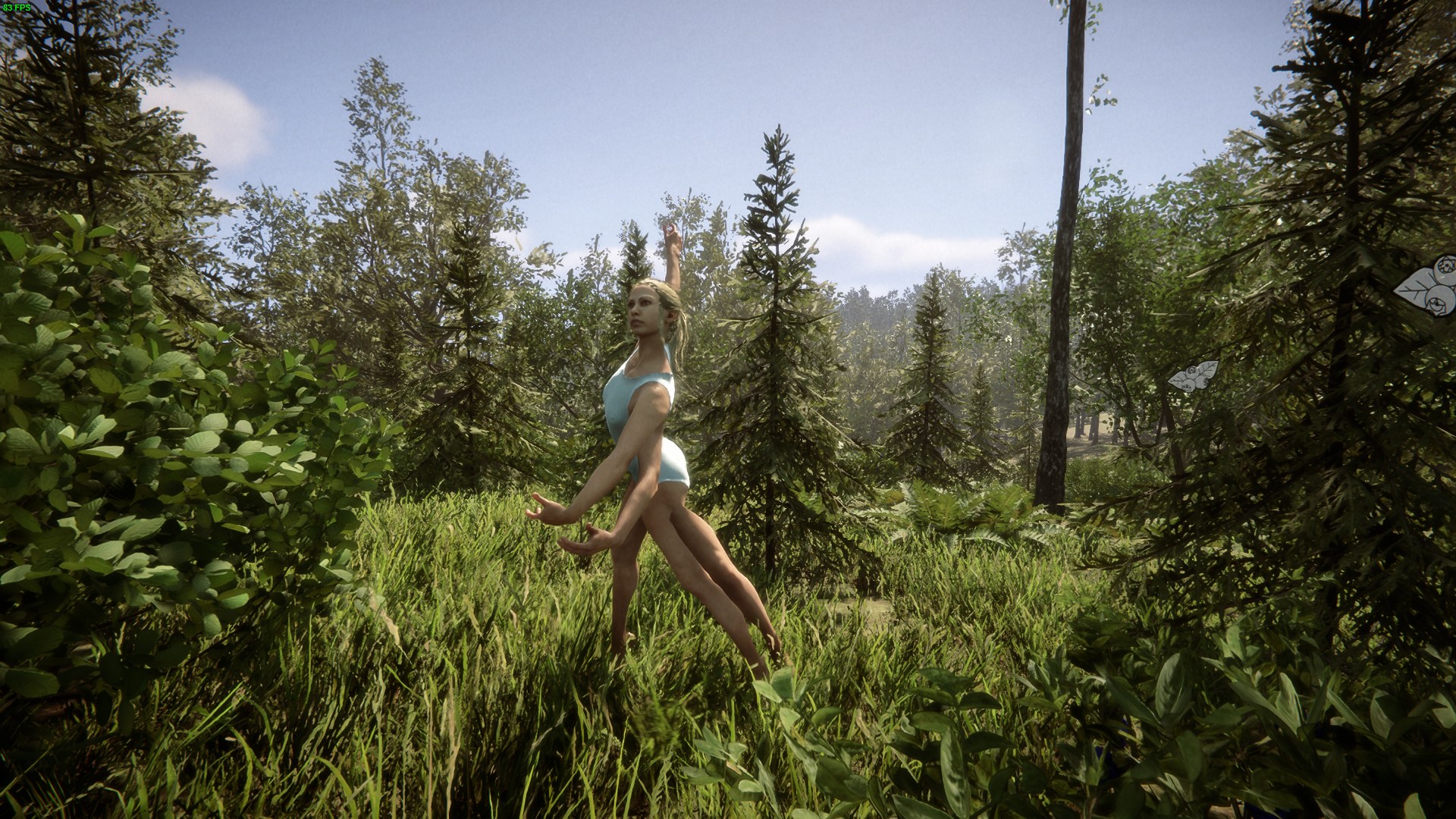
Beyond difficulty, Sons of the Forest has a set of world rules that decide how the environment reacts to your group over the long run — whether structures can be destroyed, whether dug holes reset, and whether the forest grows back after you chop it down. On gamever these live on their own sub-tab. This guide explains each.
The world controls
Open Settings → World settings:
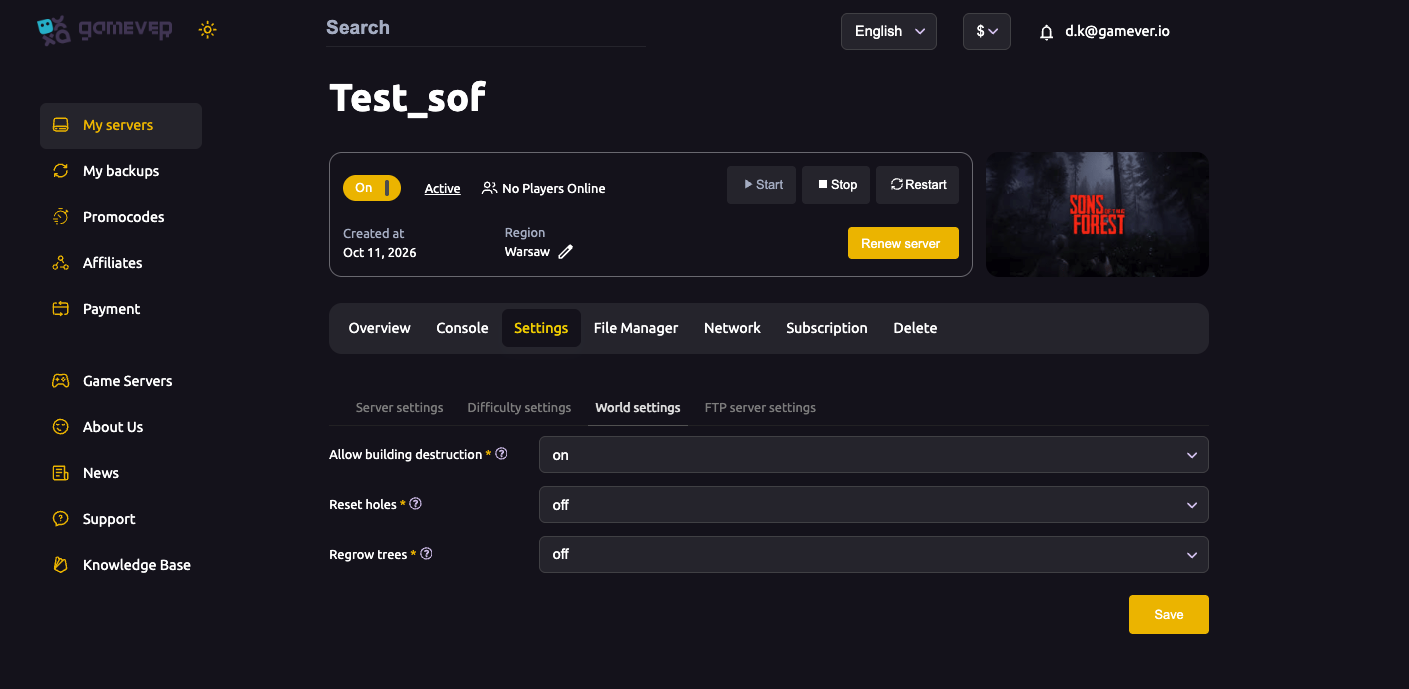
| Setting | What it does |
|---|---|
| Allow building destruction | When on, structures can be damaged and destroyed (by enemies, physics or events). Turn it off to protect your builds from being torn down. |
| Reset holes | When on, holes you dig in the terrain are filled back in over time, keeping the landscape tidy. Off leaves your excavations permanent. |
| Regrow trees | When on, chopped trees grow back over time, so your server never runs out of wood. Off means a felled forest stays felled. |
Pick what you want, save, then Restart from Overview.
How these shape a long-running server
These toggles matter most on a server that's up for weeks:
- Allow building destruction off is popular for building-focused groups who don't want a raid or a mutant to flatten a base they spent hours on.
- Regrow trees on keeps a long-running server sustainable — without it, a busy group can clear-cut the map and leave future players short on wood.
- Reset holes on keeps the terrain from filling with abandoned pits over time.
For a short, intense survival run the defaults are fine; for a persistent community server, these are the settings that keep the world playable long-term.
Additional Tips
- Turn off building destruction to protect hard-won bases.
- Keep Regrow trees on for a sustainable long-running server.
- Reset holes keeps the landscape tidy on a busy server.
- Decide early — these set the character of a persistent world.
- Save then Restart — world settings apply on restart.
Conclusion
Sons of the Forest world settings on gamever are three clear toggles: Allow building destruction, Reset holes and Regrow trees. Together they decide whether your builds are safe, whether the terrain tidies itself, and whether the forest renews — the rules that keep a long-running server playable. Set them to suit your group, restart, and your world behaves the way you want.
Rent your Sons of the Forest server at gamever.io — world rules, difficulty and access all in one panel. Free trial, promo code WELCOME.