
Sons of the Forest: How to Get Night Vision Goggles
In the eerie world of Sons of the Forest, survival hinges on your ability to navigate the darkness. Fear not, for the Night Vision Goggles are here to illuminate your path through the shadows. Follow this guide to acquire this essential tool for nocturnal exploration.
Locate the Abandoned Camp
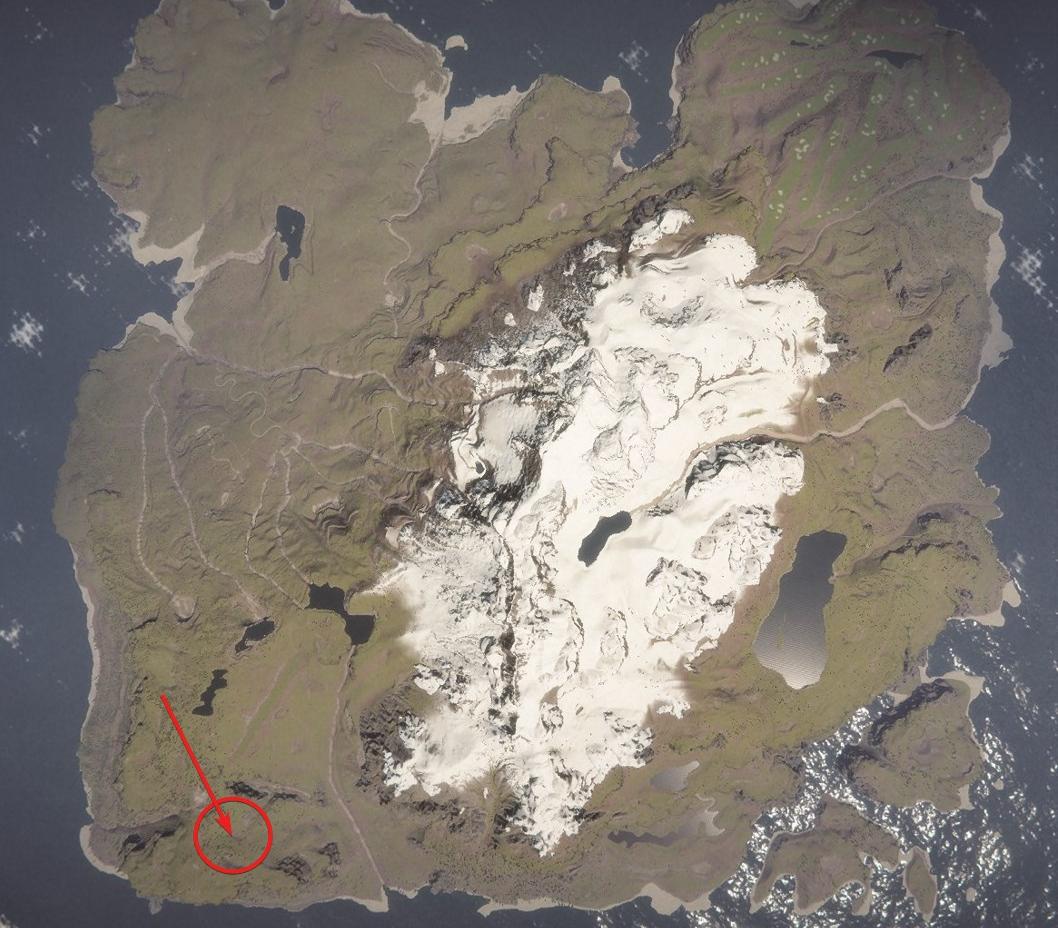
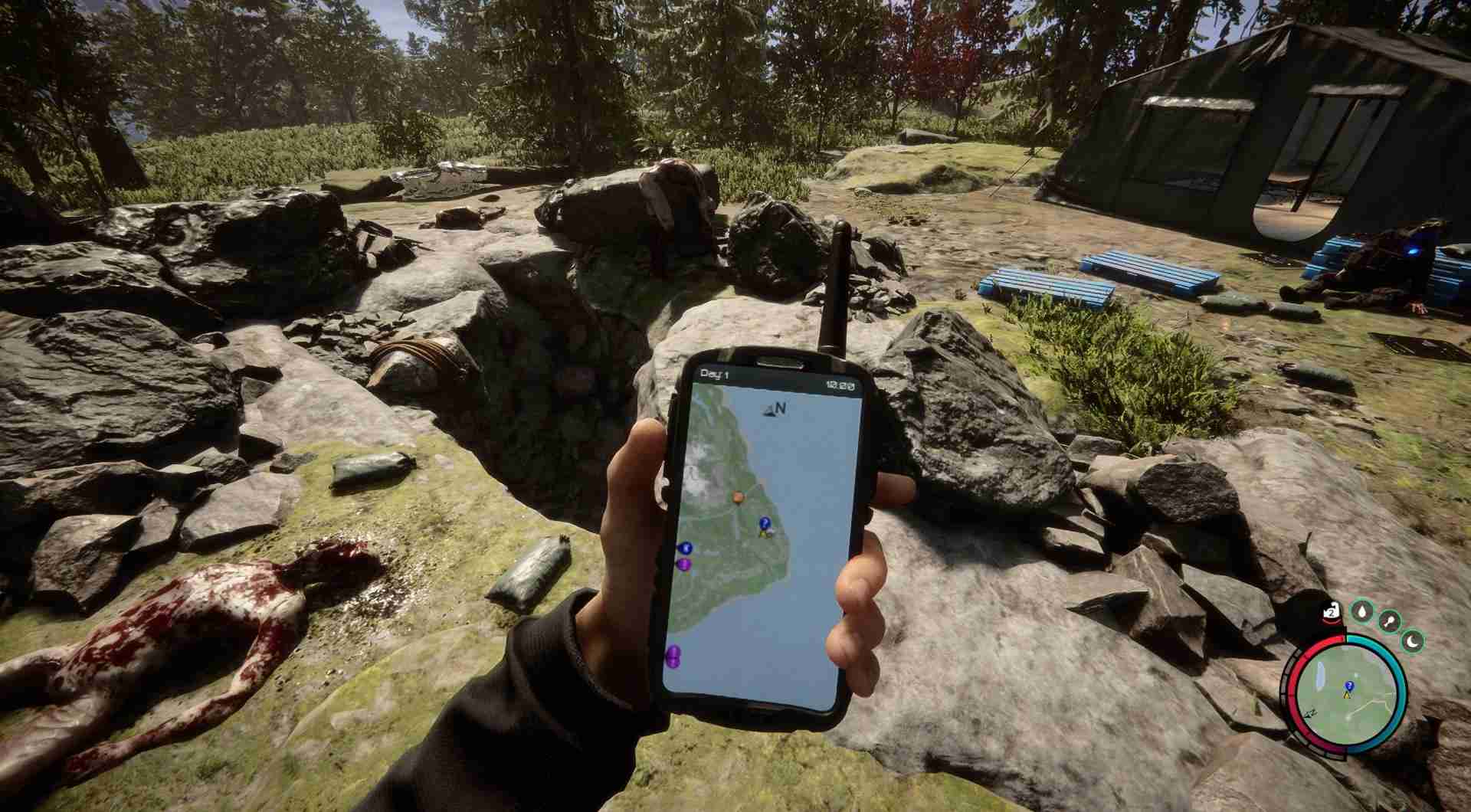
Head southwest of the island until you encounter a blue question mark GPS tracker. This marks the spot of an abandoned camp where you'll find the Night Vision Goggles.
Explore the Camp
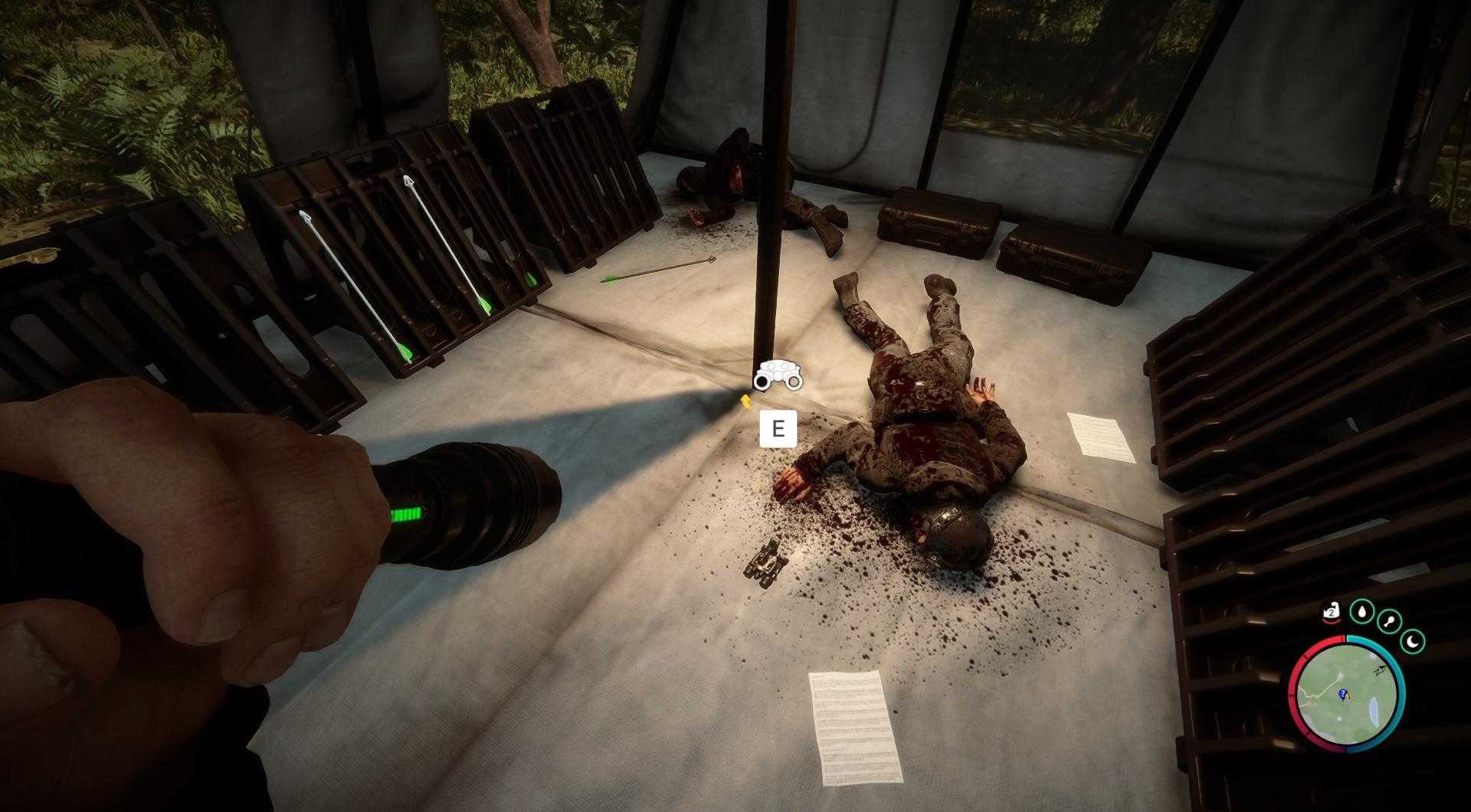
Upon reaching the camp, you'll come across deceased soldiers and cannibals. Look for a tent furthest away from the hole on the right side. Inside this tent, next to a soldier, you'll discover the Night Vision Goggles.
Equip the Goggles
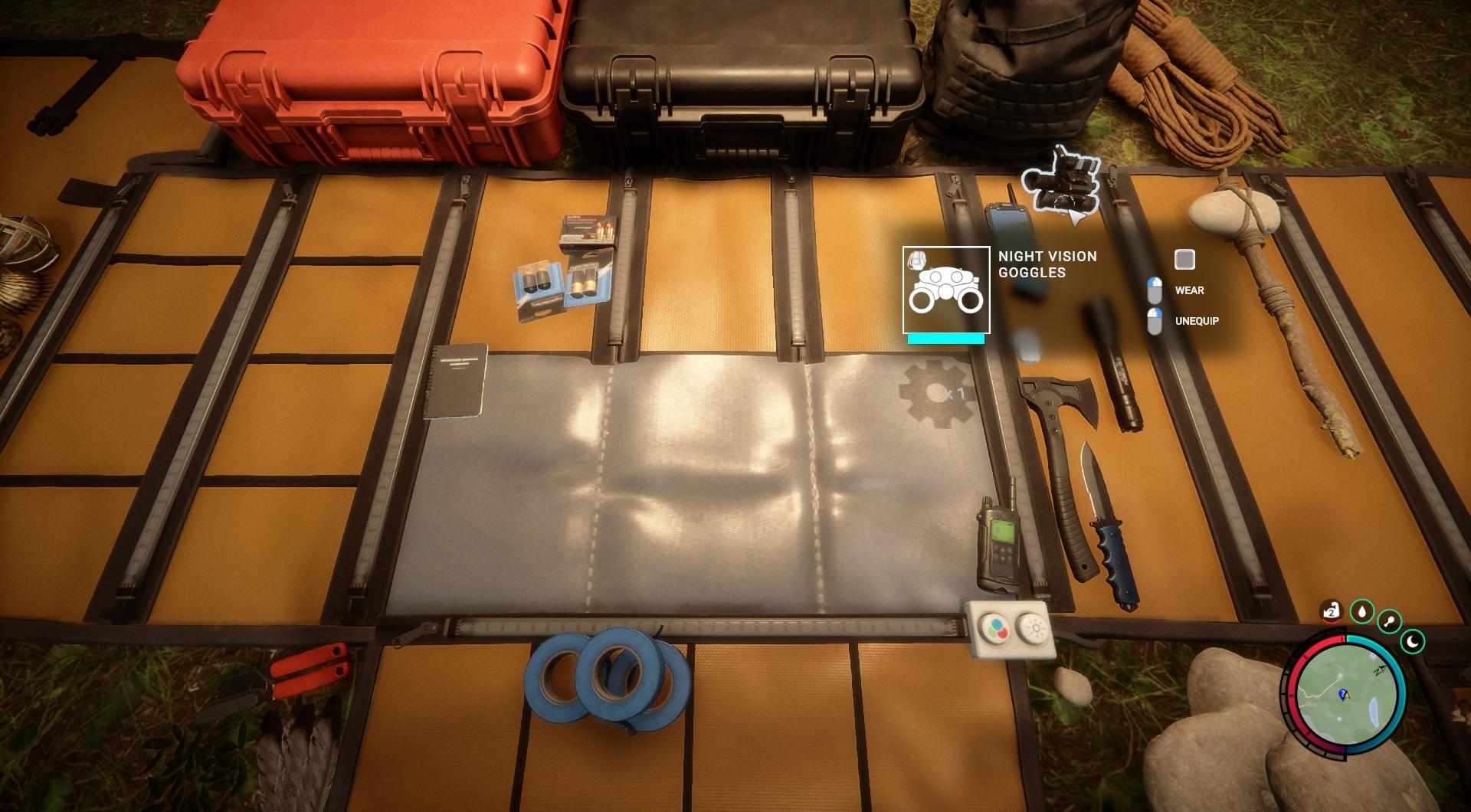
Right-click the Night Vision Goggles in your inventory to equip them.
Toggle On/Off
While wearing the goggles, press the "L" key to toggle them on and off.
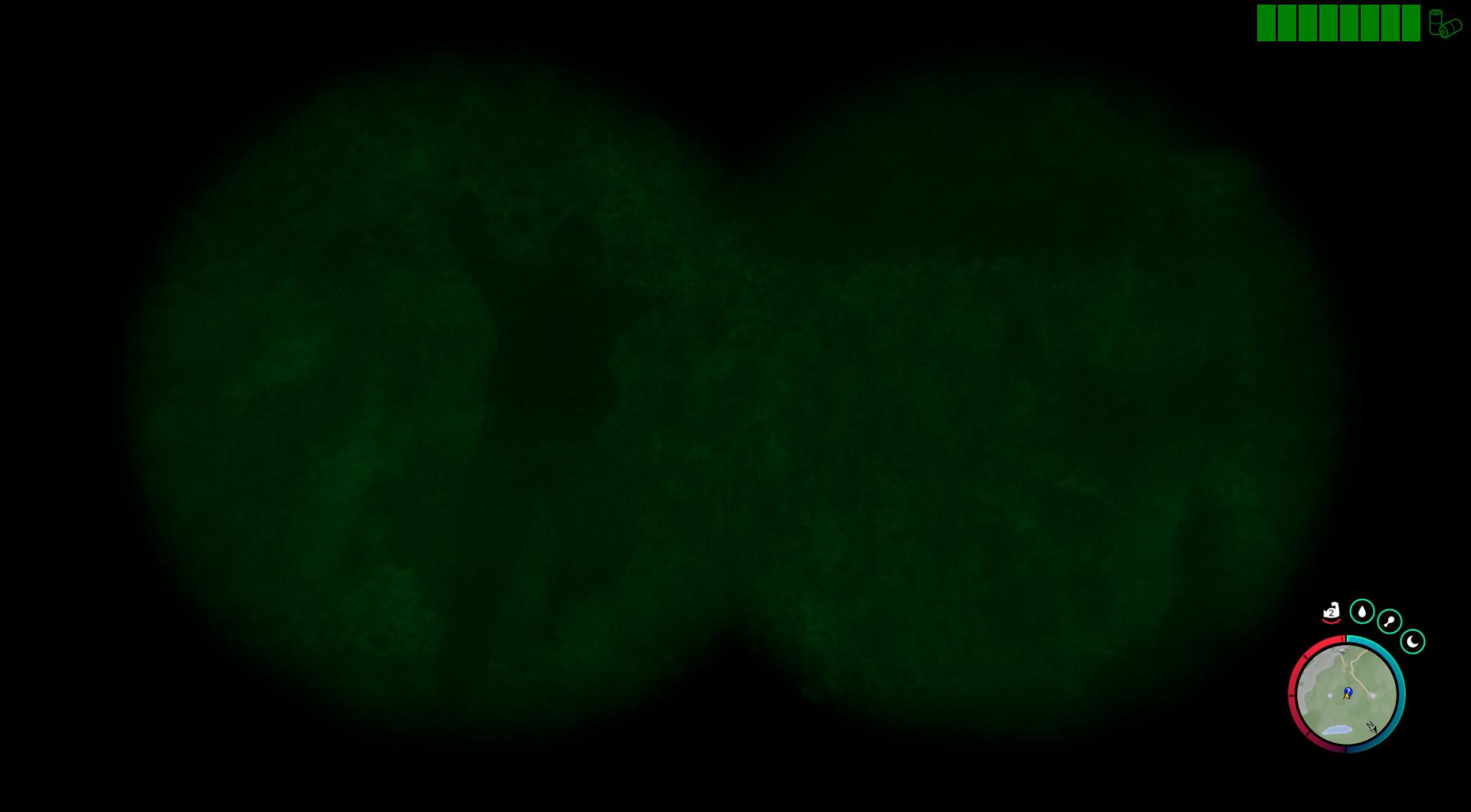
Battery Usage
Keep an eye on the battery meter located in the top right corner of your screen. The Night Vision Goggles consume batteries, so use them sparingly to avoid running out of power during crucial moments.
Additional Tips
- Alternative Light Sources: While the Night Vision Goggles are invaluable in dark environments, consider carrying a lighter or flashlight as backup light sources.
- Strategic Use: Save your Night Vision Goggles for situations where visibility is severely limited, such as exploring caves or venturing out at night.
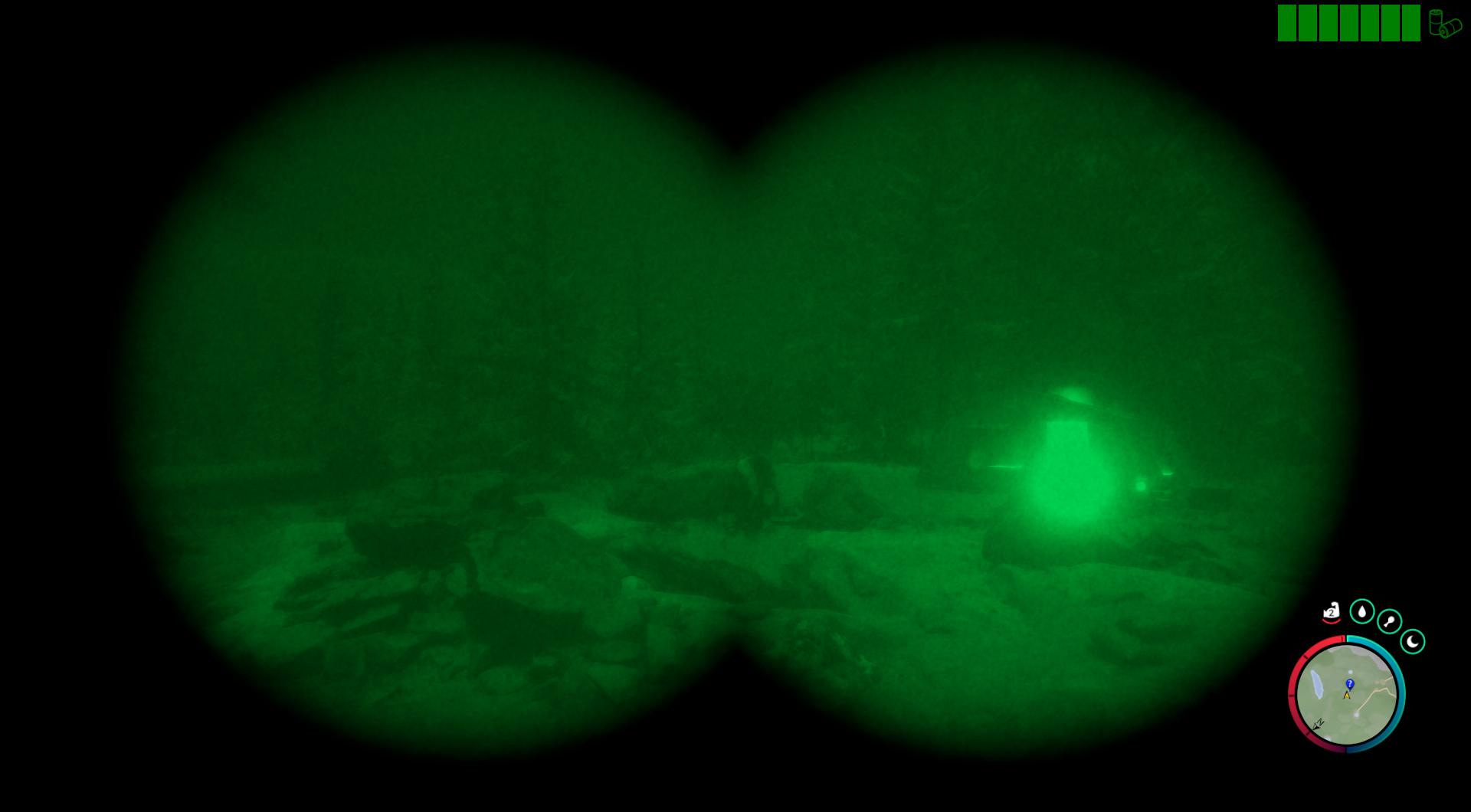
With the Night Vision Goggles in your arsenal, you'll fearlessly navigate the darkest corners of Sons of the Forest, gaining the upper hand against its nocturnal terrors. So gear up, venture forth, and illuminate the path to survival!