
Soft Reset vs Full Wipe on Your Project Zomboid Server
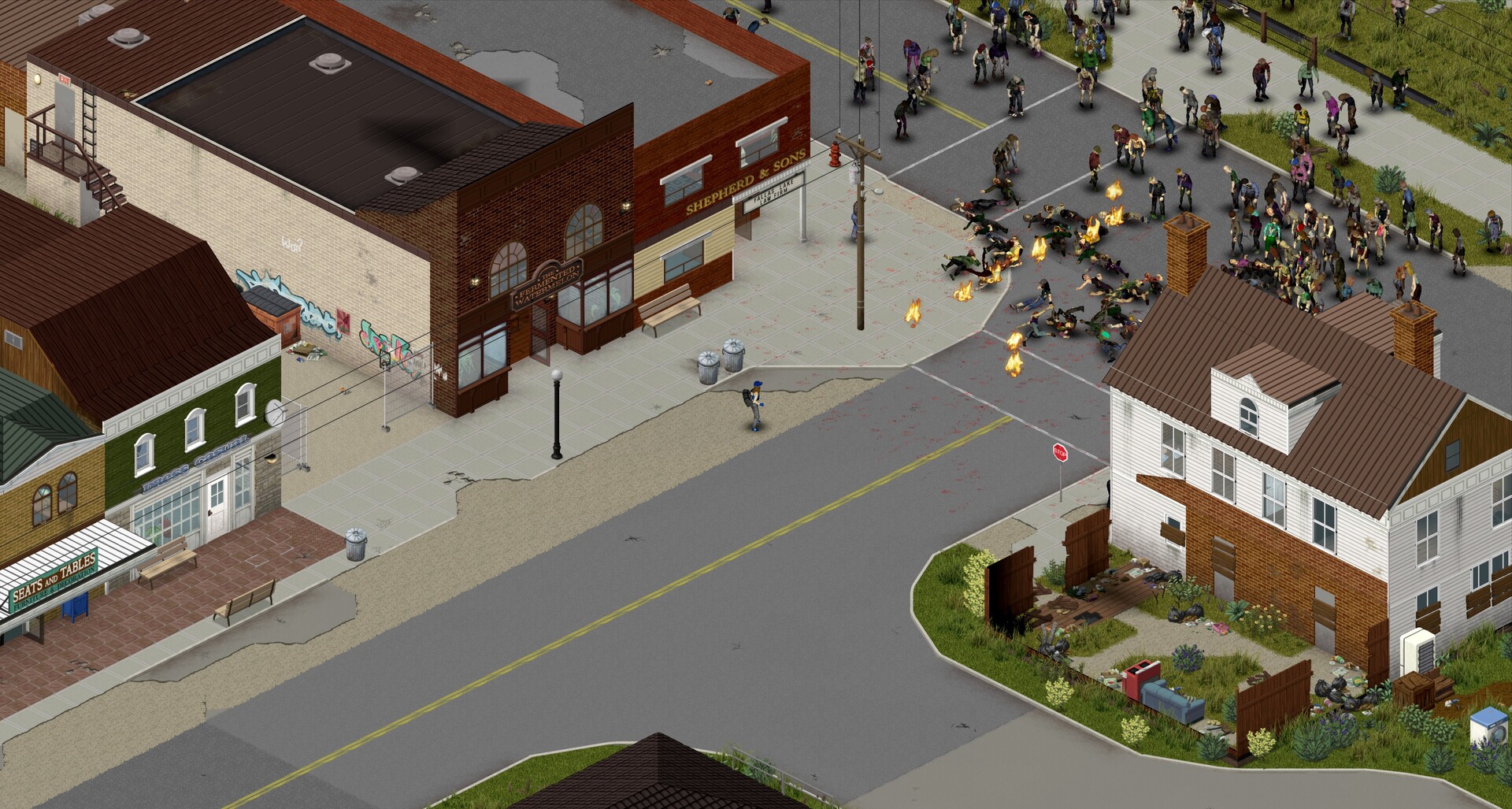
"Reset my server" can mean two very different things in Project Zomboid, and mixing them up is how people lose characters they meant to keep. A full wipe deletes the entire save for a clean slate. A soft reset regenerates the world — so loot and zombies come back — while keeping your survivors and your server settings. This guide explains the difference, shows which part of the save each one touches, and how to do both from the gamever panel. The golden rule applies to either: back up first.
Soft reset vs full wipe — at a glance
| Soft reset | Full wipe | |
|---|---|---|
| World (loot, cleared areas, zombies) | Regenerated — loot and zombies return | Regenerated |
| Player characters | Kept | Deleted |
| Server settings / sandbox | Kept | Reset to fresh |
| Best for | A refreshed world without starting survivors over | A completely new game |
| How | Clear the world data, keep the player database | Delete the save, or use Reset server |
How a Project Zomboid save is split up
The reason a soft reset is even possible is that Project Zomboid doesn't store everything in one lump. A multiplayer world lives under your server's Saves/Multiplayer/<servername>/ folder, and inside it the data is split into separate parts:
- The world cells — the
map_*.binchunk files. These hold the state of the map: what loot is where, which areas have been explored and changed, and the zombies in them. - The player database —
players.db. Since Build 41, your characters' data lives in this separate database rather than inside the map files. - Your configuration — the server
.iniand the<servername>_SandboxVars.luafile under/home/configs/Server/, which hold your settings and difficulty. These are separate from the save folder entirely.
Because characters and settings live apart from the world cells, you can clear one without touching the others. That split is exactly what separates a soft reset from a full wipe.
Full wipe: a clean slate
A full wipe removes the whole save — world, characters, everything — so the server generates a brand-new game on next boot. On gamever you have two ways to do it:
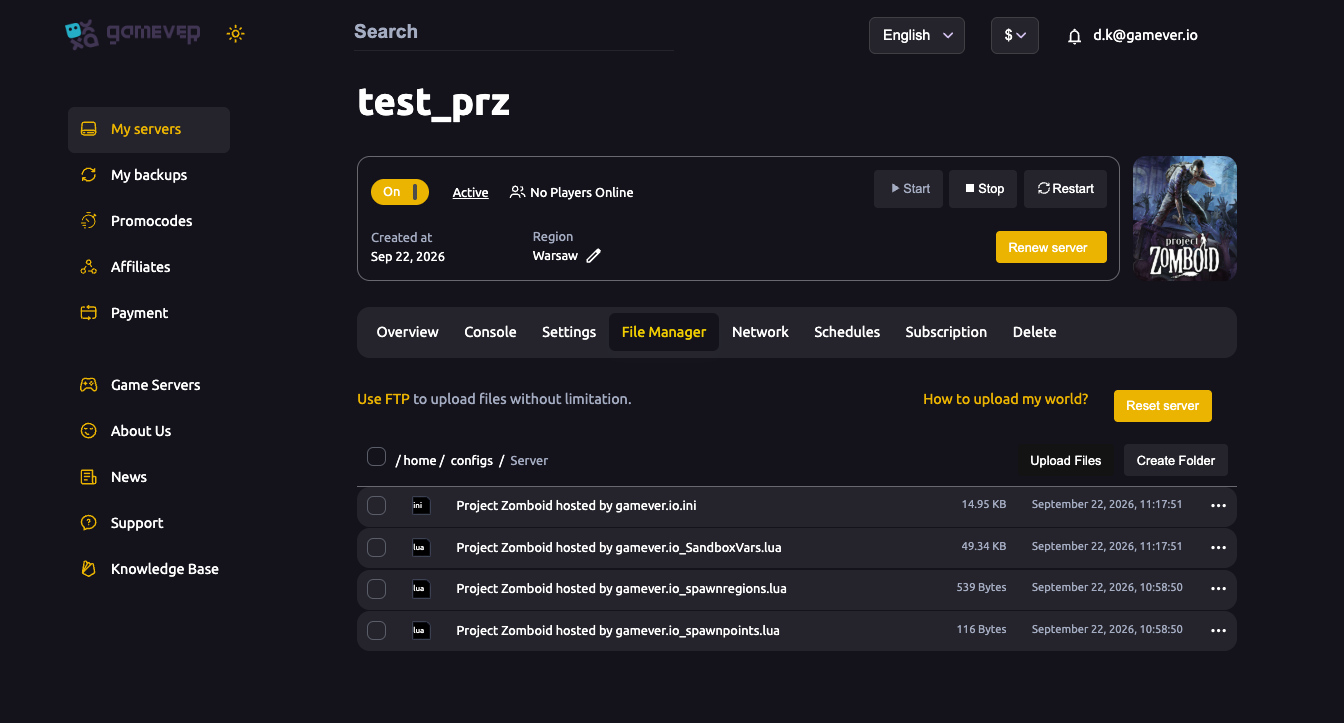
- Reset server button — the File Manager provides a one-click Reset server button that clears the world for a fresh start.
- Delete the save — stop the server, remove the
Saves/Multiplayer/<servername>/data over File Manager or FTP, then start again.
Either way the result is the same: nobody keeps their survivor, their builds, or anything they'd gathered. For the step-by-step mechanics, see our dedicated reset or wipe guide.
Soft reset: fresh world, same survivors
A soft reset refreshes the world while leaving your people and settings alone. With the server stopped, you clear the world chunk data (map_*.bin) from the Saves/Multiplayer/<servername>/ folder but leave players.db in place, and leave your config and _SandboxVars.lua untouched. On the next start the world regenerates: loot is restocked across the map and zombie populations come back, but your characters still exist and your tuned settings still apply.
One honest caveat: anything that was changed inside those regenerated cells — including player-built structures — is part of the world data, so a cell that regenerates comes back fresh. A soft reset is best when your group wants a restocked, re-populated Knox County and is fine with the world resetting around them, not as a way to keep a specific base untouched.
If what you actually want is for loot to return and zombies to repopulate without resetting anything, you don't need to delete files at all — Project Zomboid's sandbox options handle that. The loot-respawn and zombie-population settings control exactly this, and you can tune them in the panel. See our sandbox settings guide before you reach for a reset.
Back up first — always
Both a wipe and a soft reset are destructive, and there's no undo. Before either one:
- Pull a manual FTP copy of your
Saves/Multiplayer/<servername>/data and your config under/home/configs/, or make sure you have a recent My backups restore point. See backup & restore. - Do the reset with the server stopped, so files aren't being written while you change them.
A copy you trust turns a mistake into a quick restore instead of a lost world.
Additional Tips
- Decide which one you need first. Keep characters? Soft reset. Truly starting over? Full wipe.
- Stop the server before clearing any save data, so nothing is mid-write.
- Keep
players.dbfor a soft reset — that's the file that holds your survivors. - Settings live elsewhere. Your
.iniand_SandboxVars.luaunder/home/configs/Server/aren't in the save folder, so a soft reset leaves them alone by default. - Tell your group before resetting. A soft reset regenerates the world around them; a full wipe takes their characters too.
Conclusion
The difference comes down to what you delete. A full wipe removes the whole Saves/Multiplayer/<servername>/ save — use the File Manager's Reset server button — and everyone starts from zero. A soft reset clears only the world chunk data, so loot and zombies return while players.db keeps your survivors and your config keeps your settings. Whichever you choose, back up first and reset with the server stopped.
Rent your Project Zomboid server at gamever.io — one-click reset, full File Manager and FTP access, and built-in backups so a fresh start is always safe. Free trial, promo code WELCOME.