
Shelf Mushrooms in Minecraft: Where They Grow and How They Bounce
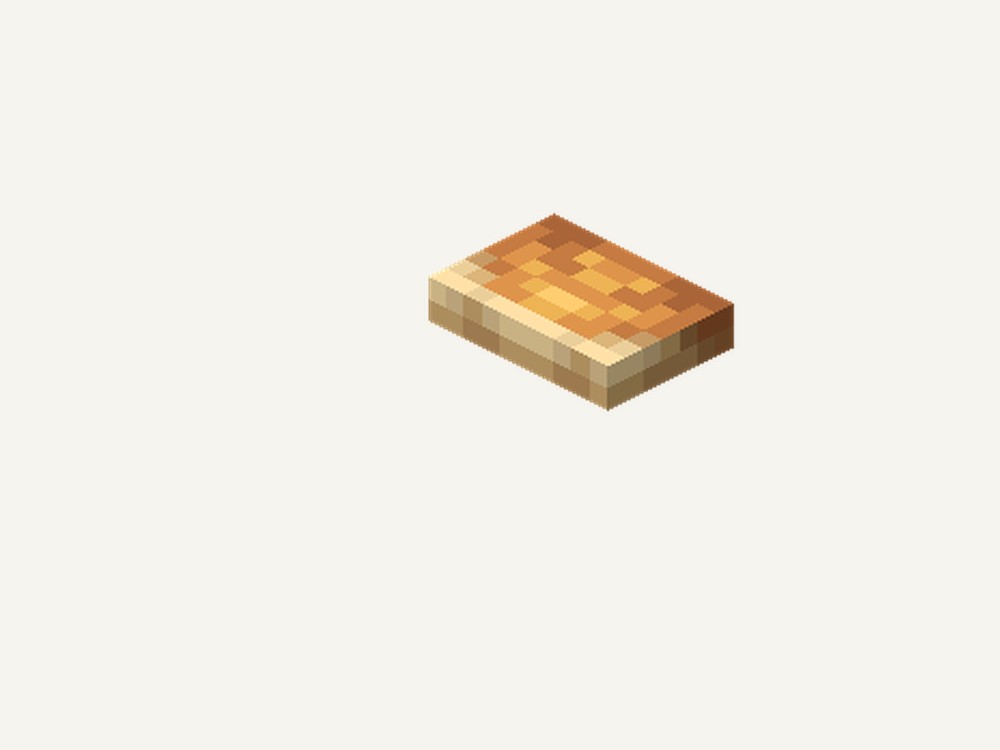
Shelf mushrooms are one of the new blocks arriving with Wilderness Bound (26.3). According to minecraft.wiki, they grow directly on poplar trees rather than as a free-standing plant, and they double as a bounce surface: anything that lands on one keeps part of its landing speed instead of stopping dead. This article covers exactly what the wiki documents about where shelf mushrooms grow, how the bounce works, how to obtain and grow one, and what it's used for once harvested — and it says so plainly wherever the source leaves a detail undocumented, rather than guessing.
Where Shelf Mushrooms Grow
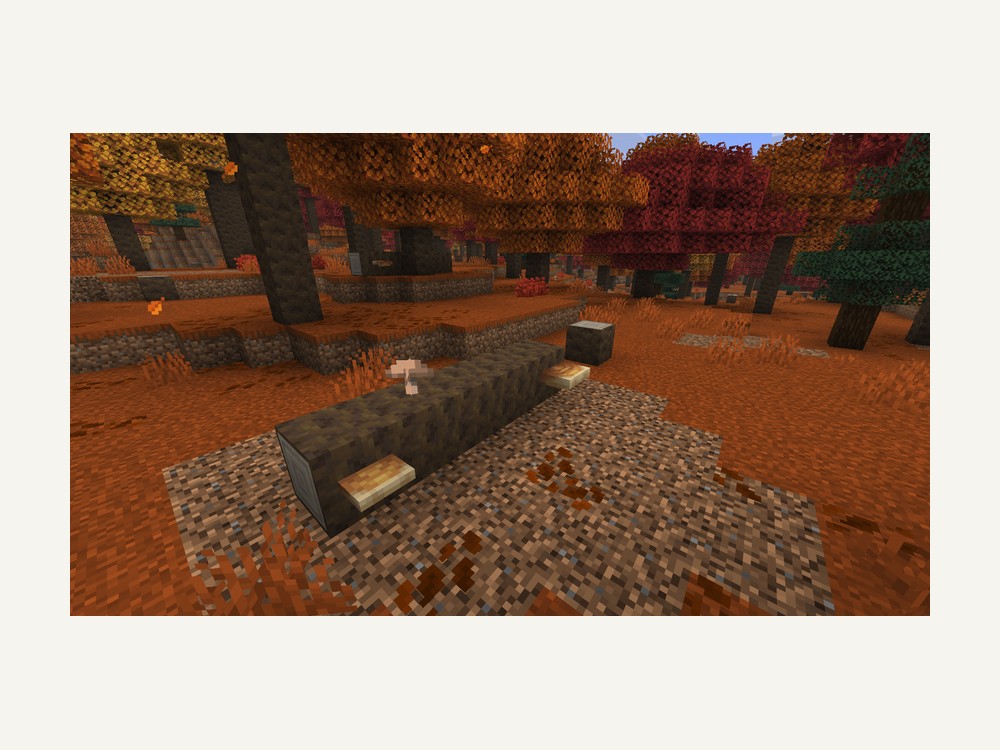
Per the source, shelf mushrooms grow "attached to poplar logs in dappled forests, on both standing and fallen trees." That means a knocked-over poplar log in a dappled forest is just as valid a place to look as an upright tree — you don't need a living trunk specifically. They also "come in two sizes: small and large," so a single trunk can carry either or both.
A second documented trait sets them apart from Minecraft's original mushrooms: shelf mushrooms "require no light level for placement or survival, unlike red and brown mushrooms." Red and brown mushrooms are named directly in that comparison, so this is a stated difference from the source, not an inference — a shelf mushroom growth won't die off or refuse to place based on darkness the way those two do.
The Bounce Mechanic
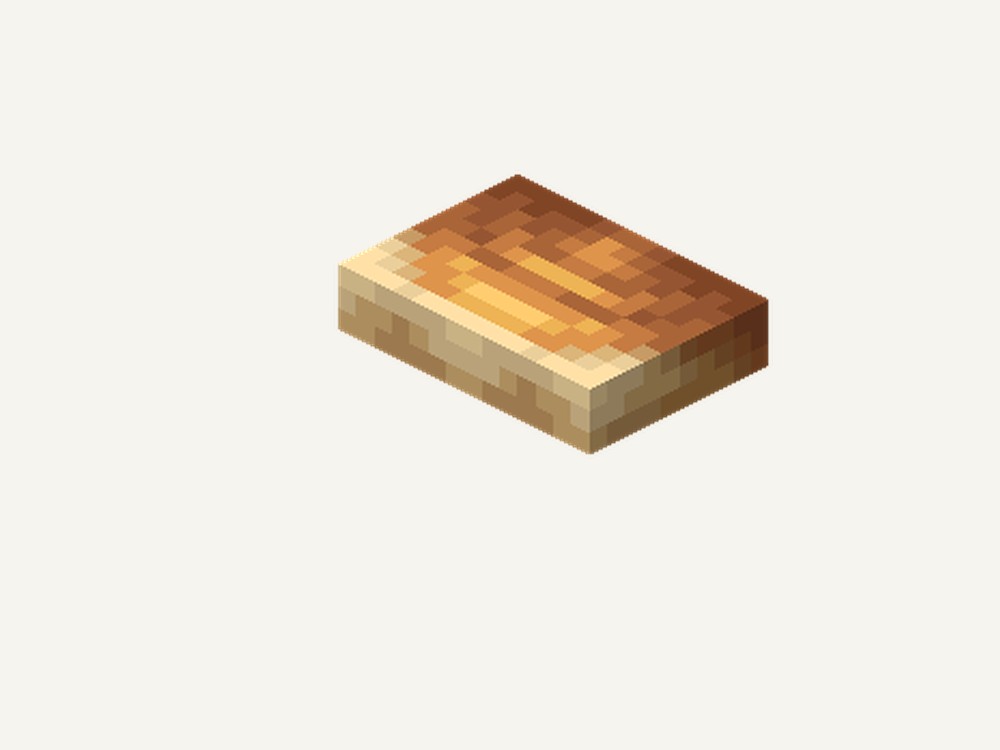
The wiki states two separate facts about landing on a shelf mushroom: "entities landing on shelf mushrooms bounce with 75% of the impact velocity," and separately, "fall damage still applies but is reduced to roughly half." Those two figures are consistent with each other — a bounce that returns most of your landing speed and a fall-damage cut of roughly half both describe the same softened landing — but the source doesn't spell out the formula connecting them, so this article states both numbers as given rather than deriving one from the other.
What that means in practice: falling onto a shelf mushroom is a cushion, not immunity. A short fall barely registers either way, but the wiki's own wording — "still applies" — makes clear that a long enough drop can still hurt you even after the reduction.
Growing and Obtaining Shelf Mushrooms
Small shelf mushrooms don't upgrade themselves. The source says plainly that they "can be grown into large ones with bone meal" and that "they do not grow on their own" — bone meal is the only documented way to force that growth, and there's no passive timer to wait out instead.
For getting one in the first place, the wiki lists three routes: "breaking naturally-generated mushrooms on poplar trees," buying from "wandering traders [who] sell 3 for 1 emerald," and finding poplar saplings that "can generate with attached mushrooms" already on them. That last route means a sapling dug up and replanted elsewhere can carry its mushroom along, without a separate trip back to source one.
Block Properties and Uses
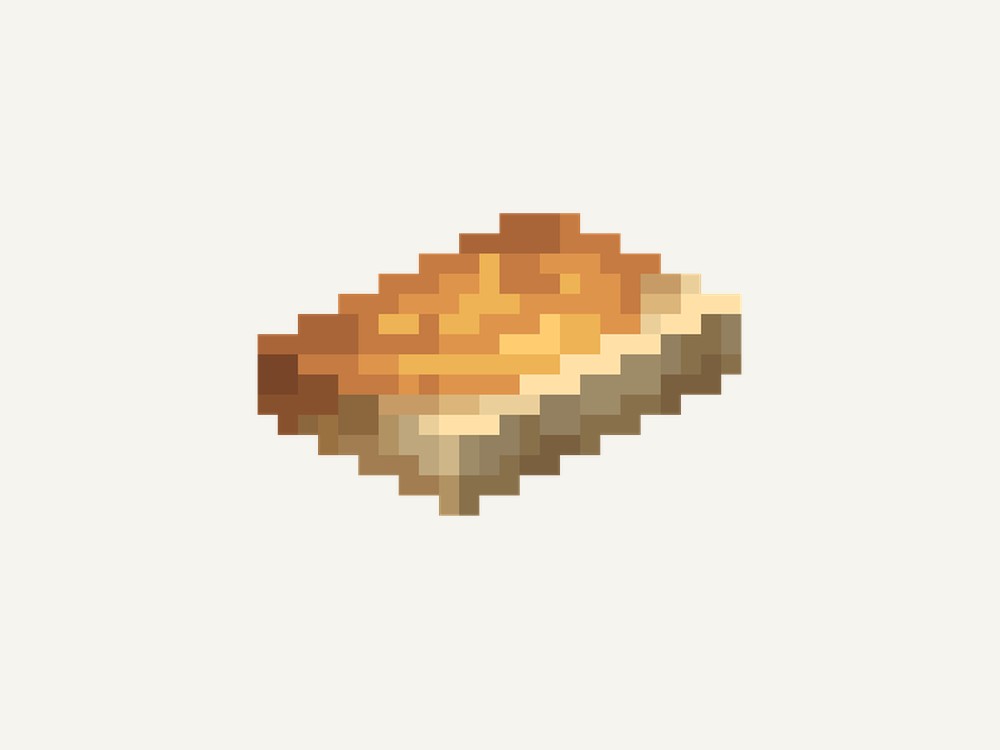
As a block, a shelf mushroom is fragile by design: it's "instantly breakable with any tool," has "0 hardness and blast resistance," and is both "transparent and flammable." So while it survives fine as bounce-pad decoration, it won't hold up against an explosion nearby, and it will catch fire like any other flammable block if flame or lava gets close.
Once harvested, it works as "a crafting ingredient for mushroom stew, rabbit stew and suspicious stew" — three separate recipes documented for it — and it's "compostable (65% chance to raise compost level by 1)" if you end up with more than you need for cooking.
The facts sourced for this article don't cover a stack size, a fuel value, or any texture difference beyond the stated small/large split, and they don't spell out the exact mechanical formula behind the bounce-velocity and fall-damage numbers above — those specifics are left undocumented here rather than guessed.
Tips: Check fallen poplar logs as well as standing ones — both are documented growth spots. Keep bone meal on hand if you specifically want large shelf mushrooms, since small ones never grow up unassisted. Because the block has 0 blast resistance and is flammable, don't rely on a shelf-mushroom bounce pad near TNT or open flame. And treat the bounce as a damage cushion, not a guaranteed safe landing — the source itself says fall damage "still applies."
Running your own Minecraft server
Testing a brand-new Wilderness Bound block like this is easier with one shared world your whole group can log into, rather than everyone hunting their own dappled forest separately. A private server lets you set world rules once — keep-inventory while you're testing bounce heights, or a shared allowlist while the update is still settling in — so every find, from the first shelf mushroom to the first wandering trader selling one, is shared across the group instead of scattered across separate singleplayer saves.
Get your own Minecraft server running in minutes with code WELCOME for a discount on your first month.
Conclusion
Shelf mushrooms combine a light-independent growth habit on poplar trunks — standing or fallen — with a bounce mechanic that returns 75% of impact velocity and cuts fall damage to roughly half. Growing one from small to large takes bone meal specifically, since the source is explicit that they don't grow on their own, and there are three documented ways to obtain one: breaking a naturally-generated mushroom, buying from a wandering trader at 3 for 1 emerald, or digging up a sapling that already has one attached. Once harvested, it's a fragile, instantly-breakable, flammable block that doubles as an ingredient in three stews and a solid composting item. Stack size, fuel value, and the exact math behind the bounce numbers remain undocumented as of today's 2026-09-15 launch.