
Setting Max Players on Your 7 Days to Die Server
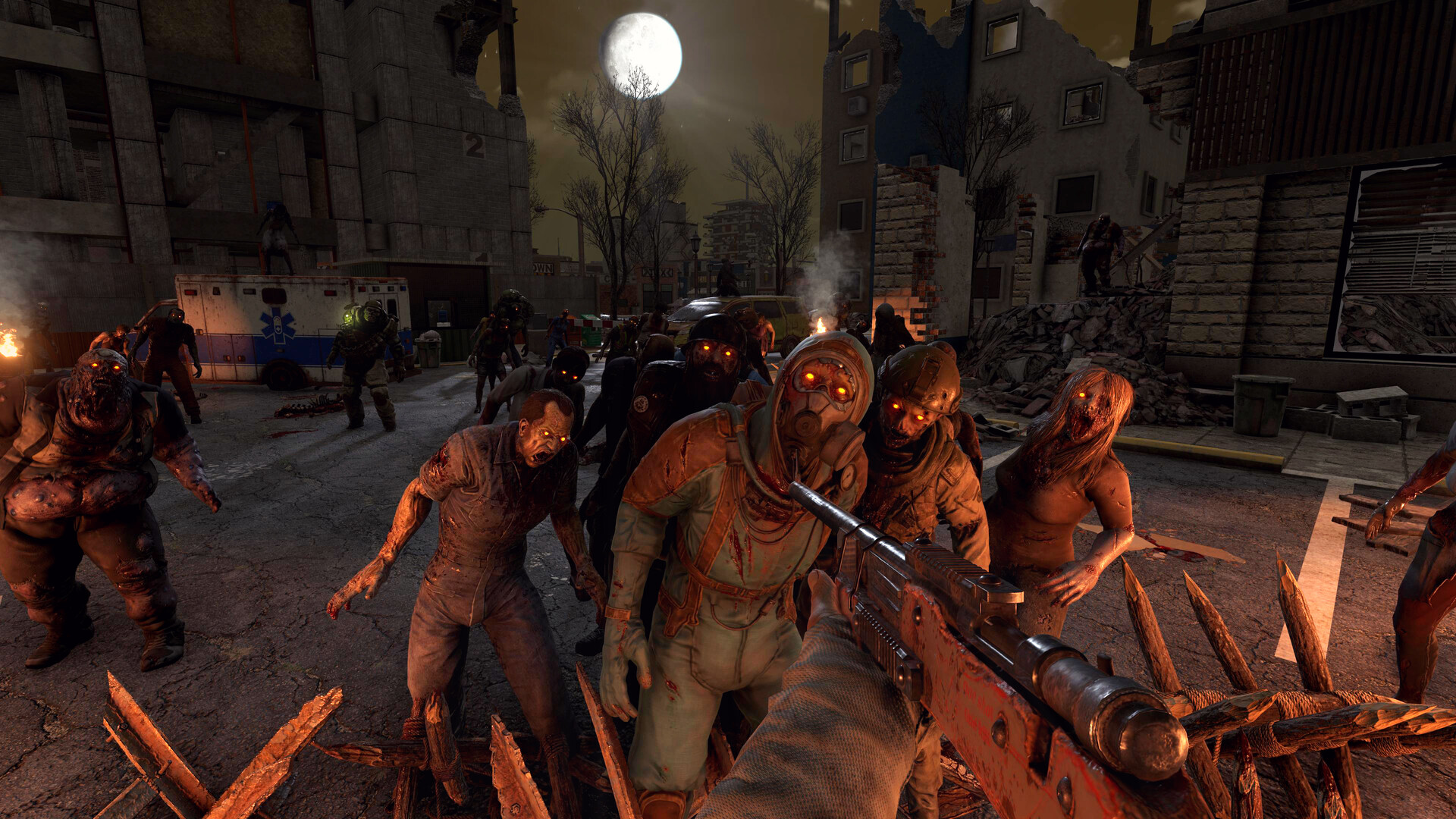
How many people can play on your 7 Days to Die server at once? The default here is 16 slots, shown on the Overview tab as a Players count. This guide explains where to see your slots, how to size your plan to the number of players you actually want, and why 7DTD's player count matters so much for performance.
Where to see your player slots
On the Overview tab, the Players indicator shows current players against your maximum:
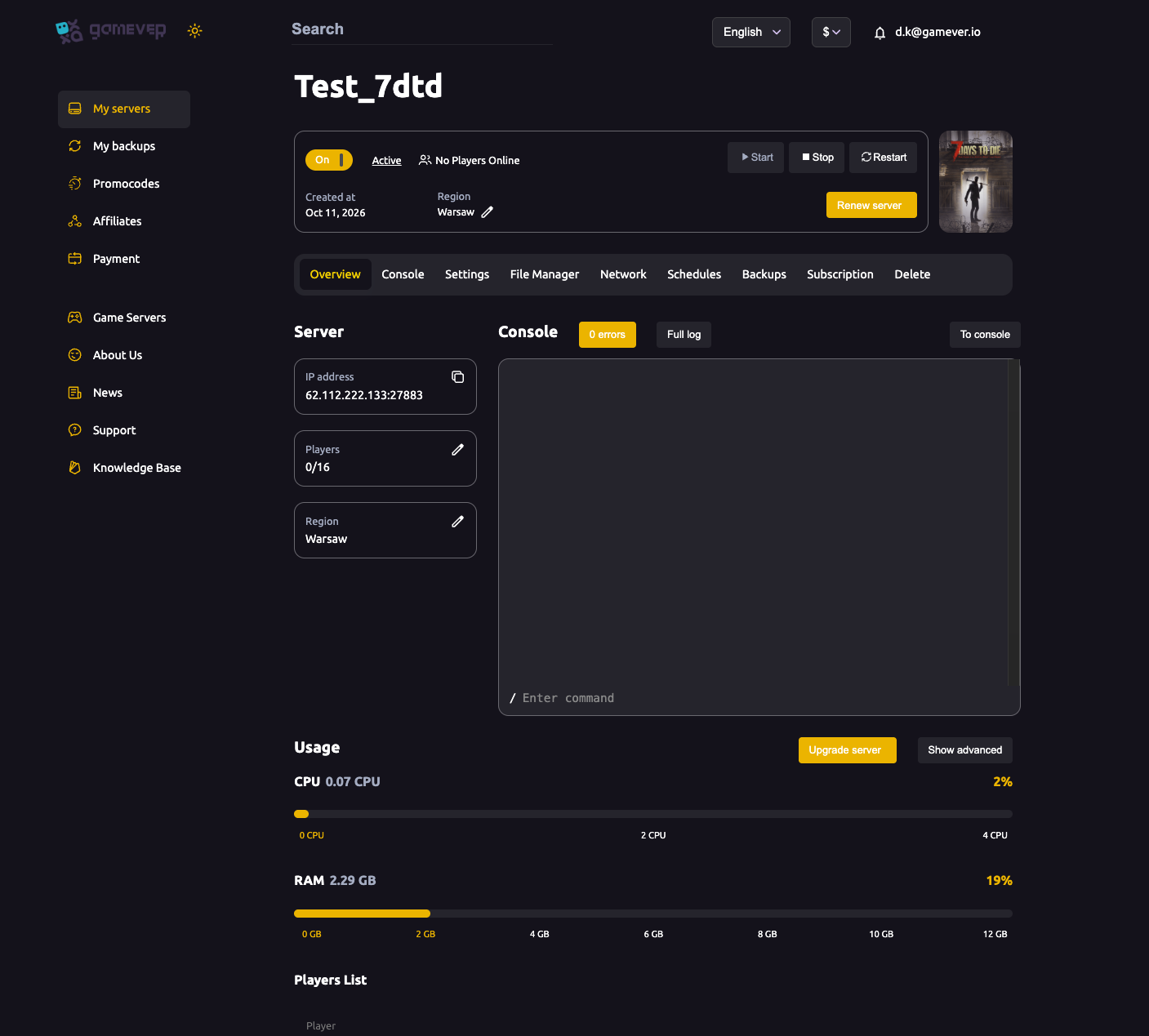
0/16means no one is online, with 16 slots available.- The number climbs as friends connect by your IP address.
Sizing the plan to your player count
7 Days to Die is one of the more demanding survival games to host, and every extra player adds load — their loaded chunks, their zombies, their builds. The slot count is only half the story; the plan behind it has to keep up:
| Group | What to aim for |
|---|---|
| 2–4 friends | A modest plan is comfortable; plenty of headroom for a small base. |
| 5–8 players | A mid plan — more RAM for the extra loaded world and players. |
| Up to 16 | A strong CPU and generous RAM — a full house hits hardest on blood moon nights. |
The trap to avoid: setting 16 slots on a small plan gives you a laggy 16, not a smooth one. Size the plan to how you actually play.
Need more? Upgrade server
If your group grows or you feel the strain, use Upgrade server on the Overview tab (next to the Usage meters) to move to a bigger plan — your world and settings come with you. If you're already maxed and it's running hot, see fixing lag.
Additional Tips
- 16 is the default slot count here — plenty for most groups.
- Plan power matters more than the slot number — a big number on a small plan lags.
- Blood moons are the real test — size for the horde night, not the quiet afternoon.
- Watch Overview → Usage with a full group to see if you need to upgrade.
- Upgrade keeps your world — no wipe to move to a bigger plan.
Conclusion
Your gamever 7 Days to Die server ships with 16 player slots, shown right on the Overview tab. The number of people you can host smoothly depends on the plan behind those slots — so match your plan to your real group size, watch the Usage meters on busy nights, and use Upgrade server when you outgrow it.
Rent your 7 Days to Die server at gamever.io — generous player slots, one-click upgrades, and the horsepower to keep a full group smooth through blood moon. Free trial, promo code WELCOME.