
Server Commands in Rust
Rust, the popular open-world survival game, offers players a range of console and server commands to enhance their gaming experience and facilitate server management. In this article, we'll explore some of the most important and interesting console and server commands in Rust.
Server Commands
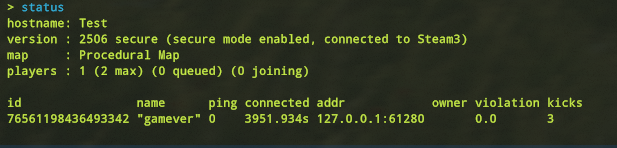
status
Displays information about currently connected players on the server, making it useful for server administrators to monitor player activity.
kick "player" and ban "player" or "steamid"
Admins can use these commands to remove troublesome players temporarily (kick) or permanently (ban) from the server. Remember to provide reasons and durations for bans when necessary.
teleport.toplayer "player 1" "player 2" and teleport2marker
Admins can teleport players to each other or specific coordinates using these commands. It's handy for resolving issues or assisting players.
inv.giveplayer "player" "item" "amount"
Admins can provide items to specific players using this command. Ensure you specify the player's name, item name, and the desired quantity.
global.say "text"
Server admins can communicate with all players by broadcasting messages using this command.
server.maxplayers "amount"
Adjusts the maximum number of player slots available on the server. Useful for controlling server capacity.
server.pvp true/false
Enables or disables player-versus-player combat on the server. Admins can adjust this setting to create PvE or PvP-focused environments.
env.timescale "amount"
Alters the speed of the day/night cycle in the game. Useful for customizing the game's pace and cycle duration.
env.time 0-23
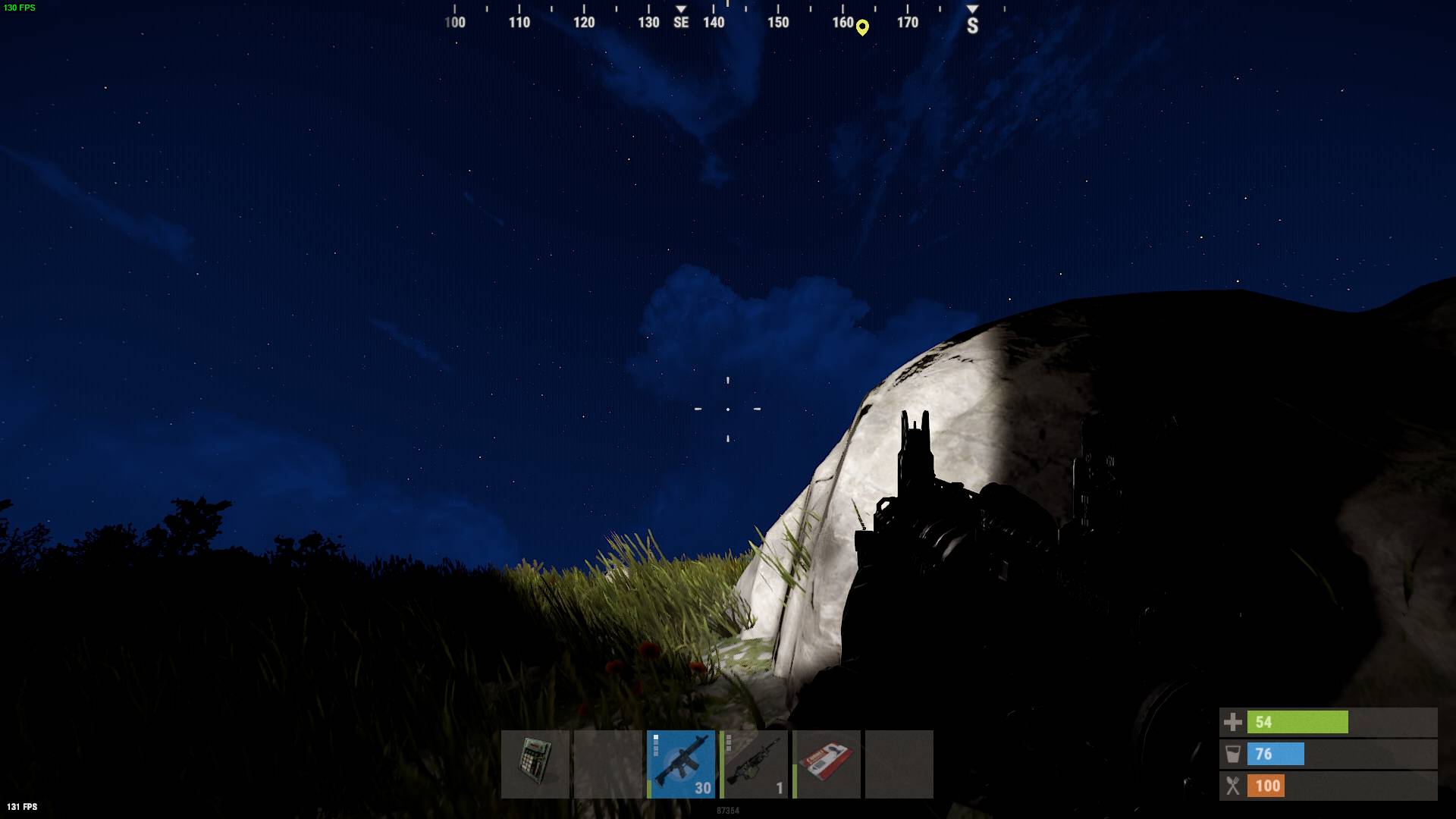
It changes the time within the range of 0 (midnight) to 23 (11 PM).
Spawn
airdrop.drop
Starts an airdrop event, providing valuable loot to players. Admins can initiate airdrops to spice up the gameplay.
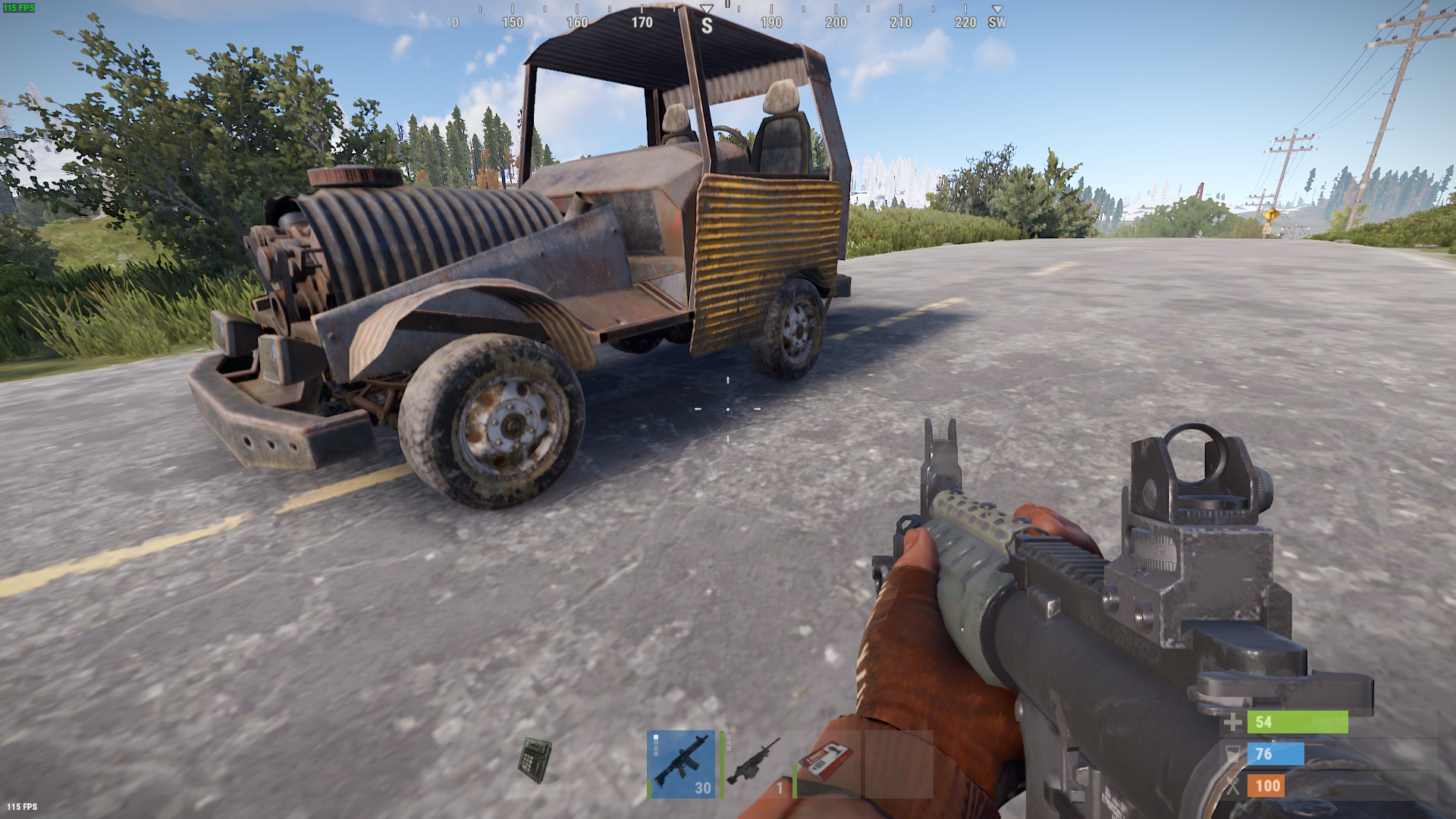
vehicle.spawn and vehicle.ejectall

These commands let admins spawn vehicles and eject all players from them, offering fun transportation options.
To end
These are just a selection of the many console and server commands available in Rust. As a player or server admin, mastering these commands can enhance your gameplay and server management capabilities.