
Satisfactory Server Settings Explained

Most of a Satisfactory server's gameplay is set in-game (when you create a session), but gamever's panel controls the server-level behaviour: its name, the seasonal event, performance streaming, auto-pause and network tuning. This guide explains each setting and where the deeper config lives.
Server Settings
Open Settings → Server Settings:
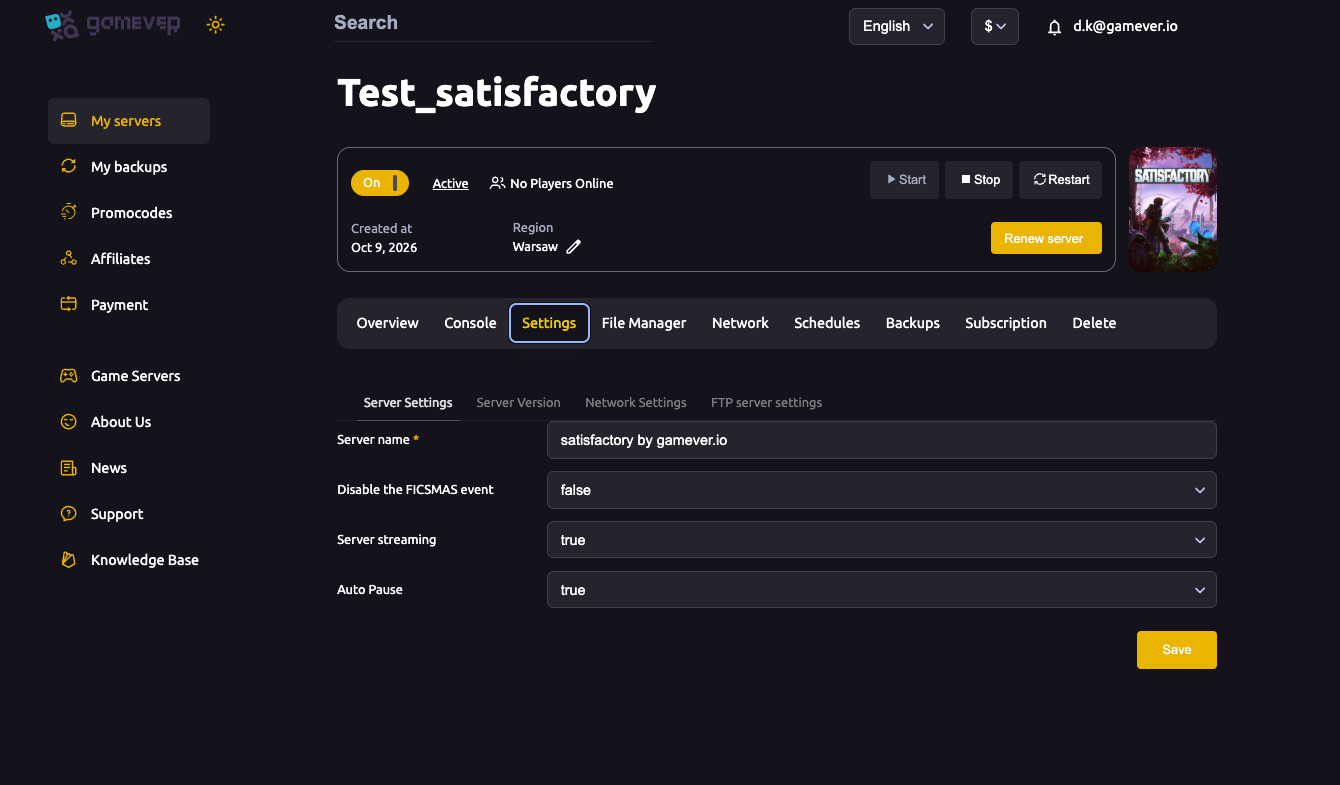
| Setting | What it does |
|---|---|
| Server name | The name shown for your server. |
| Disable the FICSMAS event | Turns off the seasonal (Christmas/FICSMAS) event content. Leave false during the event to keep it; set true to disable it. |
| Server streaming | Level streaming — keep true for better performance on large factories. |
| Auto Pause | When true, the server pauses while no one is online, saving CPU (and keeping your factory frozen until someone returns). Set false if you want production to keep running 24/7. |
Change what you want, click Save, then Restart.
Network Settings
Under Settings → Network Settings:
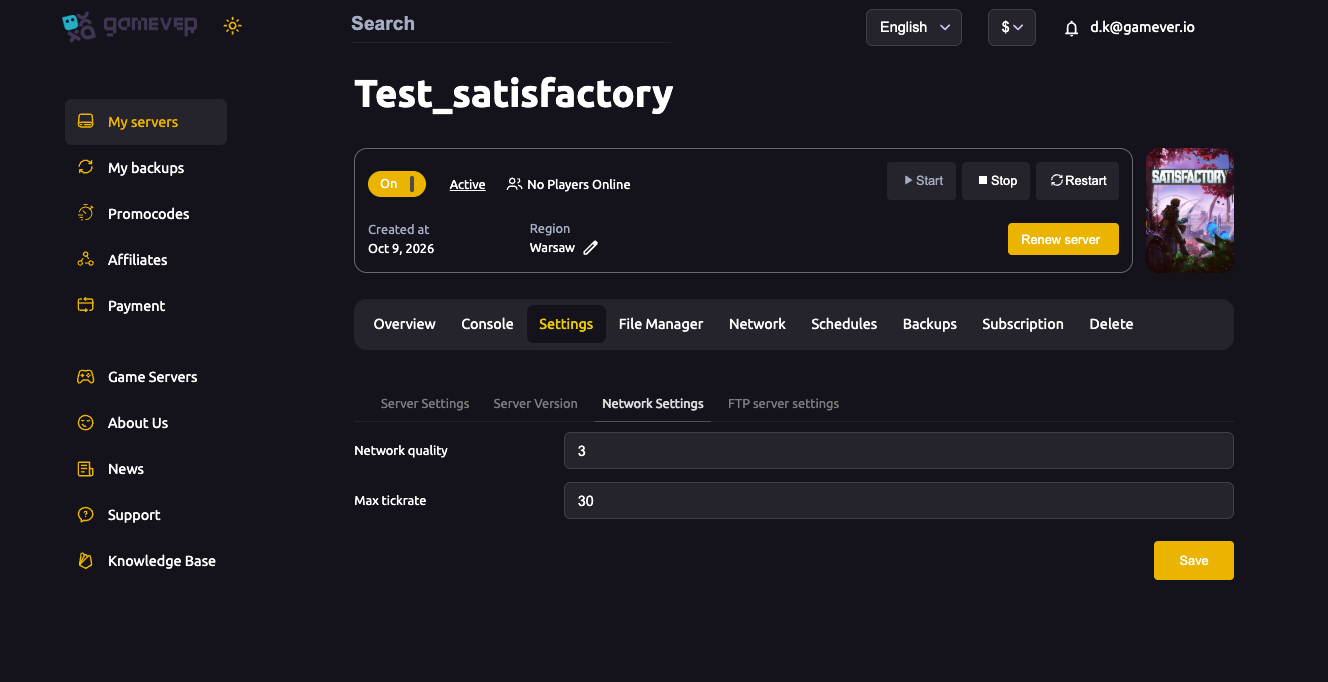
| Setting | What it does |
|---|---|
| Network quality | How much bandwidth/detail the server sends clients (higher = smoother for players, more bandwidth). |
| Max tickrate | The server's update rate (e.g. 30). Higher feels smoother but costs more CPU. |
Deeper config: Engine.ini and GameUserSettings.ini
For advanced tuning beyond the panel, your server's config files live in the File Manager at:
/home/server/gamefiles/FactoryGame/Saved/Config/LinuxServer/
There you'll find Engine.ini and GameUserSettings.ini for lower-level tweaks. Edit carefully, and restart to apply. For most servers the panel settings above are all you need.
Auto Pause — the one most people ask about
Auto Pause is worth calling out: with it on, your factory stops producing whenever the server is empty, which saves resources but means no overnight production. Turn it off if you want belts and machines running around the clock while you're away.
Additional Tips
- Auto Pause on = no production while empty — turn it off for 24/7 factories.
- Keep Server streaming true for performance on big builds.
- Disable FICSMAS only if you don't want the seasonal event.
- Raise Max tickrate for smoothness, but watch CPU on the Overview tab.
- Use Engine.ini/GameUserSettings.ini only for advanced tweaks — restart after editing.
Conclusion
Your Satisfactory server's behaviour is a few clear toggles on gamever: name it, decide on the FICSMAS event, keep streaming on, and choose whether Auto Pause freezes the factory when empty — plus network quality and tickrate for smoothness. Save, restart, and your server runs the way you want.
Rent your Satisfactory server at gamever.io — all the key settings in one panel, with a browser config editor for the rest. Free trial, promo code WELCOME.