
Satisfactory Blueprint Guide: The Blueprint Designer Explained
Blueprints let you design a factory segment once and stamp it out repeatedly, made using one of the three Blueprint Designers — the wiki's own summary is direct: "Blueprints are made using one of the three Blueprint Designers." A saved blueprint is placed with the Build Gun like any other buildable, and everything inside it still edits individually afterward. This guide covers unlocking, building, managing and backing up blueprints — and flags what the source leaves undocumented (exact platform dimensions, the precise unlock milestone for Mk.2/Mk.3).
Unlocking the Blueprint Designer (Tier 4, Milestone 1)
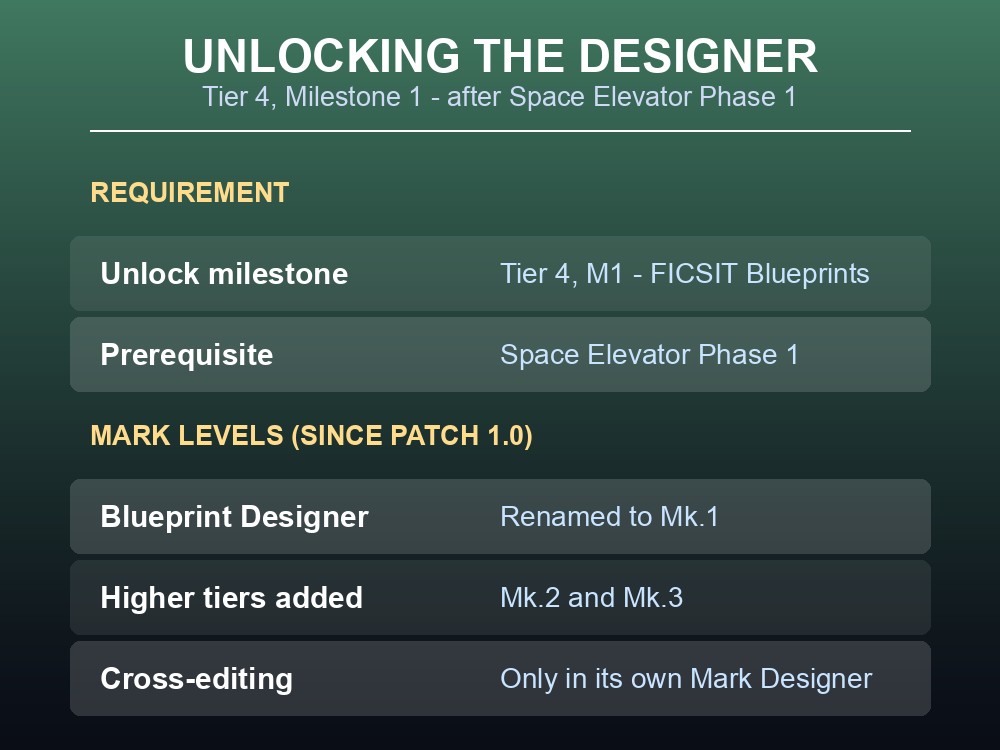
The Blueprint Designer unlocks at Tier 4, Milestone 1 ("FICSIT Blueprints"), which requires completing Space Elevator Phase 1 to open Tier 3/4.
Originally there was one Blueprint Designer. As of Patch 1.0, it was renamed Mk.1, and two higher tiers — Mk.2 and Mk.3 — were added. The source doesn't say which milestone unlocks Mk.2 or Mk.3, or any of the three's platform dimensions (no infobox data exists here) — treat those as undocumented, not assumed.
What is documented is the rule for mixing Mark Levels: "Blueprints made in a lower Mark Level Blueprint Designer can be added to a new blueprint in an upper Mark Level Blueprint Designer, however Blueprints made in a higher Mark Level Blueprint Designer cannot be added." A Mk.1 blueprint slots into a Mk.2 or Mk.3 design; a Mk.2 slots into a Mk.3 but not a Mk.1. A blueprint edits individually only in the exact Designer that made it — by design, to prevent issues.
Placing, Aligning and Auto-Connecting Blueprints
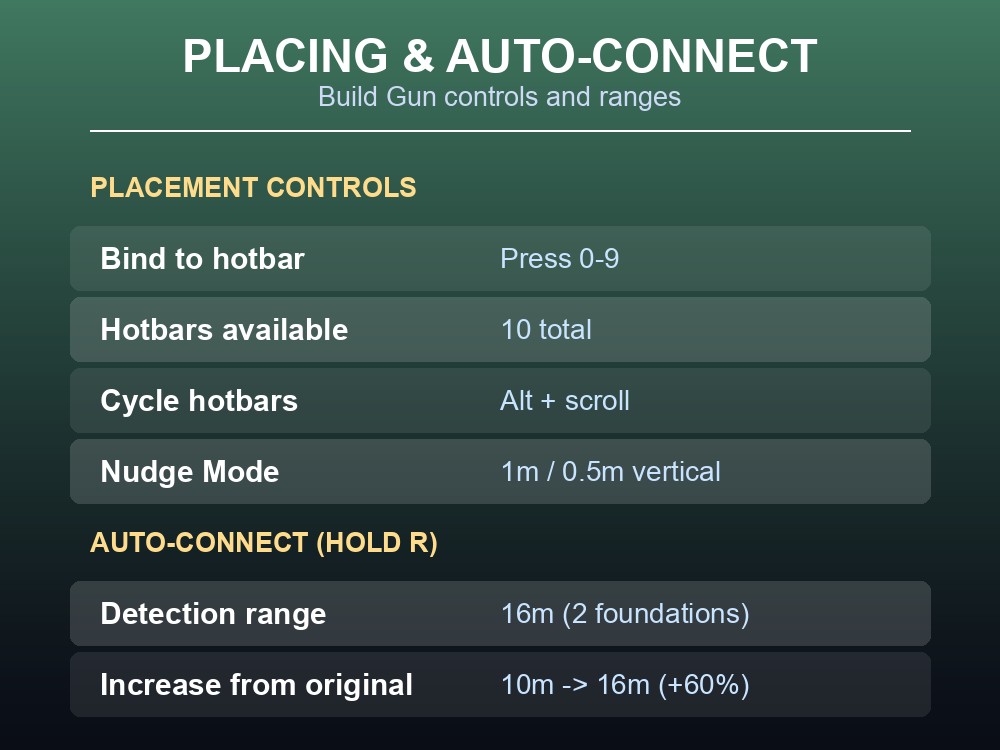
Blueprints place from the Build Menu or a hotbar; a white "▶" arrow marks the forward direction set during design.
| Action | Detail |
|---|---|
| Bind to hotbar | Hover in the Blueprint Build Menu, press 0–9 |
| Hotbars available | 10 total, cycle with Alt + middle-mouse scroll |
| Nudge Mode | 1m steps horizontally, 0.5m vertically |
| Auto-Connect | Hold R with a blueprint hologram out |
| Auto-connect range | 16m (2 foundations) |
Holding R activates Auto-Connect Build Mode: a blueprint containing Conveyor Belts, Pipelines, Railways or Vehicle Paths "will try to automatically connect to any available inputs/outputs on the other end," previewable before placement. That range grew from an original 10m — 16m is 6m further, a 60% increase (6 ÷ 10 = 0.6), exactly two 8m foundations. Vehicle Paths can be embedded into a blueprint that also contains foundations, so a truck route travels with the segment it belongs to.
Snapping has three modes: default snaps to loose foundations at 1m horizontal / 0.5m vertical steps; Blueprint build mode snaps blueprints to each other center-to-center; Auto Connect mode adds the 16m linking above. Blueprints struggle to align to the world grid built directly on the ground, so the documented fix is laying grid-aligned "base" foundations first, building blueprinted ones on/beside them, then dismantling the loose base once the blueprint locks in its own snap point.
Managing Blueprints: Categories, Dismantle Mode and Naming Rules
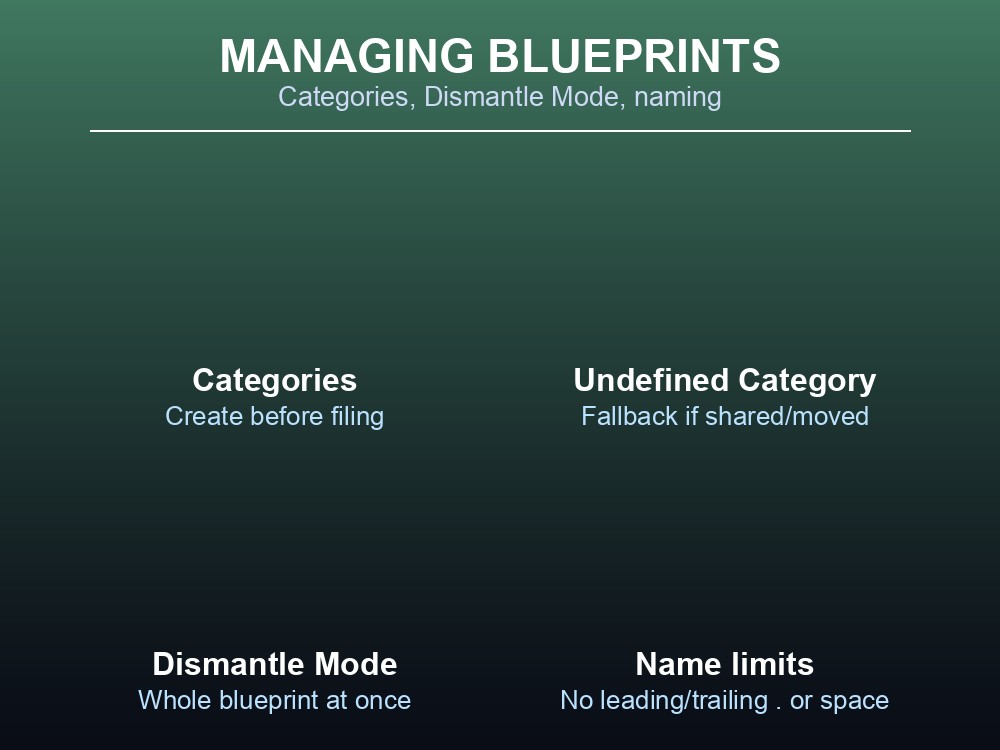
Categories and sub-categories must exist before a blueprint can be filed into them — create via Set Directory → Add Category/Subcategory, then Apply Changes. This lives in the save file, not the blueprint itself — a shared or moved blueprint loses its category, landing in an Undefined Category until re-filed.
Blueprint Dismantle Mode removes builds more cleanly than piece-by-piece teardown: clicking any buildable in a blueprint selects the whole blueprint, dismantled individually, by type, or all at once. Every placed blueprint gets a unique ID linking its buildables, so a partial dismantle still leaves the rest selectable later.
On PC, names carry real restrictions: "blueprint names should not start or end with a Space or a . (period). Additionally, blueprint names should not contain an ' (apostrophe), or any of the following Windows Reserve Characters" — < > : " / \ | ? *. Names also sort alphabetically, not naturally, so z1, z2, z3, z10, z11 sorts as z1, z10, z11, z2, z20, z3 — the documented fix is zero-padding (z001, z002, z010).
Where Blueprint Files Live and How to Back Them Up
Each PC blueprint is two files: the Blueprint Module (.sbp) with the layout/design data, and the Blueprint Config File (.sbpcfg) with description, icon and icon color. Only the .sbp needs sharing.
Location matters: "IMPORTANT: Blueprint Modules are NOT saved in the same location as the game save files and as such are not automatically cloud synced. This means you will manually have to back up your Blueprint Files periodically to a location not used by the game." Blueprints also aren't global — a new session starts with none of your previous ones available, by design. Moving them is manual: unlock the Designer in the new session, save one blueprint there to create its folder, copy the files in from the old session, then reload before they appear in the build menu.
Removal is permanent and explicitly warned about — it deletes the module from disk (PC) or the save (console); reloading an older save won't undo it. The Console release bakes blueprints directly into single-player Game Saves instead of separate files, and doesn't support dedicated servers at all.
Practical tips
- Unlock needs Tier 4 / Milestone 1 ("FICSIT Blueprints"), which needs Space Elevator Phase 1 first.
- A blueprint edits only in the exact Mark Level Designer that made it.
- Hold R for Auto-Connect; range is 16m, exactly two 8m foundations.
- Create categories before filing a blueprint, or it lands in Undefined Category.
- Names can't start/end with a space or period, and can't use
< > : " / \ | ? *.- Blueprint Modules live outside the save folder and are not cloud synced — back them up manually.
Running your own Satisfactory server
Blueprint files are local and session-scoped, not part of the world save — moving a factory to a dedicated server means copying the .sbp/.sbpcfg files across too, then reloading before they appear in the build menu. A managed gamever Satisfactory server keeps the world backed up automatically, so the manual, periodic backup the source calls out for blueprint files isn't something you also have to remember for the rest of the factory.
Conclusion
The Blueprint Designer unlocks at Tier 4, Milestone 1, after Space Elevator Phase 1, in three Mark Levels where a blueprint edits only in the exact Designer that made it — though the source doesn't document Mk.2/Mk.3's unlock milestone or platform dimensions. Placement uses the Build Gun with a directional arrow, ten hotbar slots, Nudge Mode, and Auto-Connect linking belts, pipes, rails and Vehicle Paths across 16m (a 60% jump from 10m). Categories must exist before use, Dismantle Mode removes a whole blueprint through its shared ID, and PC names carry real restrictions. Most importantly: blueprint files sit outside the save folder, aren't cloud synced, and must be backed up and transferred by hand.
Want your factory's blueprints backed up automatically instead of manually? Rent a Satisfactory server at gamever.io — instant setup, automatic backups, and 24/7 uptime for your world. Start free with promo code WELCOME.