
Satisfactory Advanced Game Settings on a Dedicated Server
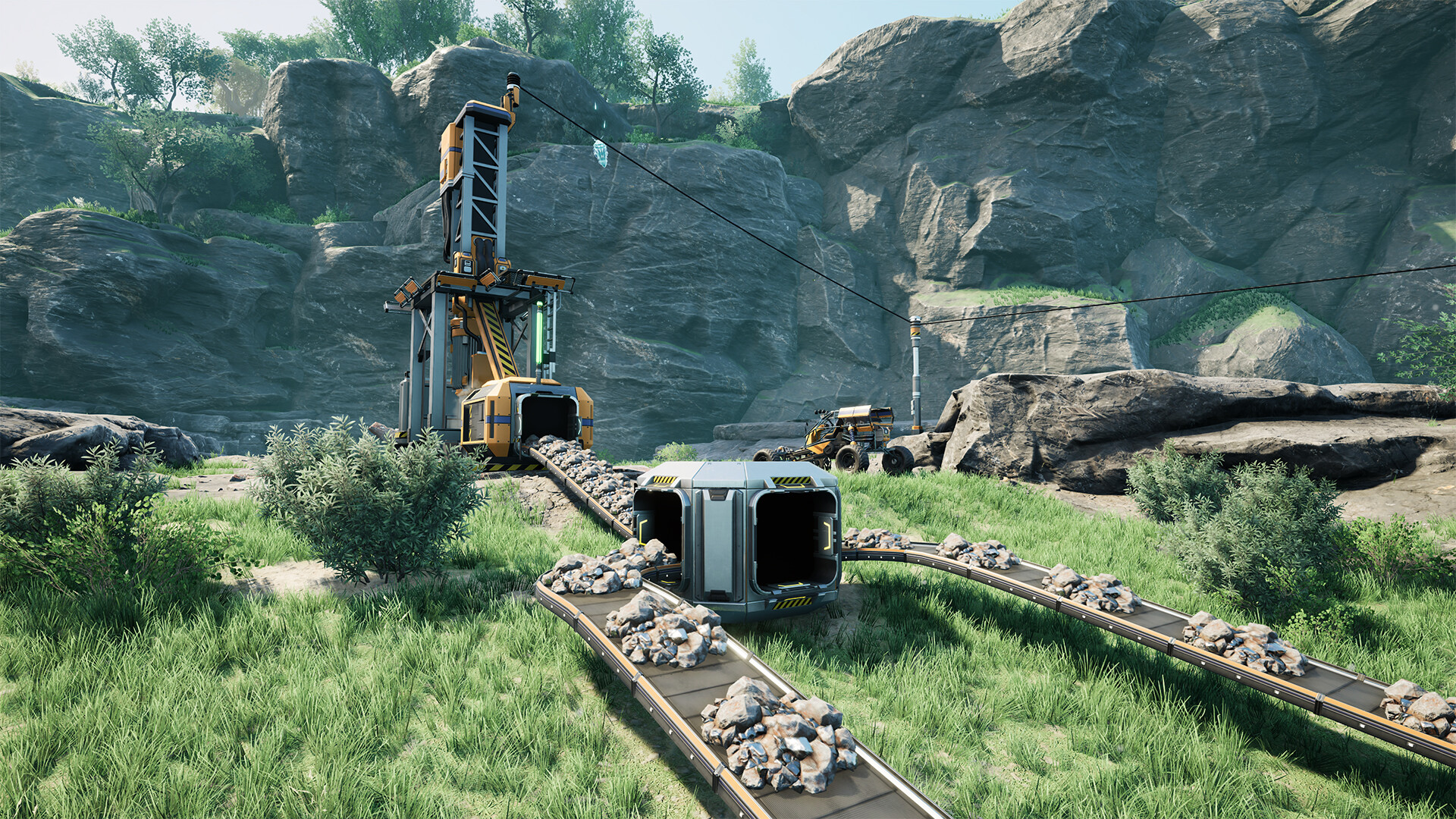
Satisfactory's Advanced Game Settings (AGS) are the "sandbox" toggles — no build cost, unlimited power, god mode, flight mode, give items, and more. They're great for creative builds and testing. On a dedicated server they're controlled in-game, and there's one important trade-off to understand before you flip them on. This guide explains it.
What Advanced Game Settings are
AGS are a set of cheat-style toggles, including:
- No power — machines run without electricity.
- No build cost — place anything for free.
- Unlimited resources / give items — spawn materials.
- Flight / no fall damage / god mode — move and survive freely.
- Set game phase / unlock tech — skip progression.
- Keep inventory, disable arachnid fear, and more.
The trade-off: AGS disables achievements
Turning AGS on for a session permanently flags that save as an advanced-settings game, which disables Steam achievements for it. This is a one-way flag on that save — so if you care about achievements, keep a separate "legit" save and use AGS only on a sandbox/creative save.
How to enable them on a server
Because AGS belongs to the session, not the panel, you set it in-game:
- Connect to your server as an admin (you authenticated with the Admin Password).
- Open the in-game menu → Advanced Game Settings (you'll see the achievements warning).
- Toggle what you want; changes apply to the server session live.
Only an admin can change AGS, so protect your Admin Password.
Using AGS wisely on a shared server
- Creative/building server? AGS on (no cost, flight) makes a great megabuild playground.
- Progression server? Leave AGS off so your group earns everything — and keeps achievements.
- Testing a layout? Spin up a separate save with AGS, then rebuild it "for real" on your main save.
Because the flag is permanent per save, a good pattern is one sandbox save with AGS and your main save untouched — swap between them via Manage Saves / upload.
Additional Tips
- AGS disables achievements for that save — permanently. Decide before enabling.
- Admin only — AGS is gated behind the Admin Password.
- Keep two saves — a clean progression world and a creative AGS world.
- Back up first (see backup and restore) before experimenting.
- It's a session setting, not a panel one — there's nothing to change in gamever's Settings tab for this.
Conclusion
Advanced Game Settings turn your Satisfactory server into a creative sandbox — no build cost, unlimited power, flight and more — all toggled in-game by an admin. Just remember the trade-off: enabling AGS permanently disables achievements on that save. Keep a separate sandbox save for AGS fun and your main progression world stays clean.
Rent your Satisfactory server at gamever.io — admin control in your hands, with easy save management so your sandbox and main worlds stay separate. Free trial, promo code WELCOME.