
Palworld 1.0.4 Palpedia and Quality-of-Life Upgrades
Palworld 1.0.4 went live on September 7, 2026, and per palworld.wiki.gg's own patch page it's a pure quality-of-life release — no new Pals, no new zone, just a handful of interface and platform fixes that change how the game feels to navigate day to day. The patch adds a name search to the Palpedia, finally explains "Work Suitability" details directly in the Pal status UI and Palpedia instead of leaving players to guess, raises the default FPS cap on PC to 120, opens up chat access on PS5 through the Radial Menu, and layers a few control-and-warning improvements onto the fishing minigame. This article covers exactly what palworld.wiki.gg's 1.0.4 changelog documents — nothing more.
What's New in Patch 1.0.4
Per palworld.wiki.gg, the 1.0.4 changelog lists five distinct changes: a Palpedia name search, Work Suitability explanations added to the Pal status UI and Palpedia, a default FPS cap change to 120 on PC, PS5 chat access via the Radial Menu, and a pair of fishing-minigame quality-of-life additions (control guides plus a new World Setting). None of these are combat, breeding, or base-building changes — they're all interface and accessibility fixes, which is worth stating plainly since it's easy to assume any numbered patch touches gameplay balance. The source page does not list a patch file size, a platform-by-platform breakdown beyond the two callouts above (PC for the FPS cap, PS5 for chat), or any Xbox/Switch-specific notes, so treat those as undocumented rather than assuming parity across every platform.
Palpedia Name Search and Work Suitability Explanations
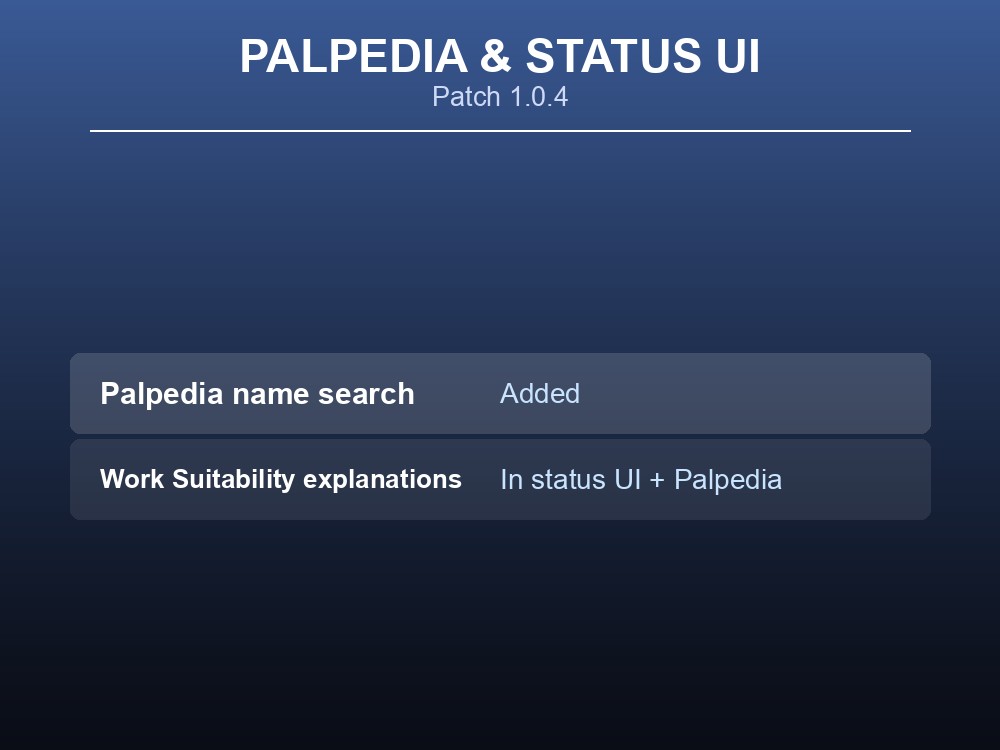
The Palpedia — the in-game Pal encyclopedia — now supports a name search, per the 1.0.4 changelog. Previously locating a specific Pal meant scrolling or filtering by category; a direct name search cuts that down to typing the Pal's name. The patch also adds explanations for Work Suitability details to both the Pal status UI and the Palpedia. It's worth being precise about the term here: the official patch note wording is "Work Suitability," not "Work Sustainability" — a mix-up that's easy to make since the two words look similar, but only "Work Suitability" is what palworld.wiki.gg's page actually records. The changelog doesn't spell out exactly what the new explanation text says field-by-field, so treat the specific wording of those in-UI explanations as undocumented beyond the fact that they were added.
Performance and Platform: 120 FPS Cap on PC and PS5 Radial Menu Chat
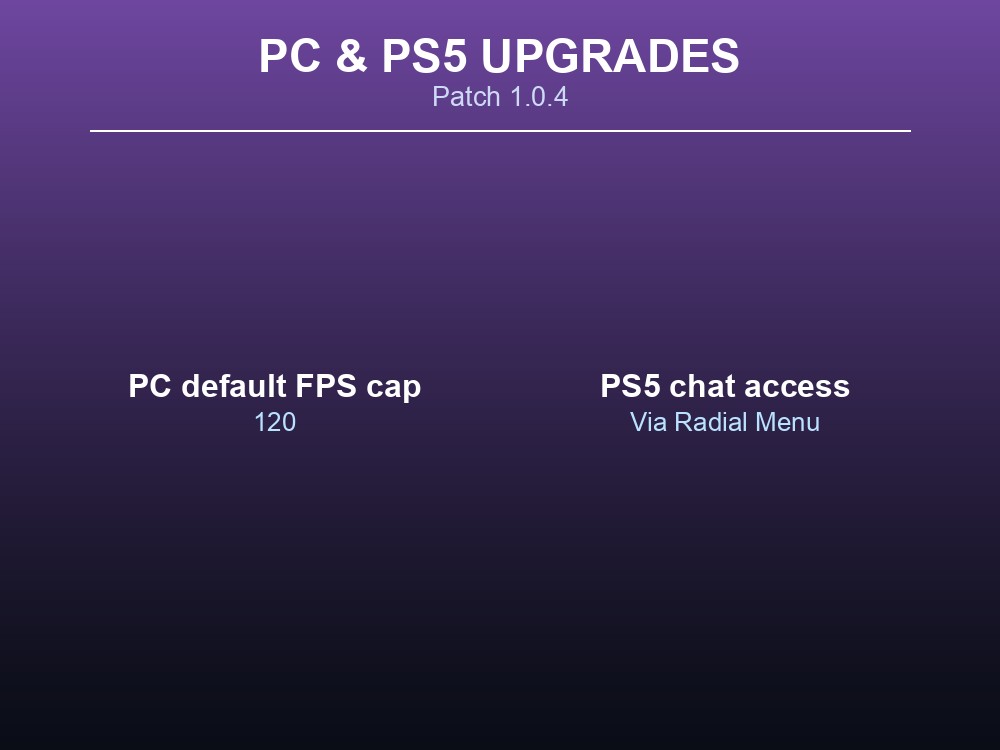
Two platform-specific changes round out the technical side of 1.0.4. On PC, the changelog states the game "changed the default FPS cap to 120." That's a default value, not a forced ceiling — the source doesn't document whether players who had already changed their FPS cap manually keep their custom setting or get reset to 120, so treat that interaction as undocumented. On PS5, the patch "enabled access to chat via the Radial Menu," giving PS5 players a documented in-game path to chat that the changelog implies wasn't there before. The source doesn't specify whether this is text chat, voice chat, or both, so that distinction is also undocumented here.
Fishing Quality-of-Life: Control Guides and a New World Setting
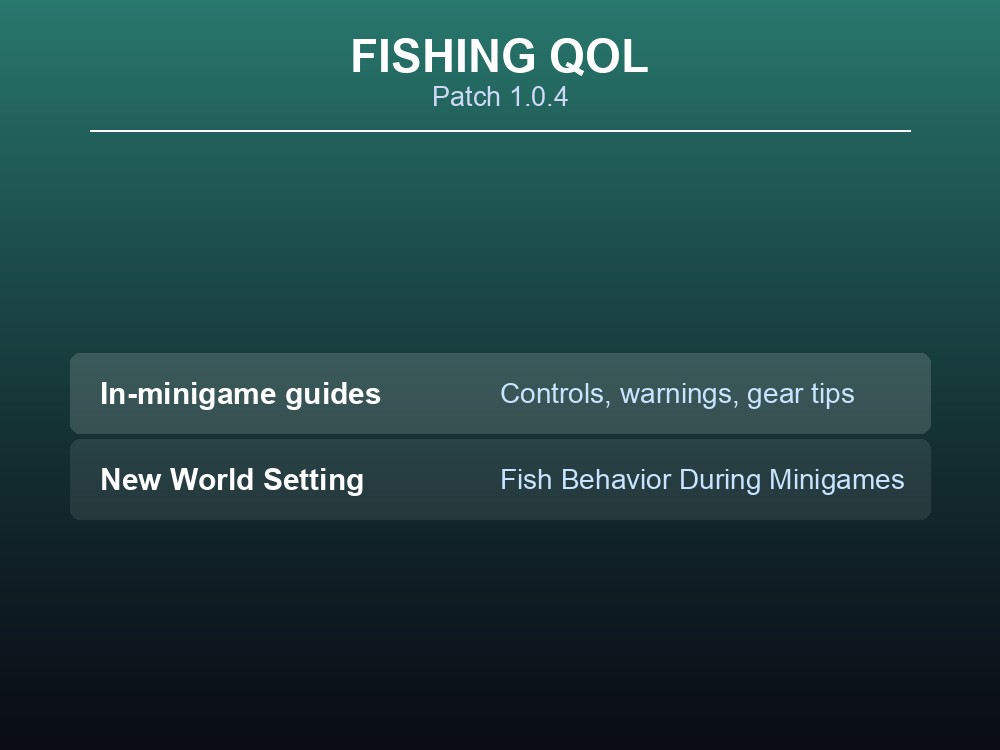
The fishing minigame picked up two additions in this patch. First, palworld.wiki.gg records that 1.0.4 "added control guides, warning displays, and recommended-equipment displays during fishing" — on-screen help that tells a player what to press, what to watch out for, and what gear the fight calls for, all without leaving the minigame. Second, the patch adds a new World Setting: "Fish Behavior During Fishing Minigames." The changelog doesn't describe what values that setting accepts or what behavior it toggles, so treat the setting's actual options as undocumented — what's confirmed is only that the setting now exists and is configurable per world.
Quick-reference tips
- Use the new Palpedia name search to jump straight to a specific Pal instead of scrolling categories.
- Check the Pal status UI or Palpedia for the new Work Suitability explanations if a Pal's job assignment ever looks off — the game now spells out what each rating means in place.
- PC's FPS cap now defaults to 120; if you'd already set a custom cap, verify it in your settings after updating, since the source doesn't confirm whether custom values survive the update.
- PS5 players can now chat through the Radial Menu — check there first if you're looking for an in-game chat option.
- New to a server's fishing setup? Check the "Fish Behavior During Fishing Minigames" World Setting if fish are behaving differently than expected after 1.0.4.
Running your own Palworld 1.0 server
Patch-cycle changes like these World Settings updates are exactly the kind of thing worth confirming across your whole group on a dedicated server, where everyone sees the same settings and the same Palpedia data instead of comparing notes across separate single-player saves. A gamever.io Palworld server keeps your world running with the current patch applied, gives you direct access to World Settings like the new fishing option, and supports full crossplay so PC and PS5 players — including whoever's using that new Radial Menu chat — can play together without friction.
Conclusion
Palworld 1.0.4 is a quality-of-life patch, not a content drop: per palworld.wiki.gg, it adds Palpedia name search, Work Suitability explanations in the Pal status UI and Palpedia, a 120 FPS default cap on PC, PS5 chat via the Radial Menu, and fishing-minigame control guides plus a new World Setting. None of it changes what Pals do or how combat works — it changes how much friction stands between you and finding, understanding, and playing with them. Want to try the update on your own world with friends? Set up a Palworld server at gamever.io and use promo code WELCOME for a discount on your first month.