
Minecraft in-game cheats
Minecraft is a sandbox game that has millions of fans worldwide. It has a lot of in-game cheats that can make the game more fun, make things easier, or just let you play around in your world. Learn how to use Minecraft's built-in cheats correctly, and your gaming experience will be much better, no matter how long you've been playing or how new you are. This detailed guide will go over all the different cheats that are available for Minecraft, how to allow and use them, as well as the pros and cons of using them. We'll also talk about the benefits of playing on Gamever servers, where you can play Minecraft with friends in a friendly and fun setting.
Activating cheats in Minecraft
Make sure your game or server settings have enabled cheats before using them in Minecraft.
Single-Player Mode : When creating a new world, toggle the "Allow Cheats" option to ON. For existing worlds, open LAN from the pause menu and enable cheats through the LAN settings.
Multiplayer Mode: On multiplayer servers, cheats require administrative permissions. On Gamever servers, server owners can enable cheats through server settings or console commands.
Learn how to use well-known Minecraft cheats.
There are many kinds of cheats in Minecraft. You can use them to change game modes and weather, as well as summon objects and entities. Here are some popular cheats and how they make the game better:
1. Changing Game Modes
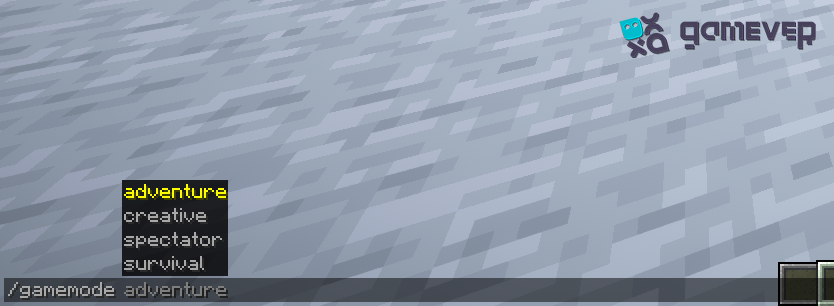
Command : /gamemode
Purpose : Instantly switch between Survival, Creative, Adventure, and Spectator modes, allowing for varied gameplay experiences without the need to start a new world.
2. Controlling the weather and time
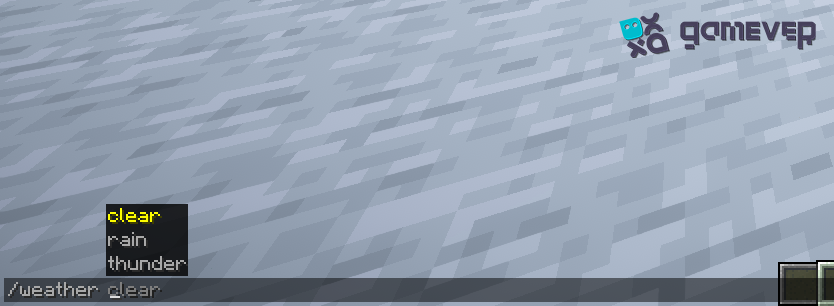
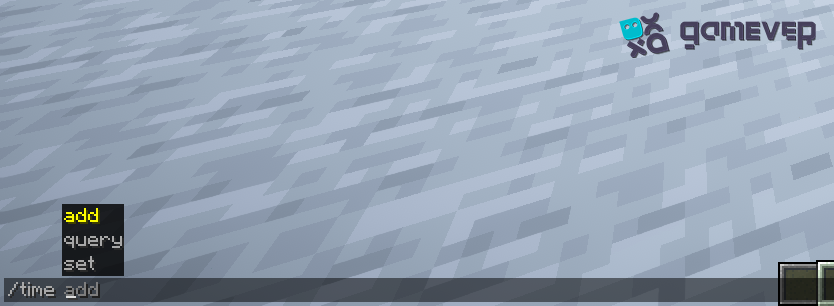
Commands : /weather and /time set
Purpose : Manipulate weather conditions and time of day for aesthetic purposes or to avoid challenges like mobs spawning at night.
3. Teleporting Players
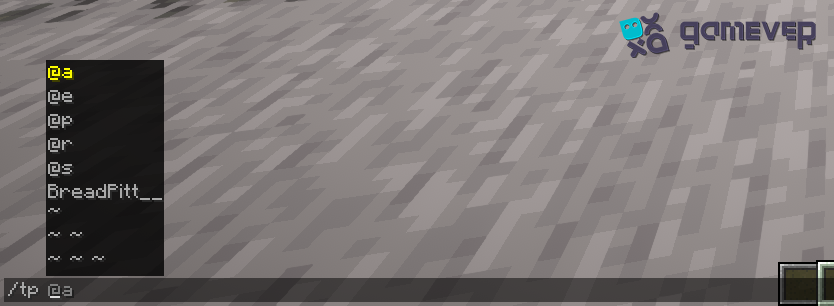
Command : /tp
Purpose : Instantly move players across the map, useful for reuniting with friends or escaping dangerous situations.
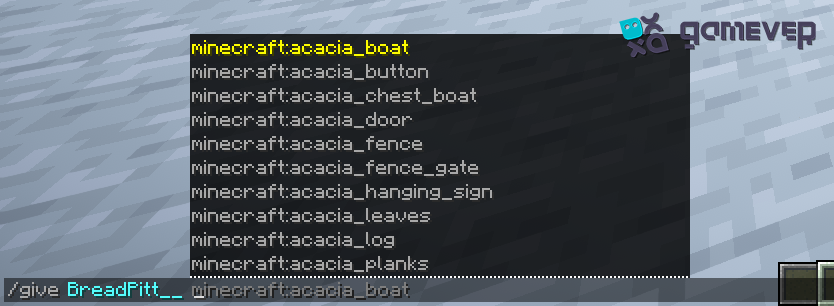
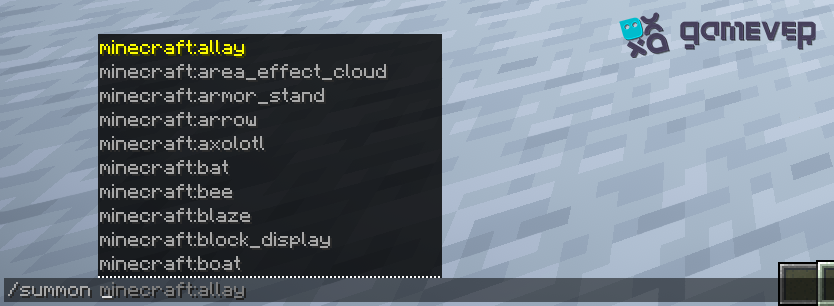
4. Summoning items and entities
Command : /give and /summon
Purpose : Generate items or entities instantly, facilitating construction projects, exploration, or combat scenarios.
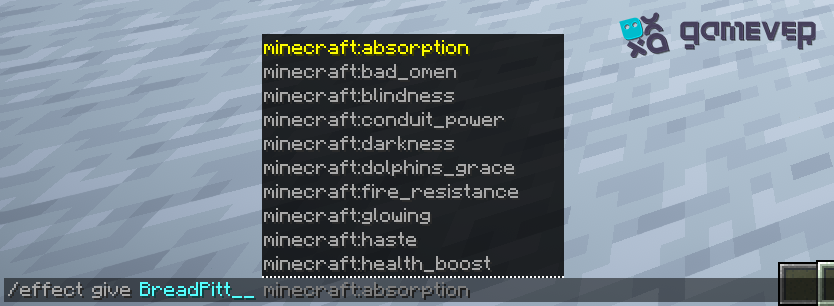
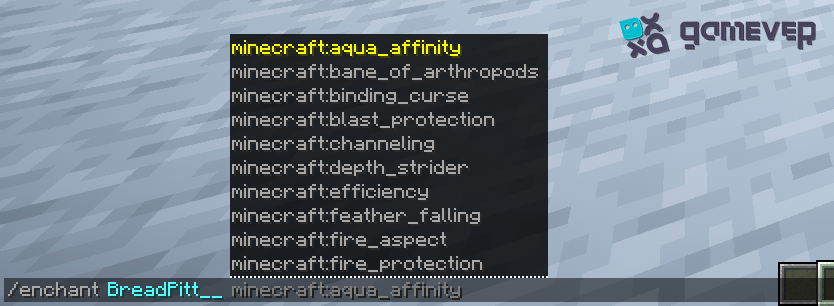
5. Altering player abilities
Commands : /effect and /enchant
Purpose : Grant players temporary effects or enchant items, enhancing their capabilities in exploration, combat, or resource gathering.
Implementing Cheats Responsibly
Although cheats can make games a lot more fun, it's important to use them responsibly to keep the game fair and make sure everyone has a good time, especially in online modes.
Fair Play: Use cheats to facilitate gameplay without detracting from other people's experiences. Avoid cheats that give unfair advantages in competitive settings.
Creative Projects : Cheats are invaluable for ambitious construction or terraforming projects, enabling rapid resource gathering and manipulation of the game environment.
Gamever Servers: A Platform for Enhanced Gameplay
Gamever servers offer a versatile platform for players who wish to employ cheats in a controlled and community-oriented environment.
Customized Experience : Server admins can change who can cheat, making sure that everyone can play fairly and in line with the server's rules and what the community expects.
Collaboration and Learning : Share knowledge about cheats and their creative applications, fostering a collaborative environment where players can learn from one another.
Reliable Performance : Gamever's robust server infrastructure ensures smooth gameplay, allowing players to use cheats without impacting server performance.
Conclusion
Minecraft in-game cheats provide players with a toolkit to tailor their gameplay experience, offering opportunities for creativity, exploration, and fun. Whether used in single-player worlds or responsibly on multiplayer servers, cheats can add a new dimension to your Minecraft adventures. On Gamever servers, you can enjoy these benefits with friends, fostering a community of players who share your enthusiasm for experimentation and discovery.