
Minecraft Commands Guide: How to use writable_book_content for editable books
When you open a dusty chest in a forgotten temple and find a half-written journal, what you're really looking at is a Book and Quill powered by the writable_book_content component. In Minecraft 1.21.5, this component controls every line of editable text inside that book. Whether you're building lore, setting up a player log, or laying out the first steps of a quest, this component is your gateway.
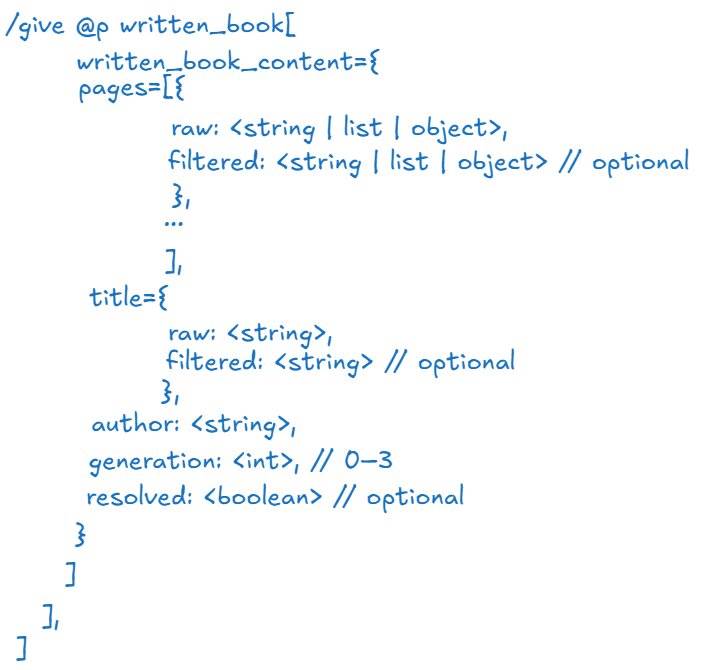
Behind every Book and Quill in Minecraft is a data component called writable_book_content. It defines all the pages inside the book — editable, live, and stored right inside the item’s NBT data.
Each page is saved as a string. Think of it like a personal notebook saved in the DNA of the item itself. Even after closing the book or dropping it, the text stays right there. The component belongs only to actual Book and Quill items — if the item is turned into a signed book, the component is replaced by written_book_content.
Here’s what two simple pages might look like in SNBT:
pages: ["First page text", "Second page text"]
How books behave in the game
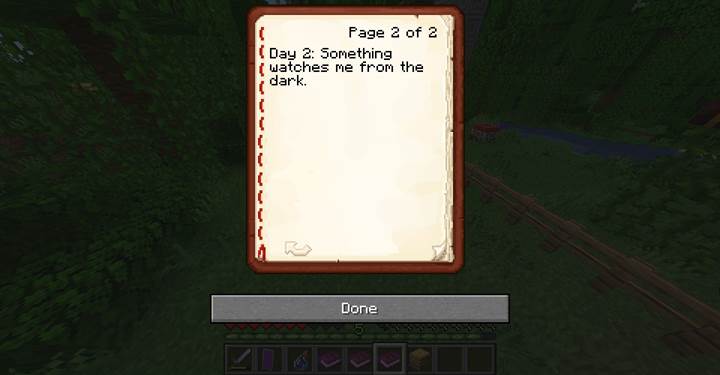
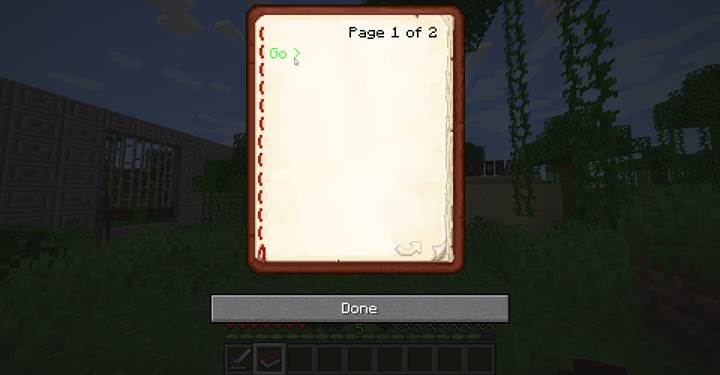
Players interact with a Book and Quill by using it in their hand. This opens an editor where they can read, write, scroll through pages, and eventually sign it. Every keypress updates the data inside writable_book_content, even if the player doesn’t notice it.
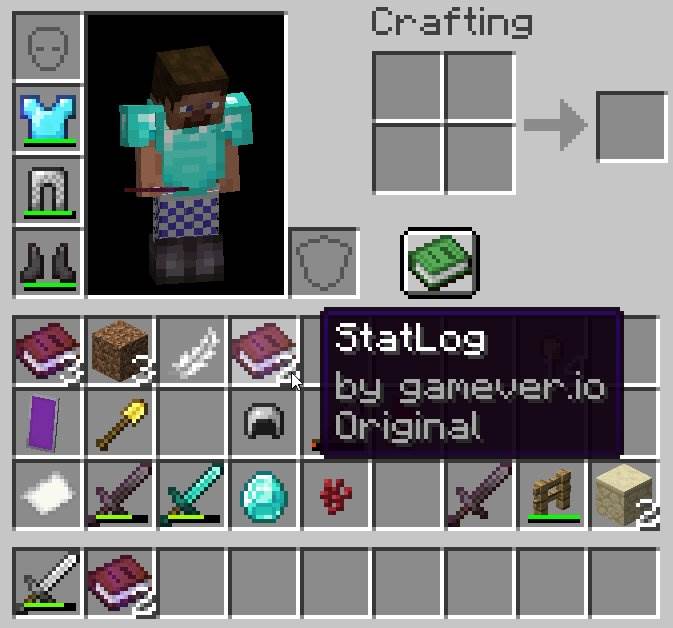
Inside the editor, players can type plain text, add line breaks, and navigate between pages. Each page supports up to 14 lines and around 798 characters. Minecraft Java Edition supports up to 100 pages — that’s nearly 80,000 characters per book. It’s enough to fit an entire novel or a deeply branched quest log.
How real-time updates work
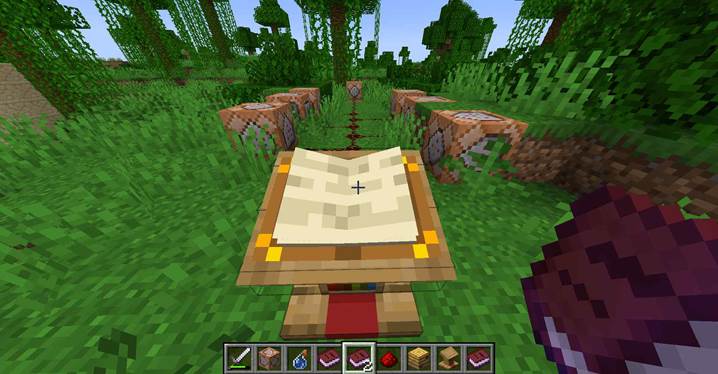
As you write, Minecraft saves everything immediately. If you close the book or place it on a lectern, the latest version is preserved. Other players can open and read it — perfect for collaborative storytelling, clue sharing, or treasure hunt notes.
Just keep in mind: only one player can edit a book at a time. Multiplayer does not allow shared simultaneous editing. But once the writer closes the book, the content is updated and visible for others.
What happens when you sign it
When the player is ready to lock in the book — for lore, records, or duplication — they can press “Sign.” This asks for a title and converts the item into a written_book with a frozen version of its contents. The writable_book_content is removed and replaced by written_book_content.
The new book becomes uneditable. Players can copy it, but only if the generation level allows. Once signed, there’s no way to edit it again unless you create a new writable copy manually.
Technical limits to keep in mind
There are some built-in limits to ensure balance. You can’t go over 100 pages, and you can’t exceed the per-page character limit. If you try to paste too much, the extra text will be cut off. Also, if you’re using commands to preload content, you can’t insert new lines using \n — Minecraft will just ignore it.
To add line breaks, you’ll need to use loot table tricks or let the player enter them manually.
And while it’s technically possible to create clickable text or hover effects in Book and Quill through SNBT, players writing by hand can’t do that. Their input is filtered for safety, allowing only plain, safe characters. Advanced formatting is available only if you define the book content via commands or use written books.
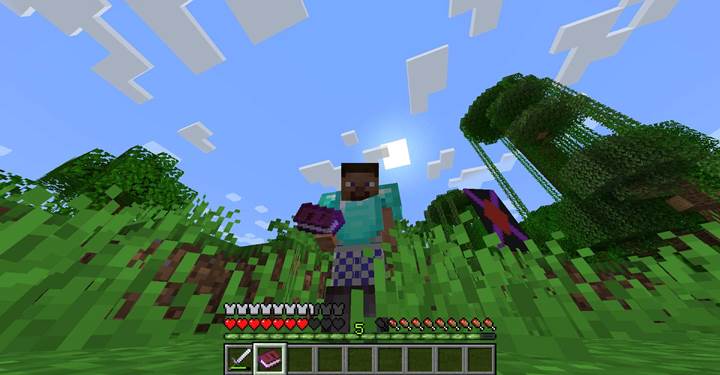
For example, a mapmaker could pre-configure a Book and Quill with colored text or interactive links by editing the SNBT directly. But a player in survival mode typing in the book won’t be able to create those fancy JSON text components by hand – they are limited to plain text input. This is part of what “filterable strings” means in the context of writable_book_content: the game filters out hazardous or disallowed content (like raw control codes) when players type, to prevent exploits. In contrast, a written_book_content (for signed books) can contain rich text components, usually added via commands.
Survival and adventure applications
In everyday gameplay, players use writable books as journals, shopping lists, mission logs, or puzzle scratchpads. In maps or custom servers, they can contain partially filled hints, incomplete dialogue, or tracking for player responses.
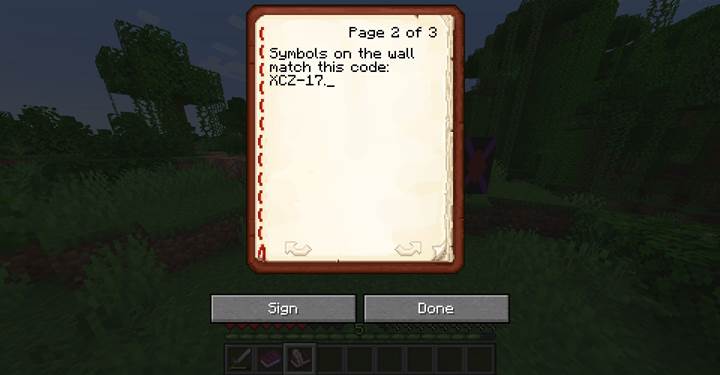
For example, this command gives a Book and Quill with three preset pages:
/give @p writable_book[writable_book_content={pages:["The air is thick with dust...","Symbols on the wall match this code: XCZ-17.","The final page has been torn off."]}]
The writable_book_content component is one of Minecraft’s most flexible storytelling tools. It supports editable in-game text with full retention and pre-written pages via SNBT. Whether you’re preparing a journal for an adventure map or letting players record notes mid-mission, this component gives you full control without locking down the content. Let your world tell a story — and let your players write theirs.