
Minecraft Commands Guide: How to use the use_remainder component
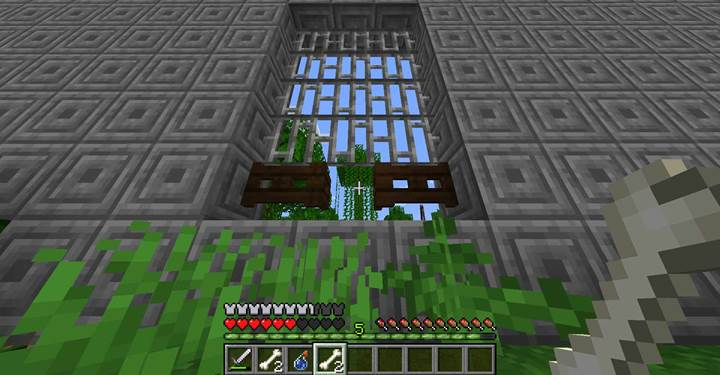
Imagine a survival map where everything leaves something behind. A potion doesn’t just disappear - it leaves powder. A sacred meal leaves bones. A scroll burns into ashes. With the use_remainder component, you can build a world that remembers every action. This component lets you define what item should remain when something is consumed, transforming throwaway items into storytelling tools.
What is the use_remainder component
The use_remainder component defines what item appears after another item is consumed or used. This only takes effect if the item’s count is reduced - so it won’t trigger on unstackable tools unless paired with mechanics that reduce their count. The remainder can be any item, complete with tags, custom names, components, and count. This lets you simulate leftover packaging, bones, casings, notes, or magical residue. It’s perfect for storytelling, crafting loops, or reward systems.
Format
Here’s how the use_remainder structure looks with placeholders:
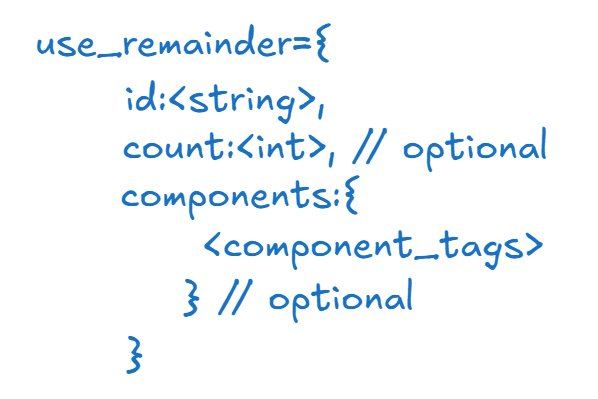
You define the item ID that should appear after use. Optionally, you can include a count or custom components like custom_name, attribute_modifiers, etc.
Step-by-step Building an adventure quest with use_remainder
Let’s design a quest where the player must collect sacred remains from magical items after using them. These leftovers will be used to unlock the final gate.
Step 1 The blessing of the flame
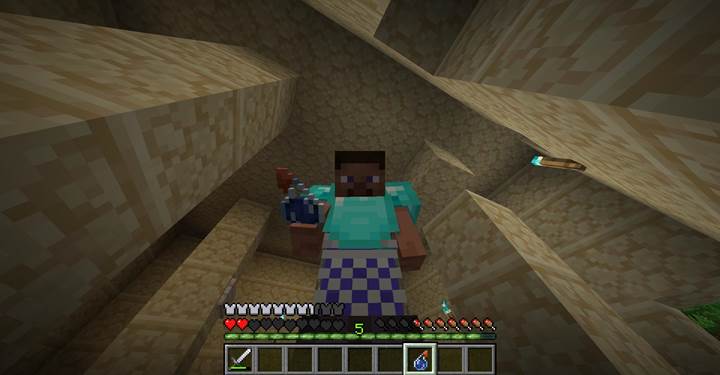
The player receives a custom potion called “Flame Elixir.” Upon use, it heals the player and leaves behind a “Warm Ash.”
/give @p splash_potion[custom_name={"text":"Flame Elixir"},consumable={consume_seconds:2.0,animation:"drink"},use_remainder={id:"minecraft:gray_dye",components:{custom_name:'{"Warm Ash"}'}}]
The use_remainder component ensures the player receives an item after the potion is thrown. This ash becomes proof of the ritual.
Step 2 The feast of ancestors
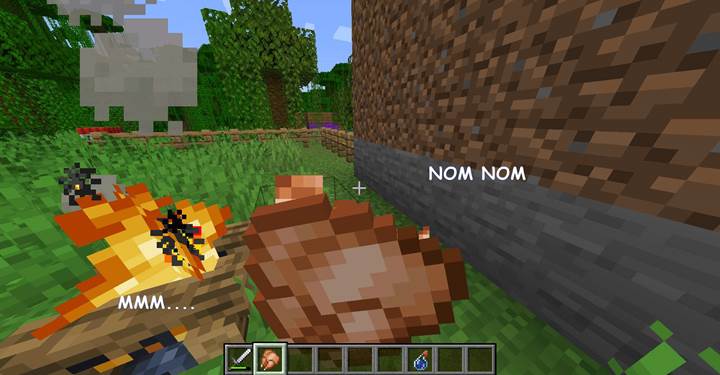
The player finds a special cooked chicken, part of a ceremonial feast. After eating it, they are left with two custom bones to use in the final altar.
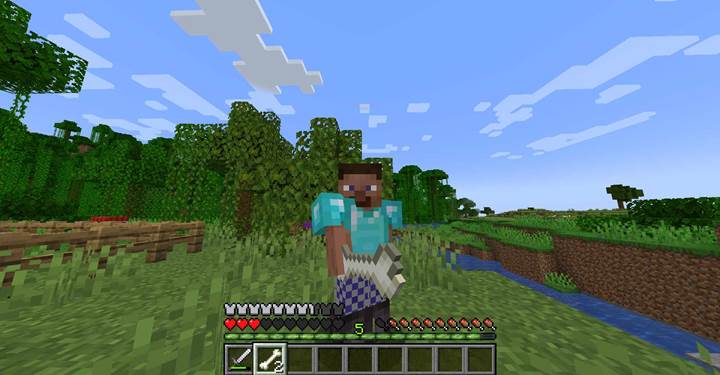
/give @p cooked_chicken[consumable={consume_seconds:1.8},food={nutrition:5,saturation:2.0,can_always_eat:true},use_remainder={id:"minecraft:bone",count:2,components:{custom_name:'{"Ancestor Bone"}'}}]
This turns a meal into a quest step - and builds narrative around leftovers as relics.
Step 3 The final gate
If they do, the door opens. Otherwise, they must return and re-do the steps. This creates an intentional cycle where item use generates the key, not just the item itself.
/execute if entity @p[nbt={Inventory:[{id:"minecraft:gray_dye",tag:{custom_name:'{"text":"Warm Ash"}'}},{id:"minecraft:bone",Count:2b,tag:{custom_name:'{"text":"Ancestor Bone"}'}}]}] run say The gate opens!
Now the quest rewards thoughtful progression. Use items, collect remains, and advance.
Design ideas for reusable gameplay loops
You can create gear that produces useful parts after use. For example:
- Scrolls that leave ashes
- Bottled energy that drops redstone
- Ammo that leaves empty casings
- Meals that leave scraps to feed pets
- Cursed items that transform into warnings or fragments
Each of these uses makes the world feel alive - like something always happens, even after something ends.
The use_remainder component is a hidden gem in Minecraft’s item system. With it, you can give every action a consequence. Every use leaves a trace. It’s not just about what’s consumed — it’s about what remains.