
Minecraft Commands Guide: How to use the food component
Not all food in Minecraft has to look like food. Paired with the consumable component, food becomes more than just a survival mechanic - it becomes a design tool for custom classes, boss rewards, rituals, or quest items.
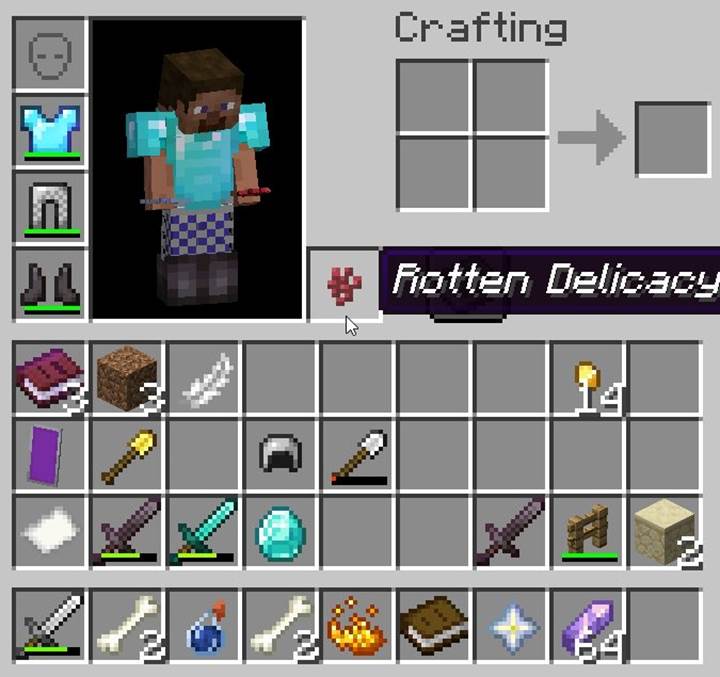
What is the food component
The food component controls how an item restores hunger and saturation when consumed. It does nothing on its own and only becomes active if the item also has the consumable component. This means food behavior is fully opt-in and gives you more freedom to design alternative healing items or unique edible tools. Combined with display names and on-consume effects, this component becomes a way to design unique survival items that fit custom themes and mechanics.
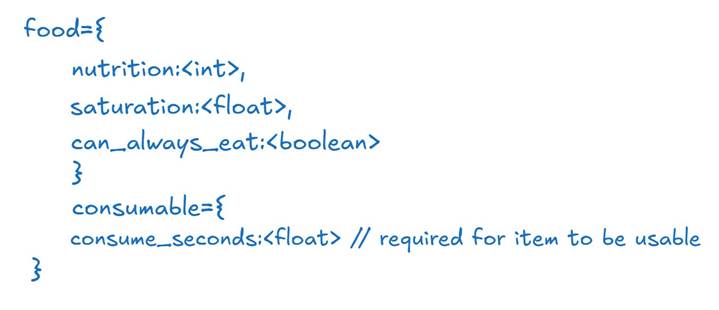
Pseudo-structure format
Here’s how the food component is structured using generalized data types:
Basic SNBT example
Here’s how to make a blaze powder item edible, with decent stats and the ability to eat it at any time:
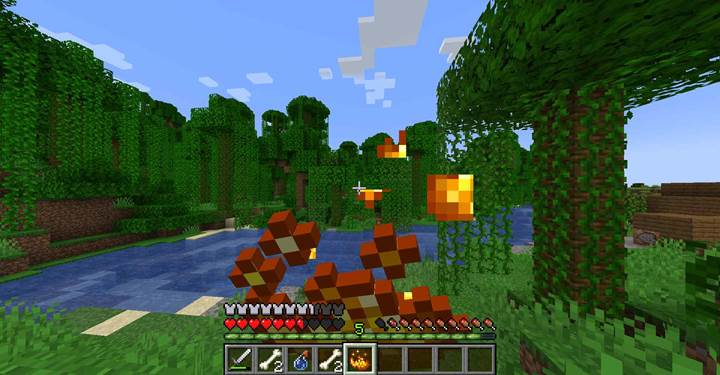
This item acts like a fast-burn energy boost - the player eats it even when not hungry, and gets a quick boost of food and saturation. Great for custom potions or alchemy systems.
Creating custom food with effects
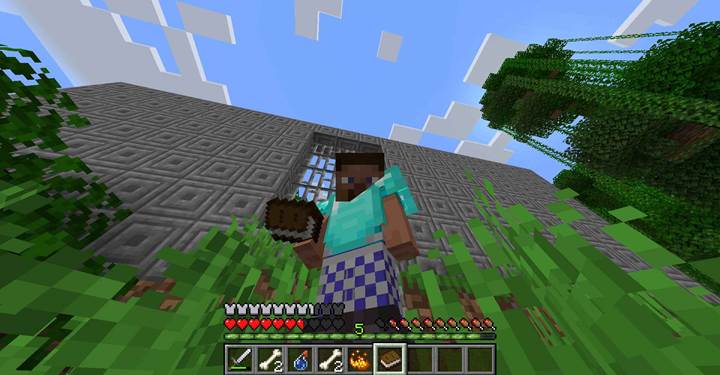
You can combine the food component with on_consume_effects inside consumable to add potion effects when eating. This is perfect for magic food, cursed meals, or survival buffs. Here's an example of a book that works as emergency food and grants regeneration:
/give @p book[consumable={consume_seconds:2.5,animation:"eat",on_consume_effects:[{type:"minecraft:apply_effects",effects:[{id:"minecraft:regeneration",duration:100,amplifier:1}]}]},food={nutrition:5,saturation:3.0}]
Now you have a “Tome of Vitality” - a readable, edible book that restores hunger and gives short regeneration. It fits perfectly into a magic RPG-style survival system.
Use case Cursed food with visual effects
You can reverse the concept and make food dangerous. For example, a cake that looks edible but gives players nausea and poison. Pair food and consumable with a corrupted visual item like a nether wart or cake block.
/give @p nether_wart[custom_name={text:"Rotten Delicacy"},consumable={consume_seconds:1.5,animation:"eat",on_consume_effects:[{type:"minecraft:apply_effects",effects:[{id:"minecraft:nausea",duration:200}]}]},food={nutrition:2,saturation:0.5}]
This item is technically food - but a dangerous one. It adds flavor to dungeons, traps, and cursed NPC trades.
Combining with custom names and loot
Pair the food component with display names, lore, and item frame placement to create “ancient rations,” “potion fruit,” or “dried relic meat” hidden in ruins. These can be combined with can_place_on or restricted pickup behavior for quest design.
You can also use food stats as balancing tools - high nutrition but low saturation for temporary boosts, or high saturation with low nutrition for long-term fullness.
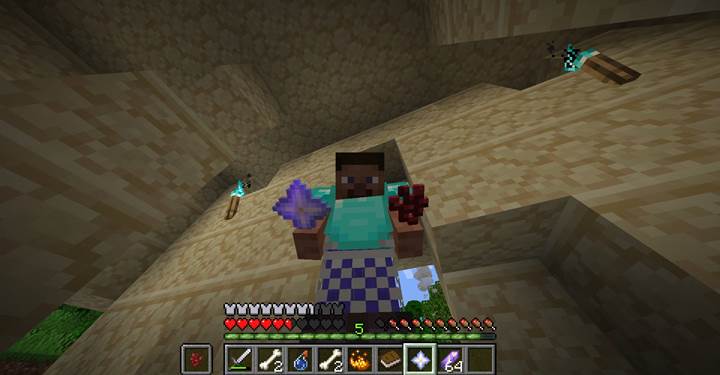
The food component makes it possible to design completely custom consumables in Minecraft. Pair it with consumable, custom_name, and effect systems to turn ordinary objects into immersive and useful survival tools.