
Minecraft Commands Guide: How to use random and schedule for smart traps
Sometimes you don’t want everything in Minecraft to happen the same way every time. A boss fight should feel unpredictable. A puzzle should reward different paths. And a trap? It should strike when the player least expects it. That’s where the /random and /schedule commands come in. One introduces controlled chance. The other introduces perfectly timed delay. Together, they let your systems feel alive—like the world is watching, reacting, and plotting just the right moment to respond.
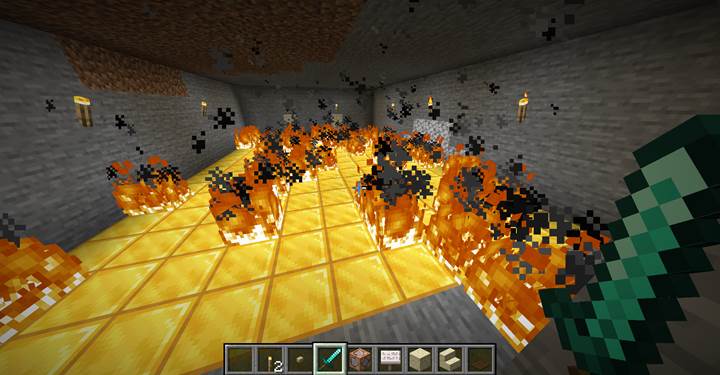
/random
It generates a random number or picks random entries. Added in Java Edition 1.20.2.
/random value <range>
/random roll <range>
value generates a number silently, without notifying players, making it ideal for background systems like puzzle logic or loot generation.
roll works the same way but displays the result to chat, perfect for dice rolls or visible randomness. These commands do not run actions directly. To use their result, store it in a scoreboard via /execute store.
Storage example:
/scoreboard objectives add rand_temp dummy
/execute store result score @p rand_temp run random value 1..4
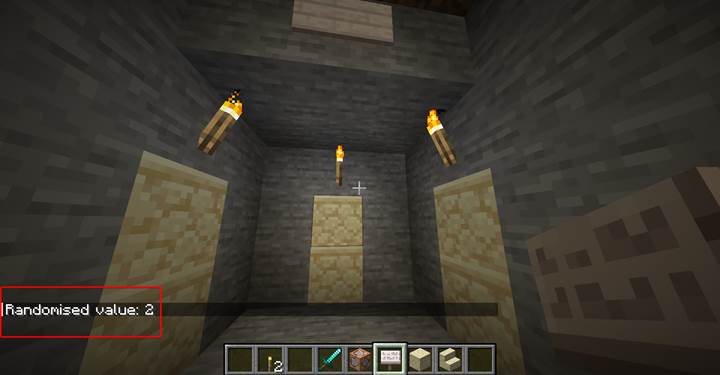
You can now branch logic with:
/execute if score @p rand_temp matches 1 run function yourpack:result1
/schedule
It delays the execution of a function.
/schedule function <namespace:path> <delay> [append|replace]
Parameters:
- <namespace:path> – the path to a function in a datapack
- <delay> – delay time: e.g., 5s (seconds), 60t (ticks), or 2d (days)
- append – queue this call alongside others
- replace – cancel existing and replace with this one
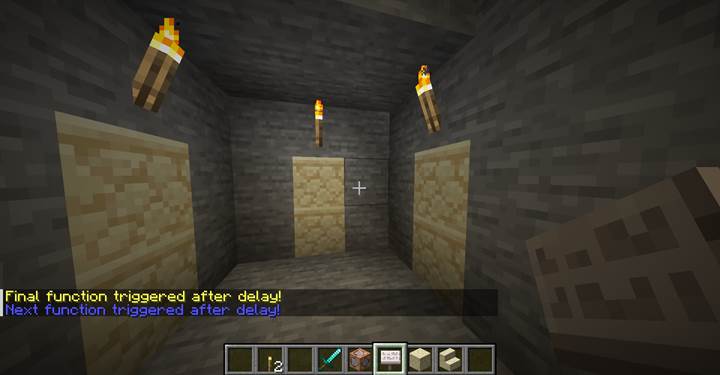
Use /schedule to delay a trap so the player has time to react, trigger boss phases after a pause, open doors gradually, or pace cutscene events.
Where and how to use
Use /random to introduce variation: randomized outcomes in puzzles, loot, encounters, or room selection. Use /schedule to control the pacing of those effects, adding suspense and realism.
Combined, they allow you to design logic that doesn’t react instantly or predictably. A player might trigger an event, and after a short delay, one of several outcomes occurs. The timing increases immersion, while the randomness prevents repetition.
Quest: Ancient trap room with delay and randomness
The player steps on a pressure plate in a silent stone chamber. Nothing happens immediately. Three seconds later, the room explodes with chaos. Each time, the outcome is different.
Step 1 trigger with delay
/schedule function traproom:start 3s

Step 2 generate randomness
In traproom:start.mcfunction:
/scoreboard players reset @p rand_temp
/execute store result score @p rand_temp run random value 1..4
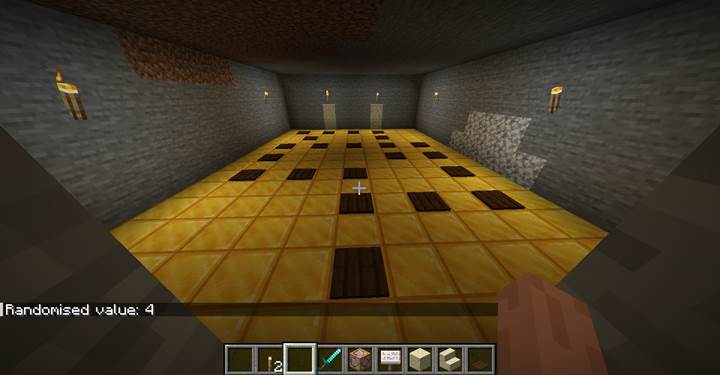
Step 3 route by score result
/execute if score @p rand_temp matches 1 run function traproom:curse
/execute if score @p rand_temp matches 2 run function traproom:ambush
/execute if score @p rand_temp matches 3 run function traproom:fake_loot
/execute if score @p rand_temp matches 4 run function traproom:boom
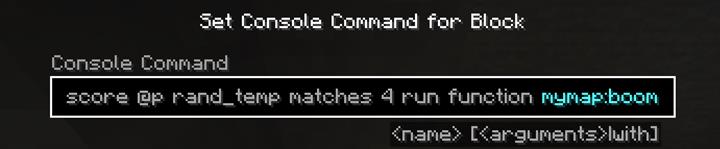
Step 4 define outcomes
traproom:curse.mcfunction
/effect give @p blindness 5 1
/title @p title {"text":"A curse falls upon you!","color":"dark_red"}
/playsound minecraft:entity.wither.hurt player @p ~ ~ ~ 1 1
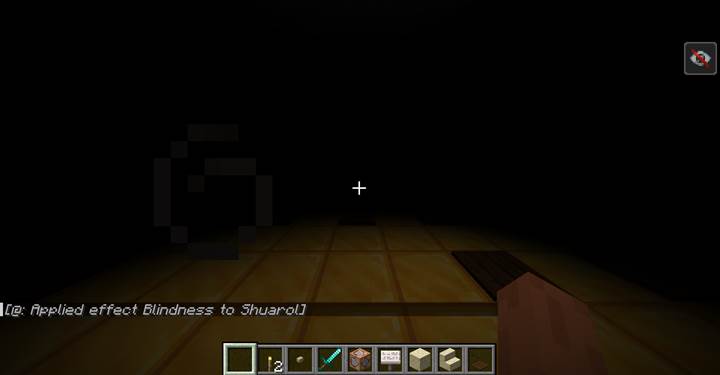
traproom:ambush.mcfunction
/summon skeleton ~2 ~ ~
/summon skeleton ~-2 ~ ~
/title @p title {"text":"It's an ambush!","color":"red"}
/playsound minecraft:entity.skeleton.ambient hostile @p ~ ~ ~ 1 0.8
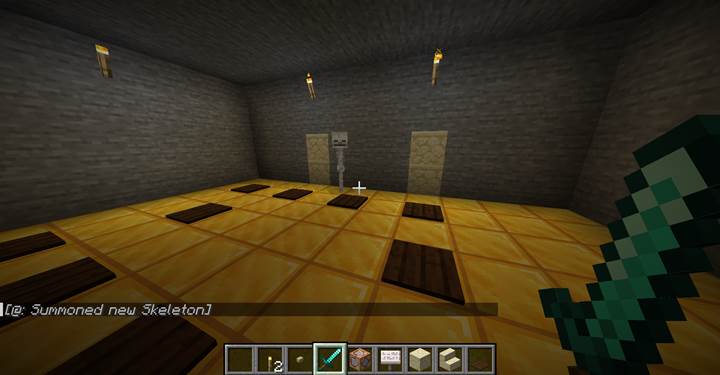
traproom:fake_loot.mcfunction
/setblock ~ ~ ~ chest{Items:[{id:"minecraft:stick",Count:1b,Slot:13b}]}
/title @p title {"text":"Treasure?","color":"gold"}
/playsound minecraft:item.armor.equip_leather block @p ~ ~ ~ 1 1
traproom:boom.mcfunction
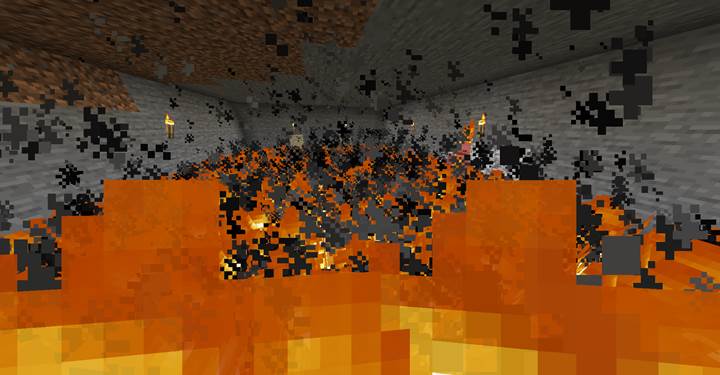
/summon tnt ~ ~ ~ {Fuse:40}
/title @p title {"text":"Too late.","color":"dark_gray"}
/playsound minecraft:entity.tnt.primed block @p ~ ~ ~ 1 1
The /random and /schedule commands open up a new layer of interactive design in Minecraft. With delayed logic and non-linear outcomes, you can turn static systems into dynamic ones. From cinematic encounters to evolving puzzles, these tools let your world feel reactive, uncertain, and alive.