
Minecraft Commands Guide: How to use death_protection component
Ever wanted a phoenix feather, cursed pendant, or divine relic that saves a player from death? With the death_protection component, you can give any item the power to revive its holder — just like a totem of undying — but with full control over what happens after revival.
This feature is ideal for story-based maps, boss fight loot, or hardcore mechanics where one death shouldn’t mean game over. You can strip all effects from the player, apply buffs, teleport them, or play sounds using built-in post-revival actions. Let’s explore how to structure it right.
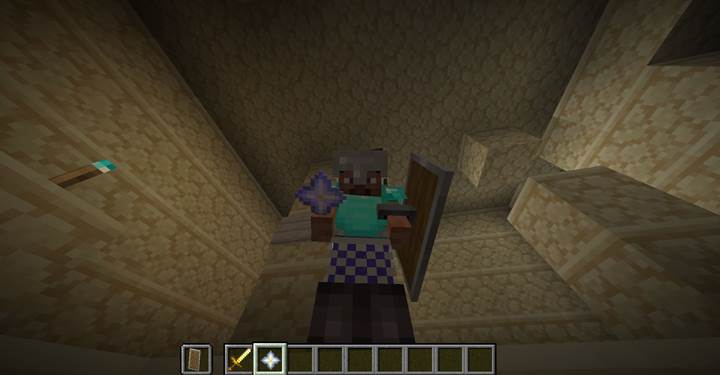
What is the death_protection component The death_protection component gives an item the ability to prevent the player’s death once. When a player holding the item would die, they are revived with 1 health point instead. The item is consumed, just like a totem. Optionally, you can add a list of death_effects to control what happens immediately after revival. These include applying status effects, clearing effects, teleporting the player, or playing a sound.
How to write the SNBT structure
The component is written inside square brackets after the item in a /give command. It takes the form of a compound with a key called death_effects, which is a list of structured consume effects. Each consume effect must have a type and its associated fields.
Here’s a reusable pseudo-structure:
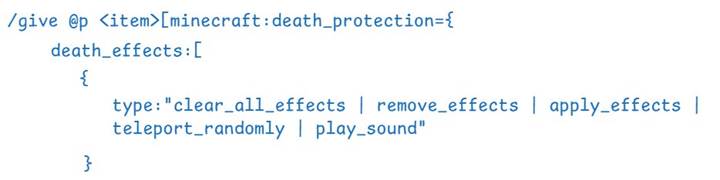

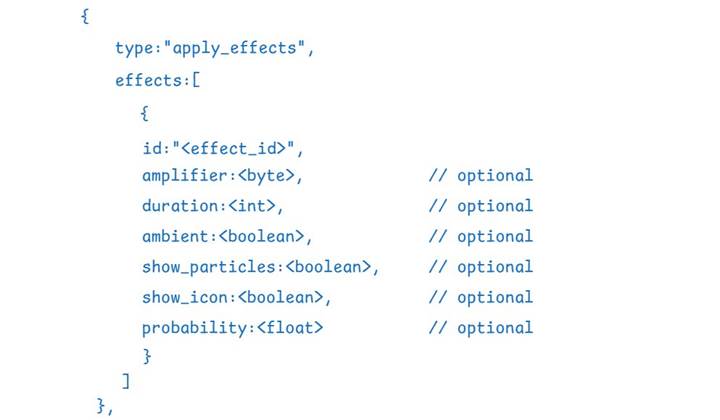
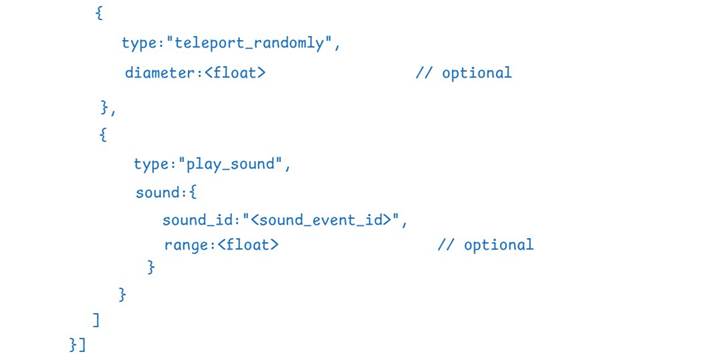
Replace with the item ID (like nether_star) and <consume_effect_type> with one of the valid types listed below.
Supported effect types
These are the valid values for the type field inside each death_effect object:
- "minecraft:clear_all_effects" — removes all effects from the player
- "minecraft:remove_effects" — removes specific effects from the player
- "minecraft:apply_effects" — applies one or more potion effects
- "minecraft:teleport_randomly" — randomly teleports the player within a set range
- "minecraft:play_sound" — plays a sound effect
Each of these effects is applied in order when the item revives the player.
Example: Basic revive and cleanse
/give @p nether_star[minecraft:death_protection={death_effects:[{type:"minecraft:clear_all_effects"}]}]
This revives the player and clears all active status effects.
Example: Cleanse, then buff
/give @p stick[minecraft:death_protection={death_effects:[{type:"minecraft:clear_all_effects"},{type:"minecraft:apply_effects",effects:[{id:"minecraft:regeneration",duration:200,amplifier:1}]}]}]
This removes all status effects, then gives Regeneration II for 10 seconds.
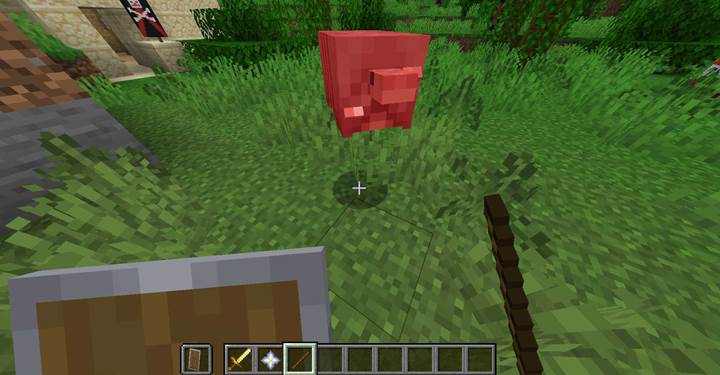
Using in custom adventures
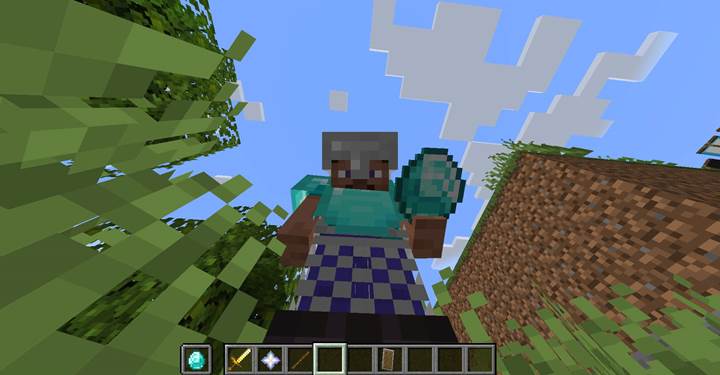
You can build boss fights where players are handed revival tokens that cleanse poison or blindness:
/give @p diamond[minecraft:death_protection={death_effects:[{type:"minecraft:remove_effects",effects:["minecraft:poison","minecraft:blindness"]}]}]
Or create cursed gear that revives the player but randomly teleports them:
/give @p bone[minecraft:death_protection={death_effects:[{type:"minecraft:teleport_randomly",diameter:24.0}]}]
Want to emphasize revival with sound? Add an auditory cue:
/give @p blaze_rod[minecraft:death_protection={death_effects:[{type:"minecraft:play_sound",sound:"minecraft:item.totem.use"}]}]
These effects can be layered together for complex and cinematic death saves.
The death_protection component gives you full control over what happens when a player is saved from death. With SNBT formatting and a limited set of powerful effects, you can craft legendary relics, cursed items, and story-driven survival tools that define your adventure's tone.