
Minecraft Commands Guide: How to use component tool
Tired of using the same old pickaxes and shovels? With Minecraft’s tool component, you can turn any item into a fully functional mining tool - from scrolls to bones to magical relics.
What is the tool
The tool component gives any item mining tool behavior. Once applied, the item becomes capable of breaking blocks and optionally dropping loot - depending on how you configure it. You can define a base mining speed, durability loss per block, Creative-mode behavior, and even block-specific rules for precise tuning. With just a few fields, you can turn almost anything into a shovel, pickaxe, or specialized tool without giving it enchantments or modifying the player’s attributes.

Format
Before jumping into examples, it's important to understand the SNBT structure at a general level. Here's the format with placeholders to guide your own configurations:
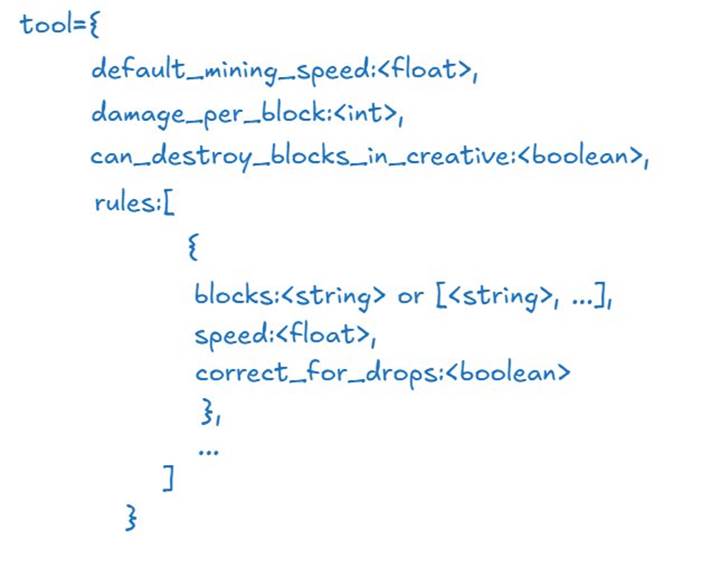
Use float for decimal numbers like mining speed, int for durability cost, boolean for true or false logic, and string for block IDs or block tags like "minecraftmineable/pickaxe". The rules array allows multiple definitions, each overriding behavior for specific blocks.
⚠️ Important: The rules field is required in the tool component, even if it is an empty list. Omitting it will cause the component to be invalid, and the item will not work correctly. Always include rules:[] when no specific behavior is needed.
How default attributes work
The default_mining_speed field determines how fast the item mines when no rule applies. The standard value is 1.0, which mimics basic tools. The damage_per_block field defines how much durability is lost every time a block is broken. It must be a non-negative integer, and the default is 1. If set to false, the item will not affect the world when used in that game mode, making it useful for adventure scenarios or class restrictions.
How rules override block behavior
If you want the item to behave differently for specific blocks or tags, define one or more rules. A rule includes a blocks key that accepts a single block ID, a tag (starting with ""), or a list of either. The speed field inside the rule overrides the default mining speed for those blocks. When multiple rules match the same block, Minecraft uses the first one listed, so order matters.
Basic SNBT example
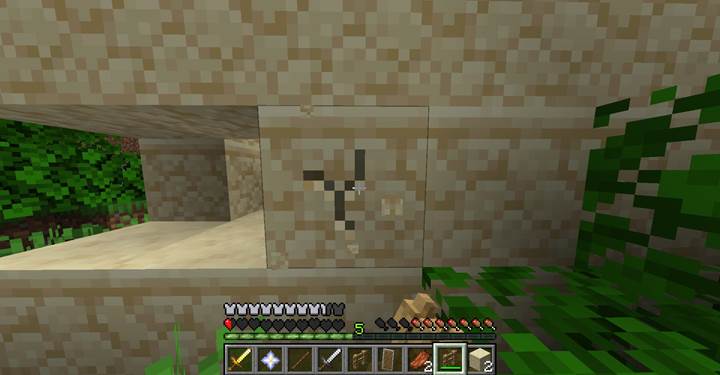
Let’s say you want to make an oak fence mine like a basic pickaxe. You can set its base speed and add a rule to handle mining behavior for all pickaxe-minable blocks.
/give @p oak_fence[max_stack_size=1,max_damage=350,damage=0,tool={default_mining_speed:1.5,damage_per_block:2,rules:[{blocks:"#mineable/pickaxe",speed:6,correct_for_drops:true}]},can_break={blocks:"#mineable/pickaxe"}]
This fence becomes a pseudo-pickaxe. It mines all blocks tagged with mineable/pickaxe at a speed of 6 and is considered valid for drop purposes. When no rule matches, it falls back to a speed of 1.5. Every mined block reduces durability by 2.
Customize tools for creative or challenge modes
There are many use cases where you might want to limit how or when a tool works. For example, you may want to ensure a player can’t use the item in Creative mode. That’s easy to enforce with a single boolean flag.
tool={default_mining_speed:2.0,damage_per_block:1,rules:[]}
On the other hand, you can make a fragile mining tool by combining tool with max_damage and omitting repair options. Here’s how to give a stone hoe just four swings before it breaks:
/give @p stone_hoe[max_damage=4,tool={default_mining_speed:2.0,damage_per_block:1,rules:[]}]
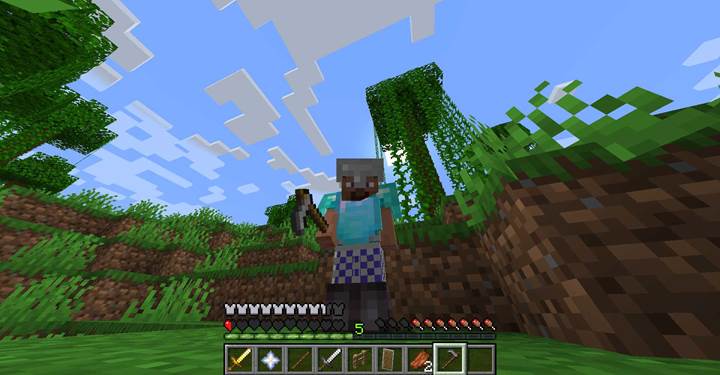
⚠️ This example shows how to configure tool durability and speed, but the item will not function in Adventure Mode without a can_break component. Add can_break if you want this tool to break blocks.
Craft a quest-specific tool
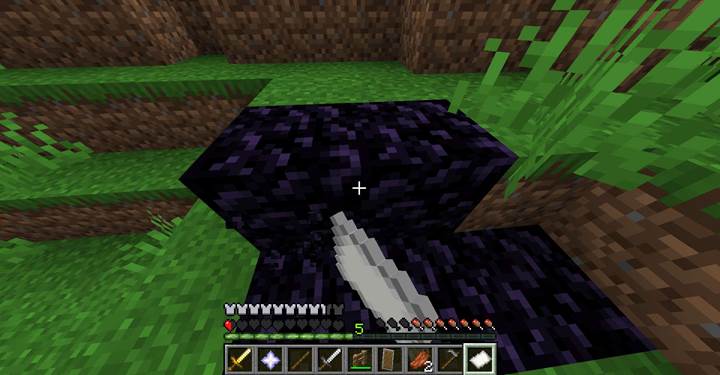
Suppose you’re designing a dungeon where the player must break into a sealed chamber by mining through a layer of obsidian. You don’t want to hand them a diamond pickaxe – that would feel too ordinary. Instead, you create a scroll that only works on obsidian, breaks quickly, and is useless on any other block. To make this work in Adventure Mode, you need to pair tool with can_break to explicitly allow interaction with obsidian.
/give @p paper[custom_name={text:"Obsidian Decoder"},tool={default_mining_speed:0.0,damage_per_block:5,rules:[{blocks:"minecraft:obsidian",speed:15.0,correct_for_drops:true}]},can_break={blocks:"minecraft:obsidian"},max_damage=10,max_stack_size=1]
This relic allows fast obsidian mining, uses 5 durability per block, and doesn't interact with anything else in the world. It fits naturally into lore-heavy quests or magic-heavy progression systems.
Combine with durability and feedback
You can create dramatic effects by combining tool with durability components like damage, max_damage, and unbreakable. For instance, here’s how to make an iron shovel that looks nearly broken but still works perfectly. Note that even when no special block rules are defined, you still need to include an empty rules array for the component to be valid:
/give @p iron_shovel[damage=45,max_damage=50,tool={default_mining_speed:1.2,damage_per_block:1,rules:[]}]
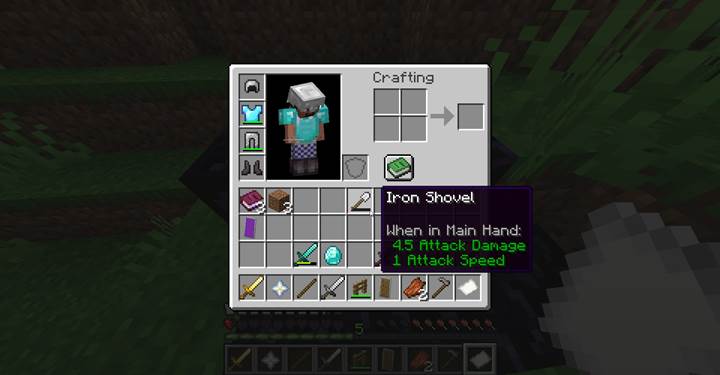
Or you could make an indestructible ceremonial tool that works slowly but never breaks, using unbreakable alongside tool. Again, include an empty rules array to ensure the item works correctly:
/give @p golden_axe[unbreakable={},tool={default_mining_speed:0.8,damage_per_block:1,rules:[]}]
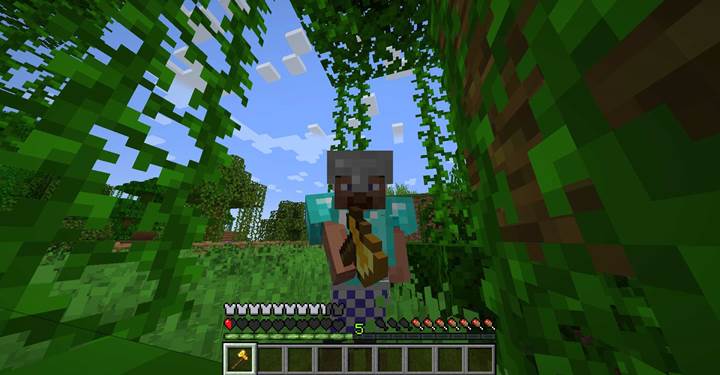
These examples let you build unique gear that feels magical or ancient while still functioning like regular tools — and fully under your control.
With the tool component, you gain complete control over how items interact with the world. Combine it with SNBT structure, durability mechanics, and context-aware rules to deliver custom gear that’s both functional and meaningful.